That’s all I’m looking for from this acquisition.
That was my immediate reaction on the Mojaxx video.
Whatever happens, I don’t see InMusic abandoning EngineOS after all the time, money, resources, and energy they’ve invested in it.
But I think they could reuse some of the code from Traktor and implement it in EngineOS, such as their beat detection algorithm, which is among the best, and the same goes for the effects, the RX stem engine, and the maximizer/EQ from iZotope.
Some positivity:

I envision Engine DJ will remain the embedded software with some Traktor elements baked in, going forward. They will maintain Traktor as a standalone DVS and add native functionality to Denon, Numark, and Rane hardware. This would make the most sense to me on the DJ side of the ecosystem.
Hopefully they can use Traktors song analysis for Denon Engine DJ software. Engine DJ has terrible song analysis! The beats and key is usually way off!
and no stupid youtube face either.
It’s as though InMusic have purchased a museum. Did NI do anything innovative in the last 5 years?? In the last 10?
Whether InMusic choose to ever open the museum… is down to them
Well it would be nice if Denon Dj software would adopt Trackters Library management :•)
Then Denon DJ software, might be a step closer to usable.
I use Engine dj since 2017 to prepare my playlists, and I never had an issue. It works, does what I need and never let me down. I really can’t understand what people are doing to have the problem with it…
Engine does what it is supposed to do, preparing music for your stand alone unit. Improvements can be done, off course, like with all software that exists, games, gpt:s, video editing programs etc etc. Nothing is perfect!! But still, they do the job, just like engine does. So useless, no no no, cant agree on that!
EngineDJ desktop feels like the bad team member of a great soccer team. Annoying at best, but sufficient to prevent sending the whole team home..
I hope roadmap (incl traktor experience) will improve the overall experience.
I really can’t understand what people are doing to have the problem with it…
one main problem, the sync manager makes the flash drive the master, that alone ■■■■■ and makes it impossible to remove tracks from a playlist and also have backup flash drives or drive mounted in a Rane S1. been reported and Denon knows its an issue, hopefully fixed one day
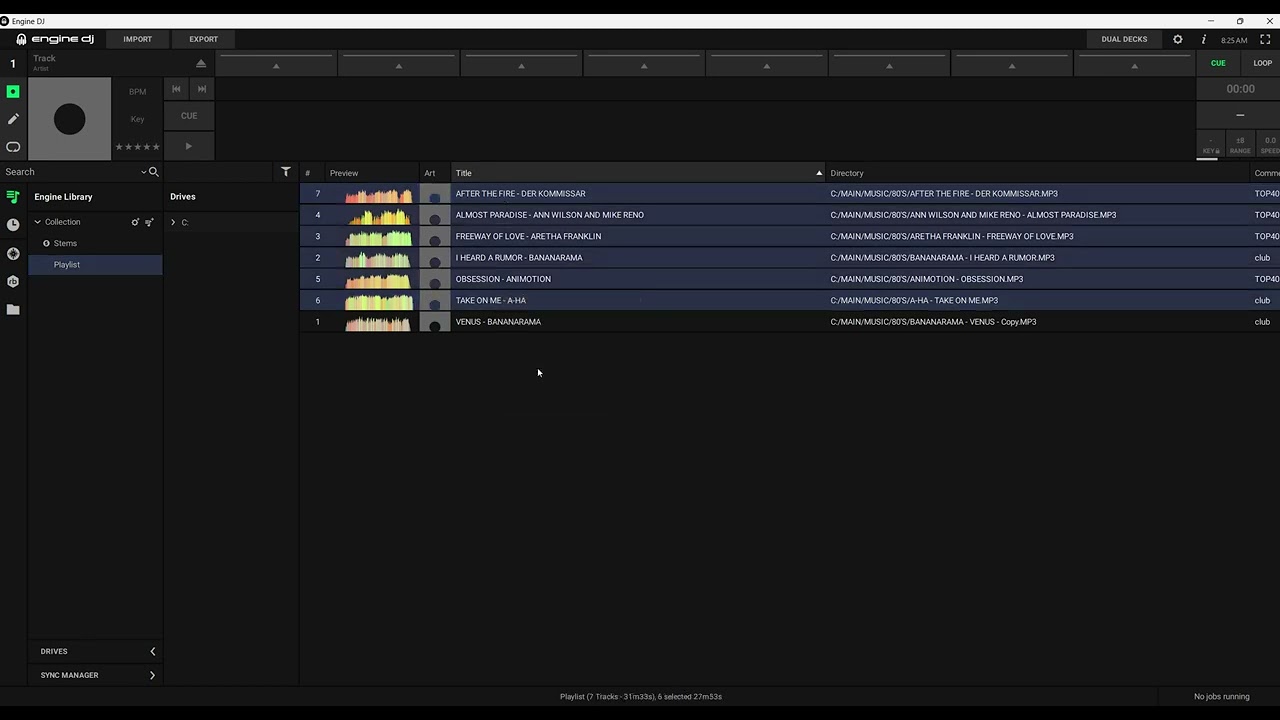
the software is so perfect that if you have red tracks and try to relocate them it doesn’t work, and you have to do them one by one! secondly, there are people who since 2023 have no longer been able to export playlists with the sync manager! things that not even those who developed it have yet managed to solve! I don’t understand if you have slices of salami over your eyes or if in-music pays you to defend them?
Cool.  Indeed I agree.
Also coming from Tracktor pro 2- 3 So used it for many years. There are quite a lot of functions that would be a nice improvement and addtion to Engine DJ, Also on the OS side of things.
Im sure your perhaps the only one who might be 100% happy with it. Thats fine, your entitled to your experienced opinion. Just as we all are.
Would you not feel that there could be some nice take overs???
Or Fug-it I am happy with my current position.
First of all - how do you get red files? Only when you move them after adding to the library. This is basic file library management failure on user side.
When you get a file, first sort it, rename, move, what ever. Adding to the data base is the last thing you should do - and this goes for every data base. Also in the servers and analytic systems. Sort data before indexing. Otherwise you move data, then the link to the data is no longer pointing to the file. Most basic user error ever.
Second - synd manager - I don’t use it. It was crap already in rekordbox and never did what I want. I always drag and drop files - this is best and works as intended. Why use sync at all?
I have more control over my playlists by managing them manually - this is even sending files faster (both on rekordbox and engine dj).
… and third - no one pays me for nothing I say. I work for a company that has completely nothing to do with inMusic. I use denon dj gear as we all do. I paid for a lot of my gear my self and I use it as intended and rarely I have any issues.
I did not say im 100% happy  i said it needs improvements but it is not useless
- Buy new music
- Add it to relevant sub folder inside main music folder on PC/Mac
- drag and drop sub folder to corresponding playlist in Engine desktop, it will auto analyse.
- Plug external drive in (either USB flash drive or internal SSD on device)
- Open sync manager
- Do ‘sync to engine’ to bring any changes back that were done whilst performing
- ensure all playlists in the left column are ticked
- Allow it to sync to the drive
- Eject
Any changes to music library:
- firstly minimise changes by doing it right first time, but if not possible do as follows.
- Make change (replace file, delete file, relocate file)
- Ensure changes made to music library are reflected in playlist in engine
- Close down engine
- Open disc utility
- Connect then Format performance drive
- reopen engine
- Do fresh library sync to clean drive
- Eject
This has worked pretty much without issue for 5 years on a library of around 6500 tracks, with regular updates to the collection carried out. Using both an internal SSD and external USB flash drive.
To speed up the sync process, use either a good quality SSD with a high speed USB cable that makes full use of the device USB port. Or a flash drive that is at least USB 3.2 offering good read and write speeds. 6500 track library will do a fully sync from blank disc to eject in less than 15 minutes.
NoiseRiser got there first. I was about to say the same thing. Red files are caused by the DJ not the software. It applies to all software that uses a database, not just EngineDJ.
If you start moving files around or renaming them AFTER they’ve been added to the database, and you do this outside of the software, then the database will lose track of them.
Don’t want red files? Then don’t mess around with the names & locations!