Product: Denon DJ Prime GO / Prime GO+
Driver: Windows ASIO Driver v1.0.1
OS: Windows 11 (tested on 24H2 and 25H2)
Software: VirtualDJ 2026 (b9005)
The Issue:
Massive audio stuttering/glitching when using the Prime GO/GO+ as an ASIO interface in Computer Mode. Somtimes it totaly stops the audio output.
Additionally, VirtualDJ fails to close properly (process hangs in Task Manager) whenever the controller is connected, even if it’s not the active audio device.
Key Findings & Troubleshooting performed:
Hardware Agnostic: Issue occurs on multiple laptops (including a brand-new Dell) and with two different units (Prime GO and GO+).
Driver Specific: Other ASIO hardware (e.g., Allen & Heath) works flawlessly on the same system with low buffer sizes (64 samples), while the Denon driver glitches even at 2048 samples.
OS Conflict: The problem persisted through a clean Windows 11 reinstall. It recently started occurring on 24H2 as well, suggesting a conflict with a specific Windows update/hotfix and the v1.0.1 driver.
Partial Stability: MIDI/HID and the controller displays remain functional; only the ASIO audio stream and the process termination are affected.
Reset Required: Once the audio glitches, a full reboot of both the laptop and the Prime GO+ is necessary to briefly restore functionality.
Question:
Is this a known compatibility issue with the latest Windows 11 builds? Are there any beta drivers available or specific registry/DPC latency tweaks recommended for the v1.0.1 driver to address these hangs and audio instabilities?
Virtual DJ has become a really massive resource hog over its last two or three iterations
There are a lot of users still using a laptop with standalone-able products and a fair percentage of those users will have jumped onto windows 11 and, with a realistically high latency setting, and suitably cleaned out laptop, aren’t having big audio glitches, which suggests that the common “solid” factors are ok eg: prime 4 with firmware x.x , Audi driver y.y ….
The part of the equation which will change from user to user worldwide will be the spec and history of each users laptop
Have you got a different laptop you can try loading the same asio drivers and same version of VD onto ?
Also - do you get the usual phenomenon of “it all works fine for the first xx minutes, but then …. “ ?
There’s been a lot of info posted around the internet about recent Windows updates causing issues since late Jan/early Feb - including on the VirtualDJ forum.
Microsoft have been issuing KB updates to introduce MIDI 2.0 and prior to release they ran tests - but apparently not with DJ kit, hence the issues. It’s had a widespread impact, including inMusic drivers.
Pete (the guy at MS) has posted on the VDJ forum that they’re working with inMusic on issues with their drivers.
’ve been a happy VirtualDJ and Prime GO user for a long time. This setup was always rock-solid and “Plug & Play” for me—until recently. Now, I’m hitting a wall with audio glitches and I’m curious if others here are experiencing the same.
The Setup:
Gear: Tested with both an older Prime GO and a new Prime GO+.
PC: High-end specs (Intel Core 7 Ultra 268V, 32GB RAM) on Windows 11 (24H2/25H2).
The Issue: Severe audio stuttering/glitching in Computer Mode. And yes. Somtime it works and suddenly the audio gos imediatly off. I have then to reboot the Laptop and the controller to get the sound back… Also, VirtualDJ won’t close properly (the process hangs) whenever the controller is connected.
What I’ve found so far: I’ve done a lot of “detective work” to rule out my hardware:
Comparison: On the same PC, my 32-channel digital mixer runs perfectly at 32 samples buffer (even with Video & STEMS). The Denon driver glitches even at 2048 samples.
Variety: I’ve tried 3 different laptops, every USB standard from 2.0 up to USB 4, and various firmware versions (from 4.1.0 to 4.3.4). I’ve also tried all the “USB hacks” mentioned in the forums. Nothing helps.
**The Goal:**I honestly don’t know if the fix needs to happen in the ASIO driver, the firmware, or a combination of both. I just know that something needs to change because these “All-in-One” units are currently not reliable for pro gigs without an external interface.
I’ve already opened a ticket with Denon, but I think it’s important for us as a community to stay vocal. If we all report these issues through the official channels, it’s much more likely that the engineering team will prioritize a proper update.
Is anyone else here dealing with this? Let’s keep this thread alive and keep the (polite) pressure on so we can get back to a stable, portable setup!
Another question to the community:
Does anyone using the Prime 4 or Prime 4+ experience these same glitches or hanging processes of VirtualDJ?
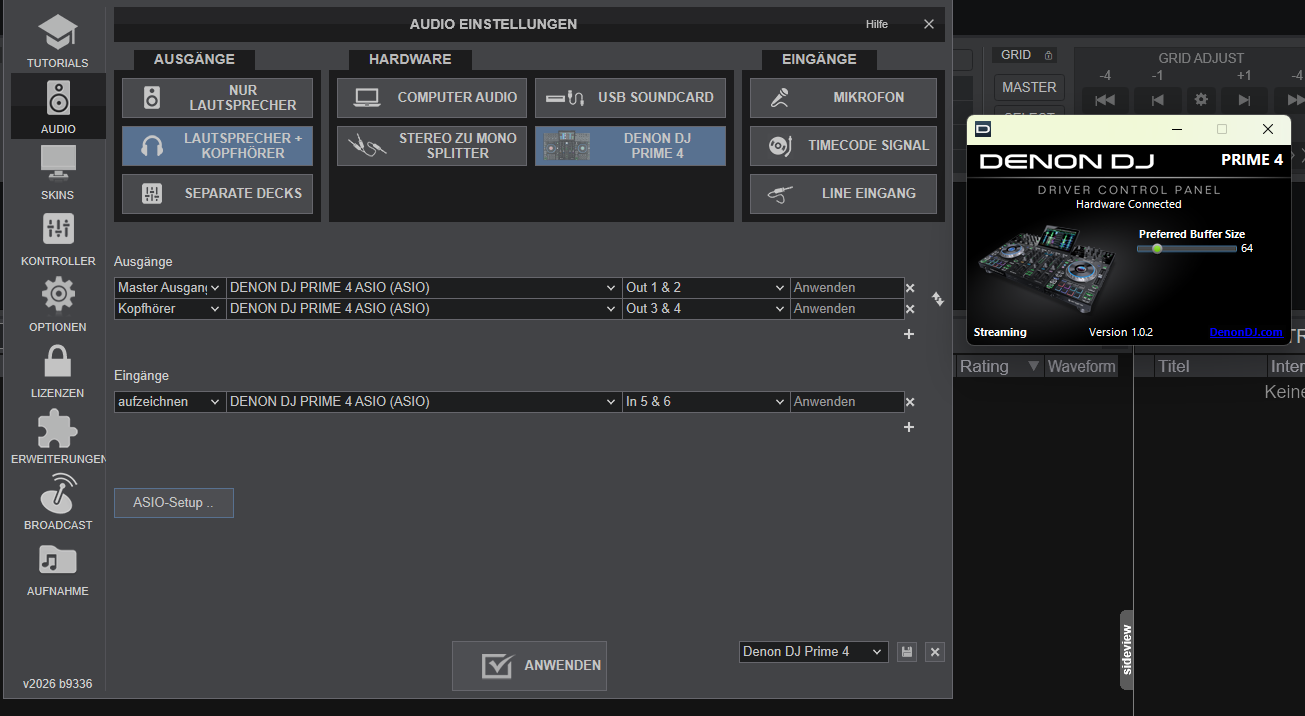
I noticed that Denon Driver versin of this devices is v1.0.2., while the Prime GO and GO+ are still stuck on v1.0.1. If the Prime 4+ is running smoothly on the “perhaps newer” driver, it’s a perhaps a sign that the v1.0.1 driver is simply outdated.
I can also imagine that the problem isn’t with the ASIO part of the driver, but rather with the MIDI part, and that this is simply blocking the interface…
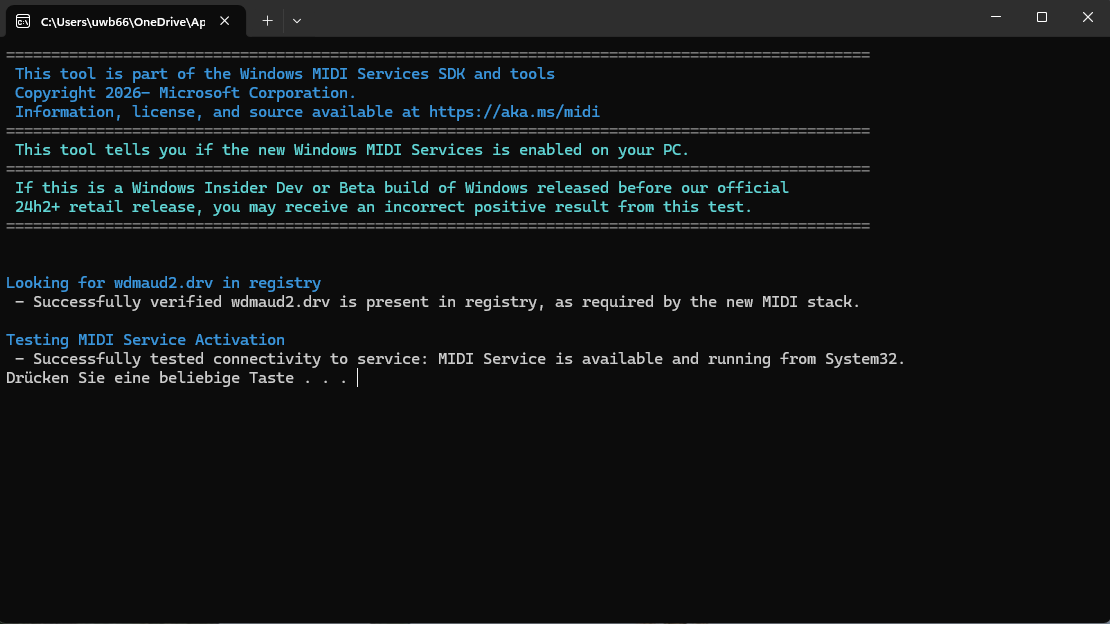
Your problem with VirtualDj not closing correctly is due to Windows introducing MIDI 2.0, which is currently causing problems for almost all manufacturers unless they use class-compliant drivers.
This currently applies to all InMusic products, but other manufacturers are also affected.
Your audio glitches could be related to this.
However, it could also have other causes.
By the way, my P4+ is also unusable as a controller with a current version of Windows.
Why use the prime go+ with vdj pro, it works fine as a standalone, I have vdj pro and works better with pioneer decks or other midi controllers. The use of Denon Prime go+ that I also have with vdj pro is unnessesary imo
VDJ is clearly superior to any software currently on the market – be it in the number and functionality of supported controllers or through its extremely powerful scripting language, which makes track preparation incredibly easy.
If anything, I’d put Djay Pro in second place.
Engine DJ or RB are light years ahead of laptop software solutions.
They do work, but are understandably limited due to their modestly designed hardware (CPU).
I only use EngineOS as a backup system myself.
I particularly miss some features when it comes to handling stems and their quality, features that are at least partially available on the new RANE – and I’m certainly not referring to the garish, carnival-like waveform.
Totally agree with you there, however the Denon Prime Go integration with VDJ pro isnt that good rn. It does work but I wouldnt use it myself, there are other controllers that work much better with the software.
I can only speak for the P4.We did have a few GOs in stock, but they’ve all been returned to the wholesaler.So, unfortunately, I don’t currently have a chance to test it.
On the Prime with VDJ, that’s a real luxury option.
I’m not sure if it’s directly due to the latest Windows 11 update, but since then—and even with MIDI 2.0 enabled—my Prime 4+ has been running completely smoothly in conjunction with VDJ.
Furthermore, it appears that the corresponding option within VDJ can no longer be reverted to MIDI 1.0. Initially, uninstalling specific KB updates did help; however, subsequent updates would subsequently reactivate MIDI 2.0. To prevent this permanently, one would ultimately have had to disable all Windows updates—which, of course, is not a practical solution.
Therefore, all I can confirm at this time is that the latest version of Windows 11—in my experience—runs stably with MIDI 2.0 enabled and when used with VDJ.
One more quick tip from my own experience:
On Windows, SoundSwitch should only be launched after starting VDJ.
(assuming you use it at all…)
Otherwise, the two TFT displays on the jog wheels may remain black. I cannot say whether this issue also occurs on macOS.
The same with me, also tried in the VDJ forums but the problems are in the ASIO driver, uninstalling C++ and reinstalling will not work, sometimes for a few tracks but the cracks and stutter often immediately begin when choosing the 2nd track.
Have you checked what LatencyMON has to say about it yet?
For instance, I have two Dell laptops here—actually top-tier workstations for my full-time CAD/CAM work; they are truly outstanding.
However, despite their powerful CPUs and ample RAM, they are unfortunately unusable for audio applications like VDJ or Djay Pro.
Similar tips have likely already been shared on the VDJ forum.
Not the anwer: ‘Your system appears to be suitable for handling real-time audio and other tasks without dropouts’, according to LatencyMON. It is the installation of the Asio driver. Can not be good when it does not install, when you have to remove certain c++ installation and try again.
it seems the answer is to start the Prime Go in Computer mode first, then start VirtualDJ. And when the music session is over, stop VirtualDJ first. So far no more asio problem, finger crossed