To start with, focus on getting one speaker working first.
Connect a single XLR cable from Prime Go to the speaker.
Play some music
Test the speaker channel 1 first, then test speaker channel 2.
From your original video, it looks like the speaker is getting signal but comin in too hot. Could it be that you are on a Mic Level channel rather than Line Level channel.
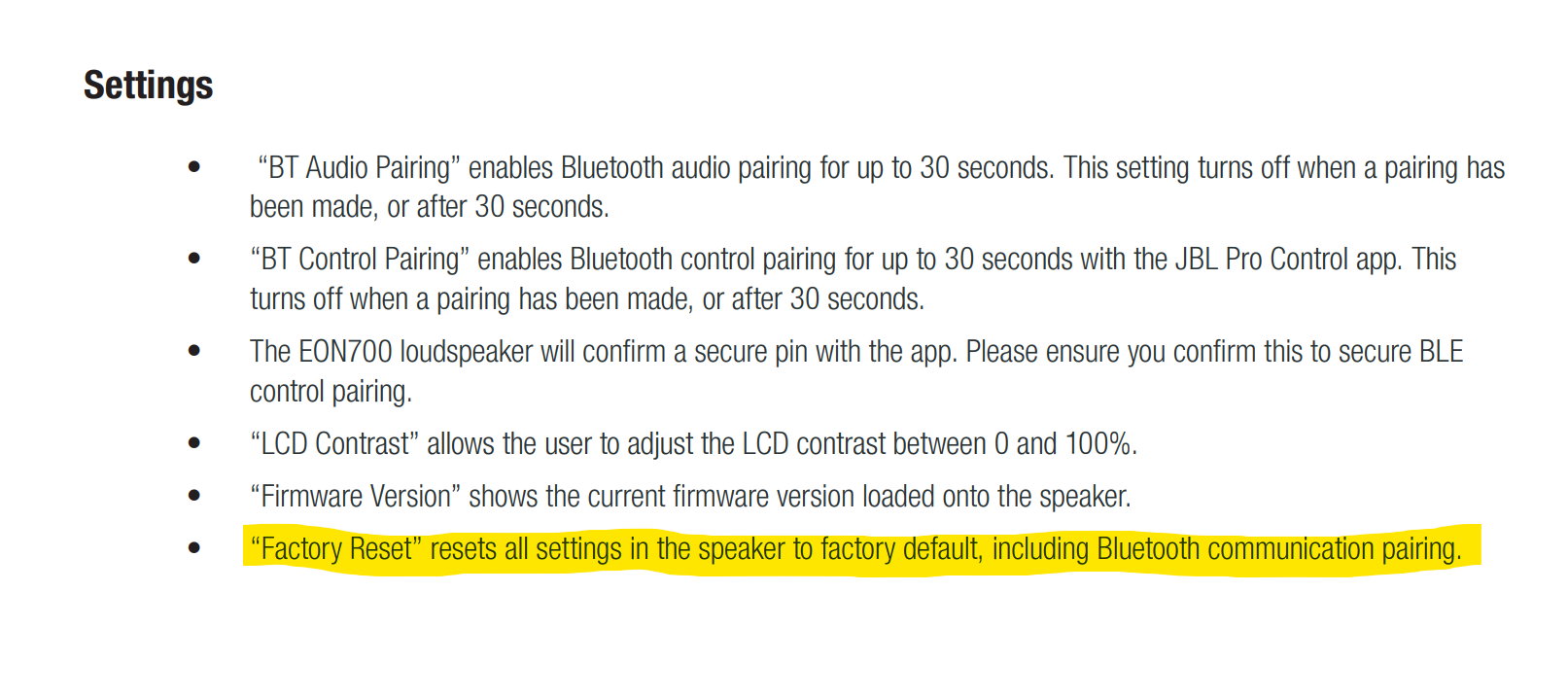
If there is afactory reset option on the speaker…you could try that as well
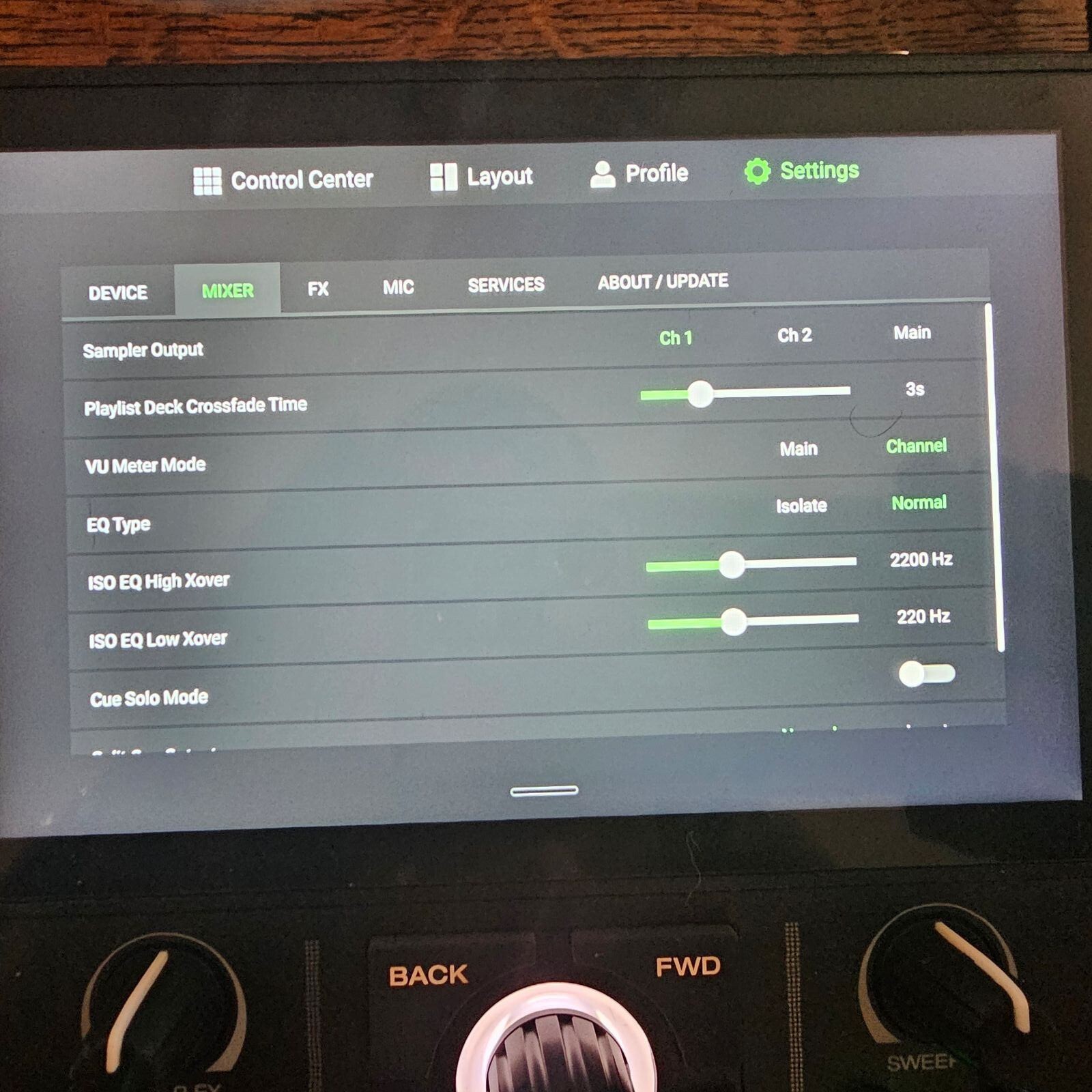
I really appreciate everyone’s input. I spoke to a sound guy today, and he also mentoned the line level and mic level. I dont see anything on the speakers themselves or the LCD menus that indicate line, mic levels. I did try connecting only one speaker though- Left Controller port (Denon) to channel 2 - XLR on the JBL EON 710. As you can see in the video, the VU meters are going below peaking, but now no sound at all. I set the gains on the speakers all of the way down, because the green indicator started flasing red, (indicating a hot signal?) I have included a still picture of the “Mixer Settings” As suggested, I changed the VU meter mode from “main” to “channel”, by doing this I was able to get heavily distorted and minimal sound through yesterday. I haven’t tried the two speaker connection again today, but I will.
Thanks again everyone. I so want to keep this controller for its compact design and wifi capabilities, but it will probably be returned this week in order to maybe get a refund on a discontinued product. It could be the speakers, but unfortunately i’m tied to those for a while - at least bluetooth works on them. It would be funny if it was just faulty cables. I dont have other XLR’s (these are brand new), and I still dont understand what other cables are compatible between the controller and the current speaker setup. I dont see RCA inputs on the speakers, they ony have combo XLR inputs.
Ugh, my new dj hobby put on hold.
Can you provide a picture of the whole unit whilst you’re getting distorted sound?
Edit: doesn’t matter I saw it on the video.
Do you not have any other sound systems you can plug the prime go into? As suggested above perhaps a sound bar or hifi with an RCA cable, instead of the XLRs?
So I can see you have channel set and now your gains are turned up, there’s light.
Switch to MASTER and see if the lights light the VU meter up.
Turn down your speakers.
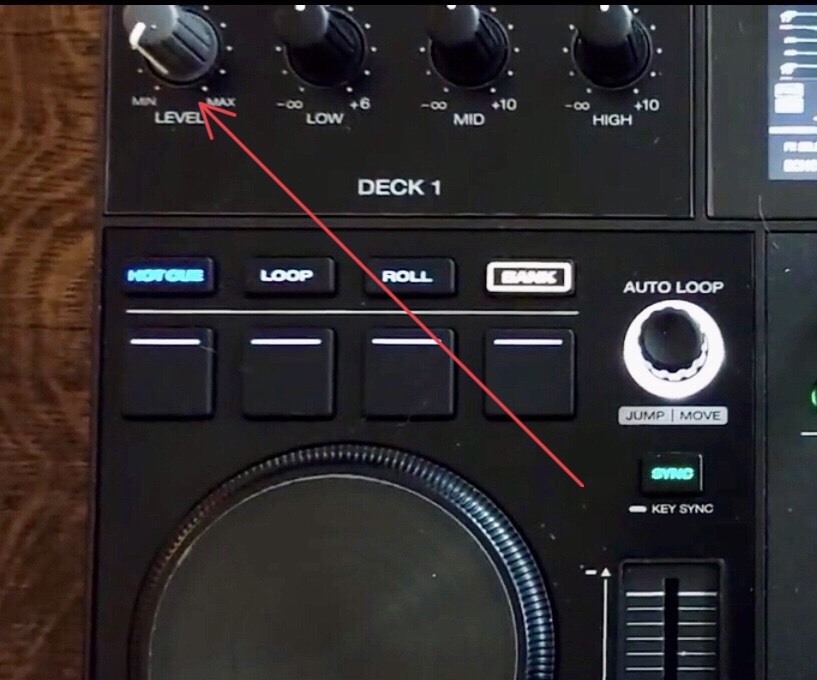
Keep your gain and EQ at 12 o’clock on the Prime Go.
Keep the crossfader in the middle (if activated).
Play a track.
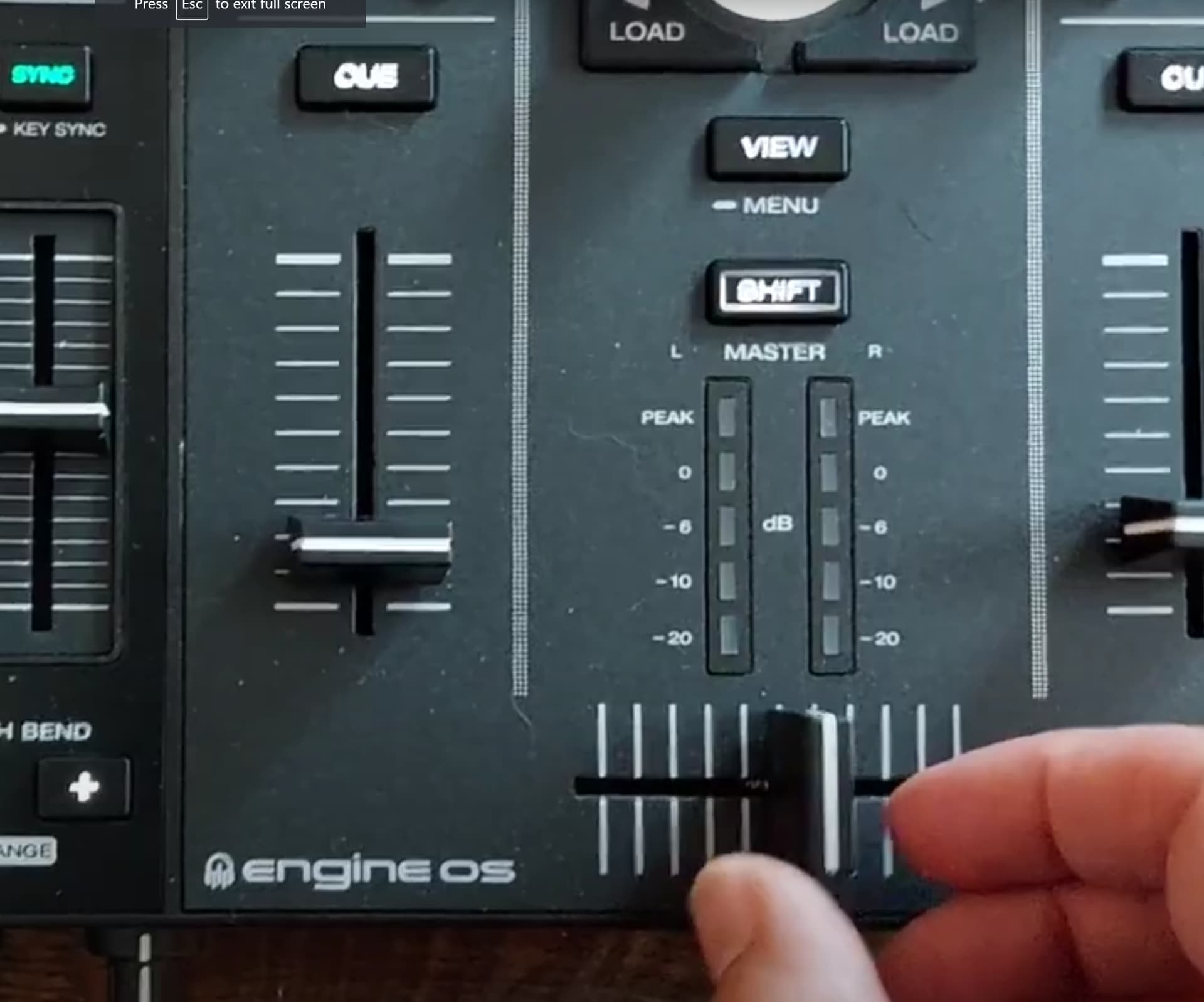
Push the faders on the mixer up to the top and put the MASTER volume at 2 o’clock (you’ll see a little coloured dot there).
Slowly bring up the speakers a little and see if you can hear anything.
Hopefully something can be heard at a decent volume.
I suspect you’ve got something muted in those active speakers menus.
But just to confirm the Primo Go’s actually outputting audio from other outputs, are you getting any sound out of the headphone socket? (also try main RCA’s & booth outputs)
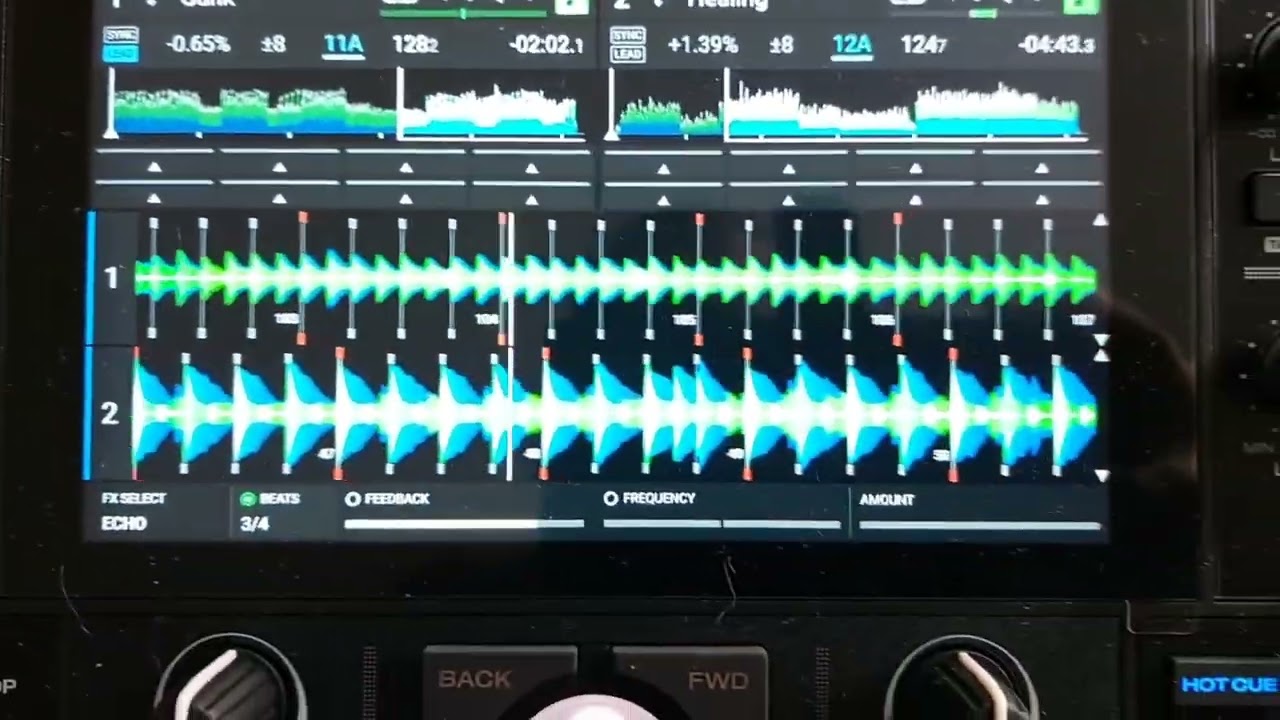
Also, check you haven’t got a filter or fx enabled & the dry/wet control or filter knob fully turned the wrong way.
I think they are muted aswell, but I can’t find anything in the manual about un-muting them. I have RCA cables somewhere, but I don’t have anywhere they could go into at the moment. Sound does cone through the headphone jack, but only to preview a track, one at a time.
I will be hopefully talking with another tech in an hour…I really just want someone else to have eyes on it now…it’s all packed up and ready for return.
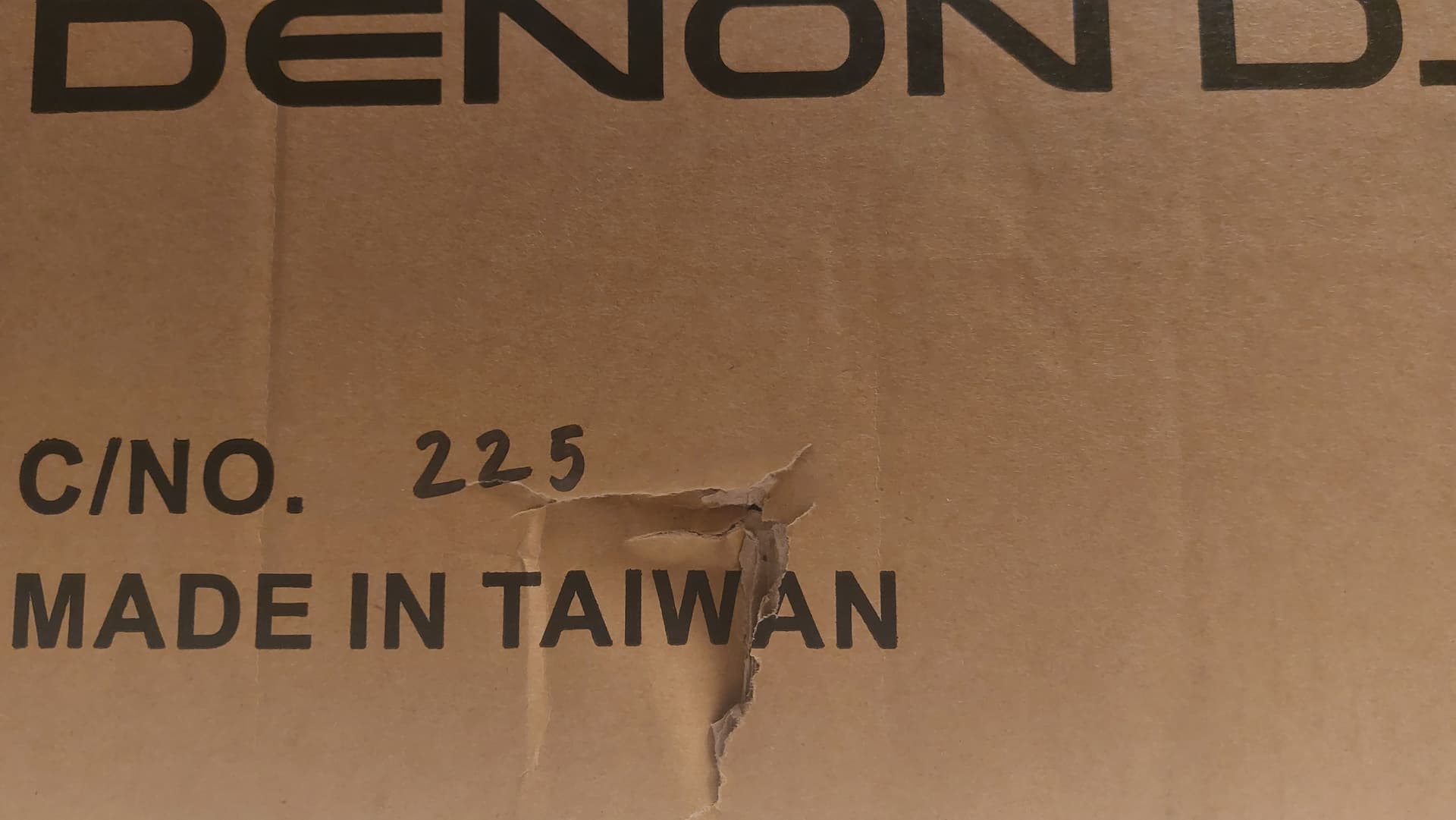
I did notice a gash in the side of the delivery box, so maybe it was dropped somewhere along the shipping process?
Well…audio guy at the shop solved it in a few seconds. Nothing wrong with the controller, as he tested XLR on store mono speaker. I asked if I could bring in my speakers/he hesitated and asked if they were purchased there…I said “no”, and he allowed me to bring in one of the Eon 710’s…I waited for about 15 mins while he helped other customers, I slipped in my SD card, loaded up some Blank Banshee and was trying to preview on headphones. He came back from selling an MPC and five boxes of audio equipment to someone else. I took my headphones off and he turned a knob at the back of the speaker and we had the musics!
It was the gain knob turned down. He turned it all of the way up. No distortion…light at back was orange now, indicating a strong signal.
I need to test stereo setup sometime tomorrow. Oh, and he mentioned that he would leave the controller switch on mono for "club’ situations/even with two speakers. Thoughts?
Yes definitely leave on mono, some tracks are mastered weirdly and you might find only part of the signal comes through one of your stereo channels if you don’t.
I have a version of Raphael Saadiq - get involved that pans left to right at a point and if I leave it on stereo half my system goes dead on a breakdown. Mono signal solves this.
As far as the rest goes, this is the art of setting up a DJ system, getting the balance of your gains right the way through the signal chain.
Definitely have some of those older tracks from the 60s that were recorded in new ways as they were very experimental with stereo recordings back then. A nightclub may have a stereo rig and the vocal will come out of one side of the room and the music out of the other (had that a few times over the years).
Modern tracks can sound a little dull if they are in mono so get the setting that suits where you are. There’s some nice pan effects on the Prime Go which won’t work properly if set to mono. A small rig would be fine in stereo.
Glad you got it all sorted. Remember to keep your EQ and gains at around the 12 o’clock and master out at around 2pm where the grey coloured dot is. The output won’t be too low from the main unit that way.
Eh? Where is the law that says a club must have more than two speakers?
Using mono makes sense in any environment where there’s a bunch of people, all moving around, all different distances from the speakers - i.e. most gigs. Not just clubs.
I think he was referring to a simple set up like at a golf (club) house…smaller numbers. Kidding.
I was at a live DJ performance last week of this guy called Romare from the UK and there were speakers up by the DJ booth, and behind the audience on the clubs main stage they had about 18? - not sure how many were on, but it had a surround sound quality to the mix.
True test tomorrow, when I connect both speakers. I guess there is a theoretical possibility that only one of the speakers is defective, and I just happened to pull the good one. I will keep you updated when I set it up myself. Thanks for your help and continued support!
So…I was able to connect both speakers to the outs on the Prime Go. I turned the gain knobs all the way up on the back of the Eon 710’s, like the shop tech demonstrated…and I got sound ! (In Mono) Boo I was deflated and knowing I was on a deadline to possibly return the Go, I tried to problem solve.
Im happy to report it was a success! Finally.
Here’s what I did:
XLR Right output from Prime Go to Channel 1 input on self labeled speaker 1.
XLR Left output from Prime Go to channel 2 input on self labeled speaker 2.
**also, I discovered the unmute (speaker) tab is located in the gain section of the JBL PRO CONNECT app. I couldn’t find a way to unmute the speakers on the LCD menu on the back of the speakers themselves…so the app is essential as far as I can tell? Maybe there’s another way, but I couldn’t find it.
Anyhow, I am happily mixing away in stereo mode. Thanks again everyone! It has been quite the journey.


 I was deflated and knowing I was on a deadline to possibly return the Go, I tried to problem solve.