What do you expect / Why are you touching the Jog Wheels when you’re using Sync? You said yourself that it’s Sync’d properly, so in my mind you would never touch the Jog Wheels. The whole point of the Jog Wheels is to adjust the playback timing, so if things sound right, just don’t touch the Jog Wheels?
Hey guys, a totally different take: could it be that Pioneer reactivates beat/phrase sync when you nudge the platter “into” sync? If I remember correctly, Traktor did this too. And that way, you could scratch a song into the mix, release the scratch, nudge the final few milliseconds difference, and have everything perfectly in sync…
I have no clue how Denon behaves here. Not a big scratcher…
Also, I am also not sure of the added value, because if a record is in tempo sync mode, and happens to be “de facto” in phase, without phase sync mode actually being turned in, you get the same end result as if phase sync mode was turned on…
When I had Pioneer there were some things I didn’t like and still don’t like, but I didn’t go complaining on the Pioneer forum! I simply changed brands until I found one that works for me! Now I’m with Denon and I’ll never change again! I also have an RX3 but I never use it, I only need it to test that Rekordbox playlists work for some clubs where I find Pioneer! And I still remain old school vinyl so for me sync shouldn’t even exist!
Hello Sandro_Manzali, I have been on engine dj using a prime go ( 1 generation behind and $1,000 cheaper),I have been super happy with engine dj and I think these tips may help you
All prep work that you did for your pioneer systems does not apply on the prime 4 plus because it’s a completely different ecosystem so what I would suggest is downloading the desktop software and analyzing all your tracks there fixing beat grids there, doing all the stuff that you did for your pioneer systems and also if you have an already established record box library you can import it in using the desktop software and all your prep work will be done for you and you won’t have to do anything to the tracks
Also I know this is unrelated however if you really do not want to sell your Denon system and want to get the most out of it I’d recommend in the desktop software while you’re there to render all your tracks for stems, this makes the tracks a lot more fun to use and I don’t think the pioneer systems have stems yet other than on the record box desktop software
Also when you are on your hardware make sure to check that all the data transferred over correctly and if necessary on your prime 4 plus edit the beat grids there
Beat sync or “quantized start” gets deactivated once you set a cue.
For people who still don’t understand the “issue” try doing this on your Denon gear:
Test 1:
Have one track playing and the second one loaded and ready with sync activated
Press play on the second track - You will notice it will “quantize the start” to play it in sync
Test 2:
Have one track playing and the second one loaded and ready with sync activated
Instead of playing from the beginning, go somewhere else on the track (like the drop) and set the cue there.
When ready press play on the cued track - This time it will not quantize the start because setting the cue at step 2 deactivated beat sync. So if you want the start to be quantized you need to press the sync button again.
In other words, setting a cue deactivates beat sync and switches it to tempo sync meaning you need to activate sync again each time you set your cue.
It’s like the “quantized play” is deactivated once you touch the platter or pause the track.
There are multiple ways this can be handled so it’s worth studying other equipment or software to see how this behaves.
@Sandro_Manzali you can raise it as a feature request and try being detailed and precise when explaining. Let me know if my explanation matches what you are experiencing.
The main cue should also be used for the downbeat.
If you want to start playback later in the track, for example, on a drop, then hot cues are quantized and are designed for that purpose.
But sometimes the downbeat does not start on first grid line. And regarding cue points, you can have some basic cue points for important parts but you can never have them for each possible scenario. Sometimes I might want to start 2 beats before the chorus, other times 2 bars. Or even starting with a 2 beat loop on a vocal which is 1.2 bars before the chorus.
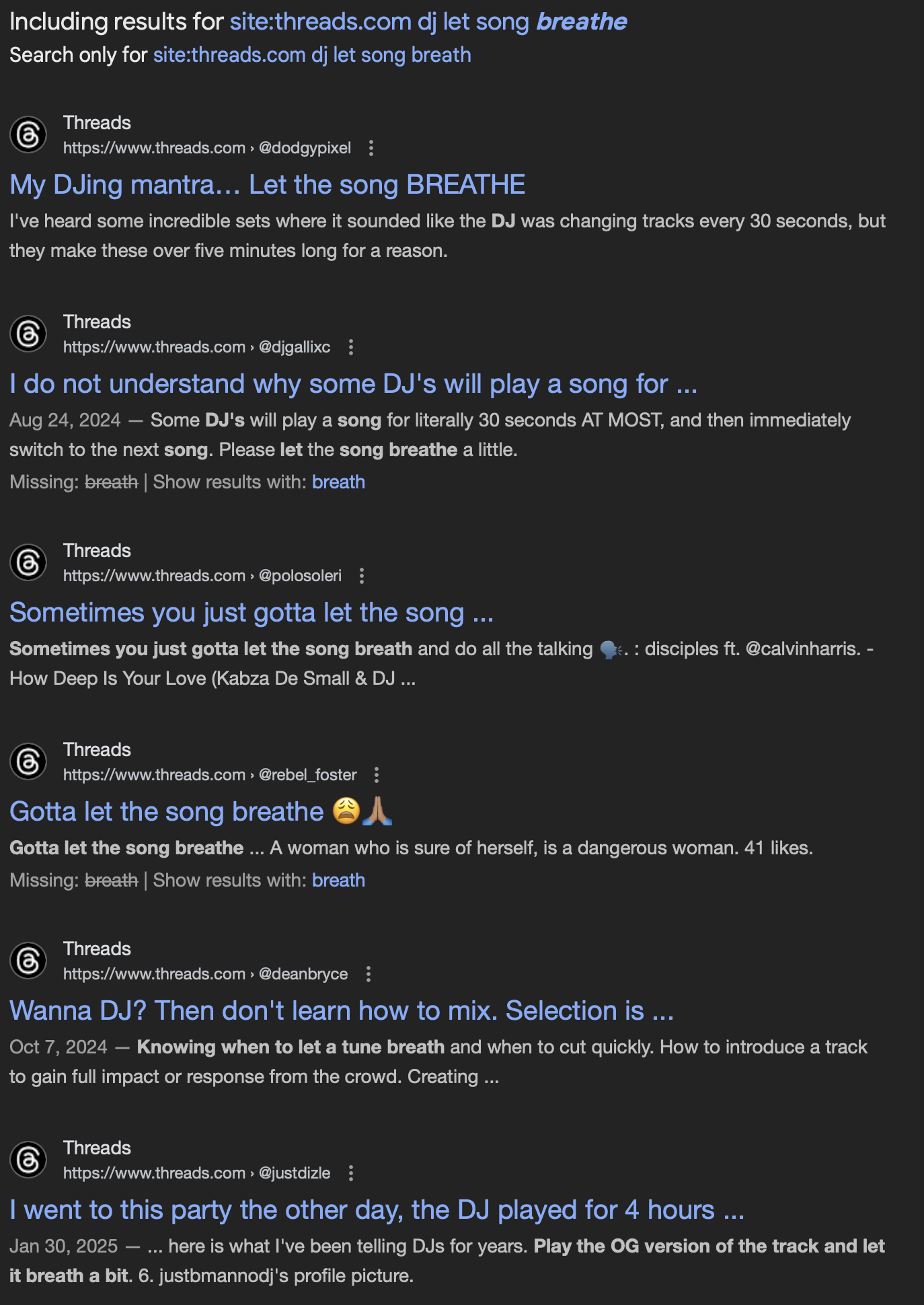
When speed mixing pop music, each wasted second can ruin the effect. I saw crowds losing their hype in just 4 bars because I missed a transition.
Little things like these might not seem important for some, but for others it’s a make or break situation.
In this case the mentioned behavior does not affect my workflow, but I can understand how it might affect others.
Good find… This reminds me how the cue/play behaviour was different on Pioneer and retro-Denon gear. Back in the day, when we all carried CDs, and both Pioneer and Denon where considered industry standard, we didn’t wine about it and adapted….
Regarding Denons behavior on disabling sync when cueing, this can be an advantage, when you for example cue an upbeat (the “3 and” in solfège terms). For example Rihanna’s “SOS”: “nanananana common” starts at the “1 and” of the bar just before the start of the intro. It’s very cool to catch the upbeat when pressing play on such tracks, and a quantise feature usually will destroy your mix…. So Denon has a good reasoning in thinking that if you decided to set a cuepoint, you must know what you are doing and are planning to press play at the right moment yourself….
This is what happens when you end up playing music to people who consume their media by swiping through TIk-Tok, nothing to do with your ability to hit the transition or not, its down to the fact the world is now largely populated by goldfish with a 10 second memory/attention span.
Clubs i used to go to would appreciate a 10 minute extended version of somebodies track, im fairly certain those pop bands never envisaged their music only being good for 30 seconds of airtime too.
However, I agree that there should be a setting allowing the user to choose the behavior of the main cue: quantized (sync) or non-quantized (as it currently is).
As a VDJ user myself, I’m used to having the main cue quantized, since VDJ allows it to be set that way.
I admit that it can be frustrating to engage your sync and, when using the cue, even for temporary playback in your headphones, lose quantization/synchronization. You effectively keep the tempo, but if you then press play, playback won’t start quantized to the beat of the lead track.
I believe there is already a feature request for adding a quantized cue parameter that you might want to vote on.
Thankfully there is pushback online to this style of mixing. It does a huge disservice to producers who pour gobs of hours into great music to only play the hook or a drop.
In the rare occasion that I like a top40 track to add to my collection, I usually search for an extended version. Only to find out that track goes from 2 to 3 minutes… And yeah, that’s indeed a massive 50% extended time, but still…
 . I’d honestly lose my mind in this setting