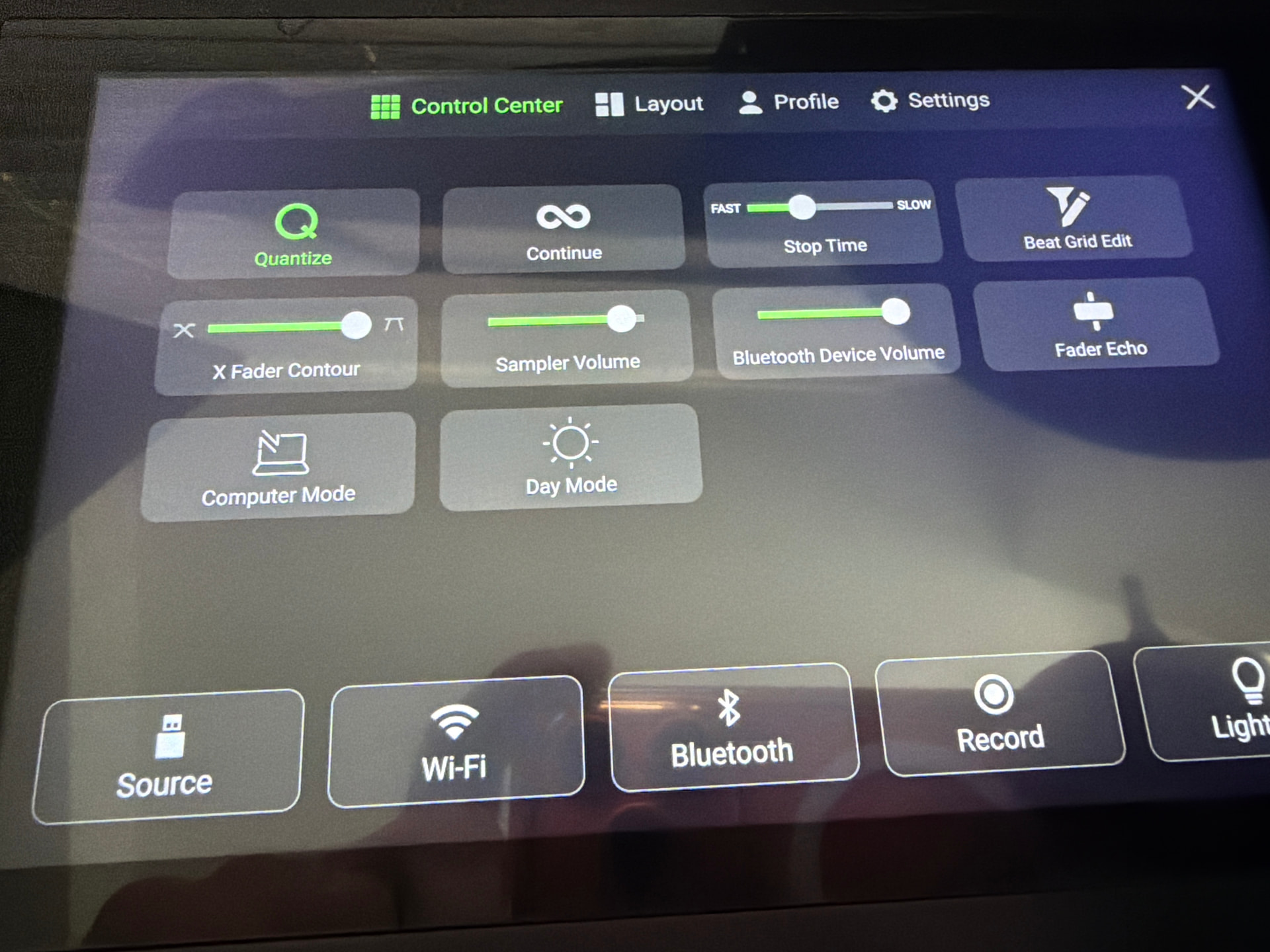
Just updated from Engine OS 4.3.4 to 5.0.1.
After reboot I don’t see any option anymore to set Engine OS in Computer Mode ?
Just downgraded again to fix it ???
Just updated from Engine OS 4.3.4 to 5.0.1.
After reboot I don’t see any option anymore to set Engine OS in Computer Mode ?
Just downgraded again to fix it ???
Can you explain to me how you downgraded it, it doesn’t work for me! Thanks There is no USB mode! I only have the computer option for downgrade but it doesn’t work.
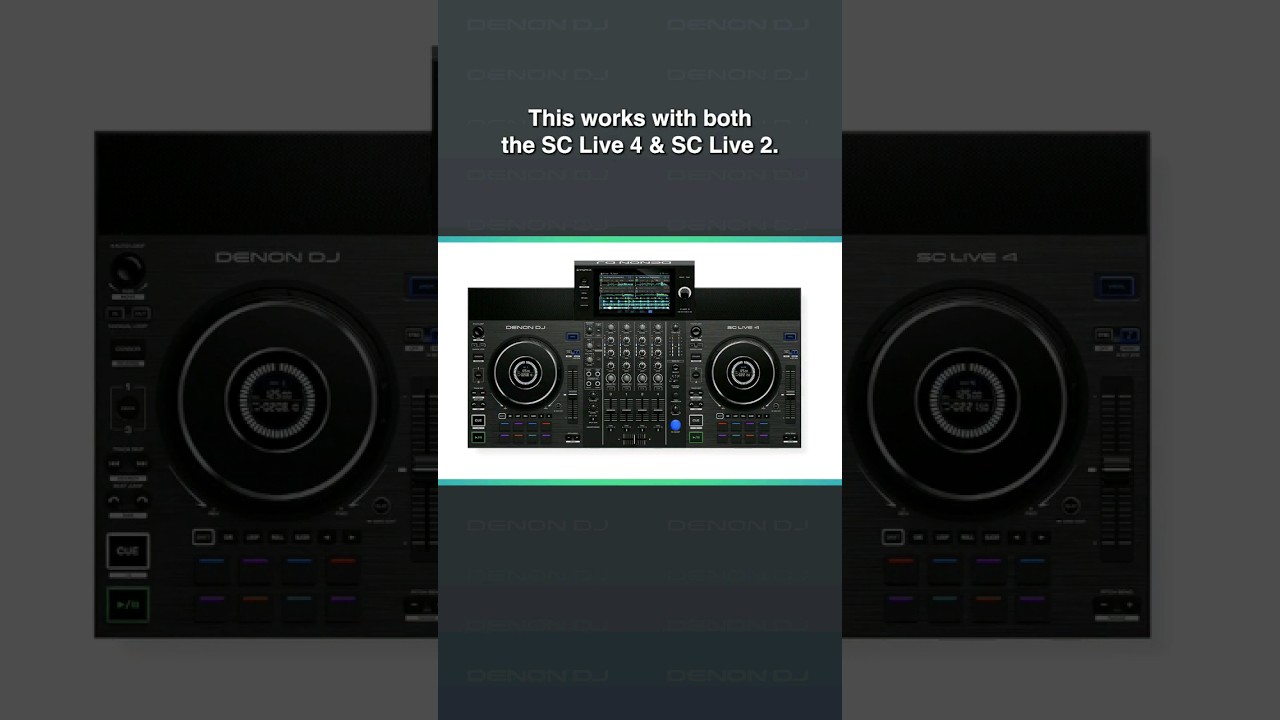
Maybe this?
Unfortunately it doesn’t work on Prime 4 Plus.
Put old img file on a USB drive. Go to firmware options in settings.
you can download the old version update apply it on a usb and then use the usb to install on it on your prime 4+
Thanks guys, it was a problem with the USB stick, I changed the stick and I succeeded!
Question for you. Why are you doing a downgrade? Are you having issues? If is issues what type?
During a six-hour set on Sunday afternoon, the audio started going up and down from maximum to minimum three times! Only by lowering the master did everything go back to normal! I opened a ticket and they asked me to downgrade to 4.3.4 and then try updating to 5.0.1!
Thank you I did gig on Friday and Saturday and I had same problem plus the lighting system wasn’t working either. Thanks for sharing I do have 4 gigs this week ena I don’t want to mess it up.
Thanks for pointing out the location on the new interface.
But since there are quite a lot of issues mentioned already with v5.0.1 I’d rather stay on 4.3.4 for the time being