As posted previously, I have the Rane System One running 4.5 alongside the Prime Go+ which means I need to have two separate laptops for the different Engine versions and two separate 1tb SSDs for the database and files.
Hopefully this is resolved soon as it’s going to get a bit messy for me if left too long. Having to maintain two separate collections isn’t ideal at all.
Personally I think the current version of Engine (including RGB waveforms) will be pushed out, but I think they were under pressure to release the System One at Namm without the rest of the ecosystem being ready. It’s a bit of a mess and In-Music definitely need to get smarter on product releases and compatibility.
I actually prefer the 3 colour waveforms but the bigger issue is the database incompatibility if you have more than one product. The lack of staff/team on the forum lately is quite noticeable too, so I’d suggest raising support tickets directly as this forum isn’t really supported directly by the company any more it seems.
i agree with u. but it hurts to see denon is falling. as i went to denon over pioneer products, and one of the main reasons is updates and that the companey listen to us.
You are incorrect. If I put a 4.5 formatted Engine database in my Prime Go+ running 4.3 then the artwork doesn’t appear as it is now held in a separate folder.
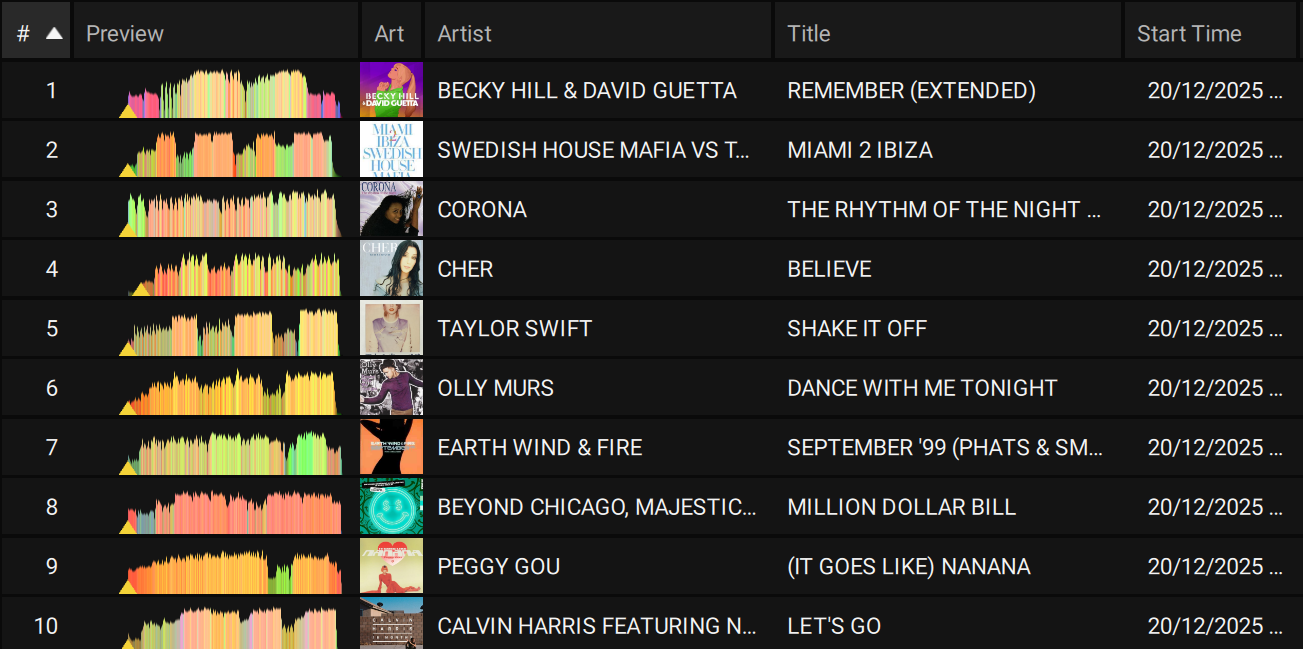
We have implemented a change to the storage method of Album Art as of Engine Desktop version 4.5.0. This data will now be housed in a designated folder within the Engine library instead of being stored in the database file.
Users that update to Engine Desktop 4.5.0 may not see artwork for their tracks on Engine hardware from Denon DJ and Numark running 4.3.4 release or earlier due to a lack of backwards compatibility, as Engine Desktop 4.5.0 is solely intended for Rane DJ SYSTEM ONE users.
The artwork will only be moved to the new location under the following conditions:
When performing a ‘Run Cleanup’ database optimization in Engine Desktop all artwork will be moved to the new location at this point.
If any new tracks are imported to Engine in 4.5.0, associated Album Art will only exist in the new location.
When new tracks are exported to a drive that have not been exported previously, whether through Sync Manager or by drag and drop, the artwork will be relocated to the new destination for both the source and target drives.
The current workaround is to open your Engine Collection running Engine Desktop 4.3.4, select all tracks and right click, then select ‘re-import track information’, all the Album Art will be re-populated.
It is now possible to run two different builds of Engine Desktop on your computer, so you simply need to do the same workflow as you would with your Prime Go, just on 4.3.4 as opposed to 4.5.0.
I think you’ll need 2 performance drives (2 SSDs in your case) but you can have 2 different versions of engine desktop on your computer, both tapping into the same DB where you store your music.
You can then have album art on your 4.3.4 SSD by syncing with that desktop version (after running the reimport task) and you’ll have the new method of storing album art on your 4.5 SSD.
How do you install two separate versions of Engine desktop?
I’ve tried renaming 4.3.4 then installing 4.5 but then 4.3.4 won’t open.
It’s all a bit messy. When I bought the System One I (foolishly) thought it would be directly compatible with other Engine hardware but that would be far too easy.
I think it will be soon. Being an early adopter of the system one I think you’ve given them a bit of a headache as they probs should have had a unified desktop version ready for release…. Definitely a pain but I think it should be resolved in the coming weeks.