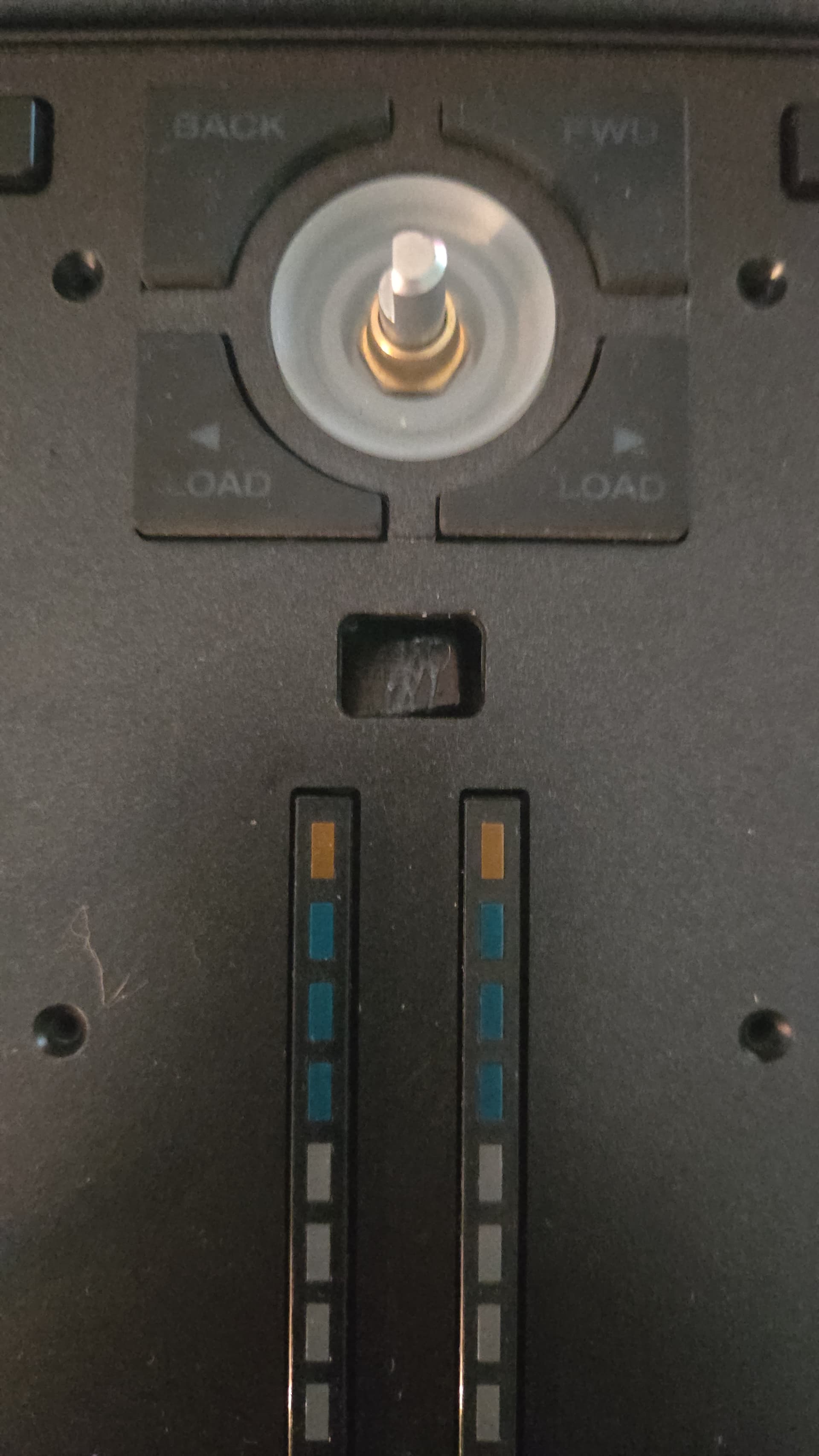
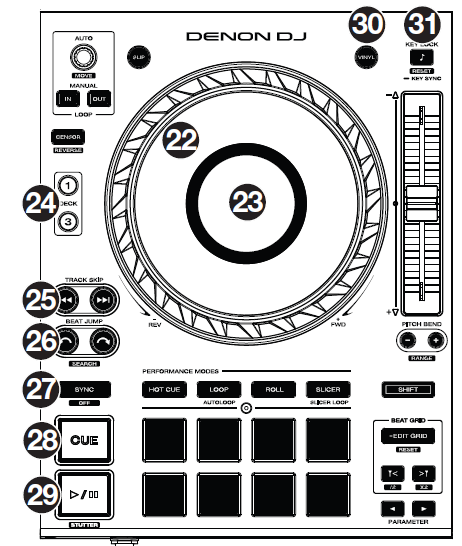
Hey. Today when i was mixing suddenly the view button got pushed down inside the mixer.
I have tried to open up the mixer but there is now way either from top or bottom to get to it.
Anyone knows what to do?
Have tried everything to get it up. Even with fishing line
how about some strong adhesive tape and a small tool (e.g. pliers, tweezer)?
With the tape you can lift the button and with the tool you can control the button.
But pls. be aware that the button will slide back into the chassis sometimes.
My advice to any Engine user (who isnt using lighting regularly) is to use the touch screen button full time and save yourself the risk of the view button breaking.
@BeatMaster
All right, thanks, I hope you are too.
The problem is that several people have reported that the P4’s view button is sinking, and I just wanted to offer a solution while it’s being repaired, which is recommended. I haven’t read about anyone having it broken about the button you mention, but who knows, at least it’s good to know it’s duplicated… just in case, I’ll use them gently. Regards.
Good to know that there is a point on the touch screen.
And better to know that there is a point on the touch screen for the key lock / Key Sync as well.
On my P4 both Key Lock / Key Sync buttons slipped under the chassis. So I lifted them back with some adhisive tape and a tweezer. Now the buttons are a little bit lopsided / adjusted improperly but they work again.
I think all buttons / pads must be touched gently and it’s a weak point in general of the PRIMES.