Im a new user so I may be overlooking something.
I’m trying to export my library/playlists from my macbook (my library is on the internal drive) to an external usb drive.
Engine sees the drive, it’s formatted (EXFAT, i’ve tried others) and is mounted in finder.
it does not show up as an available drive in Export, If I try to drag a playlist to it I get a little grey blocked symbol.
Engine has full read/write permissions, I can use other removable media without issue.
I’m going slightly mad. Please help!
brichi
May 20, 2026, 11:52am
2
can you do a screen recording so we can see what you have going on
In Mac, go to system settings and in there you may have to allow disk permissions for Engine to see the drive
Open the Apple menu and select System Settings (or System Preferences on older versions).
Click Privacy & Security in the left sidebar.
Scroll down and click Full Disk Access on the right.
Locate your software in the list and toggle the switch On .
If the app is not listed, click the + button at the bottom, select the application from your Applications folder, and choose Quit & Reopen .
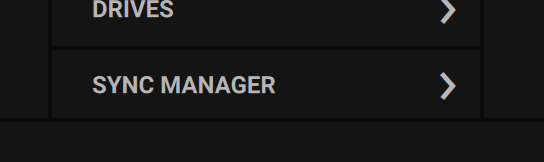
are you opening the “drives” tab or sync manager tab"?
Also in WIndows make sure you’re not running the software in Admin mode.
Thanks brichi, it was one of the first things I did after seeing this suggestion in a previous help request. Still no joy.
Welcome to the forums @Brian_Sanders !
It doesn’t work that way.
Open up the Sync Manager screen:
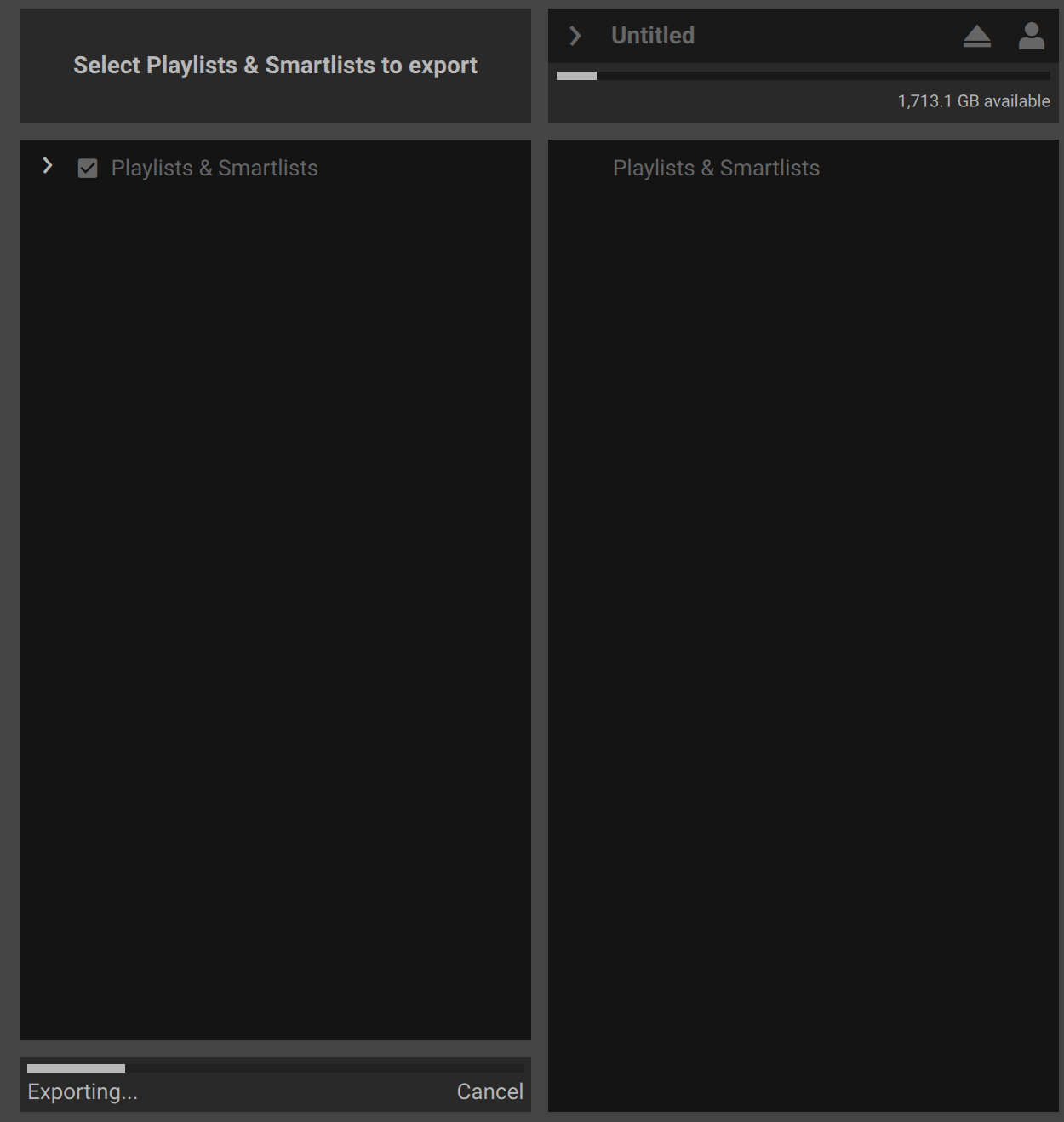
Select the playlists you want to sync:
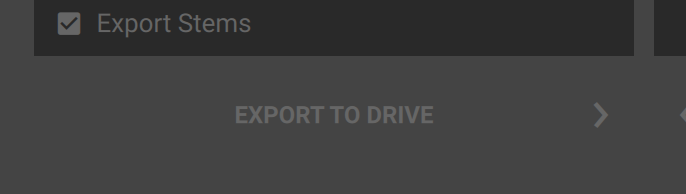
and press Export to Drive.
All of this is in the manuals and plenty of YouTube videos explaining.
Thankyou Liquidice, I have opened sync manager as shown in the screenshots, it just asks to insert usb drive despite the fact it is mounted and permissions are enabled. It works with other drives no problem, even dragging individual playlist, just not this particular SSD. Frustrating.
also check in Disk utility that the drive is formatted GUID Partition Map (GPT) and not MBR, or vice versa, i forgot which EDJ prefers, compare the formats to the drives that work
It might be worth checking to see if the troublesome drive has more than one partition.
Thanks PKtheDJ and brichi.
I have now formatted in almost every conceivable variation of exfat/dosfat both GUID/MBR, partitioned/unpartitioned, even stuck it on another machine to try NTFS. Full disc access on/off, rebooted, did an exorcism, sacrificed a goat, still no change.
OK!
I formatted the drive again on another mac running Tahoe 26.4.1 rather than the macbook that has my library on it running Tahoe 26.5.
Plugged it back into my macbook and… it works!?
The only thing that may have changed is a different USB cable but I can’t be sure as things are not tidy at the moment.
Very happy but mildly discombobulated. Could a lead be responsible? Did I actually sacrifice a goat? (no)
I wish I knew what changed/solved it but I’m happy that it’s sorted.
Thank you to those who took the time to try and solve my issue.
Yeah, one of those weird thing where you do the same steps on a different computer and get a different result.
I had a feature request years ago to add option to format drives on the units themselves.
It was present on the older gen of Denon players, the SC2900 and SC3900, saves a bit when troubleshooting issues with external media.
https://community.enginedj.com/t/format-storage-media-on-prime-hardware/48760
That would be a useful feature!