I couldn’t find this solution in the forum or via Google. I worked with Gemini for about 2 hours trying various third party tools and disk repair methods. The issue is that I wiped my Engine library to start fresh and then had Engine run a LOT of stems (I selected over 1,000). I had almost 400 GB of internal drive space when I started. A few hundred stems in, my drive was out of space. My music files are stored on an external drive, but of course Engine is on an internal. It appears Engine has created some cache somewhere for stem preparation, but no restarting, Terminal commands, DiskDaisy, Onyx, Safe Made/Disk Repair, or any other option I’ve tried has given me back the 392 GB of space that Engine created. Help!?!?!???
I agree. It’s unprofessional and unacceptable. The team should have this fixed by now.
I hope you find a solution.
Obvious question and maybe I missed it in your post, did you contact InMusic support to discuss?
This is good to know before I create too many STEMS.
Plz post an update if you figure it out.
Based on what I’ve read online, I believe they’re well aware of it, but I opened a ticket at the same time as my original post. I’ll report back when I hear from them.
If you download daisy disk directly from their website, that version will allow you to delete the purgeable data. It’s the apple store version that doesn’t work for some stupid reason.
The one on their site won’t delete this particular cache either. I’ve already tried that.
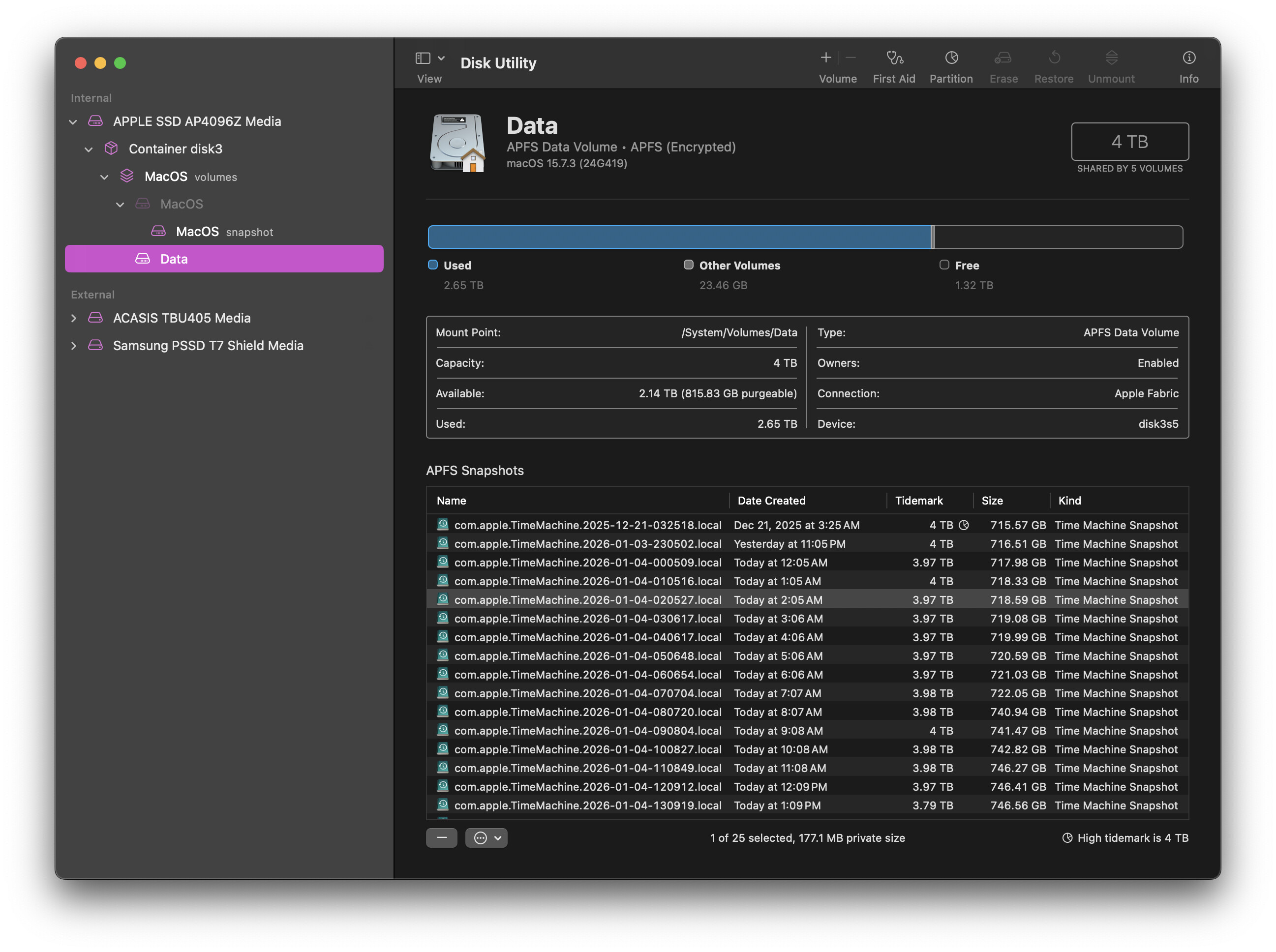
Yes. No snapshots. Thanks for trying to help me out though! Really appreciate it.
Official response from Denon below. Also, after a few days, the cache cleared on its own. Still don’t have a way to force a clear, but I’ve managed to make all the stems I want in batches.
“Regarding the ticket referenced, I can confirm that we are aware of a bug associated with rendering significant external libraries, which creates a temporary cache of purgeable data, resulting in rendering issues. I assure you that we are actively working on a solution; however, we do not have an estimated timeline for when this might be addressed in a software update.
Consequently, the existing approach is to render a restricted number of files for Stems as needed, resulting in a reduced temporary cache folder. I recommend rendering approximately 20 to 50 tracks simultaneously.”