I noticed for the second time that ALL my thousands of STEM files are just gone and then I realized it was when I did a restore.
Ran a backup (which I did after my library was set, stems and all)
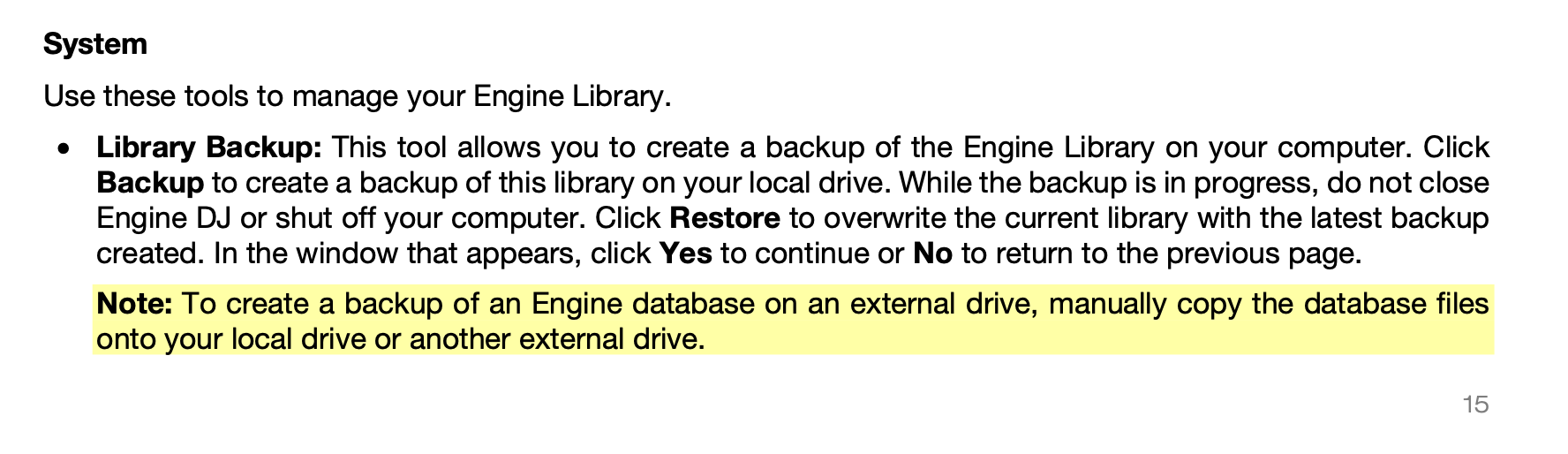
then I messed with a few things between MIXO and Rekordbox and didn’t like the lists that came over so I did a restore, the restore just overwrites the ENTIRE engine dj folder with the backup folder but Engine is not backing up stems so now they are all gone and they need to be re-analyzed.
please fix the backup feature, I understand you may not want to back it up because of how much room they take up but at least warn us and remind us so we do our own backup of the stems and move them to the backup folder
I get that it doesn’t backup the music but i would think STEMS would be considered something similar to Engine backing up your cues and loops. its fine, just something people should know also
if it is making a copy of the main database then it should just restore the “m” main database, not just overwrite the entire Engine folder to do a restore
Yes, it seems you are 100% correct in this case. Honestly, I manually back up and restore databases and had no idea that Engine actually deleted the existing database directory.
Also, to be transparent, I don’t use stems, as I’m currently on 4.0.0.
Thank you for sharing your experience and fantastic job locating what seems like a glaring oversight.