Hi !
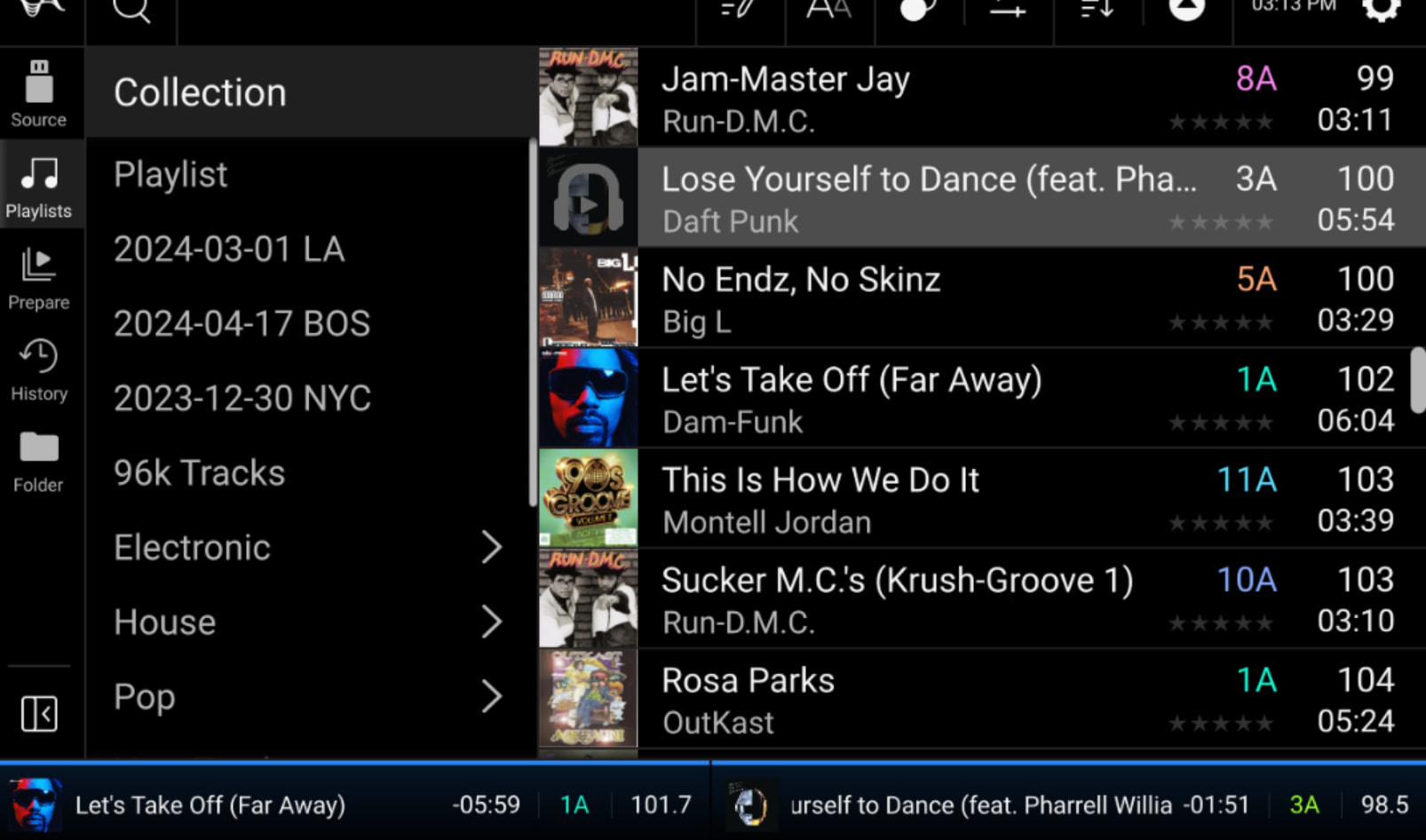
I transitioned from a RX3 to a setup with 2 SC6000 and I had a question about the library view.
The RX3 lets you see a small view of the waveform of each song in the library, and it allowed me to know easily the energy of the song, where would the drops be, if it had extended intro or outro and so on.
And I’ve seen this inside the Engine DJ library software so I was wondering if there were a setting I could turn on to have this kind of view (photo of what it’s like on a RX3 for reference, I’m talking about the waveform on the left of each music title)
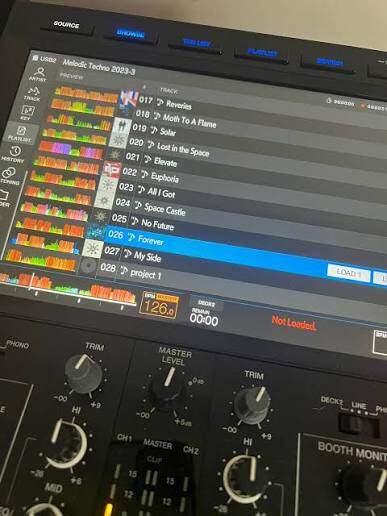
Reading the manual I’ve seen that there is something like it for the prepare playlist, so why not for the rest of the library ?

If somebody knows of a way to do this, or of an ongoing feature request I’m all ears !
Greetings,
Gaetan