I know this has been mentioned before by users, but i couldnt find a resolve. Last week mid set one of my sc6000m’s developed a motor issue. I powered down the deck and switched it back on. Ever since its been stuck in a loop “updating motor to 04.04”. Ive tried reinstalling firmware from the earliest to the newest (yes i still have them all), but nothing has solved the problem. I have contacted the store i bought the decks from, who say they only have a 1 year warranty? (Crazy for the price). My decks are 14 months old and well looked after. Does anyone know of a solution to this problem? I have raised a ticket with inmusic, however by the looks of it i could be waiting a very long time for a response. Tomorrow is the first weekend working with 1 deck missing, and i am desperate to find a solution. If anyone can help i would very much appreciate it, ive tried pretty much everything i think.
Hey bud, id save all your music to an external drive, which im guessing you’ve most likely already have done. And then find out about a hard reset on your SC6000M decks.
I’ve got the SC5000M decks, so im a little familiar with the set up, but I’ve been kinda on a break from scratching, & mixing lately personally. So im a little rusty on the exact set up with these at the current moment my friend. Do you have the motorized version of the SC6000’s, or the controller version?
Im gonna look into this for you,ok bro,hang tight man… 


Mine are the motorised version. Hard reset as in hold in the power button for x amount of time? If so, yes ive tried that.
So how did you get your 5000 sorted? Im reluctant to send my deck away, so its still sat gathering dust at the minute.
Trust me, don’t wait for an email response…CALL THEM directly!! They seem to have taken down the telephone contact information from the InMusic website, but I still found the number for you…
I have dealt directly with InMusic on 3 occasions for warranty service. Two of the times, I had sent my gear in for repair and received it back before I was ever even contacted via web support. Good luck!
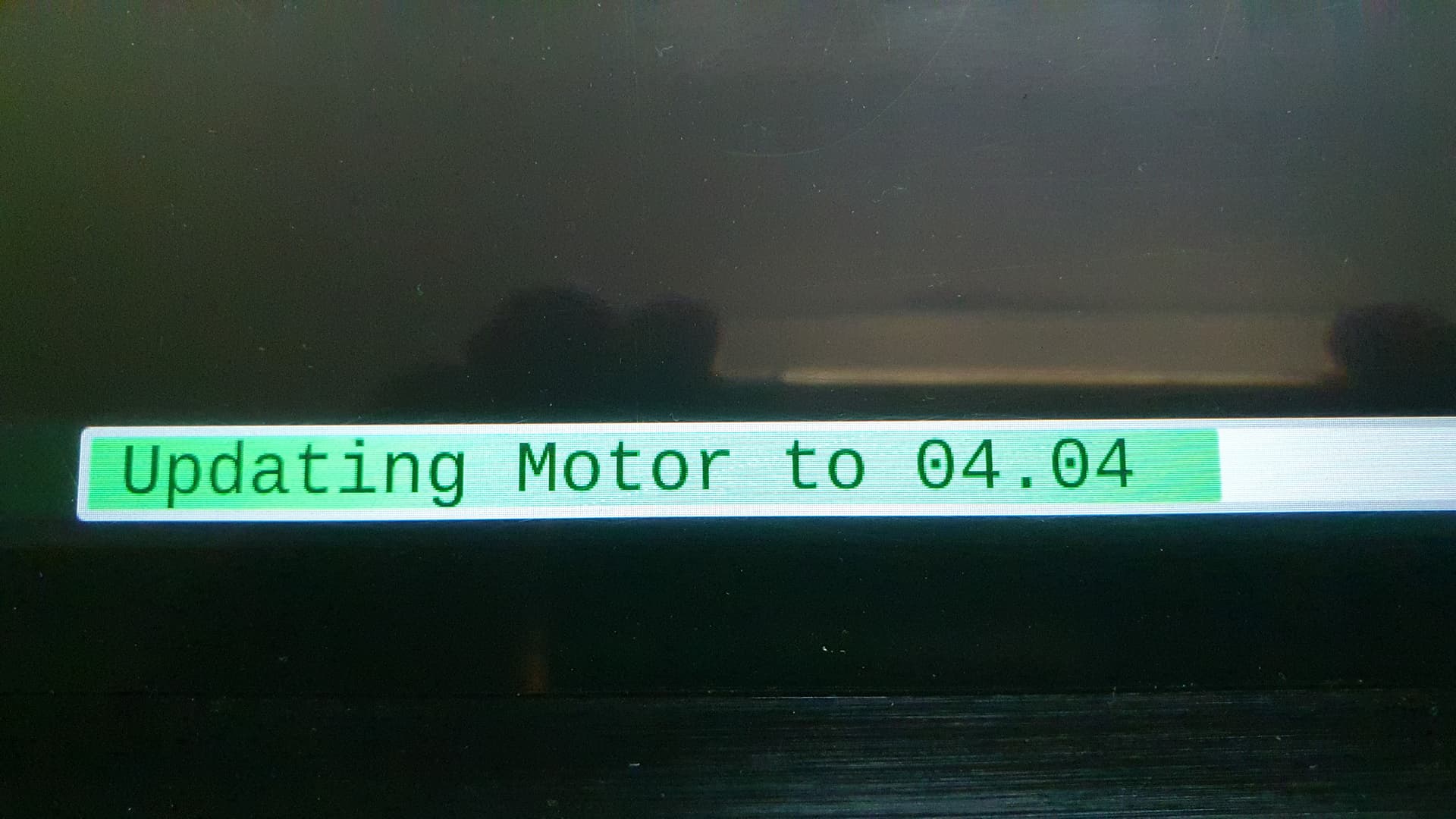
I had this problem on one of my sc6000M, when you get this error it is a hardware failure. There is nothing you can do at your level, no manipulation, reset or update of the firmware to any version whatsoever will solve this problem. The only thing you can do is contact your dealer to send your player for repair. Hoping that InMusic will repair it for you even if it is no longer under warranty.
Courage to you
Thank you so much Gaian, it’s disheartening but what else can we do.
got this happening on mine too. 18months old, used sparingly. smh.
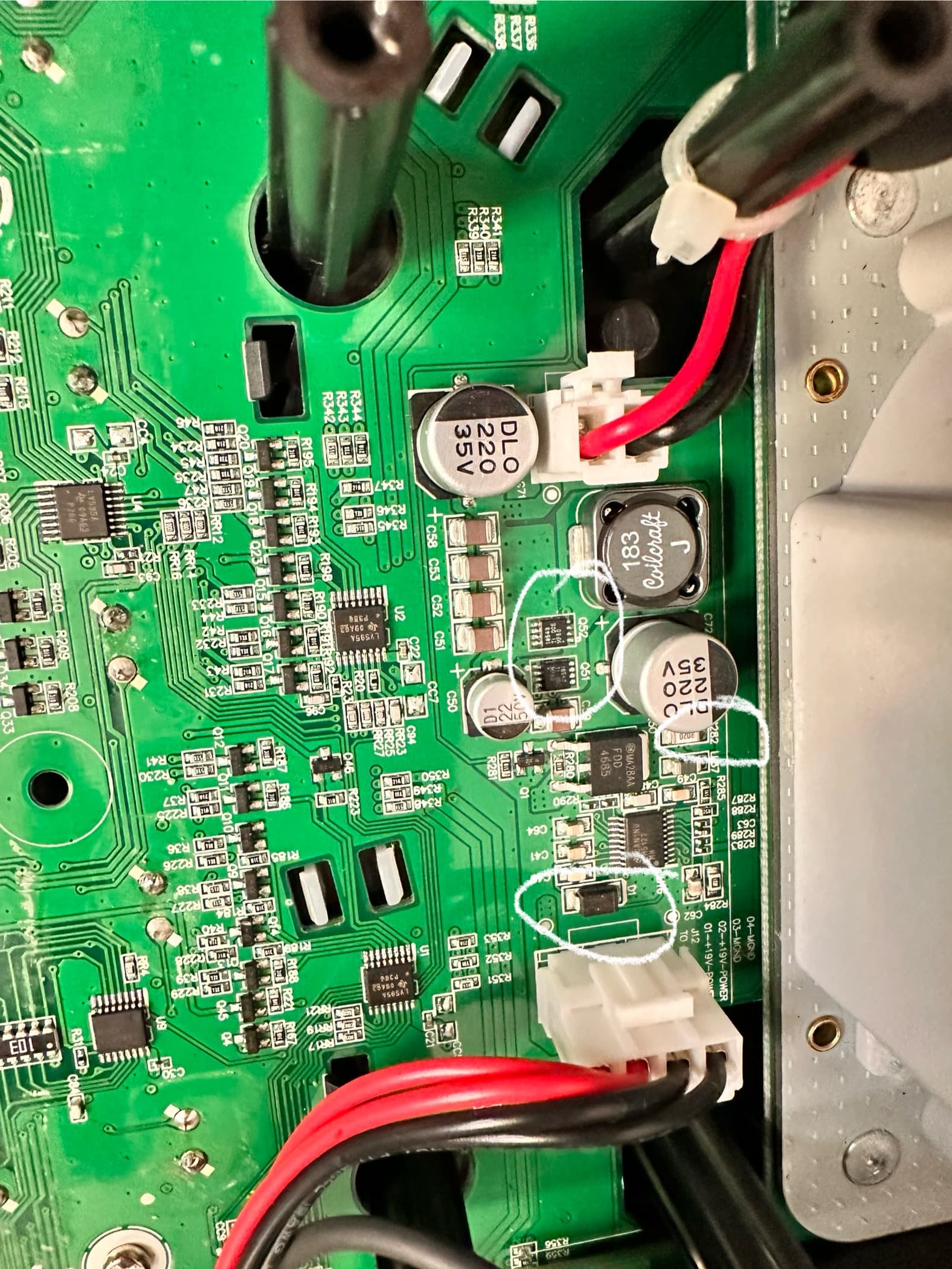
It is a Hardware problem, the buck converter that steps up the voltage from the 19V to 28V for powering the motor has failed.
The output fets of this buck converter are getting shorted due a design flaw that has inaadequate cooling, when the fets gets shorted, it shorts the D1 and burn the R282 current sense resistor.
D1 is : https://ro.mouser.com/ProductDetail/863-MBRA140T3G Fets Q52 and Q51 are : https://ro.mouser.com/ProductDetail/595-CSD18543Q3A Current sense resistor R282 is: https://ro.mouser.com/ProductDetail/755-UCR18EVHFSR020
I suggest to change the Buck converter controller to wich is : https://ro.mouser.com/ProductDetail/595-LM5122MH-NOPB
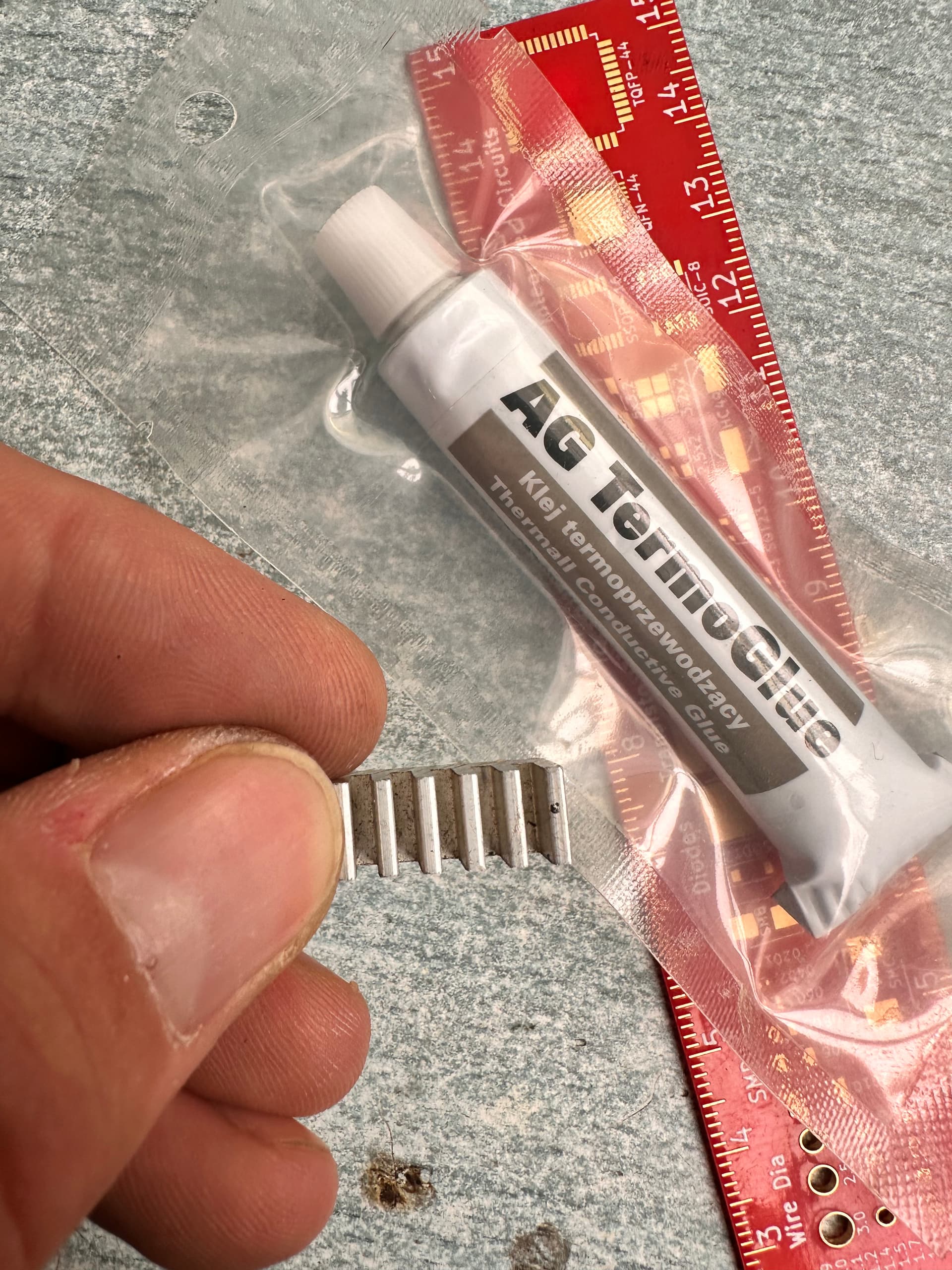
After repairing this buck converter I sugest to mount a heatsink on the top of this two fets to prevent future fail. You cand glue the heatsink with termoconductive glue on top of the fets.
To repair the buck converter, you need to change the Q52, Q51, D1, R282 and I suggest to change the buck converter driver to (U16).
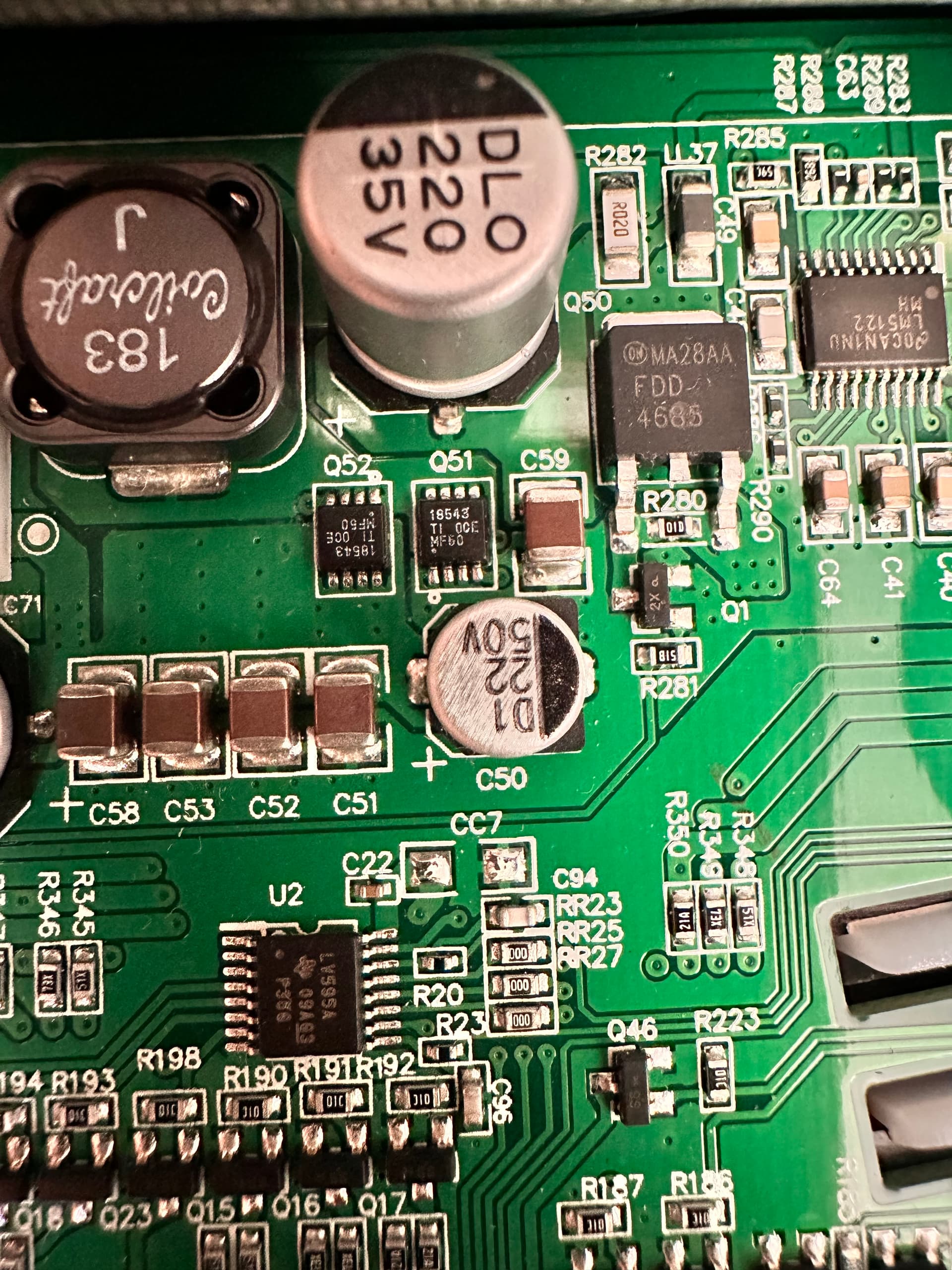
I’ve replaced the shorted MOSFETs, the buck converter, and a damaged resistor — unfortunately, this hasn’t resolved the motor issue with firmware version 10.10.
Interestingly, when I disconnect the J4 cable from the function assembly, the system boots without any problems. However, in that state, the front panel buttons are unresponsive, and their backlight LEDs do not function. The touchscreen continues to work correctly, and Wi-Fi connectivity is unaffected. This suggests there may be interference or a fault related to the front panel interface.
In the meantime, I’ve done some further investigation. I disconnected several cables to narrow down the root cause. There are two 5-pin USB connections coming from the mainboard — one to the function assembly and another to the front USB port and SD card slot.
When I disconnect the USB cable to the function assembly(J1), the system boots normally. Reconnecting this USB cable causes the failure to return. I also noticed that the D- (data minus) line shows a low voltage, which might be interpreted by the system as a signal to trigger a firmware update for the ARM microcontroller.
To continue debugging, I’ve ordered an ARM debugging tool. My plan is to inspect the state of the microcontroller, back up its firmware, and if necessary, replace the microcontroller entirely.
after a long search I found a new pcb and replaced it. Works like a charm.
Any Change to get the Source for the PCB?