Every time i turn my system on it automatically loads up the firmware update screen so i have no menu and no other option but to turn the system off.
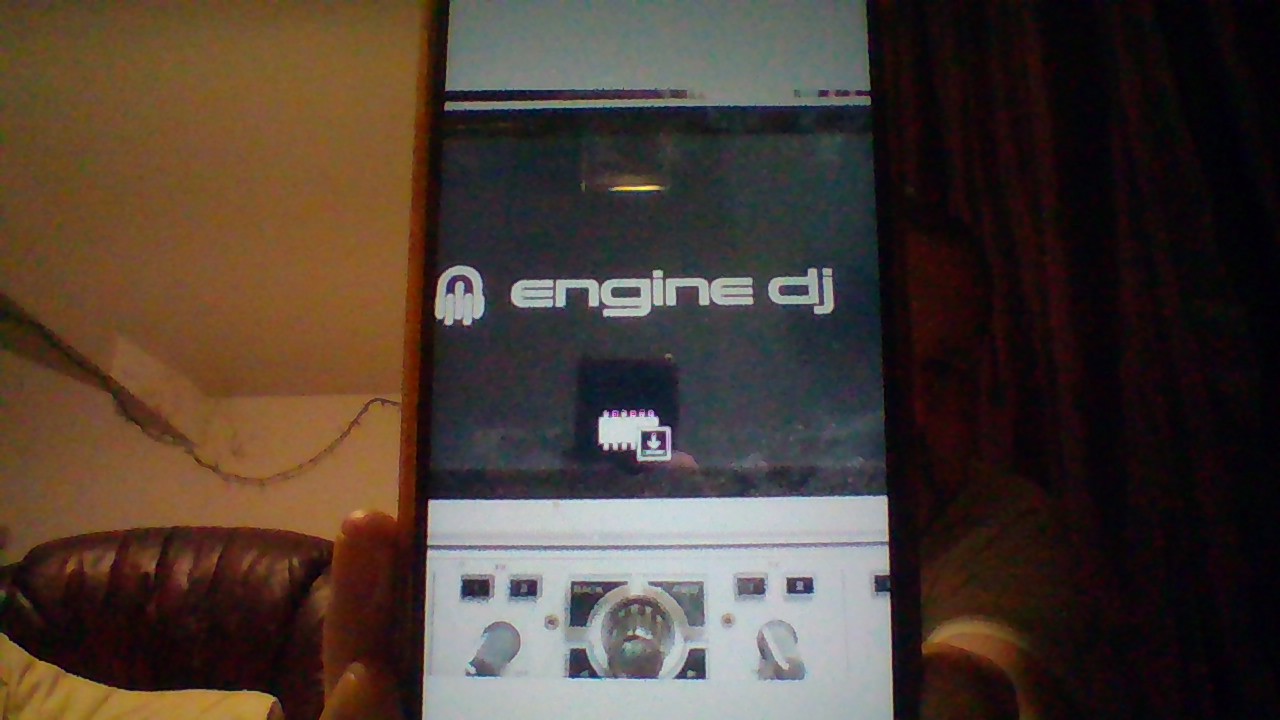
If it’s on that screen, it’s waiting for an update - so give it one [ooh vicar].
ive tried to update it so many times… and tried an earlier version.. I’m absolutely broken about it.
How? That looks like the computer mode to me. Is that what you tried (software updater)?
yh connected the usb and updated it that way, however when the update completes, my system flashes all its lights then returns to that pesky update screen
cable usb btw
If your Prime device boots to this screen every time, the NAND containing the firmware may have been erased, possibly due to a power outage or voltage fluctuation during an update process. If you are unable to re-inject the firmware via USB cable using the PC or Mac utility available for download on the EngineOS website, either your USB connection is faulty, or your NAND is corrupted and needs to be rewritten or replaced.
In either case, you will likely need to take your device to a repair center.
OK. I’m devasted, thank you though.
I still recommend opening a support ticket with InMusic; they might have a procedure that would allow you, via a hidden mode, to re-inject the firmware using a USB storage device. It’s worth a try, although I must admit I’m rather pessimistic about it.
You confirm that when you got this image you tried to perform the update with the computer utility “Mac or PC” that you downloaded from the enginedj.com website and that you launched the installation from the computer using the USB3 cable connected to the player, having chosen the update mode via a PC in the Settings?
Could you please write down the steps you took from A to Z, to ensure there was no error in your update method?
Thank’S
i downloaded the update via cable from enginedj, connected the cable and turned the prime 4 on, (which automatically displayed the update screen) then opened the downloaded file and started the update. the update ran its course (1 2 3 then installing) i think was the sequence. the prime 4 screen went blank, all the lights on the player did that wave thing but it still just shows the update screen