Hello My prime 4 is frozen on the start screen. Any idea ? I 've tried to unplug it several times but it does not change anything
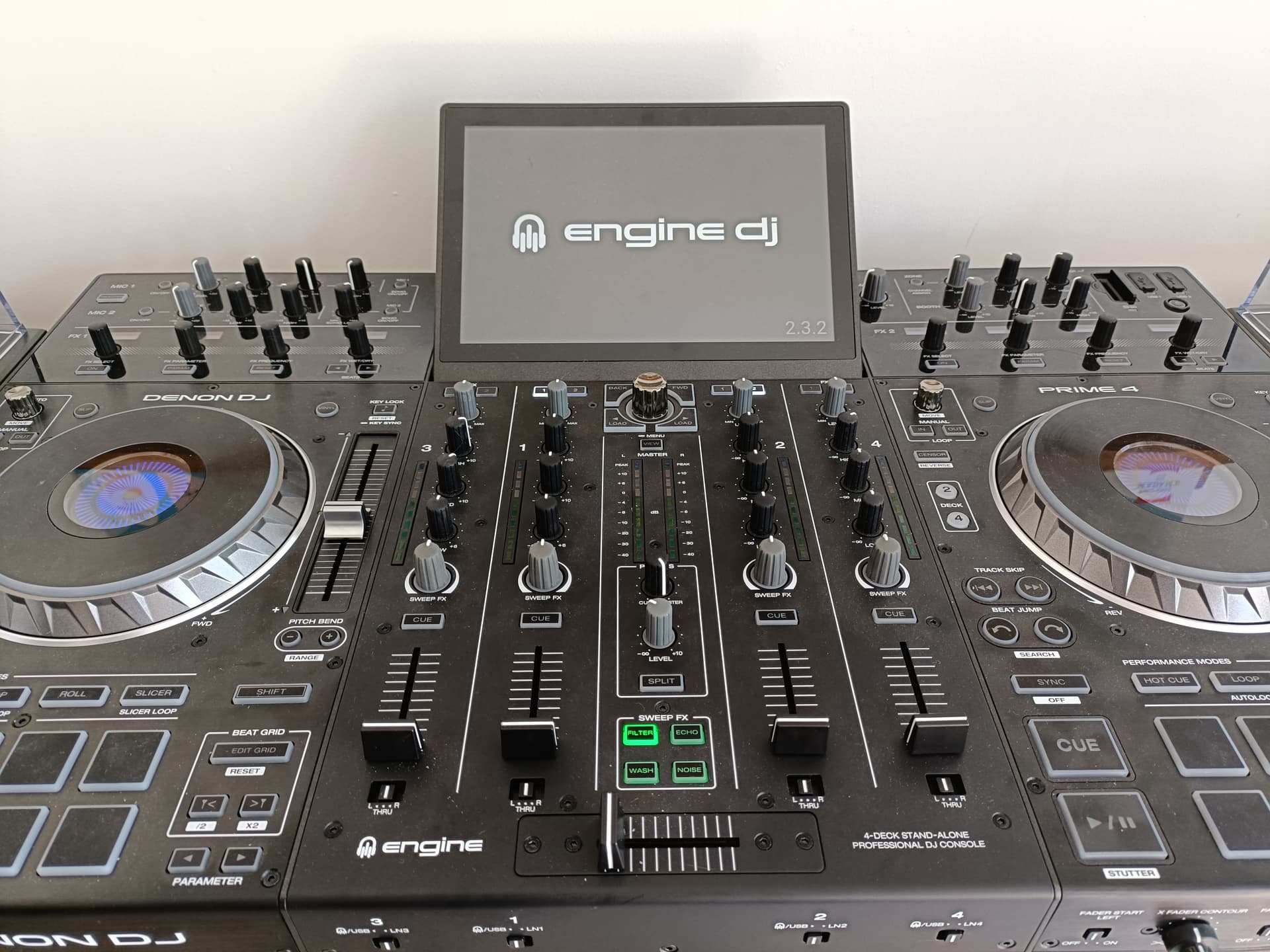
Please help !!!
Hello My prime 4 is frozen on the start screen. Any idea ? I 've tried to unplug it several times but it does not change anything
Please help !!!
Re-install the software.
yes of course… but I need 1st to start the device ! which is impossible !
- My device can’t start
- OK start it first and install the firmware
You can go directly to update mode while booting up. You need to download the computer updater for prime 4 and follow its instructions.
how can I do it ? On this page How To Update Engine DJ OS | Engine DJ it says
Connect your device to your computer via the blue USB cable provided and switch it on.
Prime4 - Hold EJECT > Power ON
thank you . Done. it seems to work now, i cross my fingers…