I received a very similar response and was a bit confused by the suggested workaround as well.
I therefore tried to describe the behavior once again in more detail, also referring to the very well documented test case that “Florian_Kunz” described further above in the thread.
At this point, I honestly believe they have identified the issue internally and are now working through several things that have apparently surfaced with the current release.
Does anyone who observes errors use the database on something other than the internal SSD? For example, on an SD card, an external hard drive, or a USB drive?
Exactly—the drive makes no difference. All of this is already covered in the thread and has surely been mentioned multiple times, as various things have been tested or observed by different people.
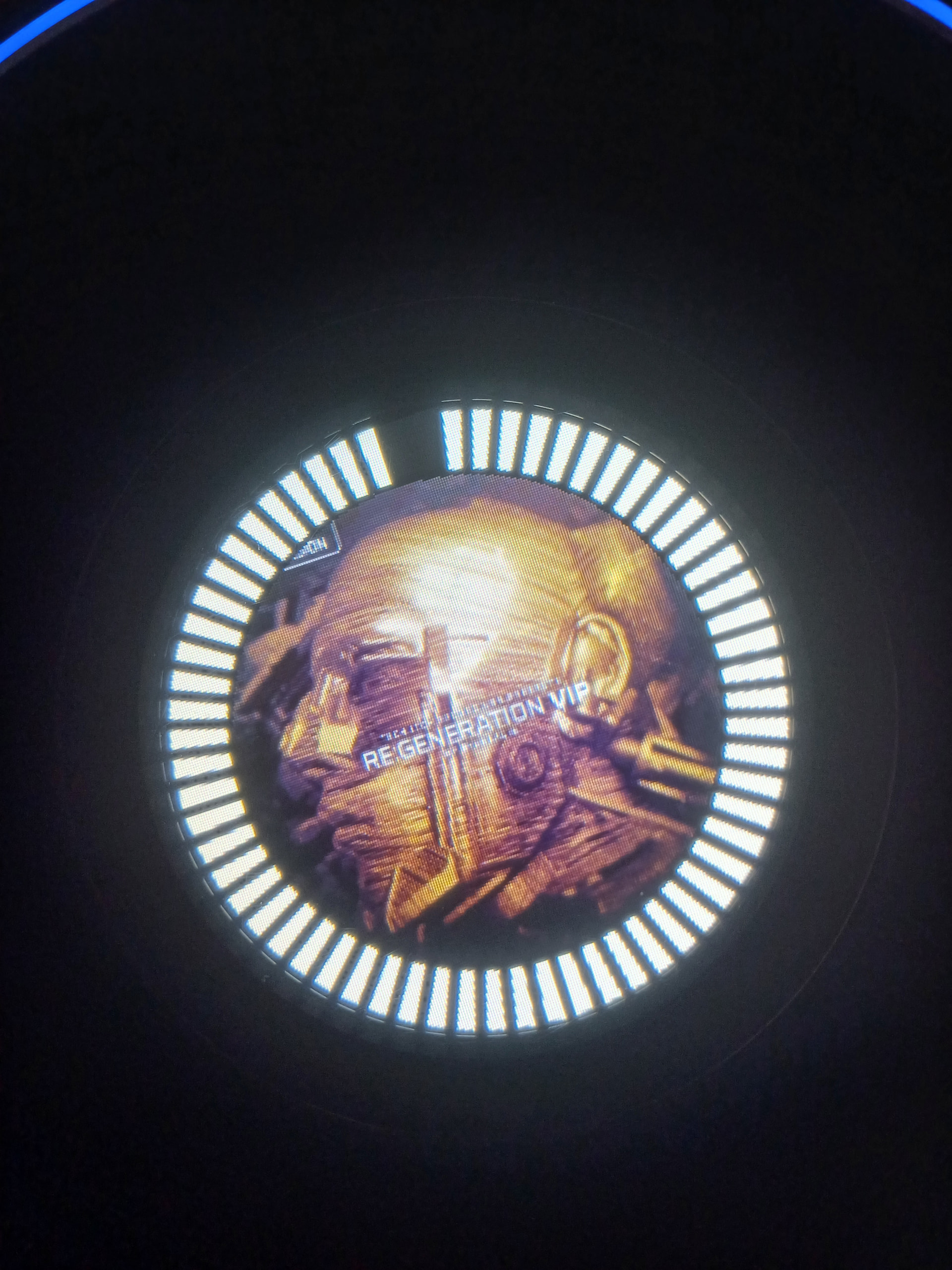
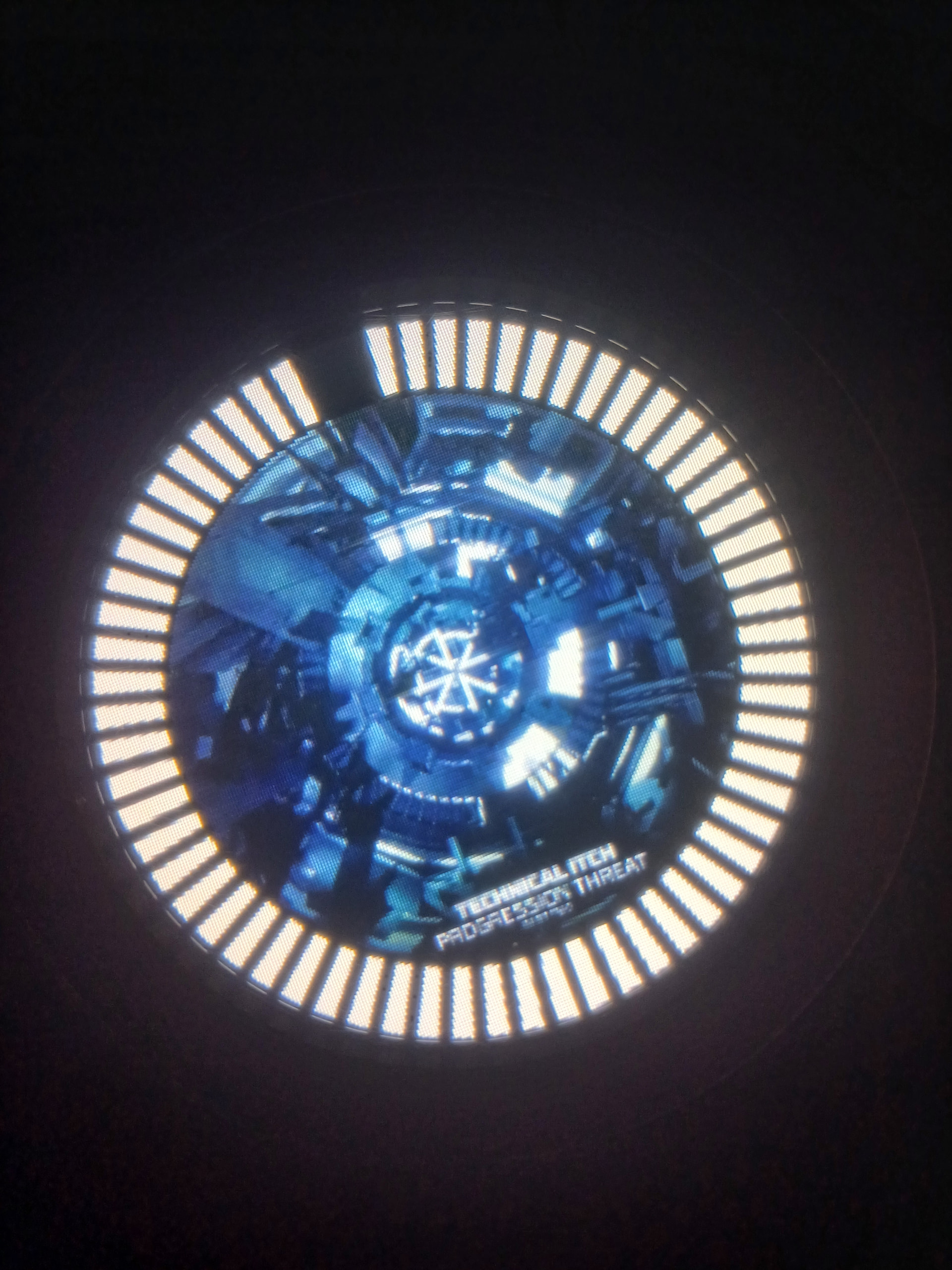
Hiya guys, problem persists for me, no stems, small library (relatively) of 2500, high spec USB etc. But I wonder if I’ve noticed something interesting…or just a coincidence. There seems to be some kind of link between the complexity of album art and the stutter occurring. The more complex the album art, the more likely there is to be a stutter. See some examples below…
Could be a total coincidence, but I’m going to keep an eye on it. Have any of you guys noticed anything similar, any patterns?
Here’s a video showing you how to do it in mp3tag. It’s very simple and you can do all the tags in a folder at once. I recommend using 600x600 max and low quality so the file is small.
I have exactly the same issue on Prime 4+ running 5.0.1. Every time I load a track there is a glitch on the audio output of the playing deck when the one loading finishes analysing the beat grid. It is quite annoying.
I’m experiencing the same issue on my Prime 4+. I’ve noticed that waiting a few seconds after loading a track, as recommended, does seem to prevent the audio stuttering. However, that’s far from ideal in a live performance environment and not something DJs should have to think about during a set.
In my case, the stutter was noticeable enough that people on the dance floor heard it and immediately looked over at me, which is exactly the kind of thing you don’t want happening during a performance.
I really hope this gets addressed and fixed soon in an upcoming update.
Chipping in here to confirm I am seeing this exact track-load master audio dropout on my brand-new PRIME 4+ Awaiting a response on my ticket hopefully they have a release coming soon!
The problem is recognized and they are activly workin’ on a fix.
They told me 4.3.4 has been tested and verified not to show this symptoms, but they recommended not to downgrade and wait for a new update instead.
What I’ve really liked, is the response instantly came from 2n level support and they did not try keep me busy with laborous tests that probably would lead nowhere.
At the very least, this sounds distinctly like the problem has been acknowledged as such.
Unfortunately, however, it changes nothing about the fact that I am now having to work on an XDJ-AZ for the fourth weekend in a row.
And no—downgrading to firmware that introduces other bugs is out of the question.
Were it not for my aversion to the layout of Pioneer/AT devices, my P4 would have been on eBay long ago.
My patience is slowly but surely running out.
Isn’t it amazing how inMusic has no problem reproducing this bug once reported and yet it did not show up during the entire period of beta testing?
[quote=“SlayForMoney, post:28, topic:68991”]
Seriously, wasn’t front LED on players or white Prime 4 screen not working after a firmware update enough of a embarrassment?
[/quote]
Engine OS currently has such a development history that heads should roll in AIRmusic dept (or whatever team handles this).