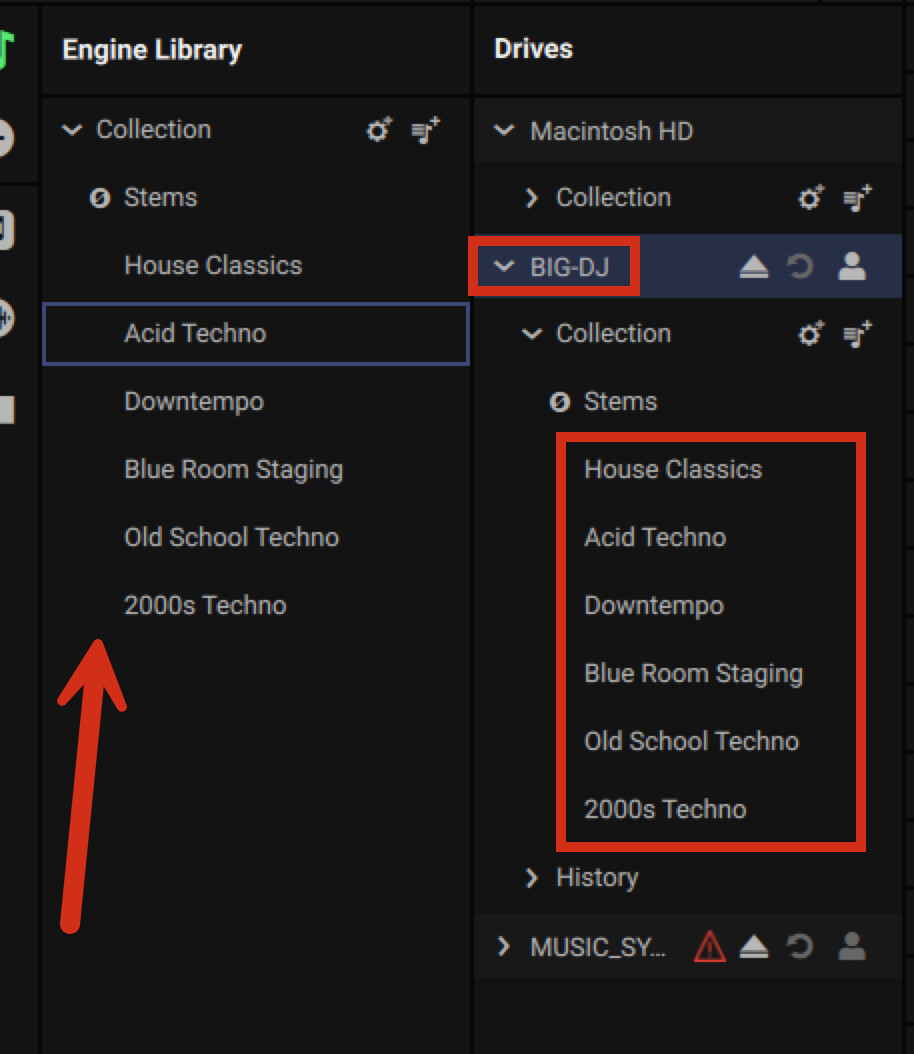
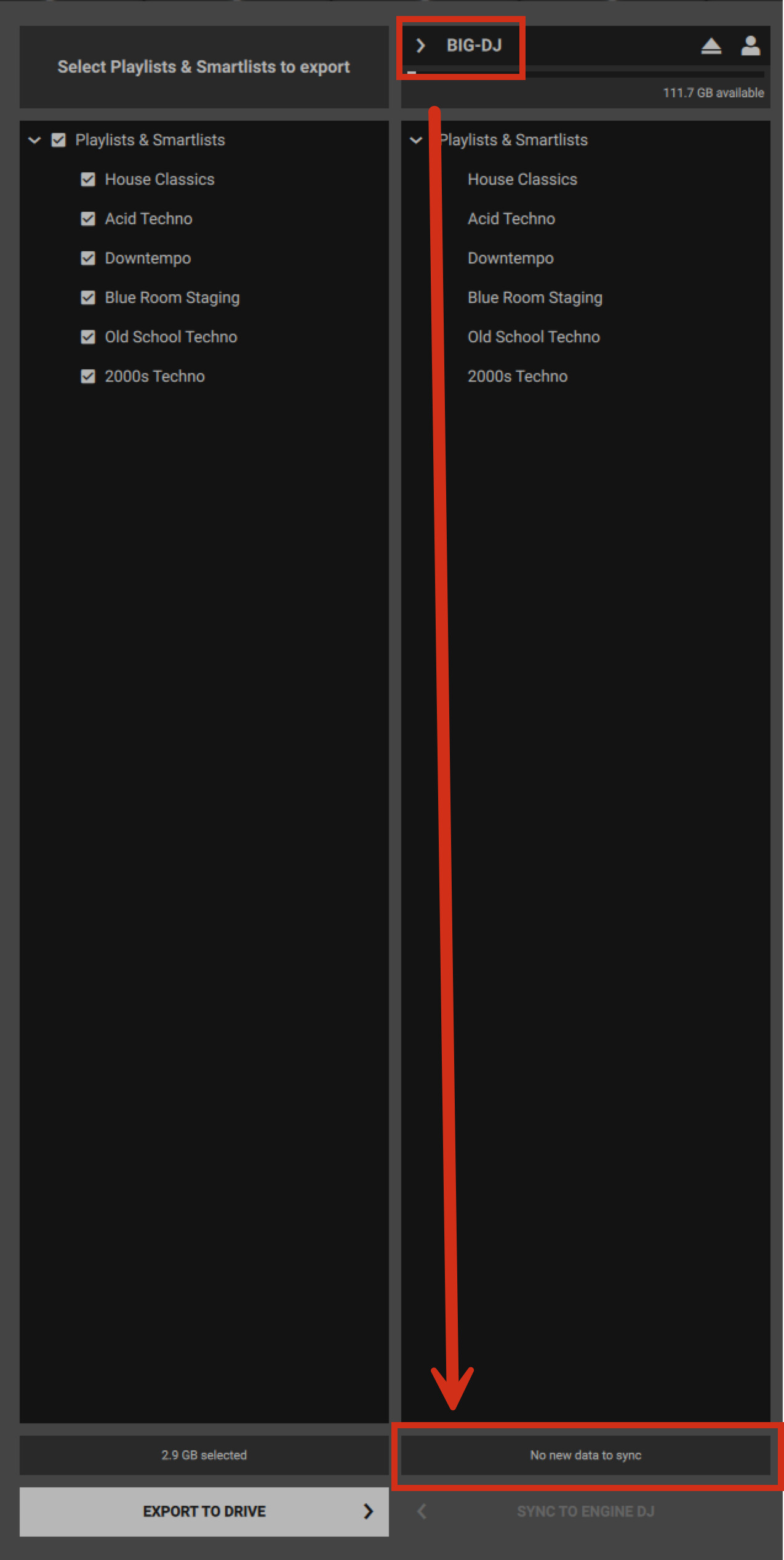
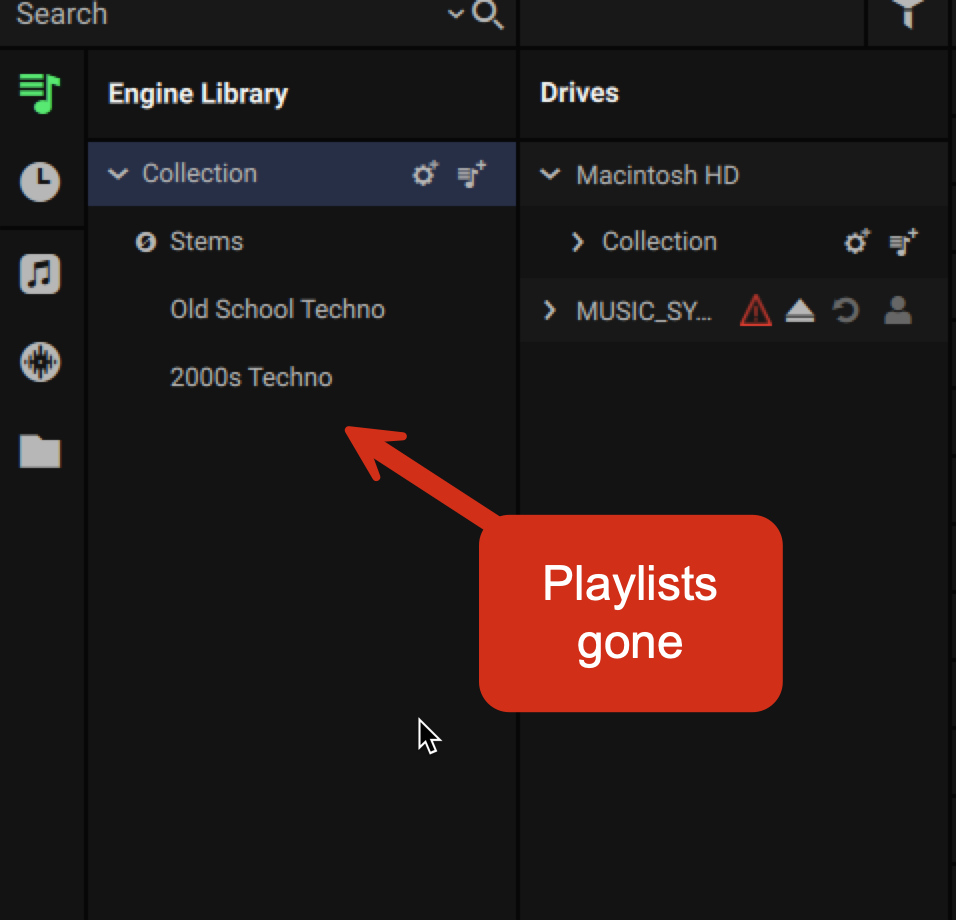
When you mount BIG-DJ again, do you see the playlists re-appear? If this is the case, then my assumption is you have a blended / mixed use case that we may be able to help untangle.
Can you walk us through step by step by step how you’re creating these playlists? I’m curious to how things go to this point. Please also include where you store your tracks and what not.
These were created in the hardware on the SC6000m. As to where the tracks are stored, this is a problem. When I have the BIG-DJ plugged in it shows doubles of all the tracks that are in the library which are also included on BIG-DJ. The tracks are also stored on my network drive in a music folder.
I think I am basically going to start from scratch with the thumb drive and see what happens.
I think you’re likely doing double the work and not using engine well. I did similar when i first started using the tool.
How I use it today is I keep my music in an external volume. From there, I connect that external volume to my computer and create the playlists as/is. I don’t do them on device because it’s incredibly slow with a touch interface.
If BIG-DJ is your primary storage, I would advise in having a back up of that music.
If the playlists and tracks are on the BIG-DJ drive, there is no need to use sync manager. Any changes are directly applied to the database on that drive.