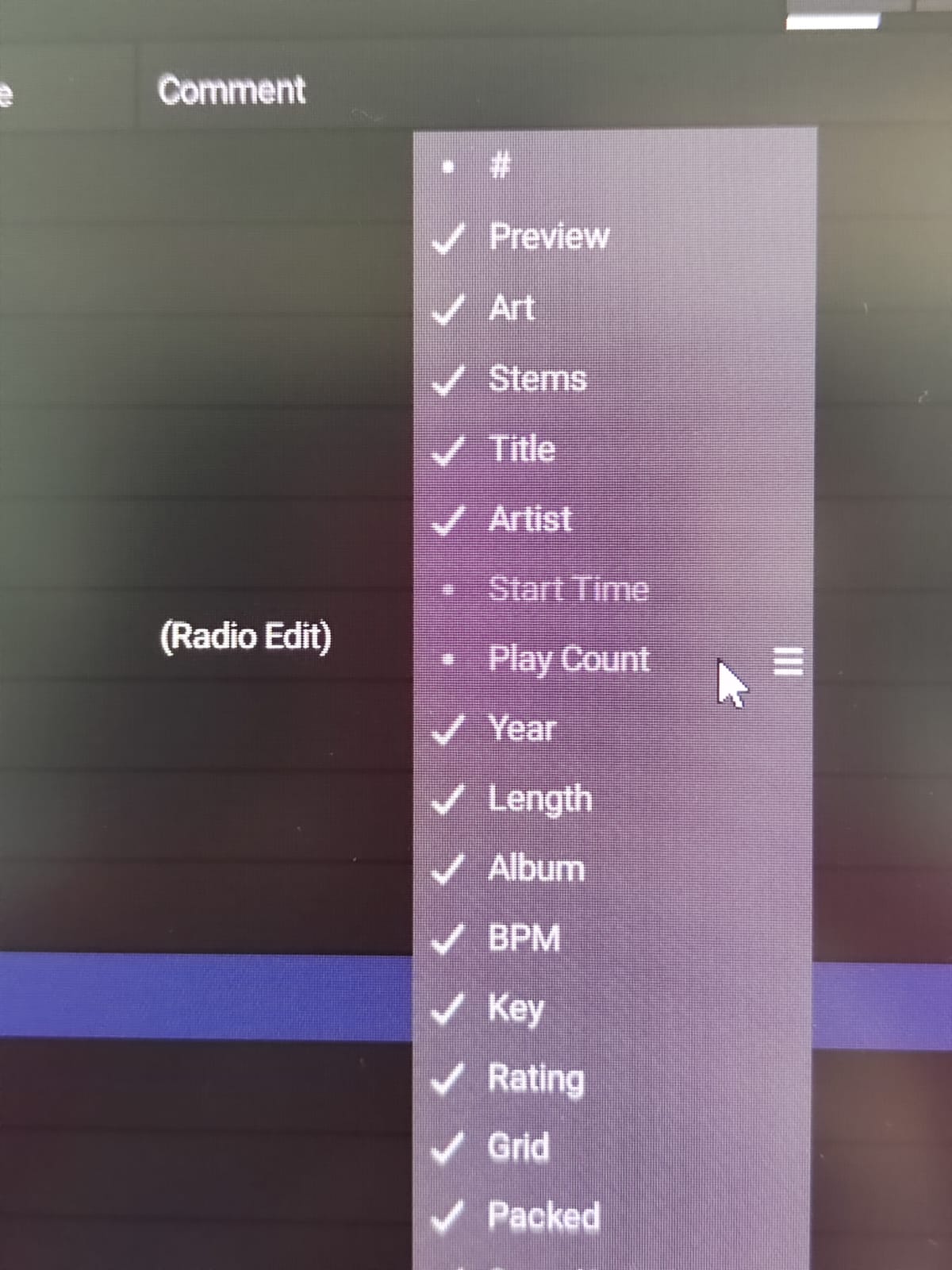
Hi, can anyone tell me what this little dot next to “Play Count” and “Start Time” means, and why it doesn’t work for me? I use an SD card that’s regularly updated with EngineDj on my PC, and the library has been the same for over two years. In theory, it should show how many times I’ve played a certain song, but it doesn’t.
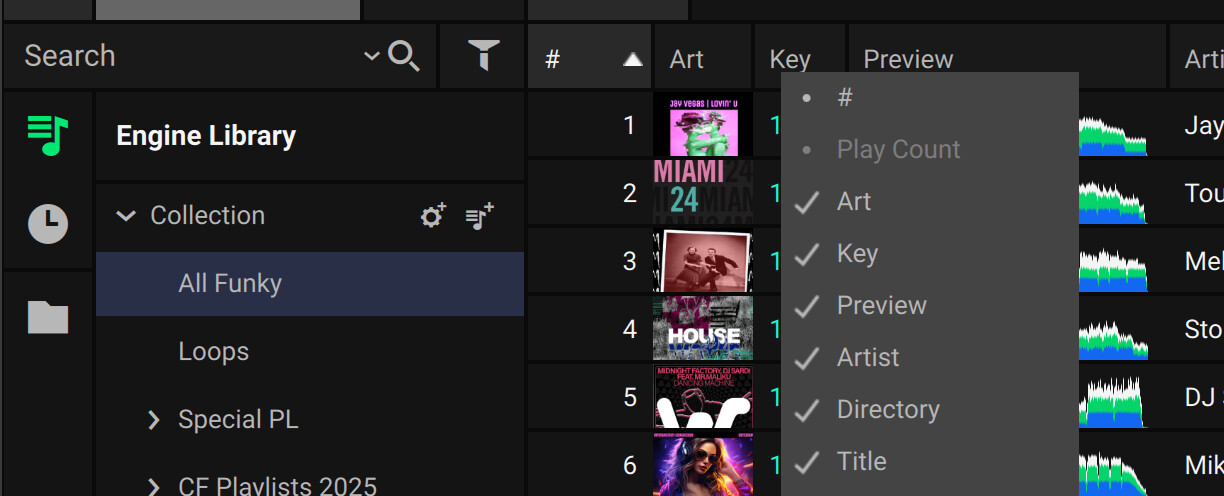
The dot means that the UI will not apply any changes you make. “It is what we give you” mentality and it’s, disappointingly, not very well programmed either.
When browsing playlists, play count is visible in the grid column context menu and movable, but not visible in the grid itself. It’s also draggable in the context menu, which makes this implementation very incomplete.
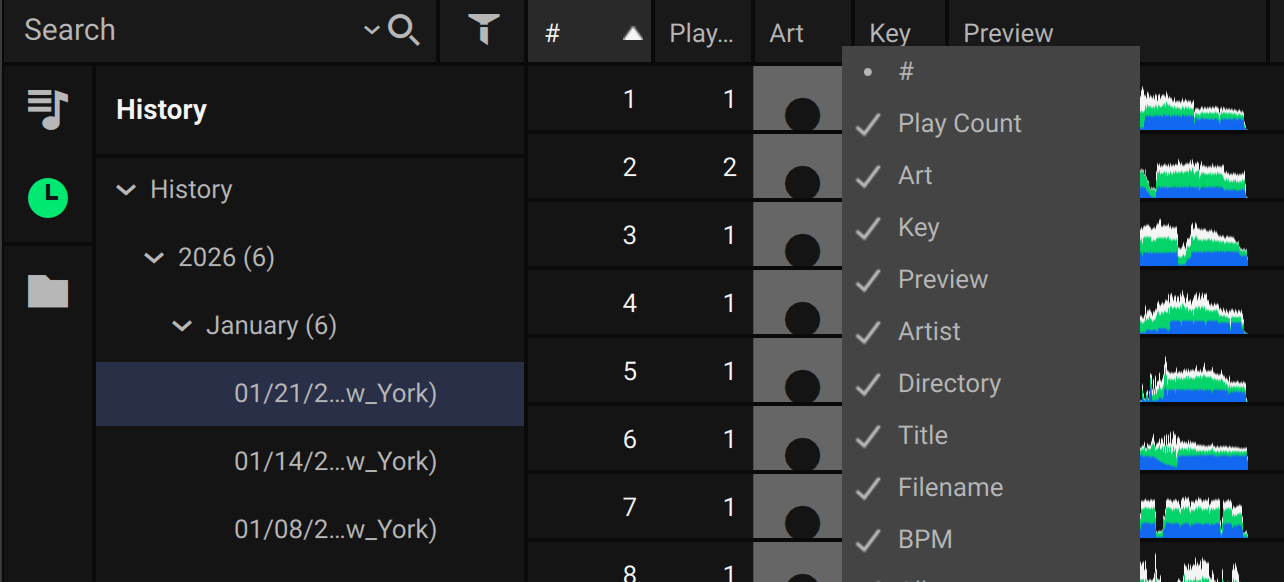
To check the play count go to history in your drive and check the date you played. If play count is not written you have to check if you did not activate write protection by error for your SD card. History is used to report to GEMA after any gig.
I’ve been wondering this too, I was going to file a bug report, I might still do that.
clearly it is counting the amount of times tracks are played, it should tell us! we should be able to sort by play count, ESPECIALLY when playing live!
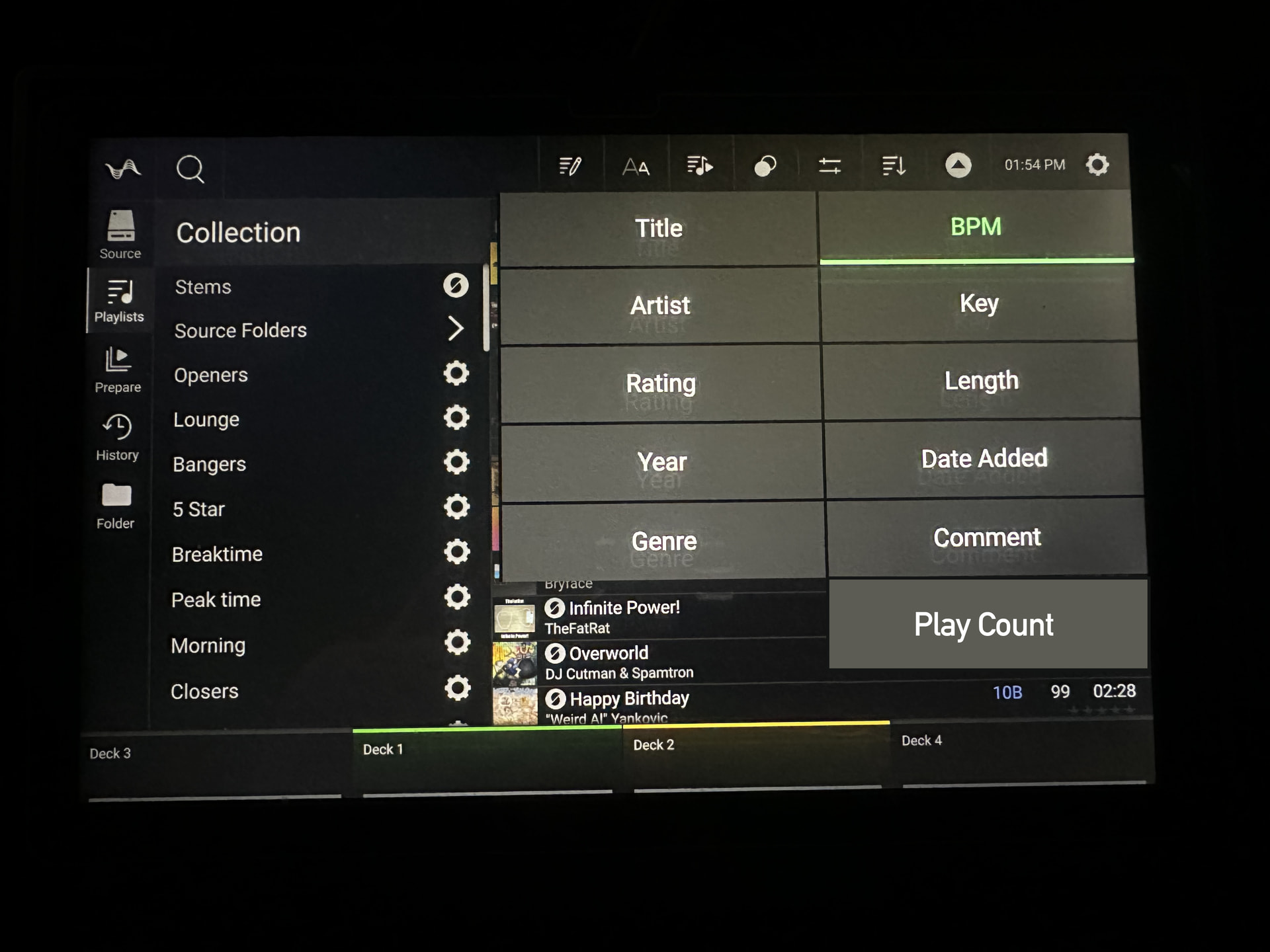
Here is an example of what I am referring to, when I am browsing in any folder and especially in my “Collection” I would like to be able to sort the tracks by play count (and include all tracks even with 0 play count)
Play count is currently a feature of engine DJ (for pc/mac) but is not currently a feature of engine OS (firmware inside primes)
Be wary of having play count sorting on the decks themselves - it can lead to “clone-a -disco” when used for “what do I usually end up playing a lot” - It’s a great feature when used before a gig to prep a playlist for those tunes that have had zero plays


 i have no idea chat.