I’m trying to figure out if it’s possible for a single music track to have multiple genres assigned to it, but then have those genres appear individually in filtering options.
For example, a track is tagged as both POP and ROCK. I want the filters to show separate options for “POP” and “ROCK,” rather than a single combined entry like “POP;ROCK.”
I’ve tried using standard multi-genre separators like POP;ROCK or POP\\ROCK (which are recognized in some tagging programs), but engine doesn’t seem to parse them separately for filtering.
Is there a different syntax or method I might be overlooking that allows engine to properly recognize and separate multiple genres for filtering purposes?
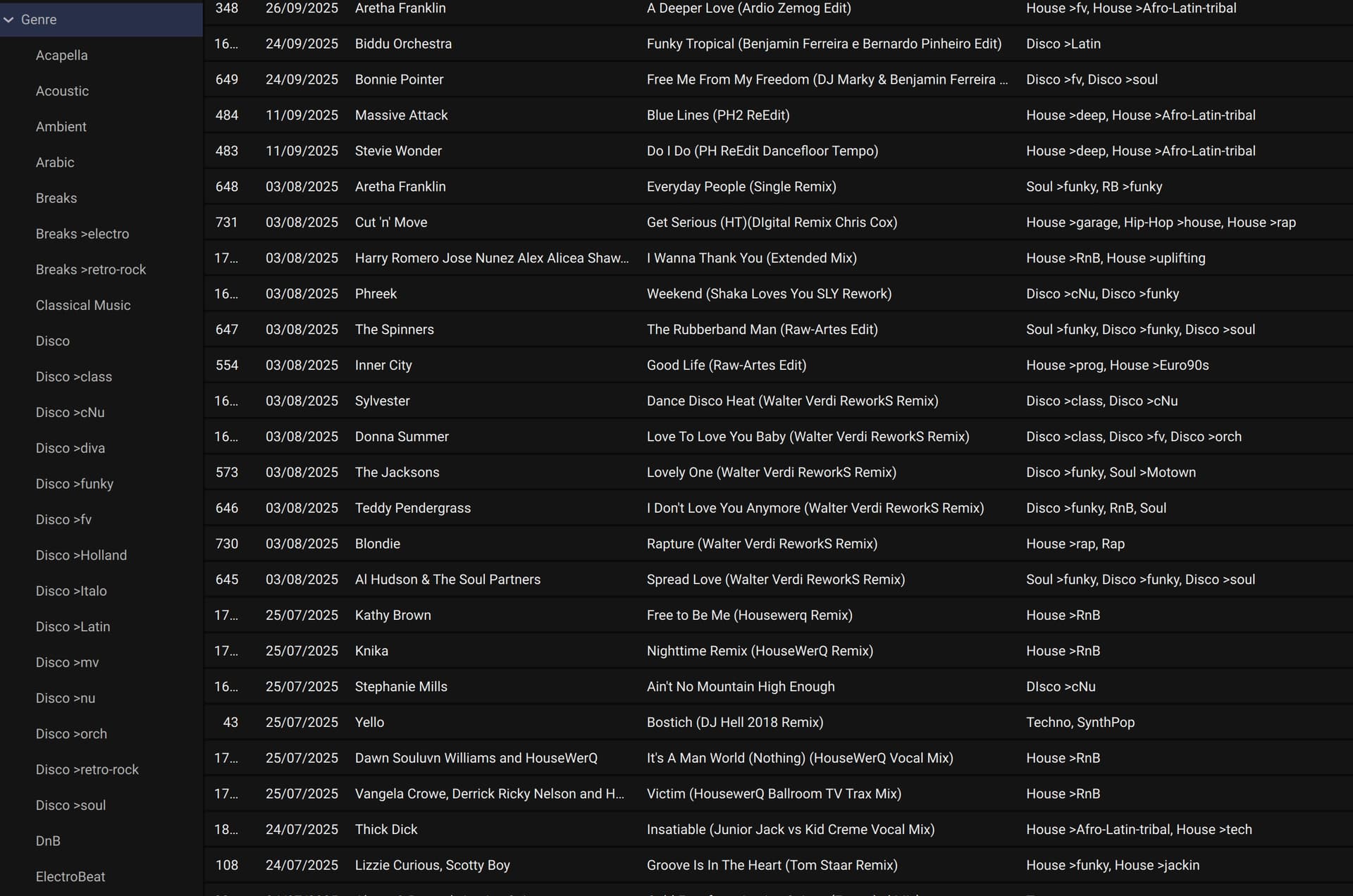
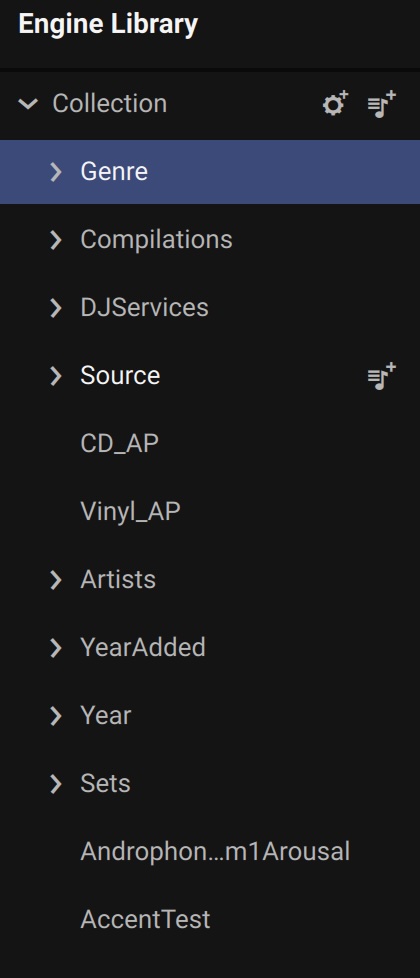
As a work-around, I maintain a glossary of genre and those are entered in the genre field separated by a comma. E.g., Soul >funky, Disco >funky, Disco >soul. In my system I have main categories (Breaks, Disco, House, Hip-Hop) and then subcategories denoted by “>”. I use smartlists for all of those subcategory genre (in Lexicon DJ). When I sync to Engine I have them converted to regular playlists to relieve any processing overhead from Engine OS.
That’s the point. Even its only one field to separate the different genres with a separator like semicolon ;. Some programms can do that. Foobar does it. Wouldn’t that be a nice feature for filtering?
Nice workaround! Thanks. What do you mean with “relieve any processing overhead from Engine OS“? I think the player or controller does not populate the smart lists. The engine app does that and the player (engine OS) gets them ready. Thats the reason you can’t change smartlists rules by the player. Am I wrong?
Maybe you’re right on that. Since Lexicon DJ gives the option to convert smartlists to playlists, I use it not knowing. The reason I switched to Lexicon DJ is because I had a complete meltdown of Engine DJ syncing to Engine OS. That is described here: Vanishing Playlists. Many of the smartlists disappeared in the sync panel and would not sync.
Lexicon DJ solved the problem, but I do sacrifice using stems (which I didn’t use, but might if they improve). To keep things simpler, I prepare in Lexicon DJ even though I like the Engine Desktop interface better. I do get the benefit of easily syncing to other DJ software.
Similar to
androphonic here’s my workflow for getting around this;
I open all new downloads in Music Brainz Picard and run a custom script against them all. In one click, it reads all the track genres and adds a “tag” to the comment field. That “tag” follows a pattern that you can then use to create playlists - and especially smart playlists.
So for example, it might tag a track with “[DNC][HSE][PROG]” for Dance, House, Progressive
Or “[TLS][SCRATCH]” for Tools, Scratch
You basically decide what you want your tags to be but you can then use them as filters and smart playlists