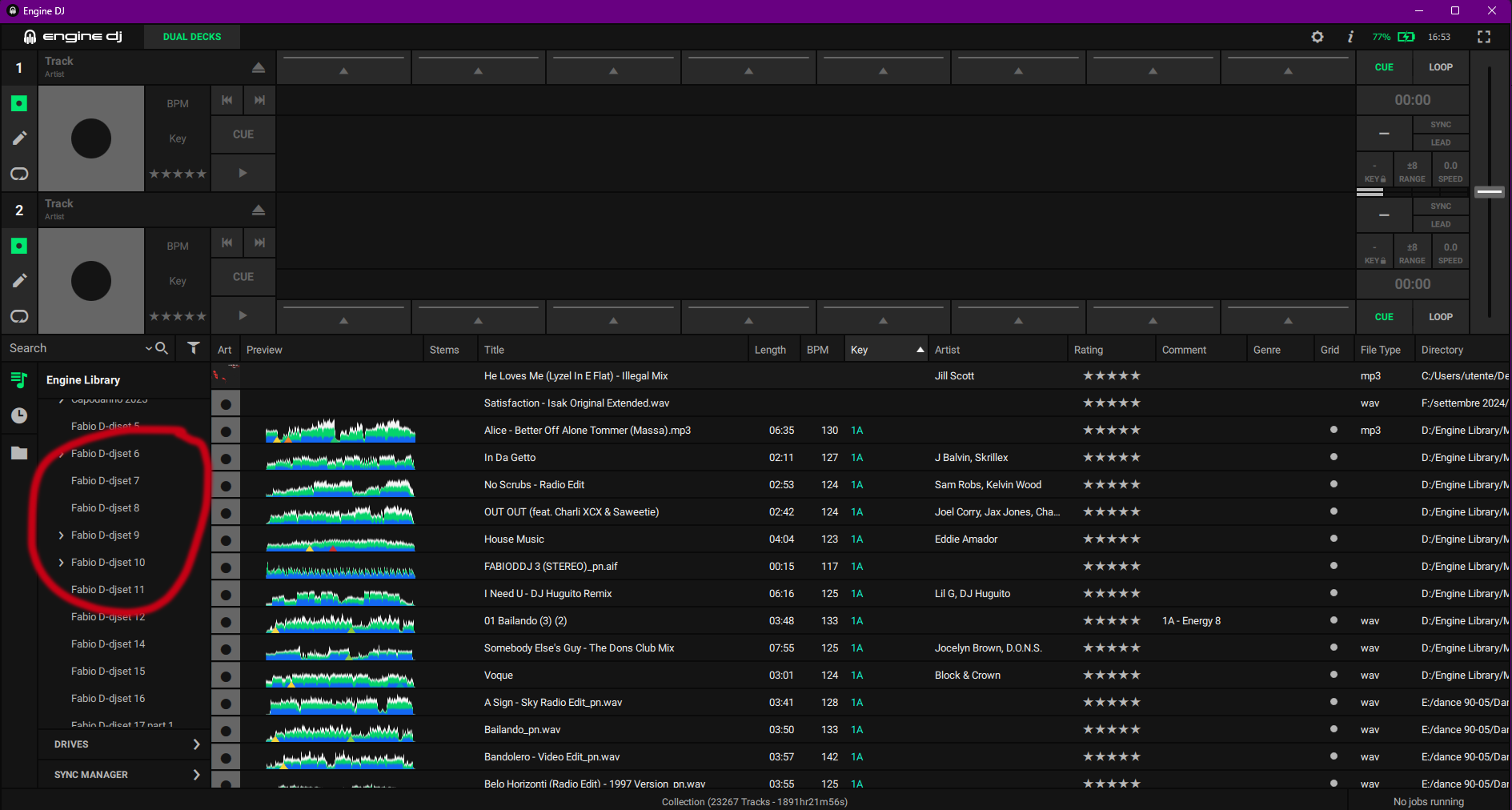
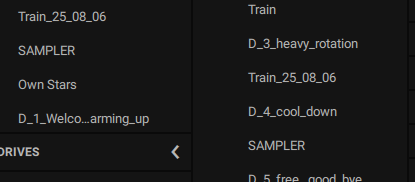
Hello everyone, I’D like to ask how to move these playlist up or down in the collection, because if I try, it doesen’t let me do anything. I searched the forum but couldn’t find anything, and the manual doesn’t say anything about it.
what happens if you left click&hold on one of the playlists and try to move them up or down? At least that is how it works for me, I can move things up and down or into other lists … drag and drop style.
@Fabio, I get the block sign (mine is black and white) if I left click on a playlist and don’t move beyond its position. If you move beyond the current position, it will move as @Parysatis says. At least, that’s how it works for me too.
YouTube video, left click and drag playlist.
(sorry about clarity, I struggle with Studio Display screen recordings → YouTube).
@BeatMaster has a good point about the Drives tab. Engine DJ desktop conglomerates all connected drives with an Engine DJ database / EDJ performance database). The tracks from all of those are displayed in the Collection tab and in the playlists. If you don’t have the “Drive” column open, things get confusing really quickly. My practice is to eject all the connected drives that are not part of the main database. My main database and music are in one place on my Mac. I keep a mirror on my MacBook (and several backup drives), so I can manage the database from either. You could also keep everything on one reliable connected remote drive. But, don’t confuse the mother database with the music on your performance drives when you sync. I think this is one of the biggest sources of confusion with the program.