Most fluent way to sync music to SC6000's internal drive?

Just bought an SSD for my sc6000.

My dj-setup is located in my “party room” and I do not use a laptop (although I do have several of those available). As a side note: I generally use Pioneer-branded stuff on gigs and usb-sticks made with RekordBox.

For home use (playing with friends, streaming, etc), I would like to know what is the easiest way to get music from my office computer located “far enough” to the internal drive of the SC6000. I use my office computer for managing music (search, buy, download, rekordbox, etc)

I have a wifi, naturally, that would be absolutely lovely for connecting Engine DJ and shove all stuff to the internal drive of the SC6000 - but that is not possible to my knowledge(?). Engine DJ cannot be connected via Wifi to a Prime Device in “Computer Mode” (why the heck it even needs to be in a computer mode - come on guys - I bet you can improve the ux on this!).

I could use my DropBox to manage the stuff, but i do NOT want to play using cloud service. But one cannot import playlists and music from DropBox to the SSD - only play via cloud.

I wish I could just import playlists and songs directly from a USB-stick to the internal drive, without needing to connect the media player to a computer - but that does not work either.

To me it seems that Denon has completely overlooked the UX for DJ’s that do not use laptops but still want music to their PRIME’s internal drive :<

This is very odd, because If I had a nightclub with installed Denon’s there - I would assume that resident DJ’s would NOT need to bring their laptops and have a hazzle to update their own internal playlists.. Pff…

I do have one solution that I could use: I grab the player and carry it physically to my office, connect it to my computer, do the stuff, and then carry it back..

Please, how is this so hard :smiley:

PS. I have watched numerous tutorial videos on youtube, tried to search for written instructions - nothing useful.
2 Likes

Given your setup, the “best” way is to use an external USB drive.

Believe it or not, the internal SATA drive is technically connected via a USB interface, so it’s not like the internal drives are faster than good external USB 3.0 storage. The key is to not use anything that’s too power hungry like an NVME SSD.

3 Likes

Is this not possible?

1 Like

The UX using Engine DJ to stream is not to be compared to connected storage. Connected storage is faster, and you can even preview tracks without having to download them to device first. IMHO, just about everything is faster, and I had my setup connected via Ethernet when testing this solution.

But, it may work for @Karo_Holmberg and likely works for many others, so great post @AndyC ! I totally forgot about this :man_facepalming:t2:.

1 Like

Yes, thank you!

This seems to be the most fluent way to get the stuff played at home. I did bought a SSD, but it was nothing (~50eur for 250gb) - and it works as a backup (or If I take them mediaplayers with me to a friend or so).

Yeah, this would work also - but I do not want to hassle with eternal stuff (USB’s or drives). The thing is, that when ever we stream, there is about 3-7 DJ’s spinning, and USB sticks are absolutely everywhere (besides all the cocktails and beers) x)

Luckily Denon’s have so many USB-inputs, that it is fairly easy to manage a big punch of DJ’s - but internal drive, and especially AndyC’s reminder works very very well (even more as I updated my wifi-stuff to TP-LINK AX95 and can now get about 300MB/s speeds through walls all around the house).

1 Like

I just flip over the SC6000, pop out the drive, slide it into my Sabrent dock, download and reverse the process, easy peasy.

Seems like an obvious feature that should have been included on product launch and yet despite being requested countless times going back half a decade it seems that Denon simply does not care to put the development effort in.

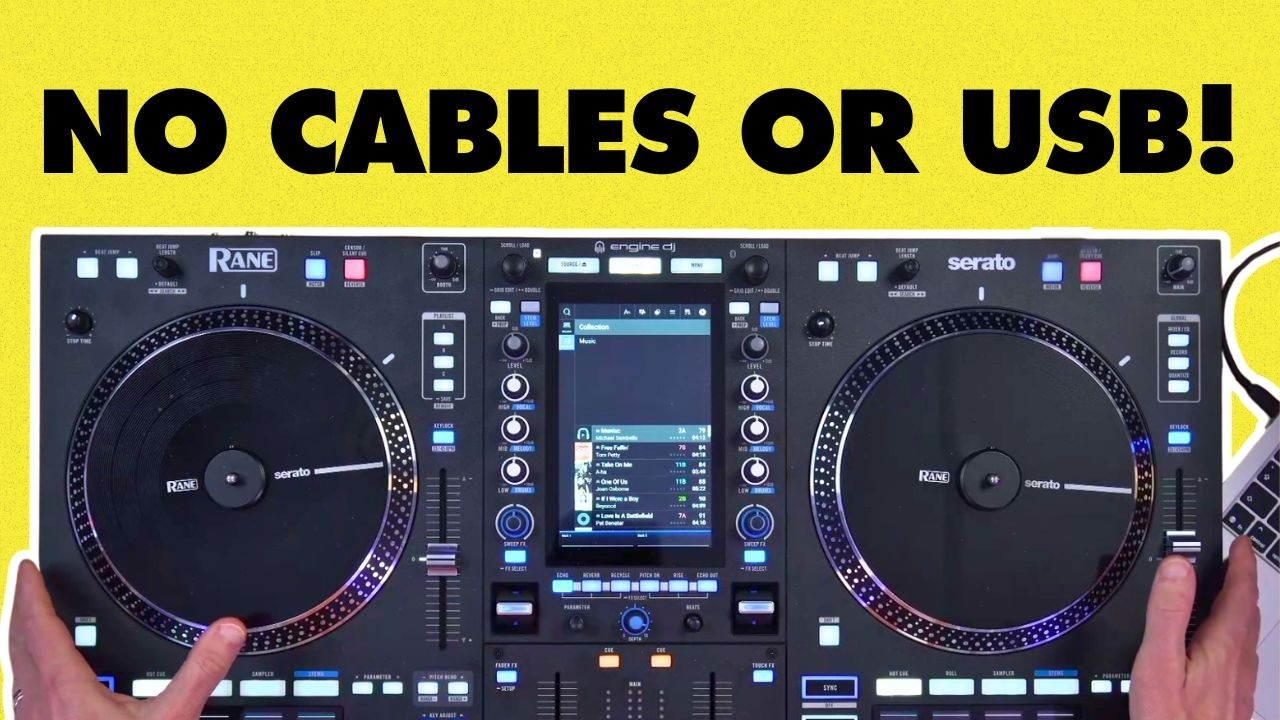
Yes, I use SC6000 like that too. The laptop instantly appears in my source list. When I read the post, I wanted to reply, but Andy’s tutorial is exactly the explanation you need.

1 Like

Spinning through wifi-connection is really handy, but it does not allow using stems :frowning:

So I can check and test songs, but not control the stuff as fully I would like to.

Still looking the easiest way to sync music to the internal drive without having a desktop computer in the same room.

1 Like

This person seems to have an answer here.

1 Like

Personally I think the internal drive bay only makes sense if you are able to connect it directly to a PC.

In my setup I have a permanent (10 meter in total length) USB cable between my PC and my Prime4+, syncing is a breeze that way. (just takes a LONG while, as said in this topic before, the internal SSD is using the USB interface)