How can I connect my LC6000 Expansion Controllers the same way as I connected my LC6000’S to my Prime4?
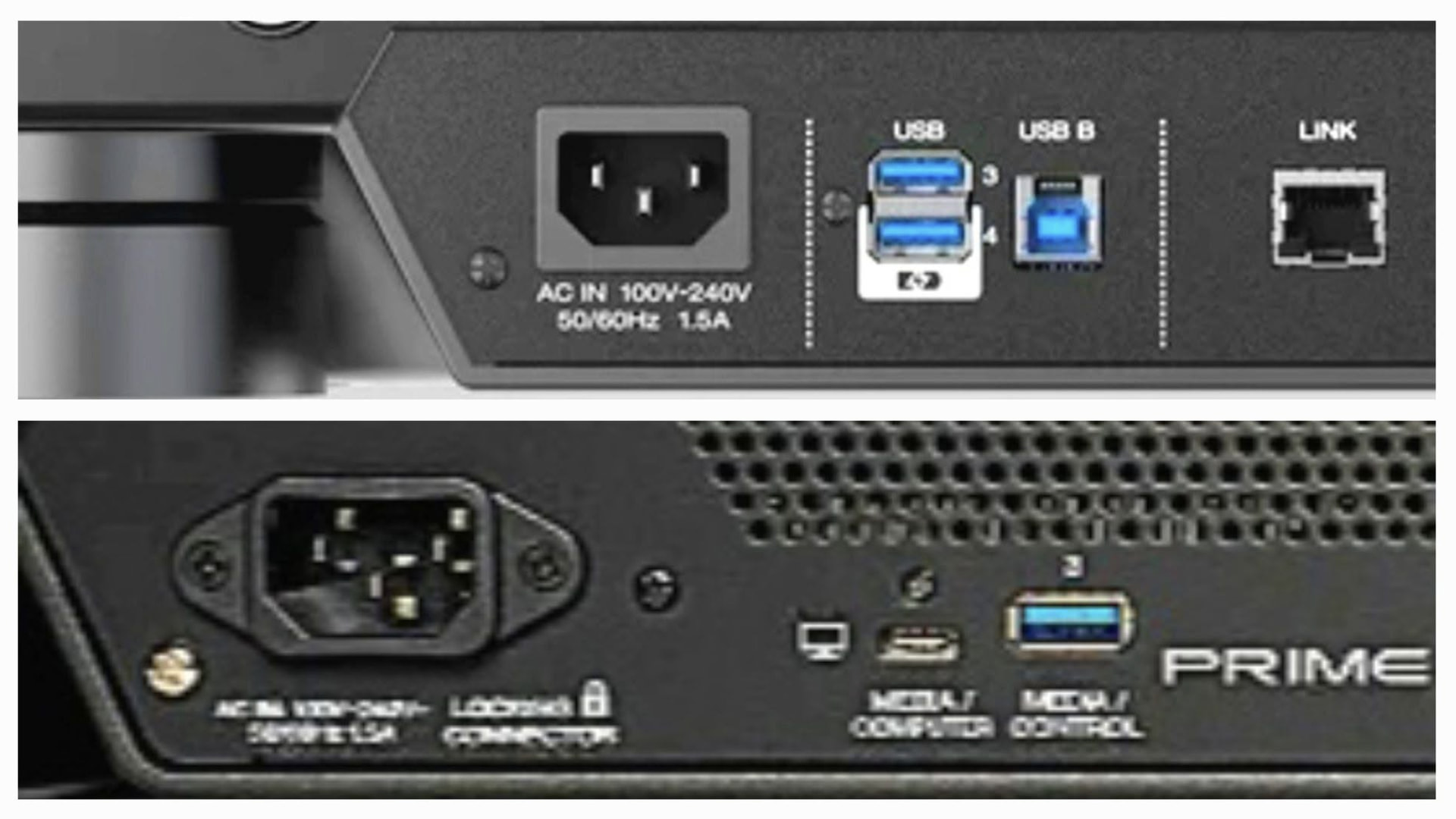
top half of photo = old Prime4
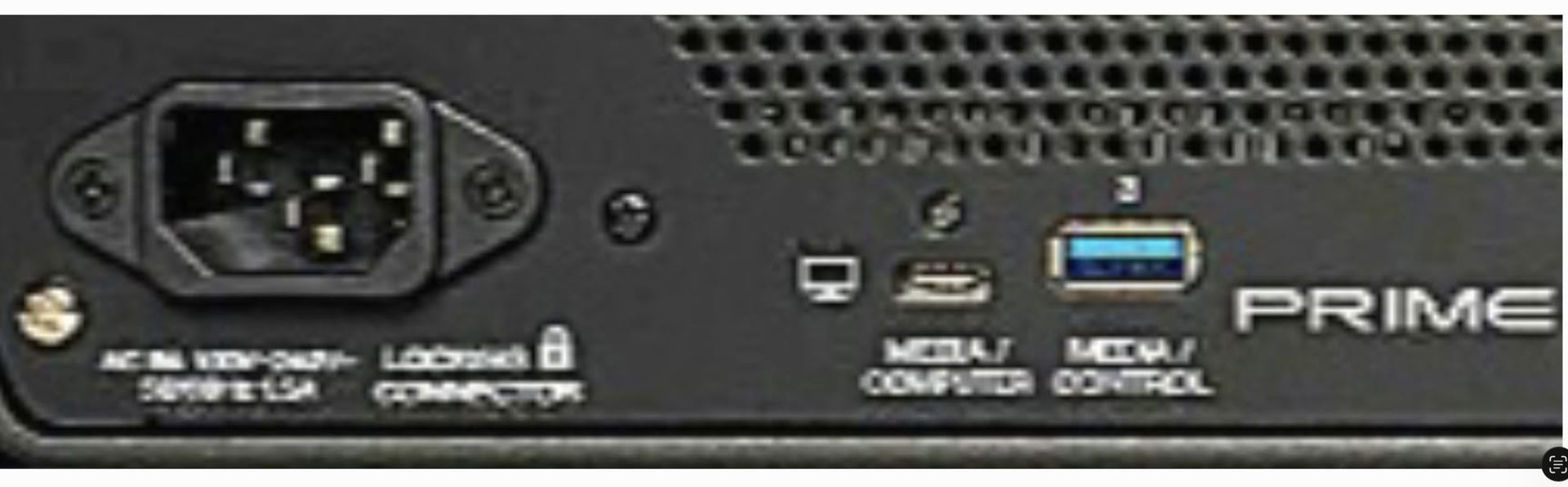
Bottom half of the photo = Prime4 G2
How can I connect my LC6000 Expansion Controllers to the new Prime4 G2?
How can I connect my LC6000 Expansion Controllers the same way as I connected my LC6000’S to my Prime4?
top half of photo = old Prime4
Bottom half of the photo = Prime4 G2
How can I connect my LC6000 Expansion Controllers to the new Prime4 G2?
My next question is: "When will the LC6000 Expansion Controllers be supported the same way as I connected my LC6000’S to my old Prime4?
top half of photo = old Prime4
Bottom half of the photo = Prime4 G2
How can I connect my LC6000 Expansion Controllers to the new Prime4 G2 ? And/or when will the the new Prime 4 G2 support the old LC6000 Expansion controlers?
Hello aaaguy, thank you for your prompt reply. My next question is: when you say "at this time", could you possibly be hinting that Denon DJ is considering (or has the technical ability to create) a future software update enabling the USB-C port on the rear of the P4-G2, eventually enabling connectivity to the LC6000? Or even the use of a USB-A hub via the USB-A port on the rear of the P4-G2?
Is this topic broken, or why do I see the same screenshot/photo four times?
To answer your question, brief and simple:
No support at launch, as stated (several issues would have to be solved first, e.g. how the software treats the single-zone pads of the LC6000, the different jog screen, etc.)
The USB-C port at the back of the G2 is not a mere computer port, but does accept external media, LAN adapters and accessories (like the Control One)
Hence in theory you could use a USB-C to USB-A adapter there to connect a second LC6000, use one of the top ports ones, or a hub (in that case you should connect your LC to external power)
Not better to make it selectable on the display? Usb allocates an address to any connected device, so based on that LC6000 could show up as left and right unit to be selected.
That could be sent to the device as blue and red backlight indication, and by moving a displayed lc6000’s units on the display, you could assign left/right.
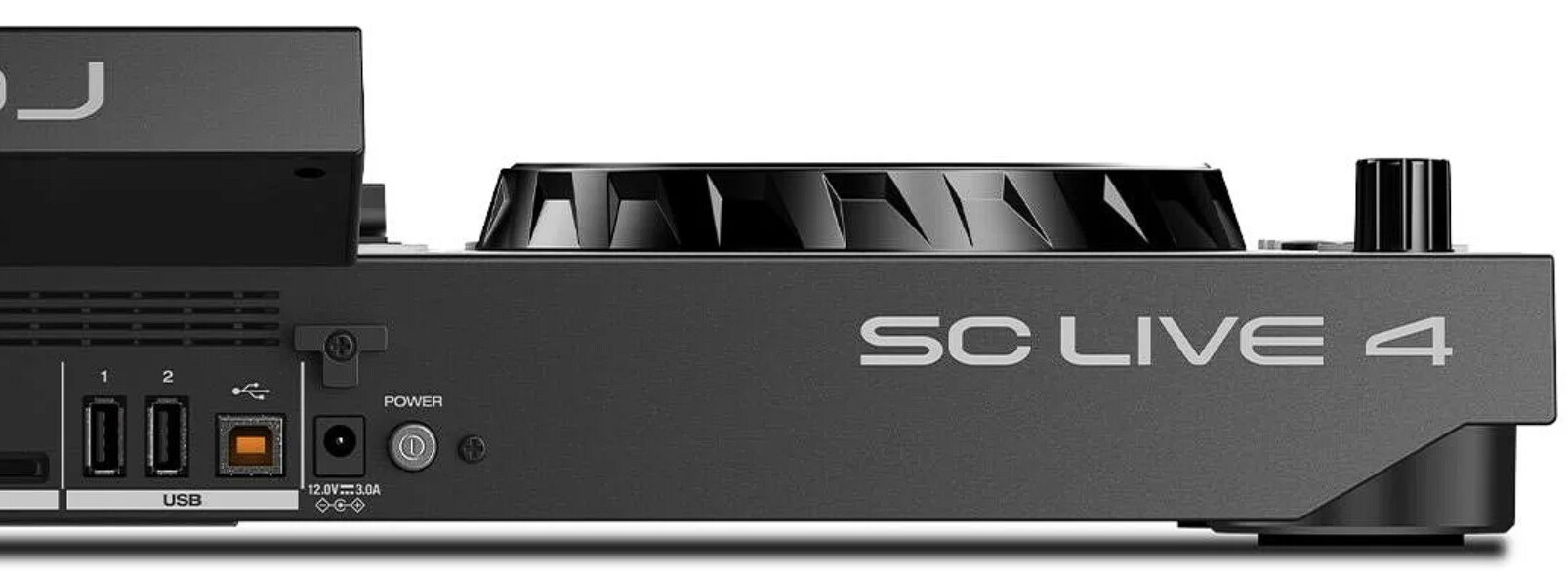
Anyone uses them on the Live 4? How does it get handled there?
There are two USB ports, left and right, but no numbers printed. I guess left is 3 and right is 4 there.