So here is my first big fail after switching from Pioneer to Denon/Engine DJ only 2 months in
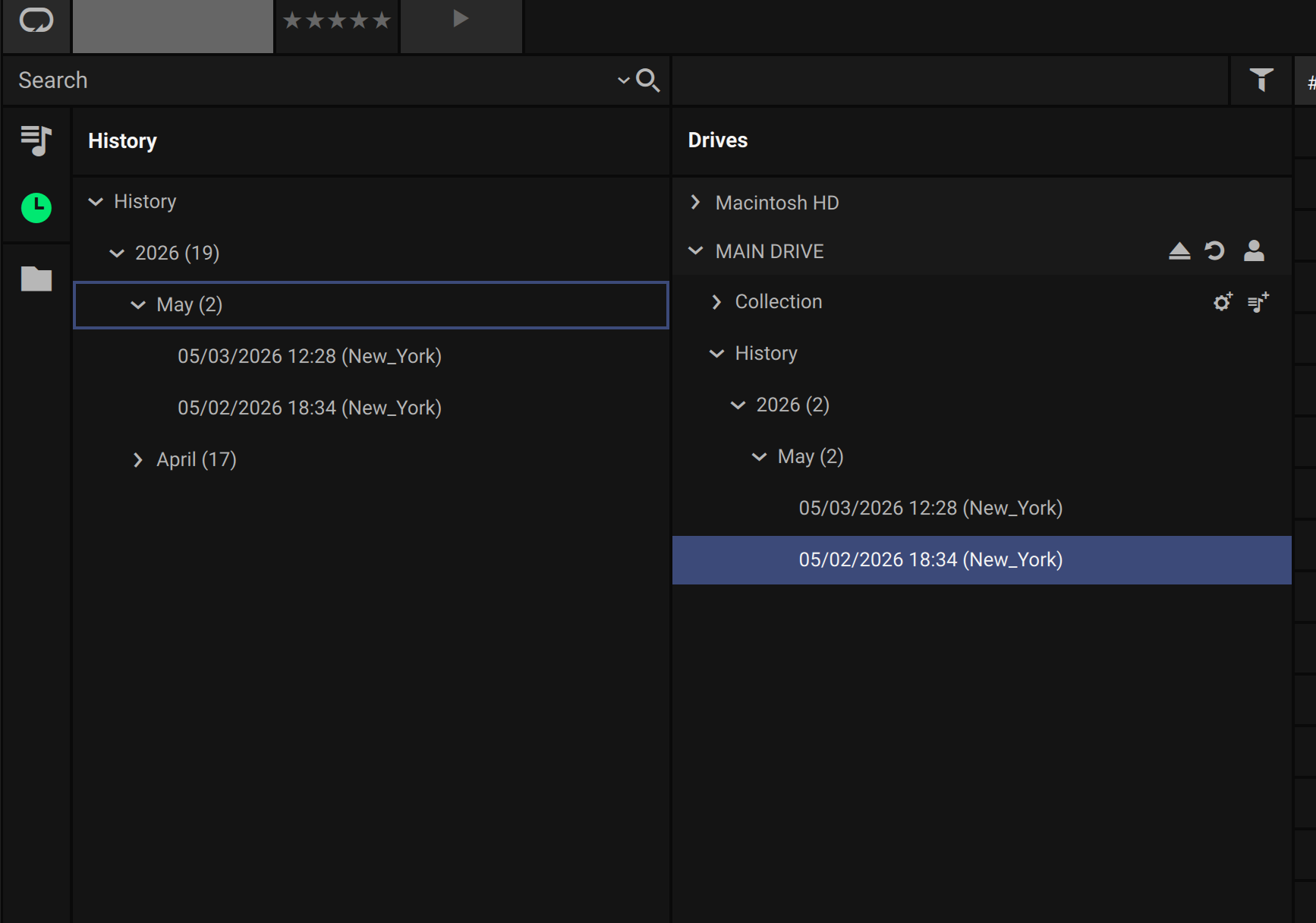
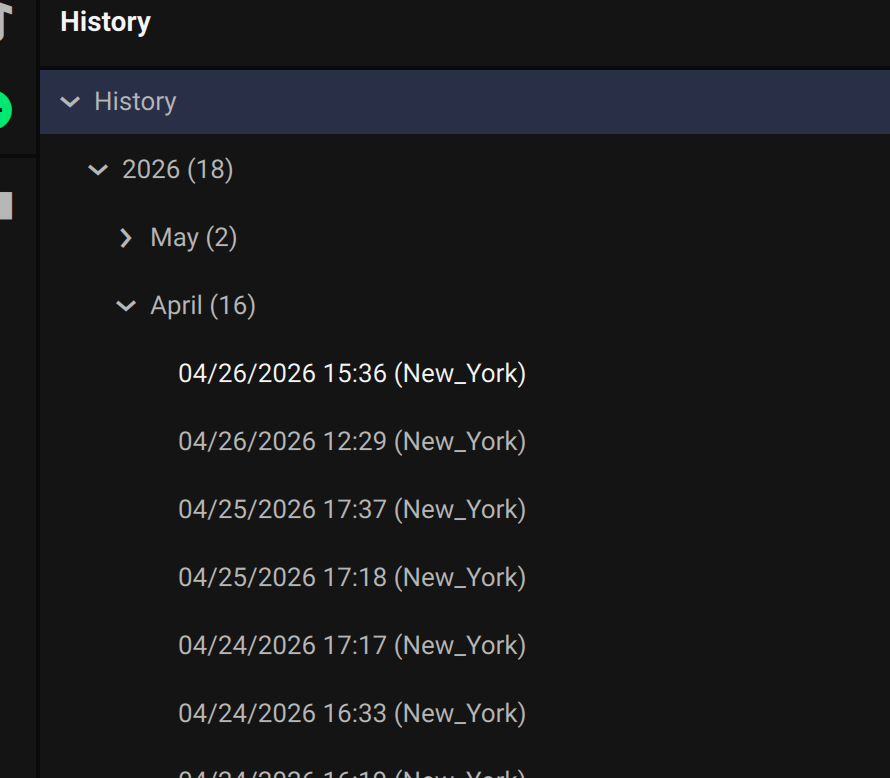
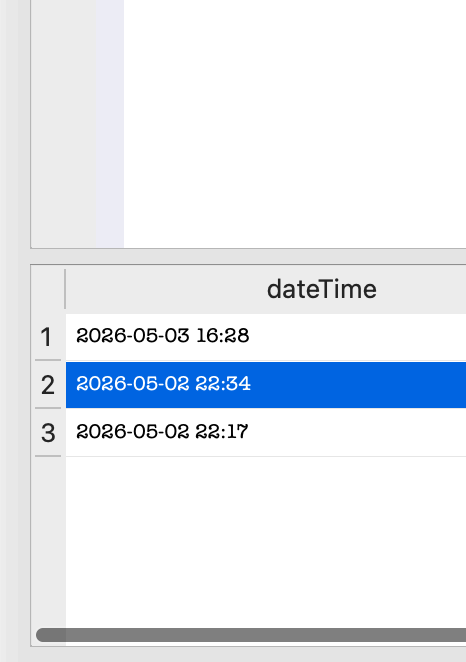
DJ’d 2 events this weekend, one on 5/1 and one on 5/2, same flash drive/library. yesterday i plugged in the flash drive to engine dj and only 5/2 shows up in history so i lost 5/1!
Its pretty important to keep these incase clients ever call up like “you didn’t play a specific song”" and you can send them the entire nights playlist, now if fridays client calls (which i know they wont cause the event rocked) im screwed.
Any way in the future to guarantee this saves when i eject the drive?? I know i ejected the drive and shut down the Rane System 1 properly as i always do.
is there a spot on the flash drive its saved? maybe a hidden file or something?
The history files are visible if you connect the USB drive to your computer and open EDJ Desktop.
Once the drive is connected, go to Drive and you will see a “History” folder just below “Collection”. This folder will contain subfolders organized by event date, allowing you to find everything you have played previously by date.
And is the time in RS1 correctly set to the latest version and in the correct time zone?
So your session on the 1st would be on April 30th?
Did you import your April history into your Mac? Because it’s not in Main Drive?
Was the USB drive formatted in the meantime (between the end of April and the beginning of May)?
Do you have a spare USB drive, and if so, did you use the wrong one to find the May 1st history? (This happened to me once; I have two SanDisk Extreme Pro USB drives with the same library in case one of them fails.)
nope, no changes between may 1 and may 2, same drive and all, just shut down system and started event the next day. all times are set right and May 2nd is correct so I know the Rane is set properly and yes, all software and FW are on the latest especially since there is only 1 version out so far of EDJ for RS1 on MacBook
nothing from April 30th on my drive or flash drive
I have a spare drive as backup but completely different model so it wasn’t the wrong drive
opened hm.db in text edit too and I don’t see a few songs in there that I know I played Friday so its gone, that really ■■■■■, definitely can’t rely on saving histories now on the Rane/Engine device
The only time i’ve seen songs “missing”, is if they didn’t play for more than 30 seconds. I put missing in quotes b/c i didn’t understand Engine’s rules for recording tracks in the history.
Not a way to revert it. That table is write once, read many.
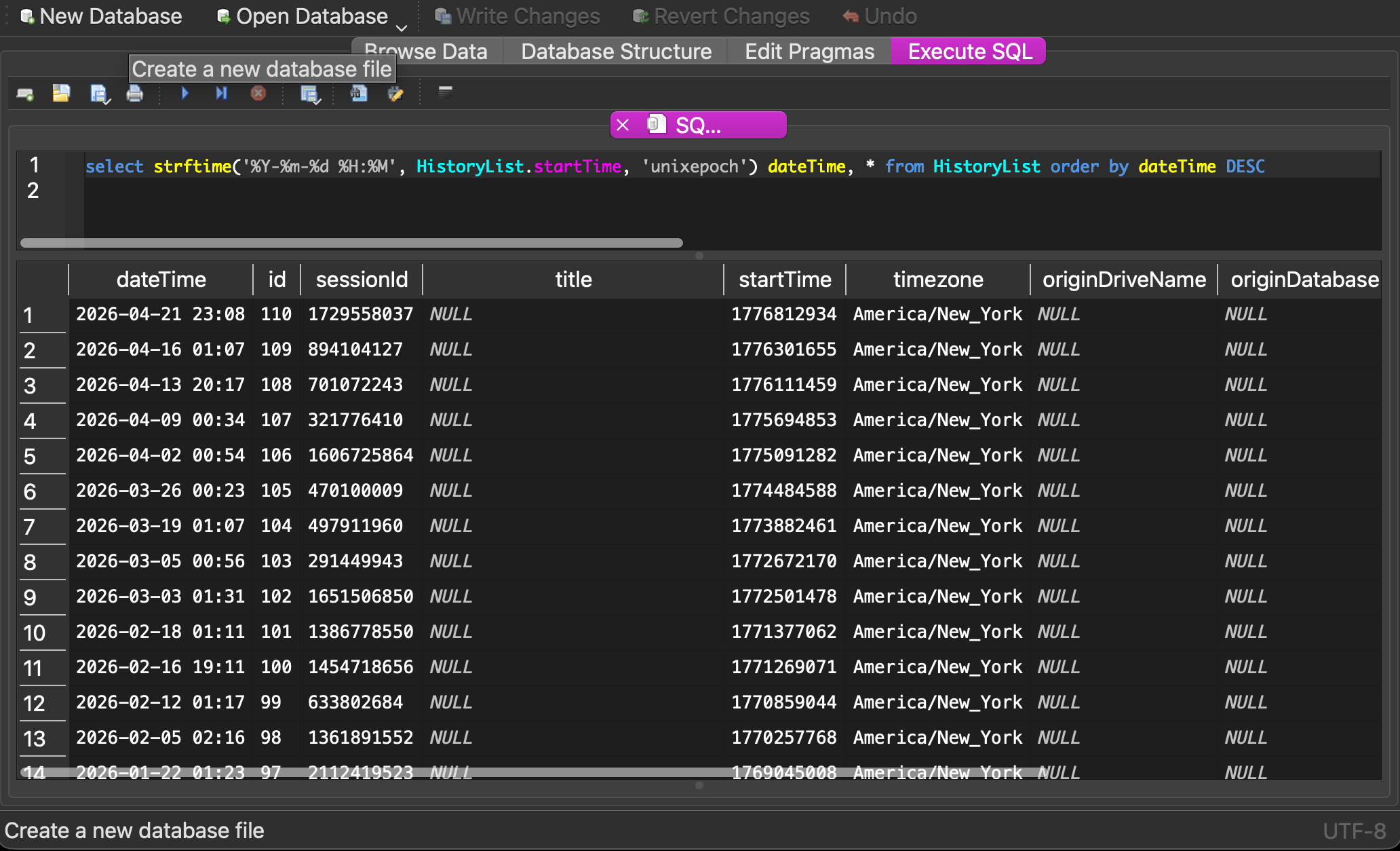
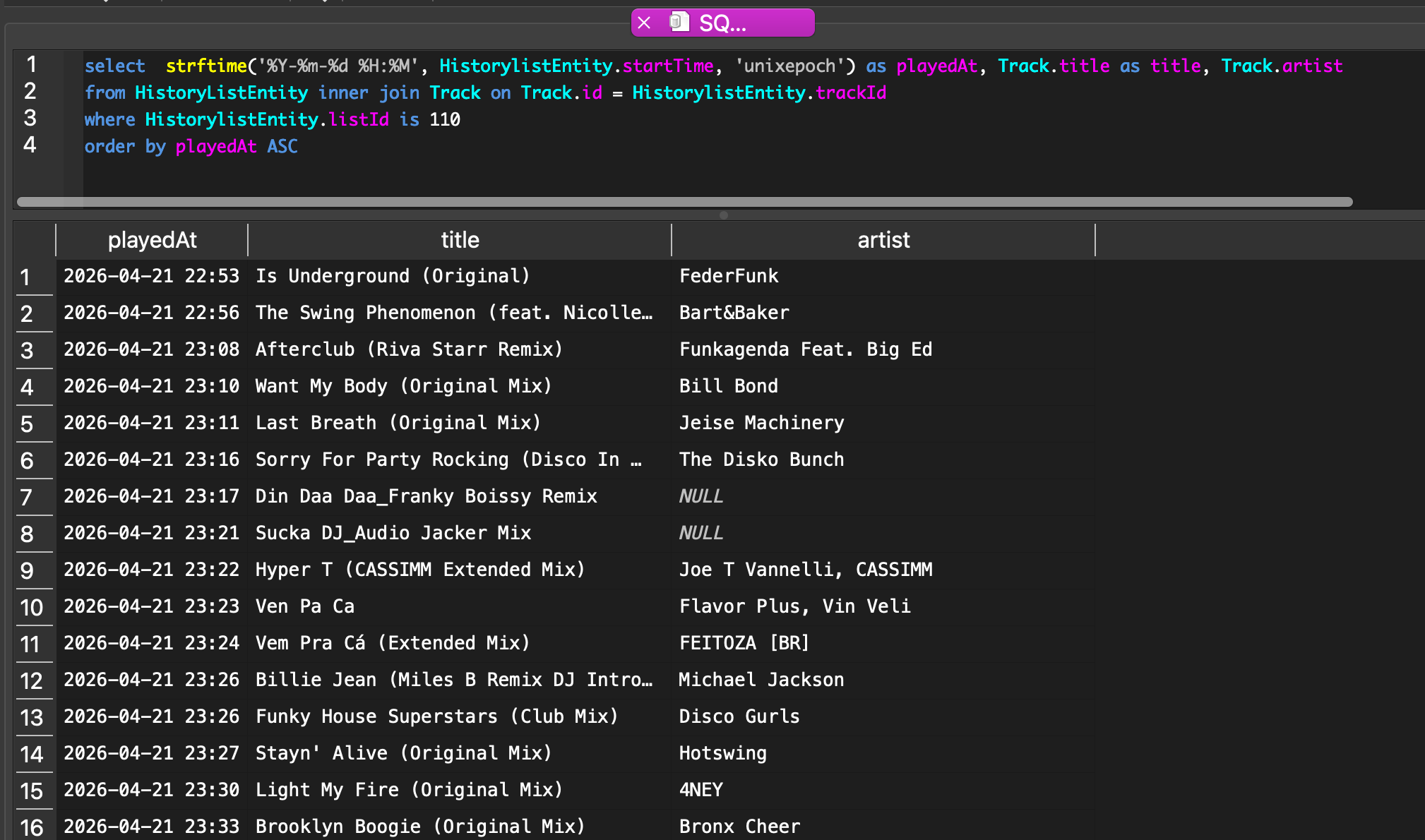
There is a way to get the track list data from each playlist.
it seems like you only have 3, so editing the SQL should be easy.
Paste the following SQL and change 110 to whatever HistoryList id you want to investigate.
select
   strftime('%Y-%m-%d %H:%M', HistorylistEntity.startTime, 'unixepoch') as playedAt,
   Track.title as title,
   Track.artist
from HistoryListEntity inner join Track on Track.id = HistorylistEntity.trackId
where HistorylistEntity.listId is 110
order by playedAt ASC