Hi All,
It’s all gone wrong - I wanted to tidy up my music as I had to scroll past my entire collection to get to my playlists which are always at the bottom on the collection.
Now I want to start a fresh desktop Enging DJ so I can add all of my tracks again but in an order which I am happy with.
Before my entire collection was listed in folders which looked like playlists - I want to put all of that music into an ‘All Music’ folder/playlist.
How do I start a fresh desktop engine DJ on my Mac - I delete Database2 and re-start EDJ but that folder comes back.
I deleted m.bd but didn’t have a P.DB in the first place to get rid of so when I start EDJ I still see everything populated.
I just want to start a fresh so I can drag everything into it again.
I do have a backup but there are still loads of missing files (Red) again so thats no good.
I’m completely stuck - I just want to start again !
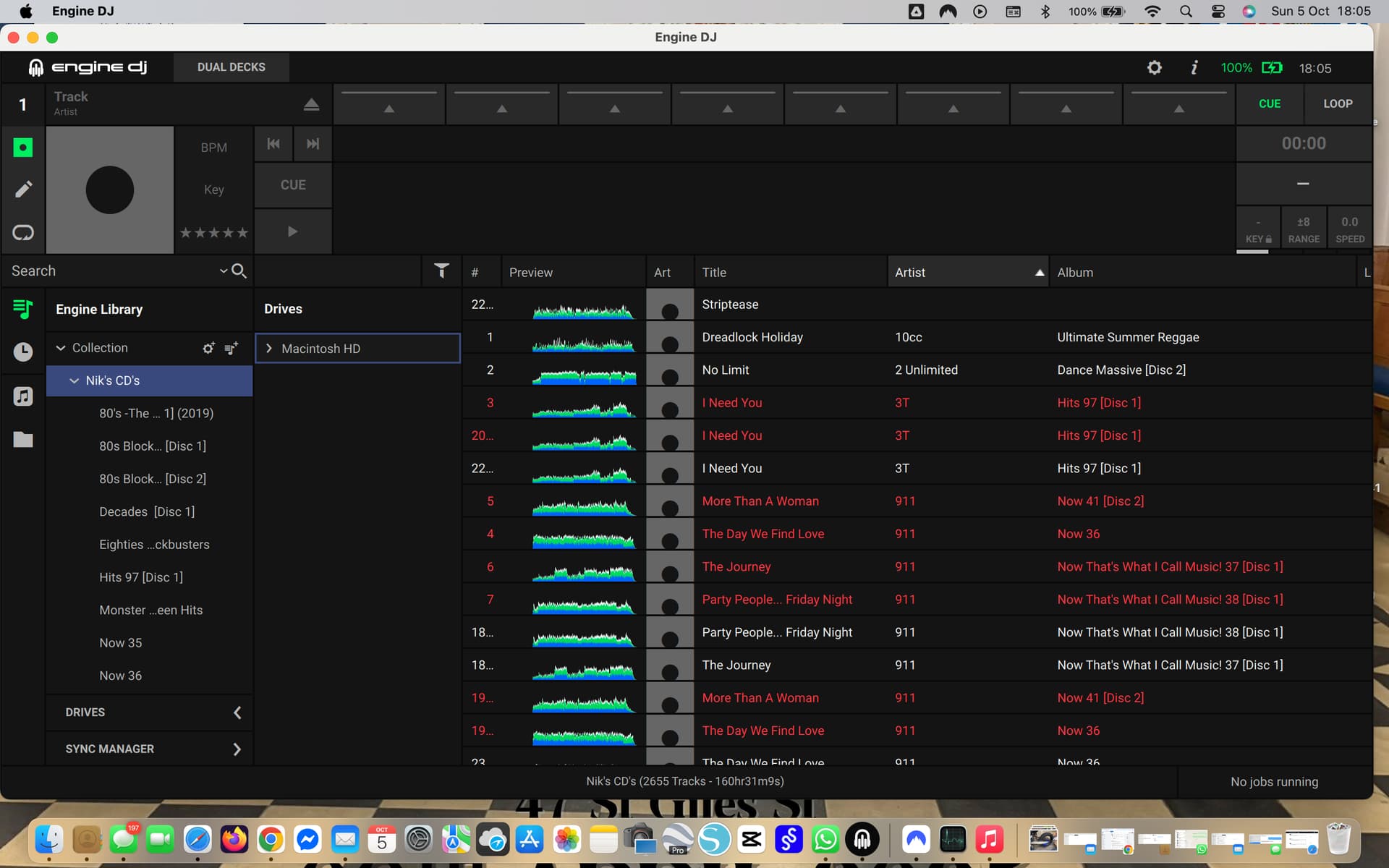
There are no other drives connected as per the image.
I did manage to get a blank canvas but as soon as I dragged a folder in everything re-appeared.
My main lights aren’t working properly either Robe Colour Spot AT250’s but I think the profiles are being worked on. at least I have 2x new Gigbars so get me out of trouble.
I think I’m going to have to ask someone else to look after a gig for me next week as I can’t do anything like this.
I just want to start fresh, this is so frustrating and has cost me a fortune in new gear.
How can I start a fresh and load all of my music again where I want them ?
This all happened as I had to scroll down past my entire collection to get to my playlists which always appear at the bottom
I don’t want to speak too soon but… I think the problem may have been my back up ssd - I was connecting it to get music off of it but as soon as I did connect it the old music arrangement appeared again (back to square one).
I just removed the 'Database 2" from the ssd’s engine folder so now when I collect it to the Mac again I can see everything on the drive as expected but Engine DJ doesn’t populate with the old system again.
I am moving things as we speak so I will get back to you and let you know if this worked for the benefit of others.
Many thanks for your help STU-C on a Sunday many Karma points were awarded
I have all my music in folders on my computer, genres then an A-Z of albums, I’ve mirrored my playlists in Engine so I can add new music to the genres then just update the relevant playlist. Not sure if this helps with your new workflow.

 many Karma points were awarded