Engine Sync App - Update v1.1.0 🔄✅

Hey everyone! :headphone:

Who else here used to waste precious time having to manually rebuild playlists every time you add new tracks to your PC folders?

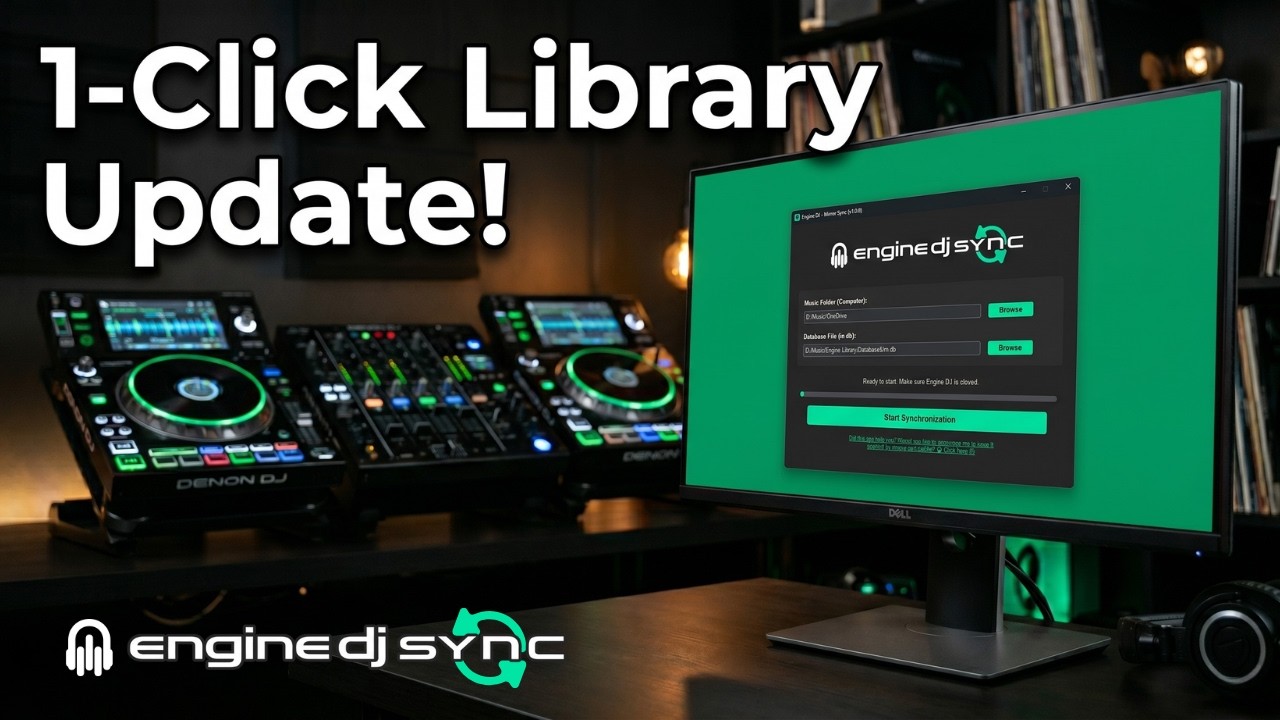
As an SC6000 user, I really missed having an automation for this, so I ended up developing my own solution and decided to make it available 100% for free to the community: Engine Sync.

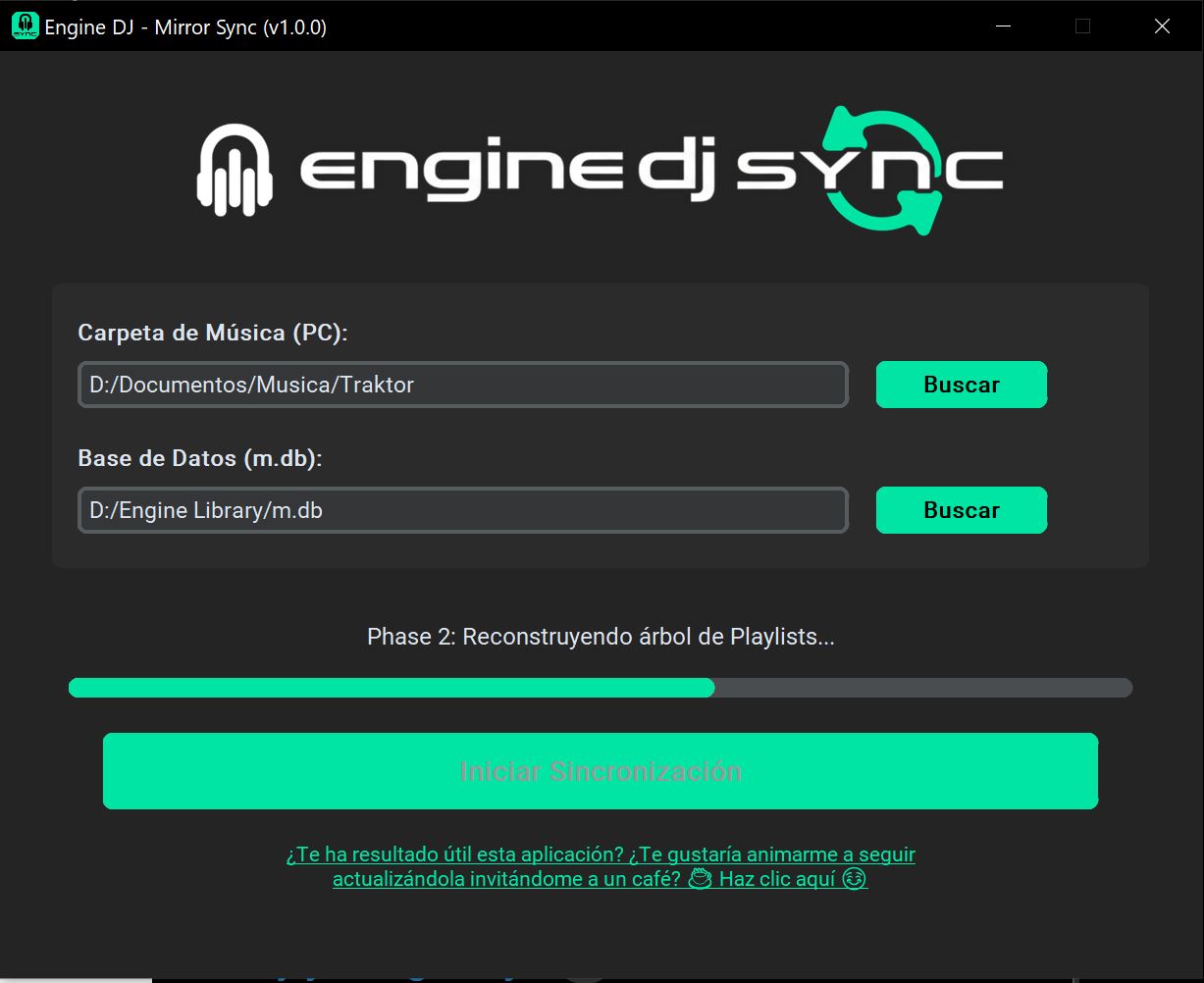
It’s a simple app that automatically mirrors your entire computer folder structure directly into the Engine DJ database.

How it works:

​• You organize/update your tracks in your Windows or Mac folders.

​• Open Engine Sync and click sync.

​• It perfectly rebuilds your playlist tree, mirroring your PC folders and injecting the new tracks you download into them.

​• And it even generates a smart report showing everything that was injected or deleted (coming in a future update :smiley::ok_hand:).

:warning: After synchronization, if the app finds and loads new tracks from your library into the Engine, you need to go to the new tracks, select them, and apply “Re-import track information” so that the Engine loads all the track information!

I recorded a full video showing it working in practice with my own library so you can see how easy it is:

:television: Watch it here:

:backhand_index_pointing_right: The official download link for the app (on Git Hub):

I hope this tool saves you a few hours of your week, just like it saved mine. Try it out and let me know what you think! Cheers! :oncoming_fist::fire:

counterclockwise_arrows_button

Engine Sync — Changelog v1.1.0

Much Faster Synchronization Synchronization speed has been drastically improved. Users with large libraries reported waits of 15 to 30 minutes — this has been fixed. Library reading is now much more efficient, reducing the total time to seconds or a few minutes depending on the size of the collection. Additional performance improvements for older computers with low RAM, such as previous generation MacBooks.

Automatic Update Fix Fixed an issue that could prevent the app from correctly checking for new versions on some Macs.

New Report Window At the end of each synchronization, a new report window is displayed with a detailed summary of what was done: how many songs were added to the database and which playlists received updates — so you know exactly what changed in your collection.

New Feature — Debug Mode Added a “Debug Mode” option in the app’s footer, disabled by default. When activated, it generates a detailed log file at the end of the synchronization, automatically saved in the same folder as the application. This file can be sent to support to help identify problems more quickly.

OMG YES! I can’t wait to get home and try it.

A few months ago I started working on an app that that lists all audio files from an “inbox” folder, I would then edit the metadata and assign tags and finally the app would move the files to a music folder and structure it based on the tags.

Example: Music/[Genre]/[Sub-Genre]/[year]

It worked but didn’t continue developing it because the next issue was that everytime I had to delete all the playlists and drag the music folder again. But it should now pair great with your app.

Issue is I’ve deleted the project so I need to start over :smiling_face_with_tear:

Fantastic! Yesterday I made an application that does the same thing, but it’s not as complete. Now I’m working on a module that takes the Hotcues analyzed by Mixed in Key and saved in the MP3’s TAG so it can be injected into Engine DJ. If you’re interested, I can send it to you when it’s ready. I’m also from Brazil.

Friend, this seems to be very interesting. I’m always trying to organize my songs on PC. When you find the code and start over, show us how it works, I think everything that helps us DJs to keep our music library organized is very valid!

I hope the APP helps you :blush::blush::clap::clap:

A function like this natively in the DJ Engine would be wonderful!!

Hey Rodrigo! Too cool, of course, let’s exchange stickers with this :laughing:

On Facebook search for “Elessandro Gonzaga”, add me and call me on Messenger ok :+1:

thank you for this little app, i am testing now

i will give a try ,thx bruv

after testing, I have problems creating stems, engine dj doesn’t create them. Do you have same problem?

Tell me, did you use the app to create your library mirroring from scratch?

Or just to update the mirroring you already had? Because I made the code so that it doesn’t change anything in what already existed, so that it just reads the Engine’s library, compares it with your PC library and so it sees that you added new songs to the folders.

I’ll investigate this and if I have any problems creating stems I’ll review it. Thanks for testing and commenting :right_facing_fist::left_facing_fist:

i try both (first just adding files, then from scratch ) none worked to create stems. Waiting for your result.

I tested it here, friend, and only in one case can you not drag the tracks to the STEMS tab because the Engine won’t recognize them.

As soon as you synchronize new tracks, they will be analyzed in the Engine; this appears in the Engine’s footer while it’s doing the analysis. However, it doesn’t load all the track information. Note that the album cover, genre, file tape, and added date are missing from the tracks above in my screenshot, and this will be missing from yours as well.

In this case, you have to select the new tracks and right-click to choose “Re-import track information” - And here I apologize profusely because I talk about and show this in the video, but I forgot to put this information here in the forum text!! You can see in the screenshot that the tracks below, in the list, I did this; they loaded all the information and were dragged to the “Stems” tab, analyzed, and their Stems were created.

I tested it on my SC6000 exporting to my external SSD and everything worked!

Even so, I’m analyzing the m.db file to include all the track information when the app reads and injects new tracks you downloaded to your PC, to avoid having to re-import the information of newly added tracks! Remember that, after doing this, you don’t need to re-import anymore, only when there are new tracks and only for them. If you created your entire mirror library with the app, then do this by selecting the entire “- MY COLLECTION” playlist, ok!?

I’m just after something that fills in the “Year” tag correctly

To populate the “Year” field as accurately as possible, I do indeed use VDJ. It can handle this in batches—subject to the limitation that only 20 or more queries can be executed immediately, after which a brief waiting period is required because the source (I believe it is Discogs) imposes corresponding limits.

Hi, I’m testing the tool and it’s been in this state for about 10 minutes, is that normal?

Stems are working now. Thank you. And nice little tool

I’m testing a software from a Brazilian DJ friend, he’s finishing the program, the premise of his software is to analyze his music library, put album cover on the ones he doesn’t have and fill in the tags using Spotify, MusicBrainz and discogs as a base. I’m testing it and in most tracks it fills everything right.

Man! I don’t say it’s normal because it all depends on your machine and the size of your library. Because initially the app has to read all your PC folders, after that it reads the m.db.

He looks at the database, sees if there is a library there, if he doesn’t he will create it mirroring his PC folders. If you don’t have a library there, it will create a mirror of your PC folders in a playlist called - MY COLLECTION, if you have already created it then it only injects the new songs you downloaded to the folders into the m.db.

So, in this case, it’s an initial process that takes a while, but that’s only the first time. But 10m really is good weather!!

That’s good friend!

Yesterday I studied about not having to do the procedure of "Yesterday I studied about not having to do the “Re-import track information” procedure but I think it’s better not to touch it.

It’s something simple to do, because the other information will be filled in if I change this in the code but the album covers won’t, forcing the user to have to do the Re-import anyway.

So better not mess with it. Because injecting the album cover doesn’t work since Engine DJ saves the album in another location. This is complex and can interfere with the Engine library. This is not the focus of the app, it is meant to be a synchronization and update. Simple

Unfortunately after adding new files and moving folders to other folders, stems doesn’t work again, even if i re-analyse.

Sorry my fault : i have to re-import and not to re-analyse.

Stems are working :+1:

Oh yes, you just have to remember that if you rename folders, rename songs, or move songs to another folder, when you sync with the app everything will appear nice and organized in the Engine DJ playlist structure.

Because those songs that you had before, but moved to a different folder or renamed, will no longer be in the same location that Engine DJ knows, and that’s why they appear in red.

The app organizes everything; it will always mirror what you’ve left in your music folders on your PC, since it’s a “mirror” of that. That’s why in the mirrored playlists on your PC you’ll never see a song in red. But they are there, in the Engine DJ library.

You can check this by going to “Collection,” the first option in Engine DJ, and you’ll see tracks highlighted in red. Just delete them from your collection.

I say this because if you created a STEM from a track that was in folder X on your PC and you moved it to folder Y, or needed to correct its name by changing a character, Engine DJ loses the track’s location. It will also appear in red in the STEMS tab, even if you synchronize it again.

In this case, you need to rebuild the STEM of this track again.