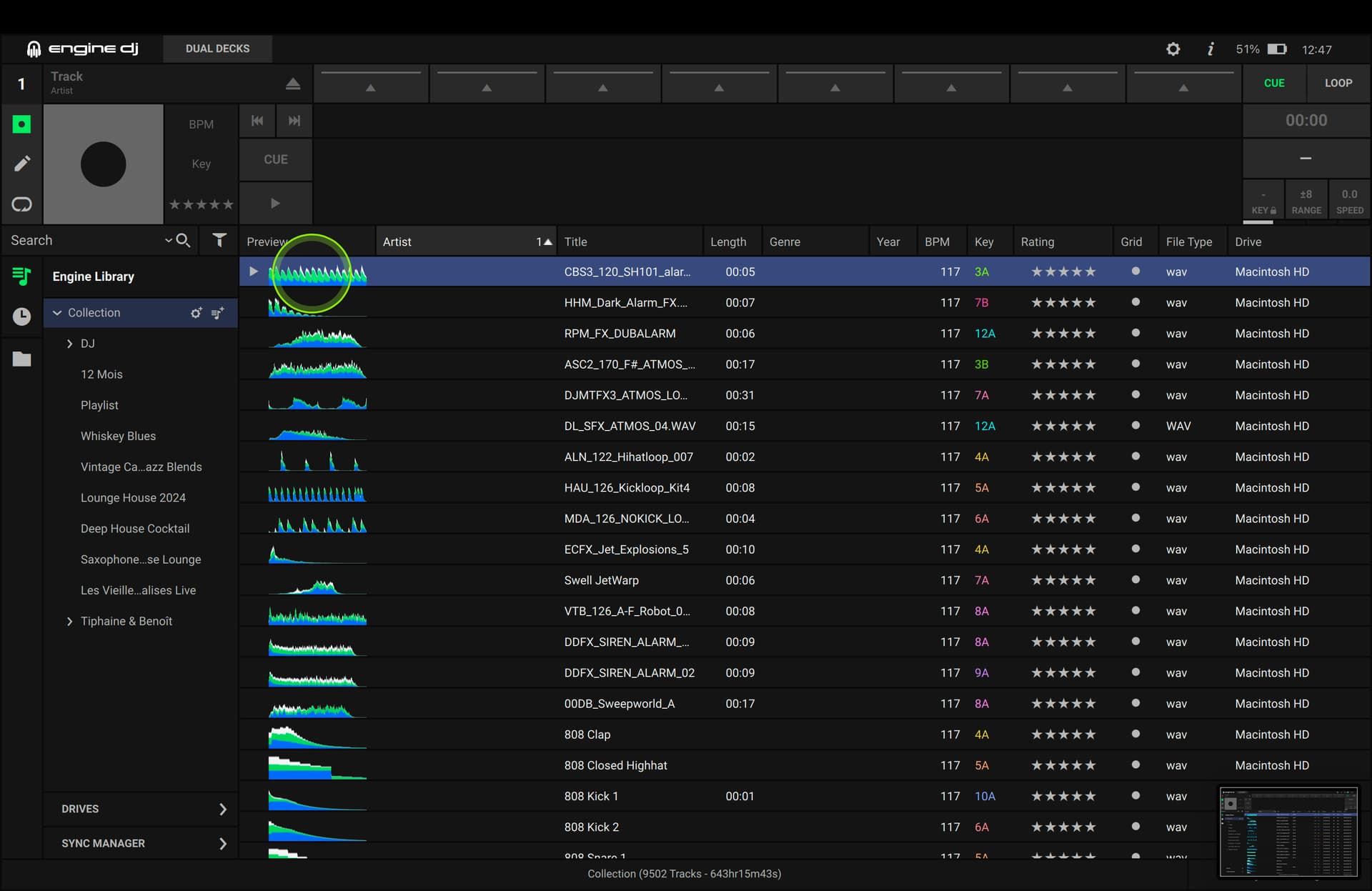
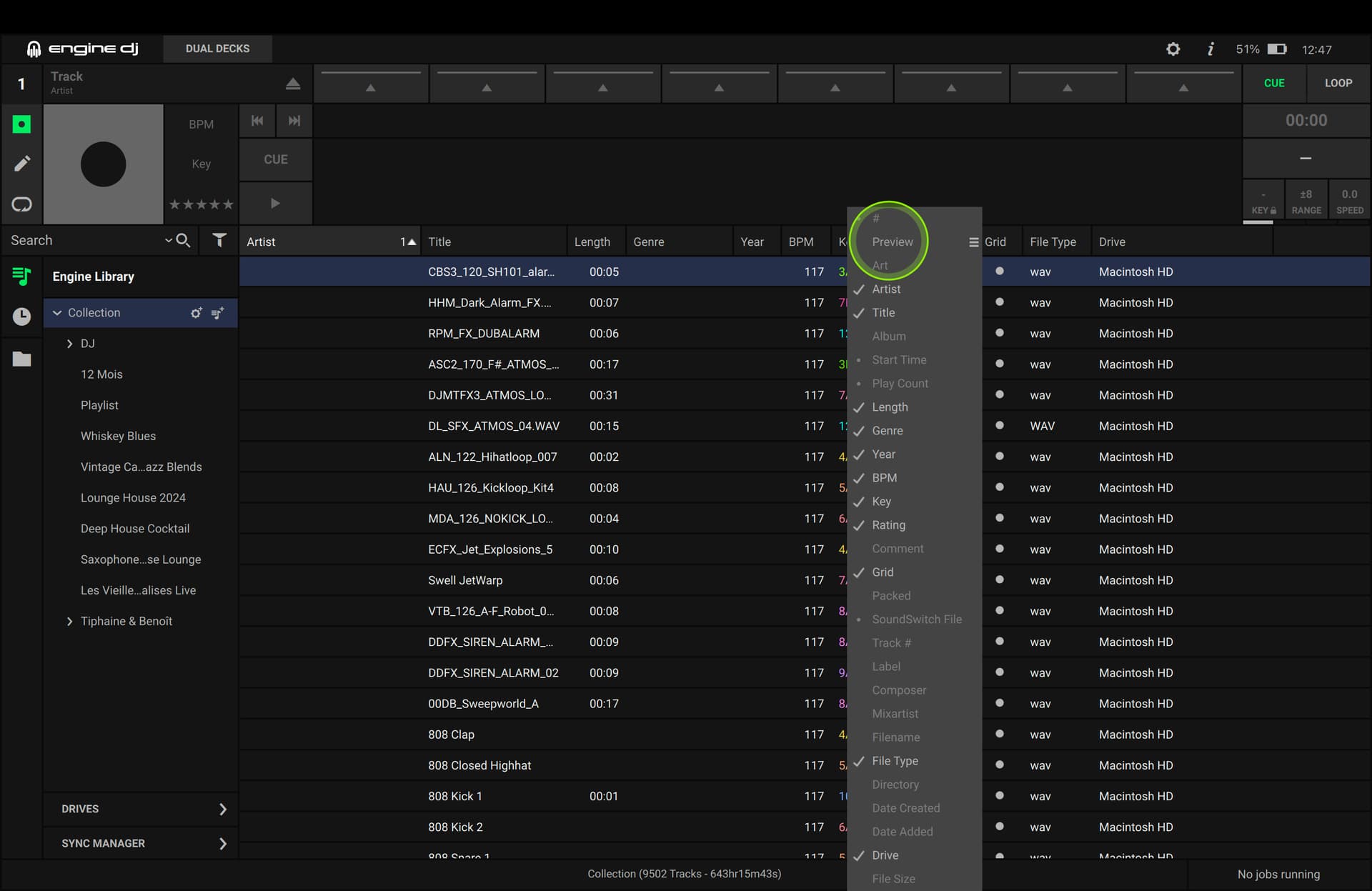
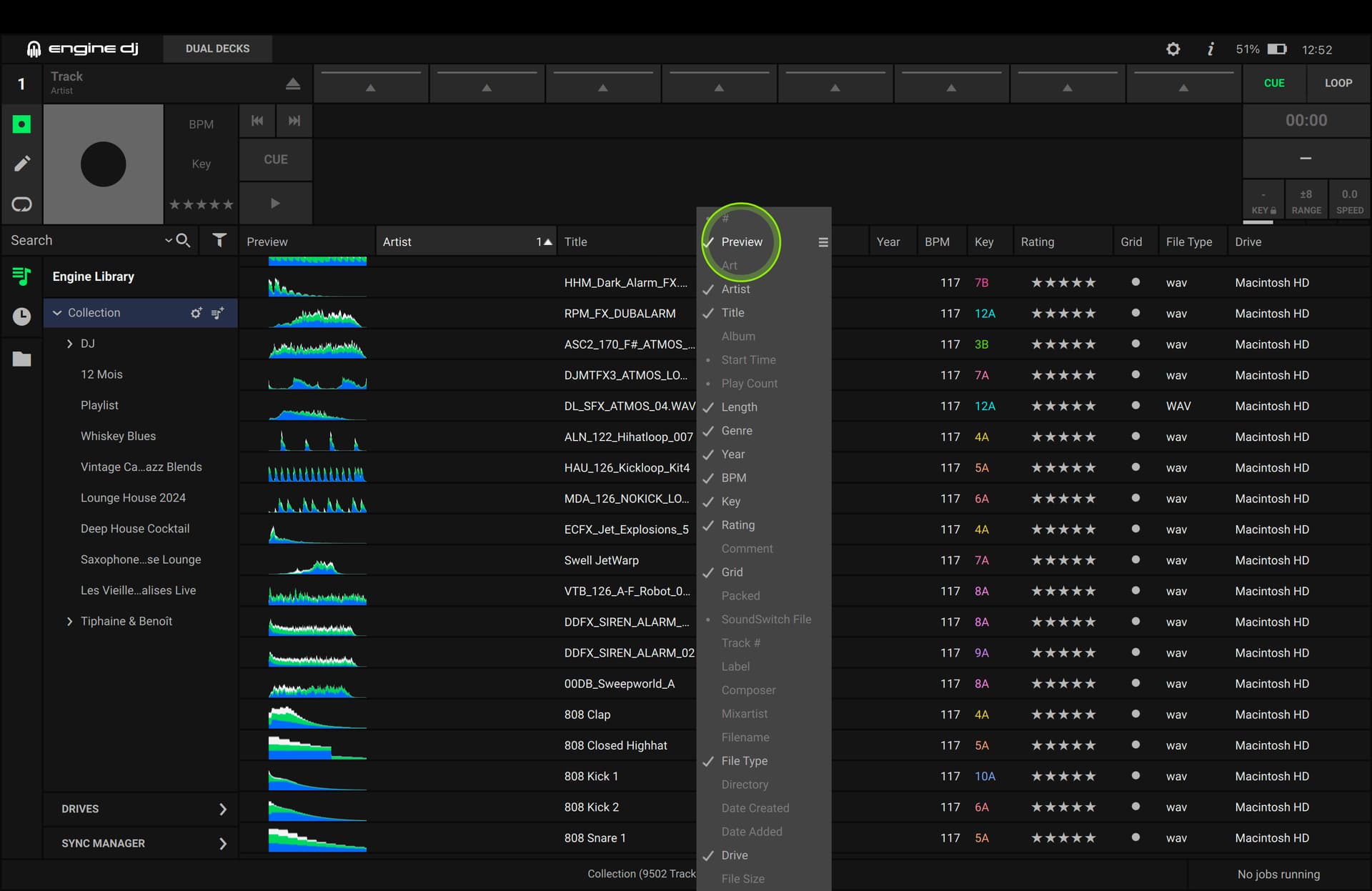
I don’t know why but I can’t preview the track anymore from the list, I have to load it to listen.
I used to just click on the waveform to have it play from certain points without loading. It used to work and only a few tracks it would not work, but now nothing works. This is a big problem bc this is how I organize my sets to see if tracks flow with each other. Is there some setting somewhere that disables this?
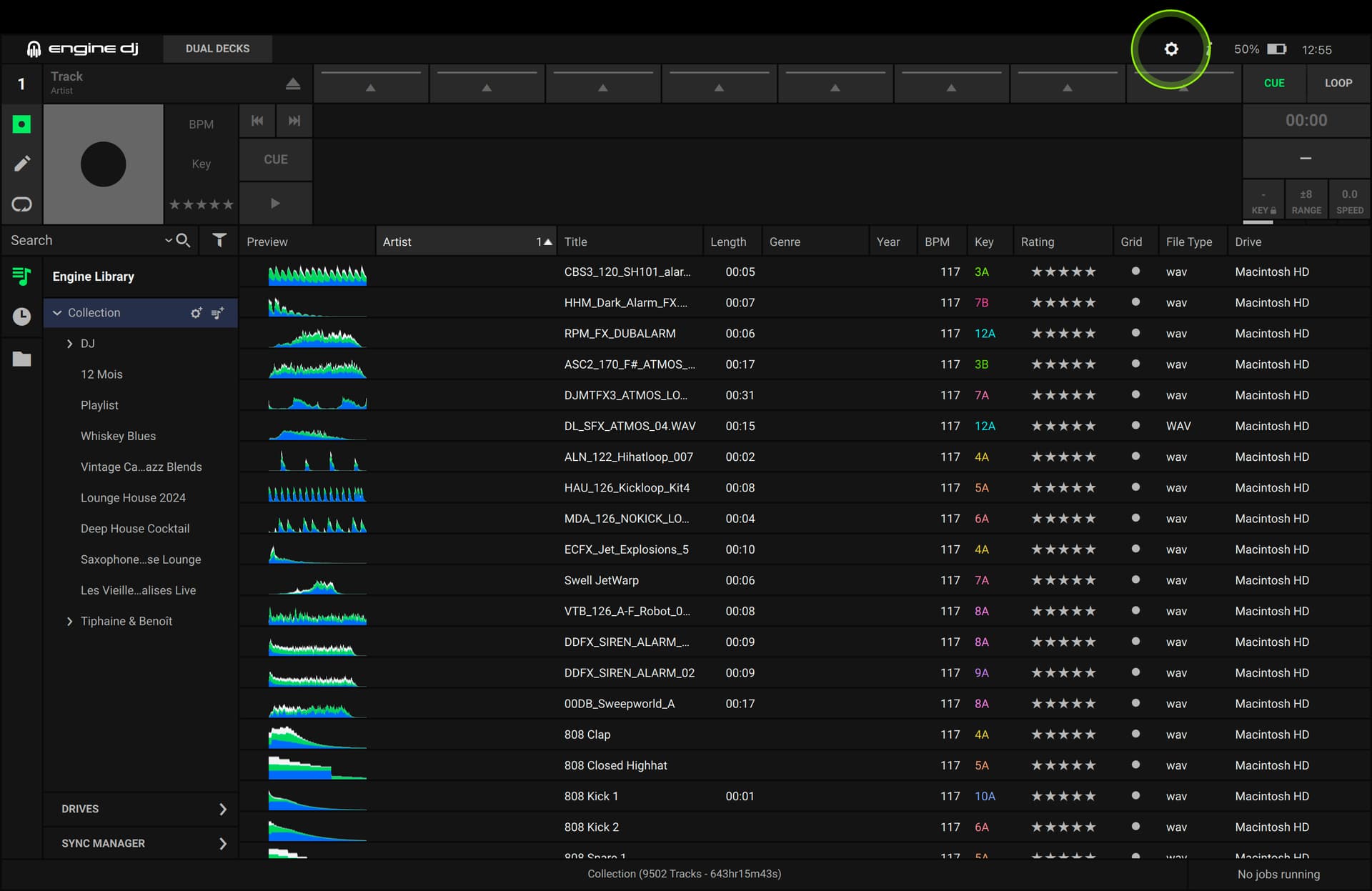
Try looking in the settings that appear by scrolling down from the top of the display. It seems to me that there is a parameter that can be disabled to not have the pre-view.
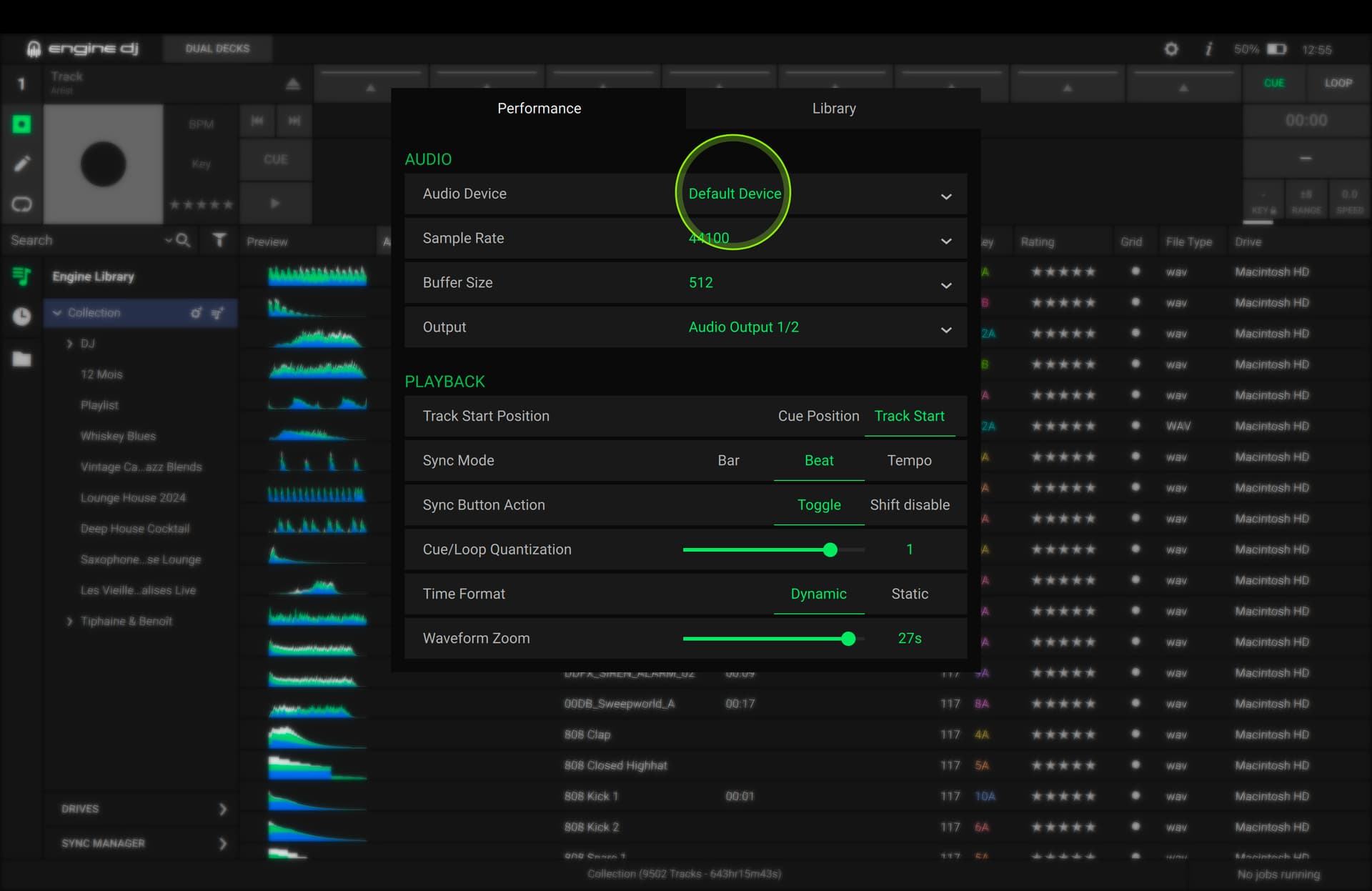
Wow thanks for the quick and informative response, much appreciated. I found that when my x32 digital board was not on and the audio came through my screen the preview worked. As soon as I turned on the board and the audio was going through the board it would only work if I loaded the track. I saw it playing in preview but no audio. There was no option for a separate cue output or anything so I just changed the driver output from default to the actual output of the x32 channel I was using and it worked. Must be a glitch since the default was the same as choosing the output manually. So Im back in business. I did not see the option to disable this @DjAj from scrolling down, might be useful to know this too.
HI. I just now realized that you are talking about the “pre-view” in the computer software. Instead, I understood that you were using the pre-view on the console: the menu I was referring to is the console menu, therefore on Engine OS. So that’s not what you were asking.