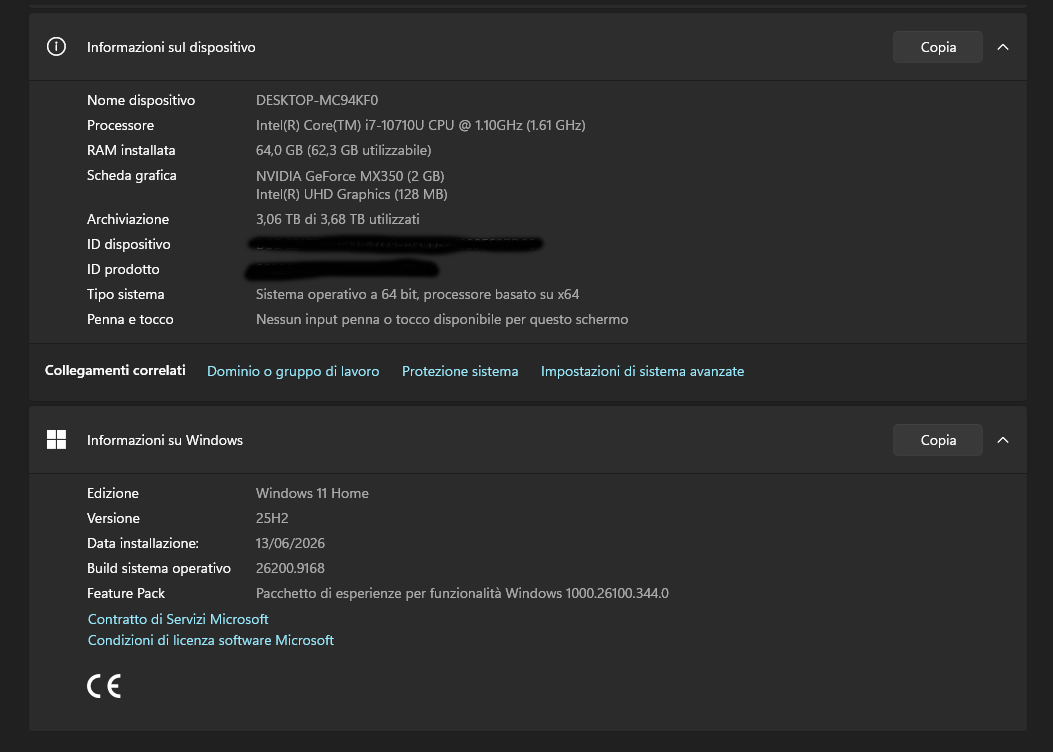
Good morning everyone. I’m having a problem with Engine DJ for Windows: when I try to add a song to an existing playlist, it won’t let me insert it. I have to create a new playlist every time and copy everything over again; furthermore, I can’t even move songs around within the previously created folder. Note that the sorting is set to numeric and everything worked fine with the previous version. I can’t revert to the old version, and with version 4.3.4, the behavior is exactly the same. Here are my PC specs. Can anyone help me?
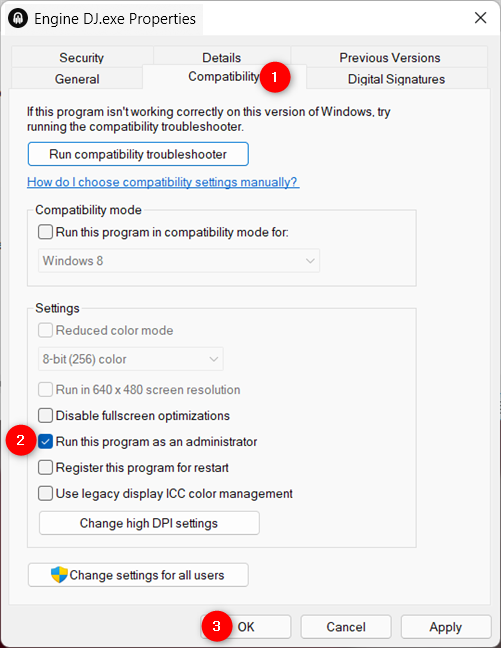
Engine needs to run with Admin privs on windows 11? 
No it shouldn’t
I check it and the Engine application isn’t being run in compatibility mode
I am having the same issue
It sounds like you may have some read-write permissions set, that are preventing you from writing to the location where the engine library database folder is stored.
The engine library folder will be added to the music folder on your C drive and at the root of any other drive. I would recommend checking if you have an engine library folder in a D drive or any other connected external drives or Dropbox. These may have read-write permissions which are preventing you from adding new content.
You could temporarily move each of these engine library folders and save them somewhere. When you try to add new content to the engine application it will create a new engine library folder on the drive that those tracks are sourced from. If you are still having the same problem of adding tracks at this point, Then at least this tells you that the engine library is not causing the problem.
I found a solution for myself: I ran a Windows memory diagnostic, and after doing that, Engine DJ 5.1.0 on Windows 11, started and working without issues (for the time being). Fingers crossed.