I don’t know if it’s just me but the software on PC windows 11, latest version doesn’t show the waveform when adding and playing new tracks.
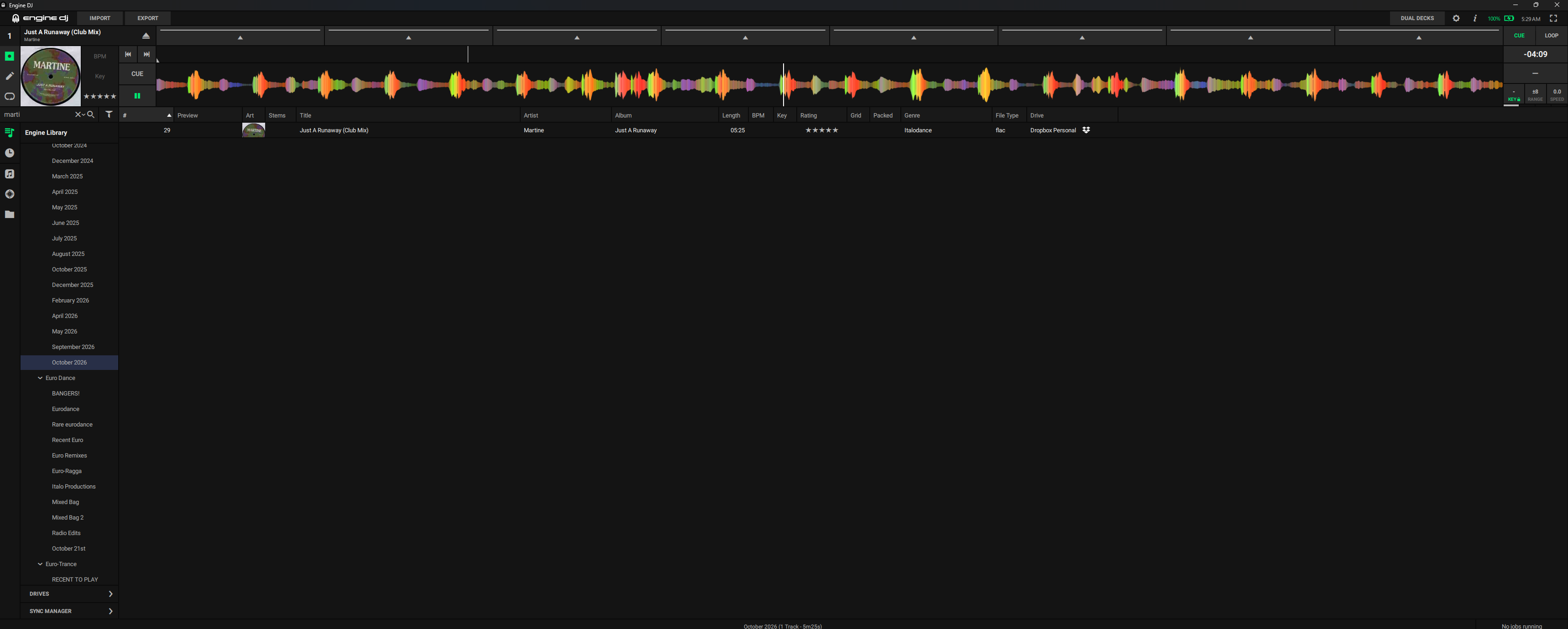
What’s that thing in the middle on top of your screen?
That was my first thought as well 
I think he means the previews. It works for me once I’ve scanned the file(s).
Analyze the song (right-click) and verify that automatic analysis is enabled in the options menu.
Eject the track from the deck if that’s the one to analyze.
Ok no, I already hit analyze on the tracks and auto analyze is on. This doesn’t work and when i import them to a usb the controller has to analyze them. Everything was working fine before the 5.1 update.
I’m not talking about those waveforms. I’m talking about the track analysis ontop, it’s not showing.
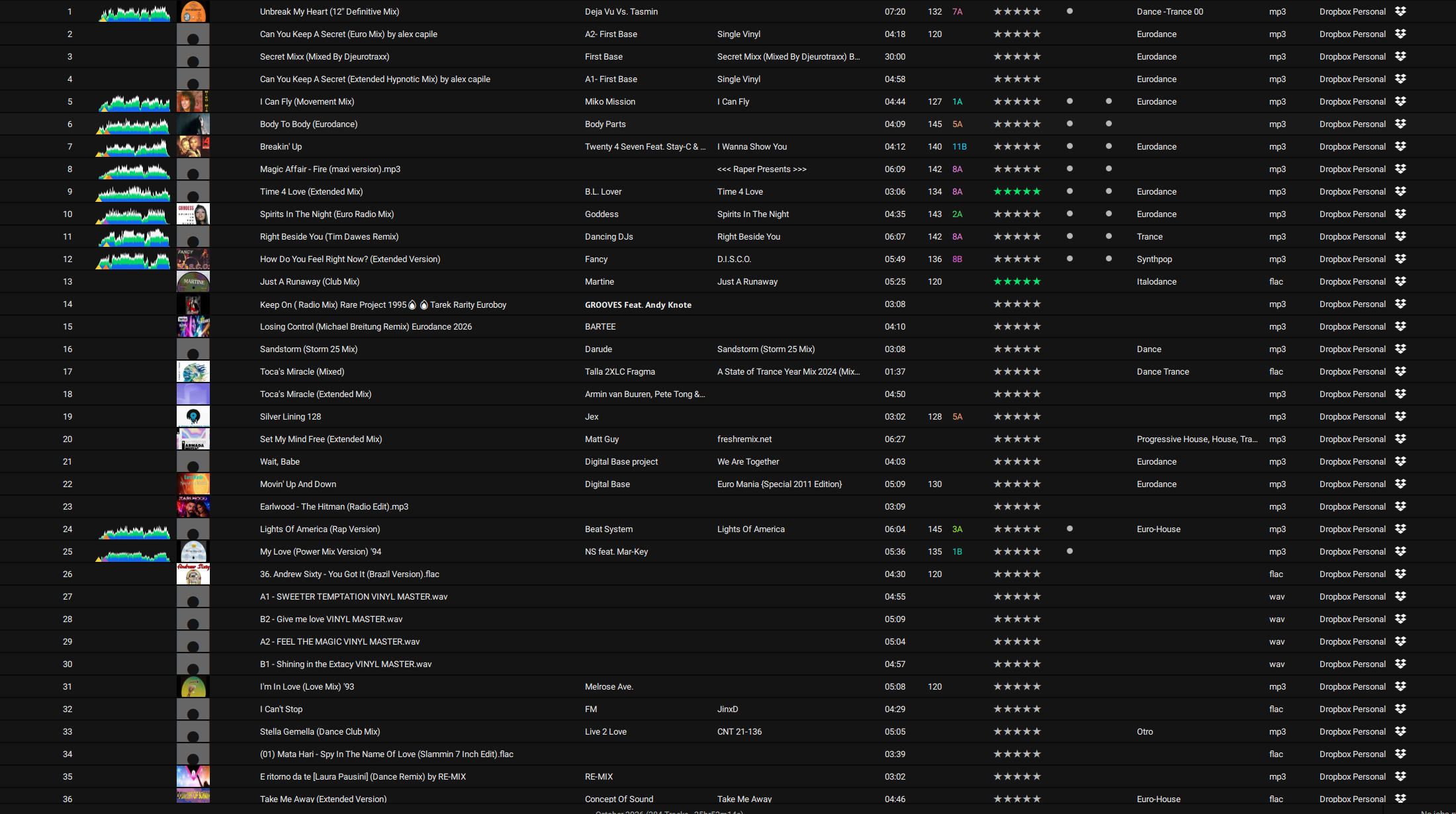
I can’t just roll back versions of this software, if I delete it and reinstall a previous version will my library still be in tact?
If you’re on a window systeem try “windows key” + arrow up