I’ve been trying to download EngineDj Desktop 3.4.0 and 4.2.0, but they’re not available on the download site.
I still use Engine 1.6.1 to prepare my tracks, and then export to 3.4.0 and then to 4.2.0, which is why I need both versions of the program, which have disappeared from the EngineDj.com download page.
Does anyone have both versions and could share them, please? Or if they’re available for download on the Denon website, could you please provide the link? I’d really appreciate it.
Because starting with EngineDj 2.0, Denon removed the ability to edit 3 decimal places in the BPM, and in vinyl rips, it is absolutely necessary for the grid to adjust properly.
I’m tech-savvy, but I don’t know how to do that. If you explain it to me, I could try. Anyway, the thread is about getting those two versions of Engine DJ.
I need both versions please, otherwise my Prime 4+ and my SC6000 are useless to me.
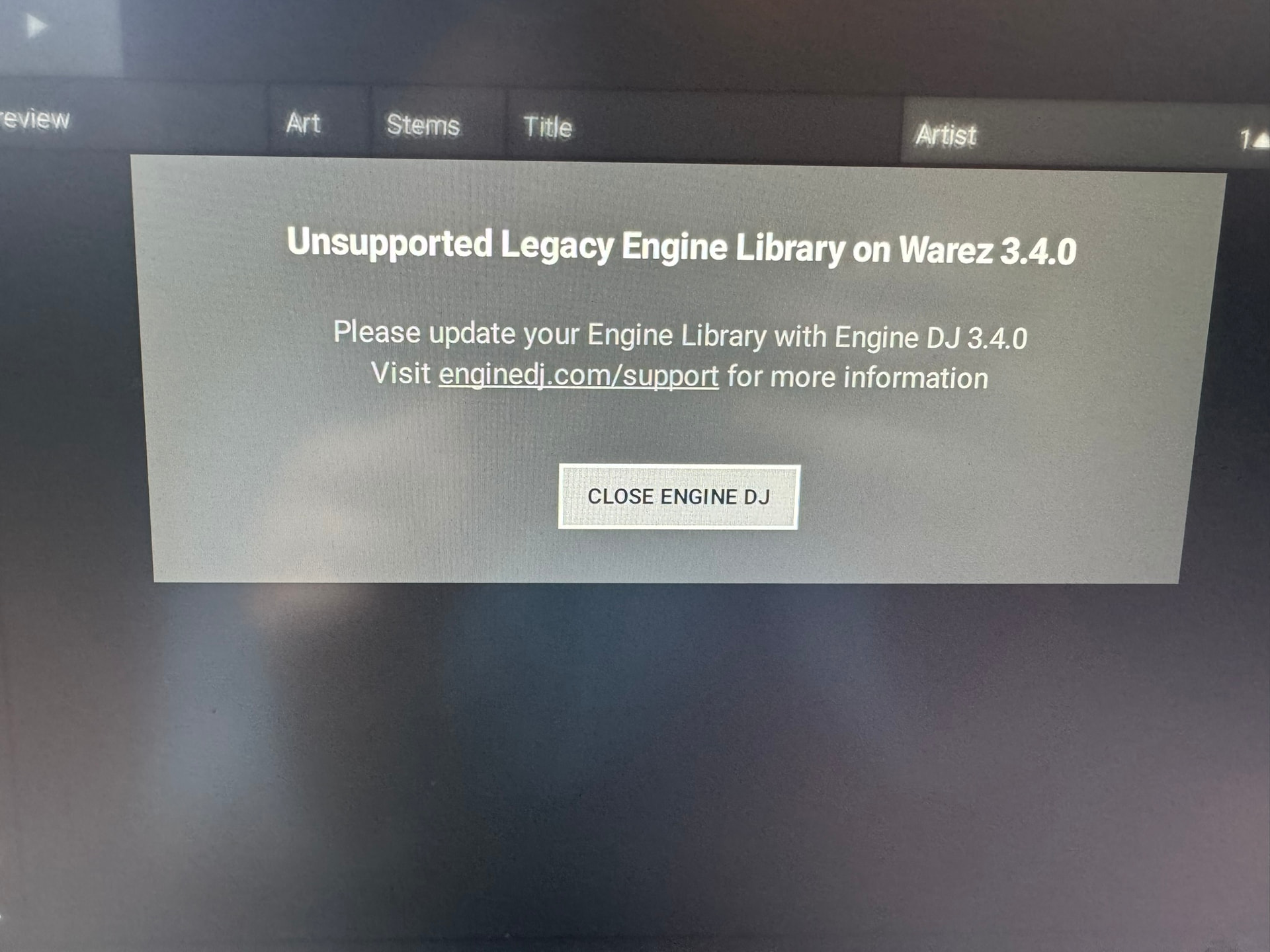
Denon, please explain to me how I export my library to 4.3.4 if I don’t have 3.4.0. The app itself clearly tells me to install 3.4.0.
Be aware – you cannot have two versions of Engine DJ on your computer that use two different DB schema types. 3.4.0 and 4.3.0 have big changes between schemas.
To migrate from 3.4.0, i would advise using Engine 4.0, then Engine 4.3.0.
Thank you so much! Now I just need versions 3.4.0 and 4.2.0 for Windows since my Mac broke this afternoon!
I have several computers, but right now, they all run Windows.
Version 4.0 is not online either; I was using 4.2.0 because it was the latest version I had installed on my third PC. PC 1: 1.6.1, PC 2: 3.4.0, PC 3: 4.2.0
I think these versions were pulled due to a security issue or some kind of vulnerability.
A suggestion from me that will save you using that nightmare workflow. Firstly just buy the files digitally on iTunes or somewhere as they will be much better than a vinyl rip. If you absolutely have to rip the vinyl, import into Djay Pro for analysis, then use onelibrary into Serato and finally export into Engine from there. Or see what options you have with lexicon, they have a free version.
Yes, I already read that they were removed due to a security issue, but Denon should give us options for those of us who are still migrating our database from 1.6.1 to 4.3.4
90% of the music I buy is digital, but vinyl records that are still being released almost never have digital versions, so I rip them and have to fine-tune them. The only program that allows three decimal places for BPM is Engine Prime 1.6.1, besides Traktor, but importing from Traktor to Engine DJ isn’t the best.
On another note, a huge thank you to djliquidice for uploading the two versions I needed. You’ve really saved my workflow. Thanks again!
@STU-C is correct. You could save yourself a lot of future issues if your tracks only have a slight BPM wobble. Just “warp” the tracks to an even BPM. They will be set for life. In addition to Djay Pro, you can also use NeuralMix or Ableton Live directly and skip the OneLibrary steps.
Of course, if your workflow is more streamlined than it appears. Go for it.
 I removed the links.