May I ask if I can use the DN-X1700 directly with windows 10 and rekordbox without a need for an external sound card? I struggle and could not make it work. Thánks for any help.
Are you paying for rekordbox? The Free plan doesn’t allow DVS among other things.
@pepehouse: yes I have a paid rekordbox subscription with DVS function included.
Then be sure to follow all this steps correctly:
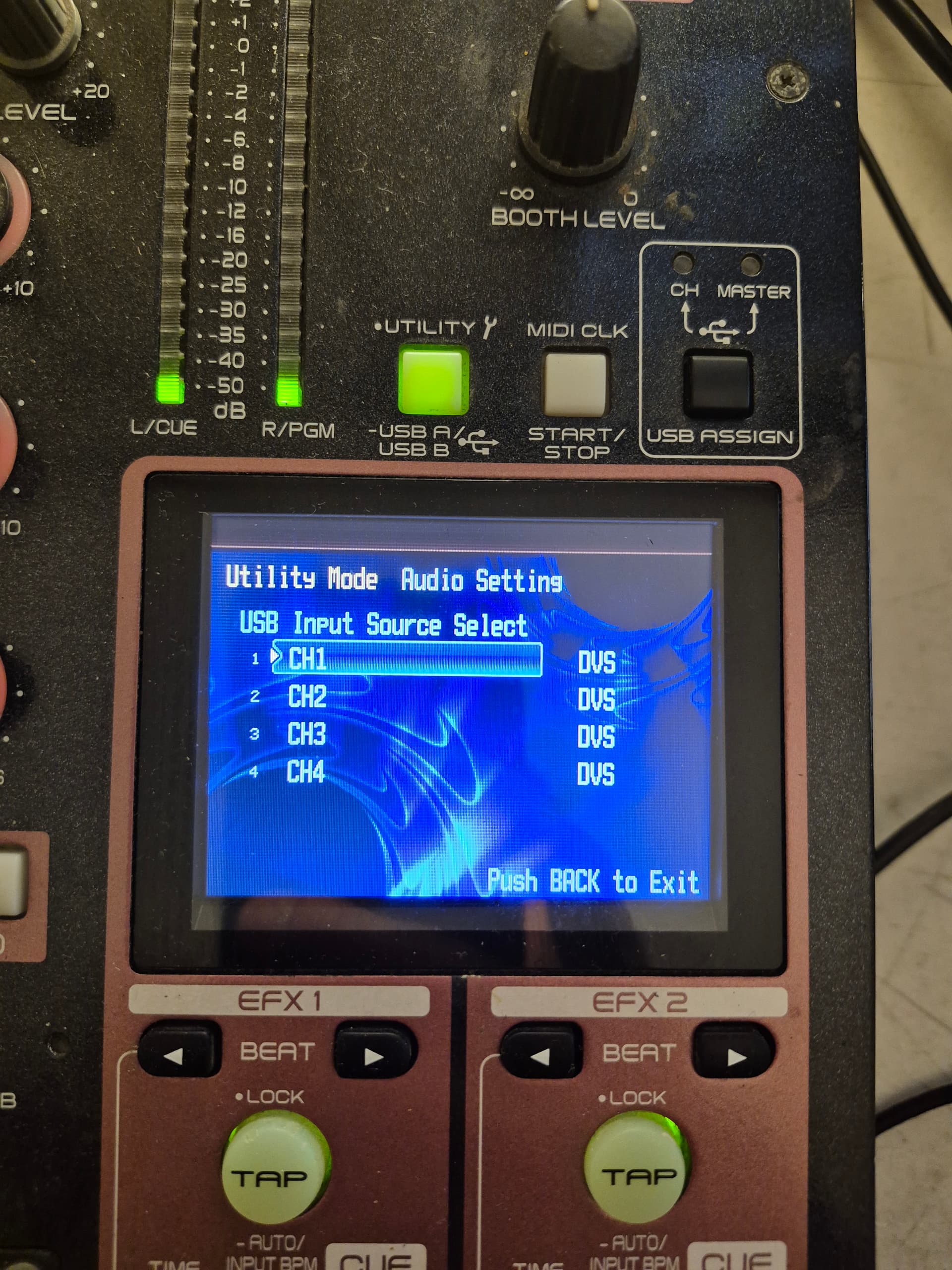
1-Select “7 USB Audio Setting” – “3 Input Source Select” – “CH1~4” in the “Utility Settings”, and check that the settings are “DVS”.
• “USB1/2 – 7/8” is the default setting.
2-Change the setting to “CH” using the USB ASSIGN CH/MASTER button.
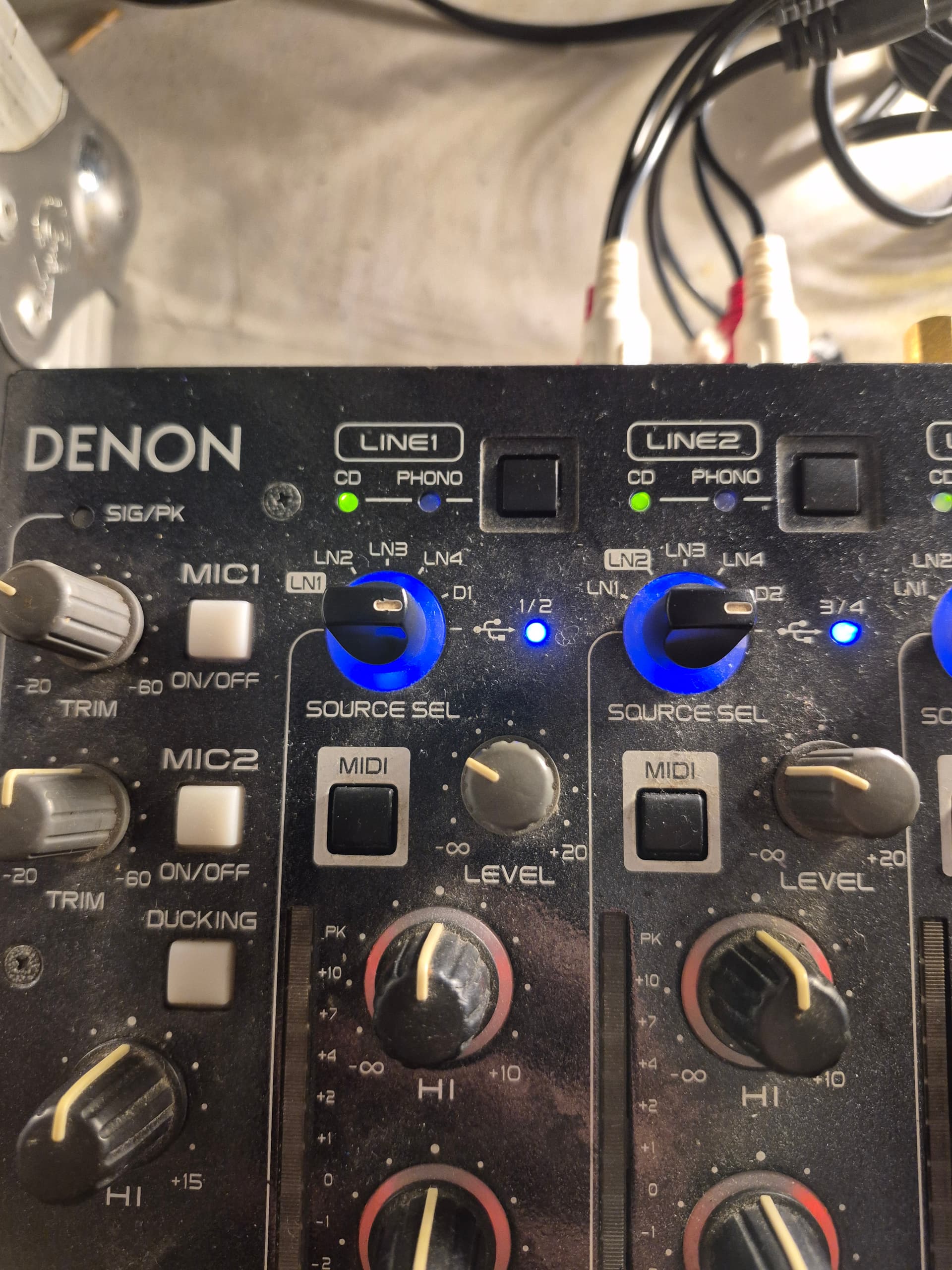
3-Set the SOURCE SEL LN1/LN2/LN3/LN4/D1-4/USB controls (channel input selector) knob of the channel to be used to “USB1/2 – 7/8”.
4-Set the USB mode to device mode for the unit.
5-Set the DVS software in the computer.
6-Play the player that is connected to LINE.
• Enter the TIME CODE data to the connected LINE. The TIME CODE data is entered to the computer via the USB cable. The data is converted to AUDIO data by the computer, and then input to the various channels of this device.
7-Adjust the volume etc. for the connected line.
@pepehouse Thank you very much for your guidance. It is very helpful because it teaches me a lot of things that I didn’t know about of the DN-X1700.
However, I have not got it working. So this is the steps that I did for you all to see.
-
change all 4 channels “input source select” to DVS
-
Change to “CH” - Done
-
Set Source to USB.
-
Set USB mode to device mode - i.e. USB B
-
Set the DVS software
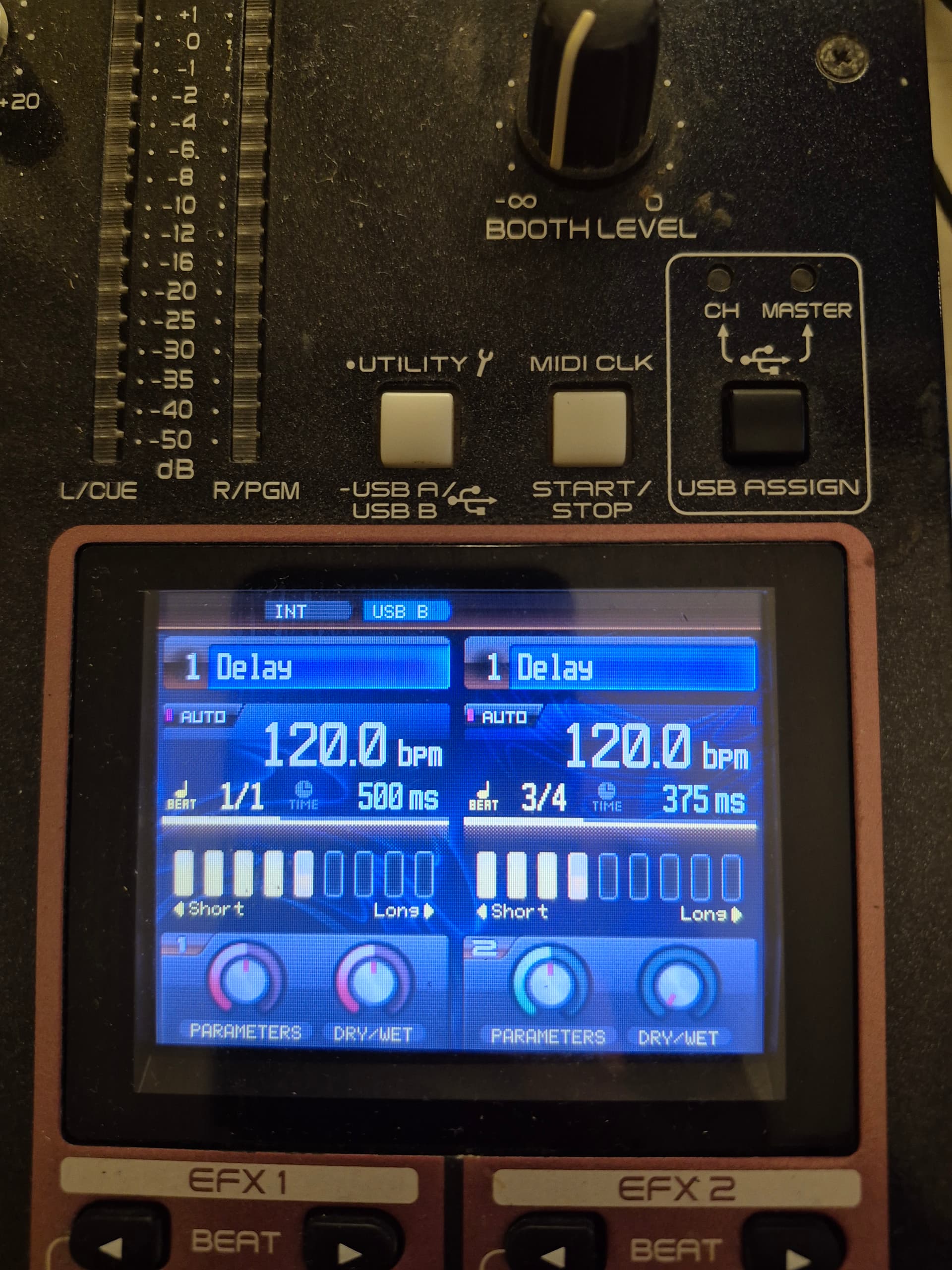
Set Rekordbox audio to external mixing mode
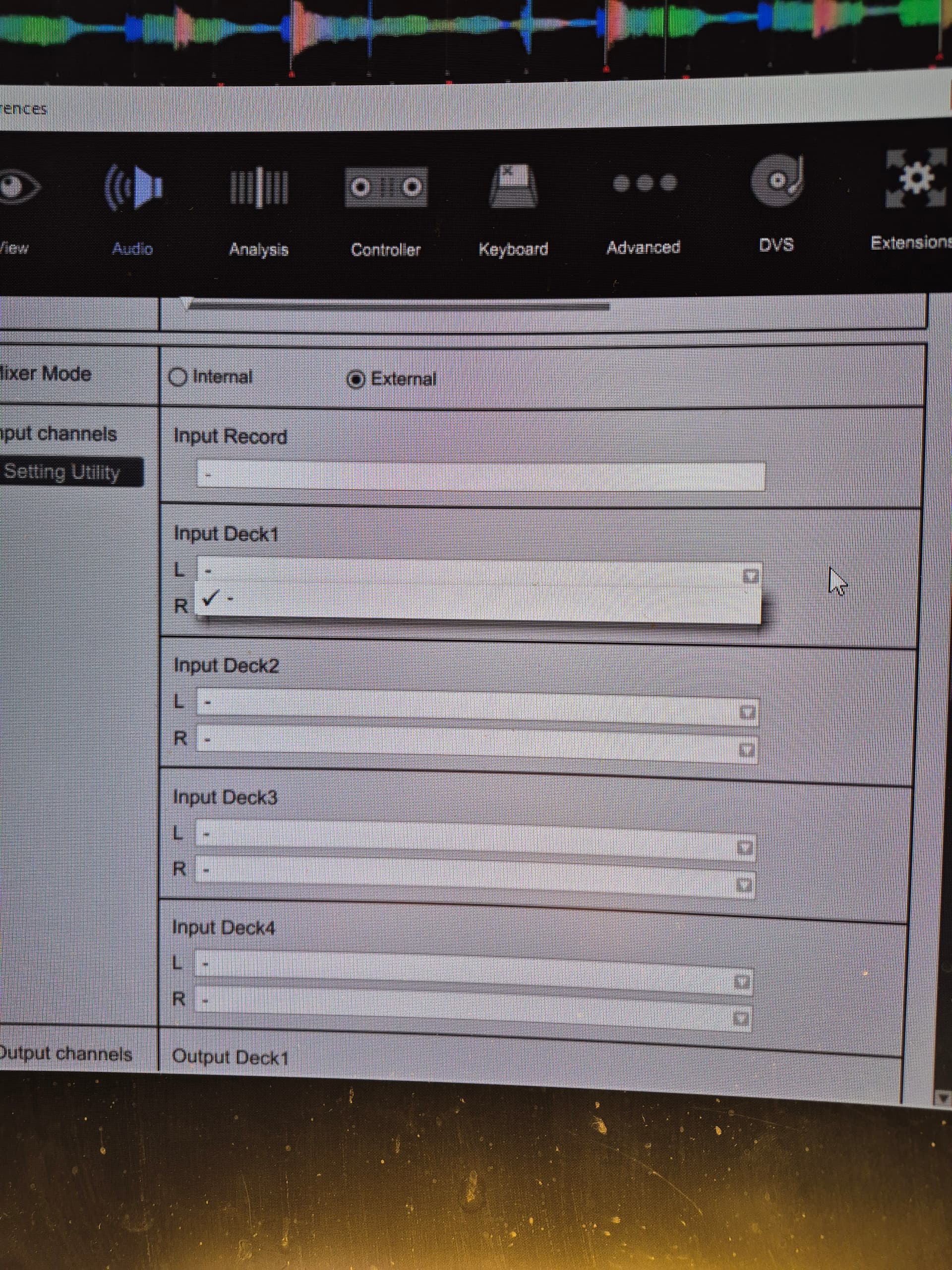
There is no option to put in input. Here is my output
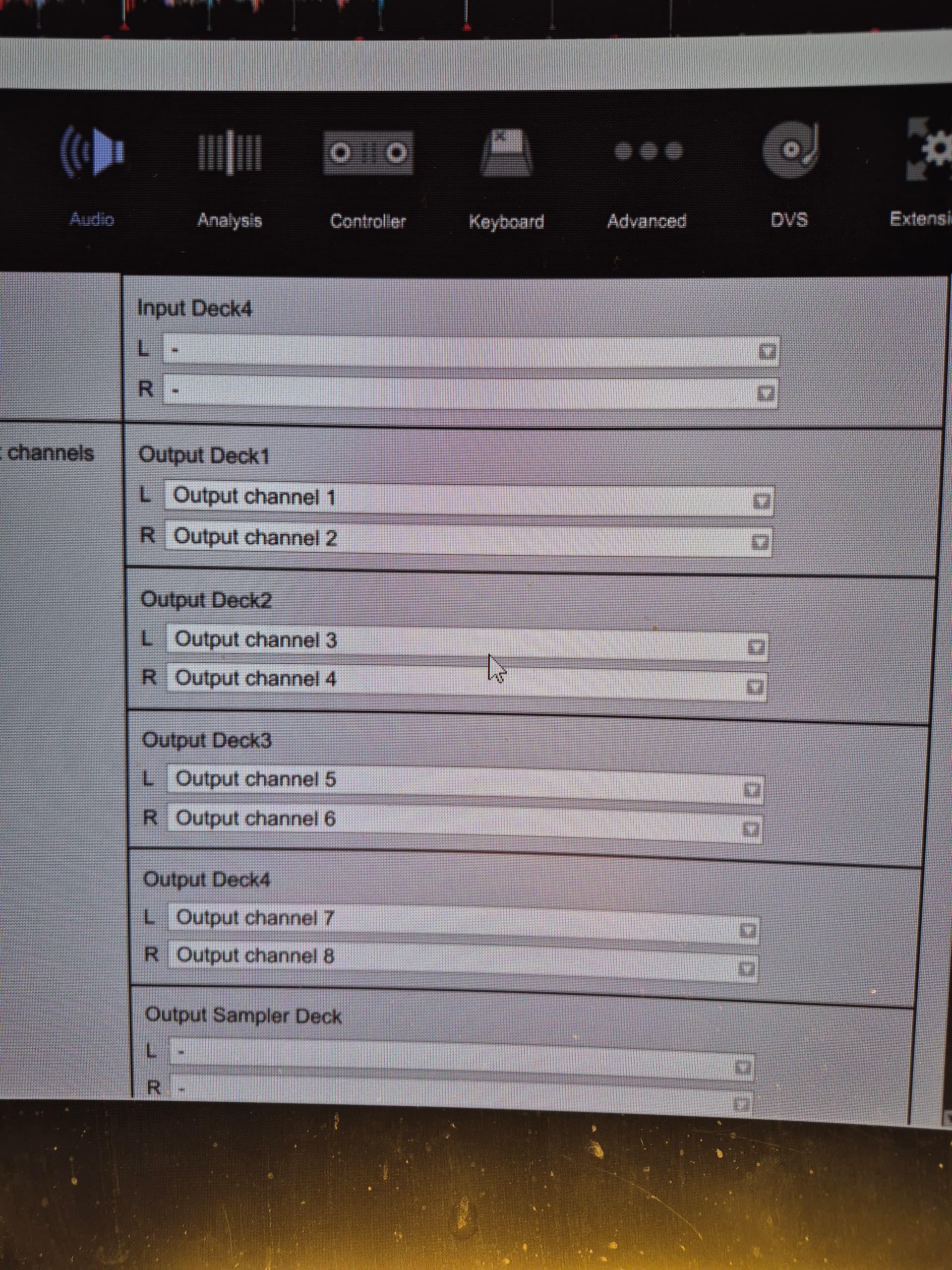
- Play the player that is connected to Line. When I play it, there is nothing in the Scope. Start calibration and it leads to : Error. I am taking in DVS signal from a Denon DN-HS5500. When I put the select channel to Line, I can hear the timecode sound. When I turn to USB mode, there is no sound. Both absolute and Relative mode in Rekordbox does not work.
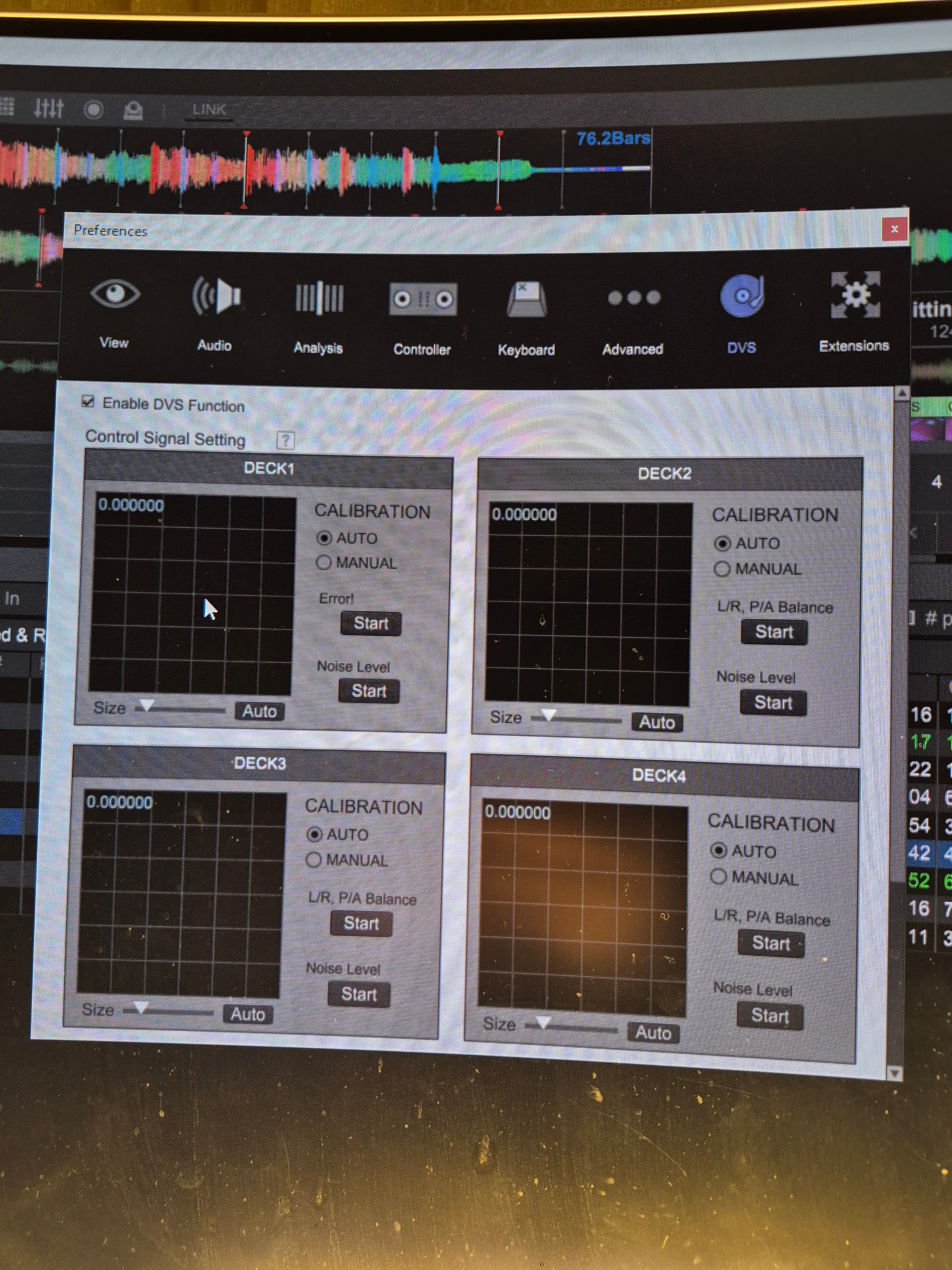
I am hoping that you could enlighten me on where i did wrong. My suspection is that I should be specify something in the input , but there is no option to do so.
You are correct, you need to select input ch in RB settings for this to work.
In RB audio settings, what you have selected under audio interface?
What drivers are you using for the X1700 under windows?
I have the following drivers on my Rekordbox
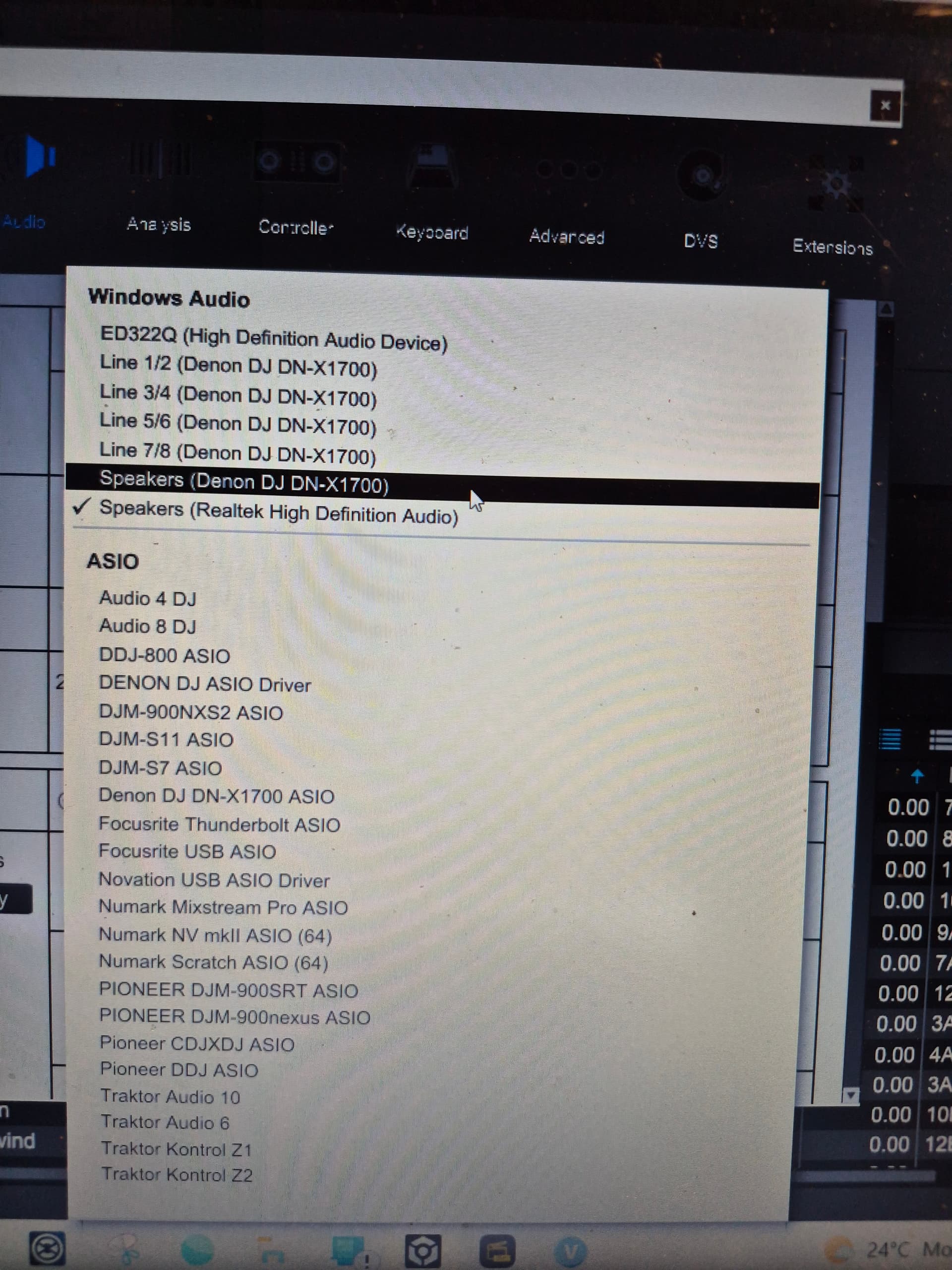
I use the Speakers (denon dj dn-x1700) driver. With this driver, I can run both channels through Line 1 and Line 2.
However, I cannot use the Denon DJ Asio driver
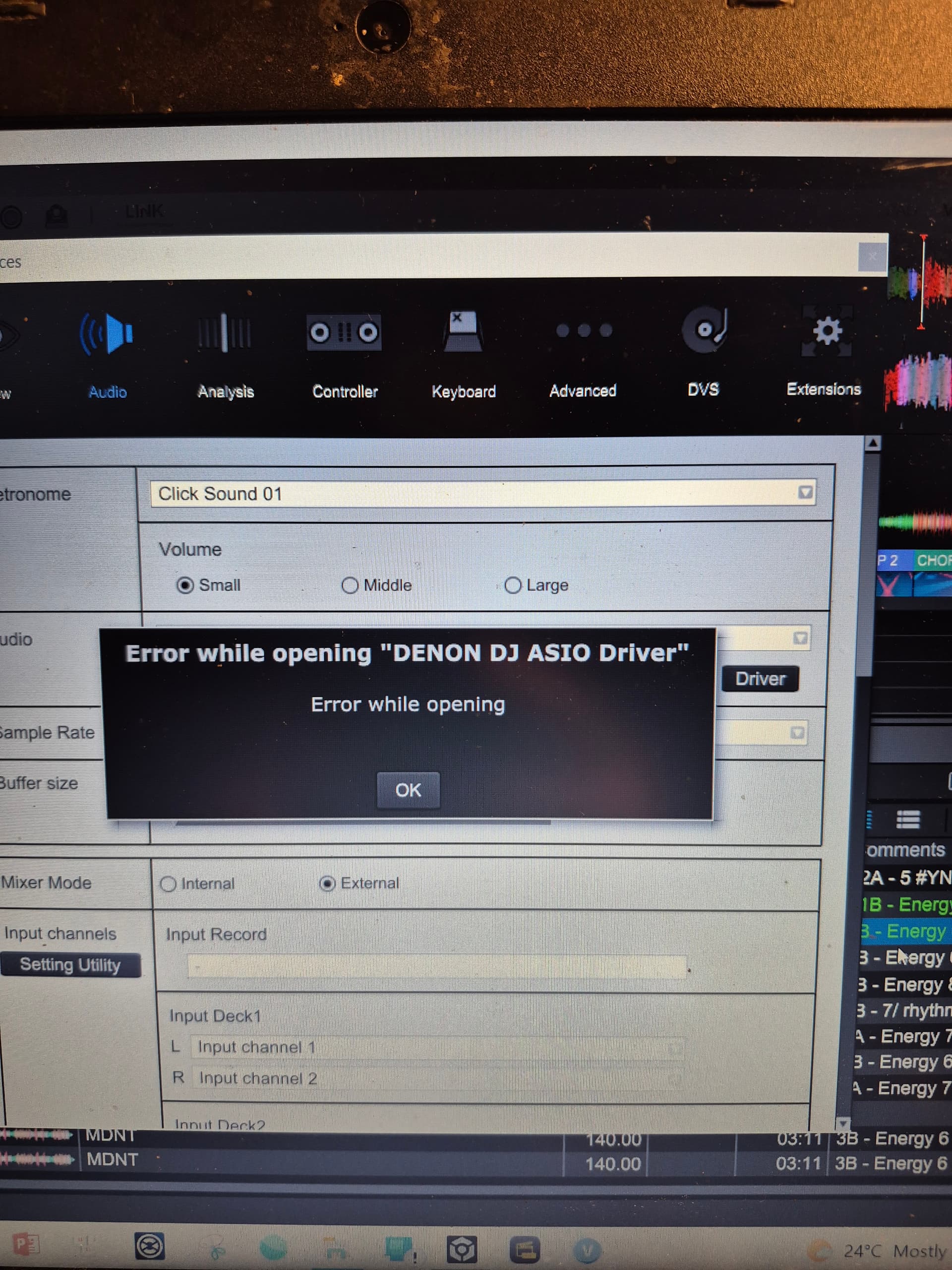
or the Denon DJ DN-X1700 Asio.

I installed the denon dj_dn_x1700_1.0.2 for Windows.
If I set the audio driver to Line 1/2 (denon DJ dn-x1700), there are options in input channels to choose input from input channel 1 and 2 for Deck 1. and I can use DVS function for channel 1. But no music out for channel 2.
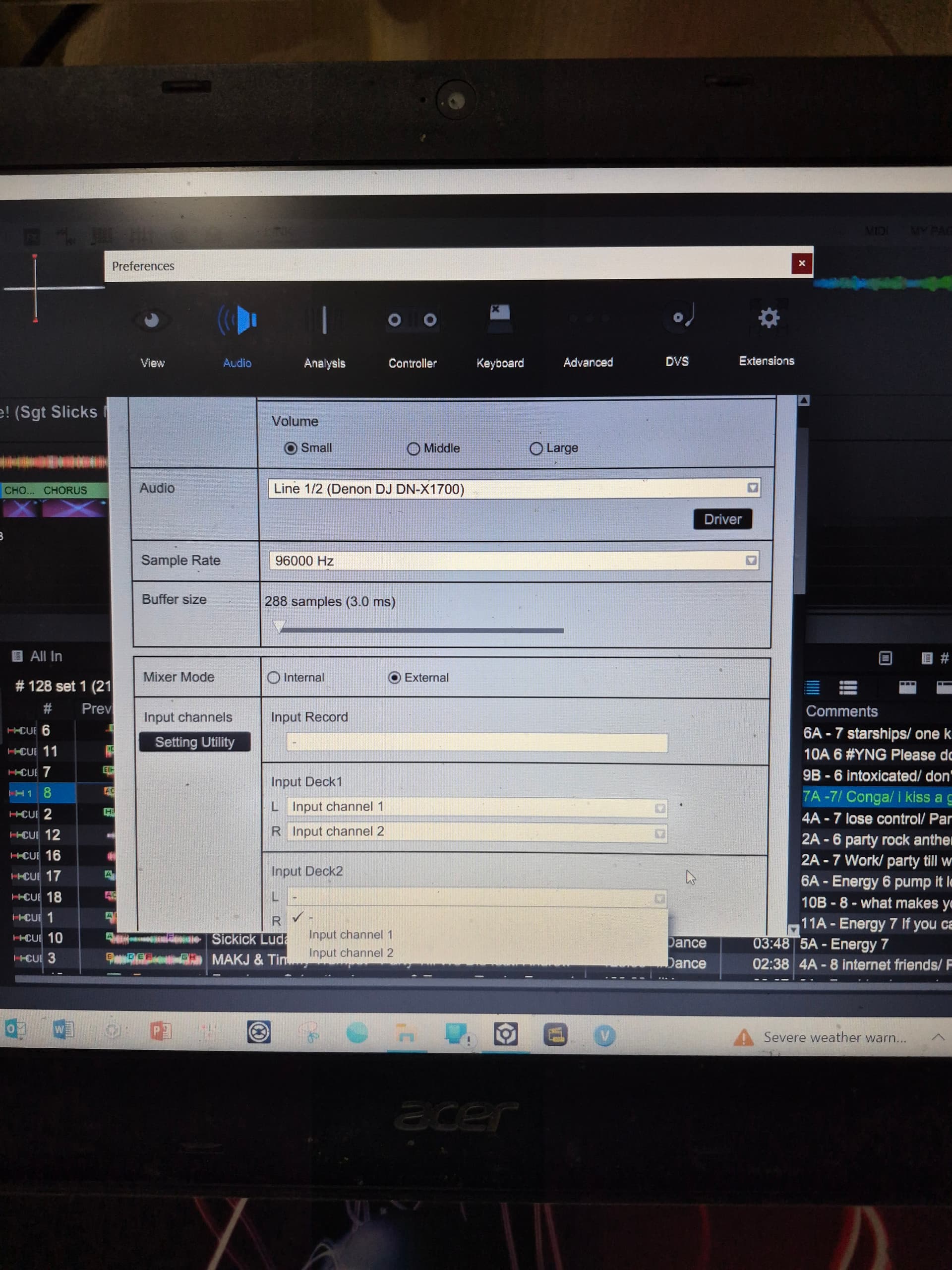
I guess my issue is from one of the error drivers that prevented me from having the correct set up??
Yup, you are correct.
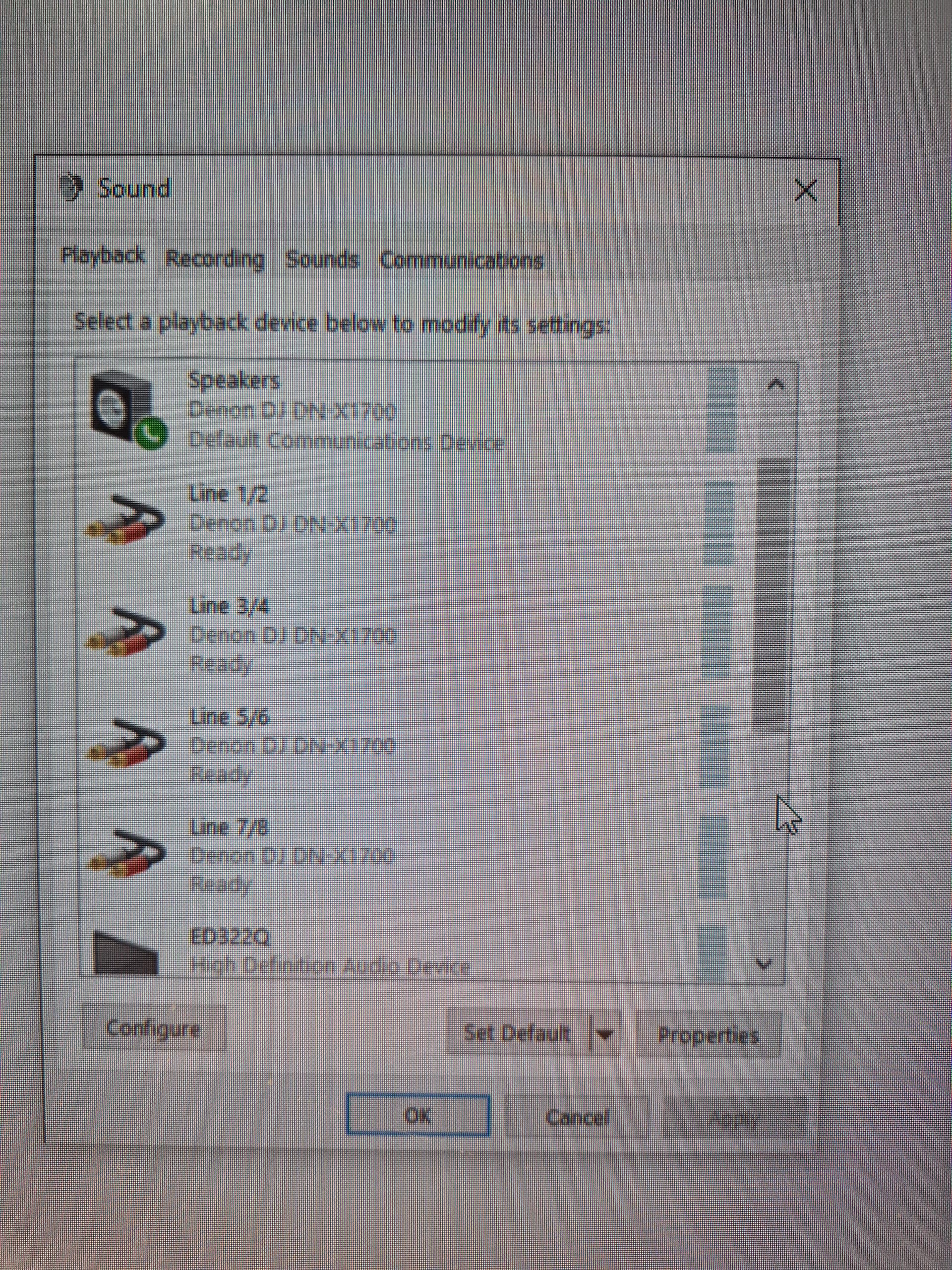
First this: windows does not allow to share their default audio interface so make sure you are not using your X1700 for windows sound. That would also give you the error you are seeing.
Next troubleshooting step in case the first one is not valid: try to open Denon DJ X1700 ASIO driver not from within RB but from folder or windows.
In order not to use X1700 for Windows sound, I went in to control panel/ Sound control.
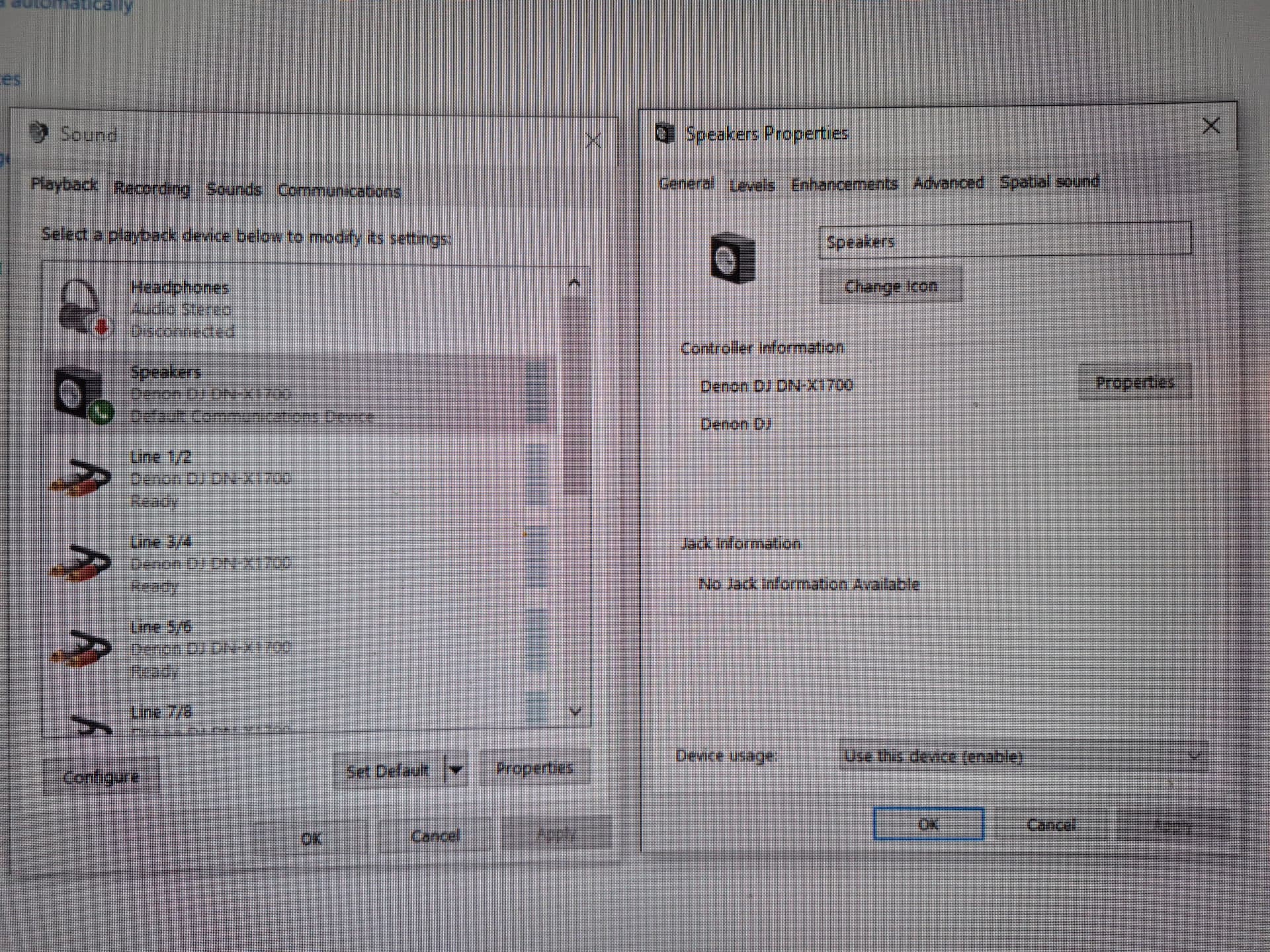
and I select disable this device usage:
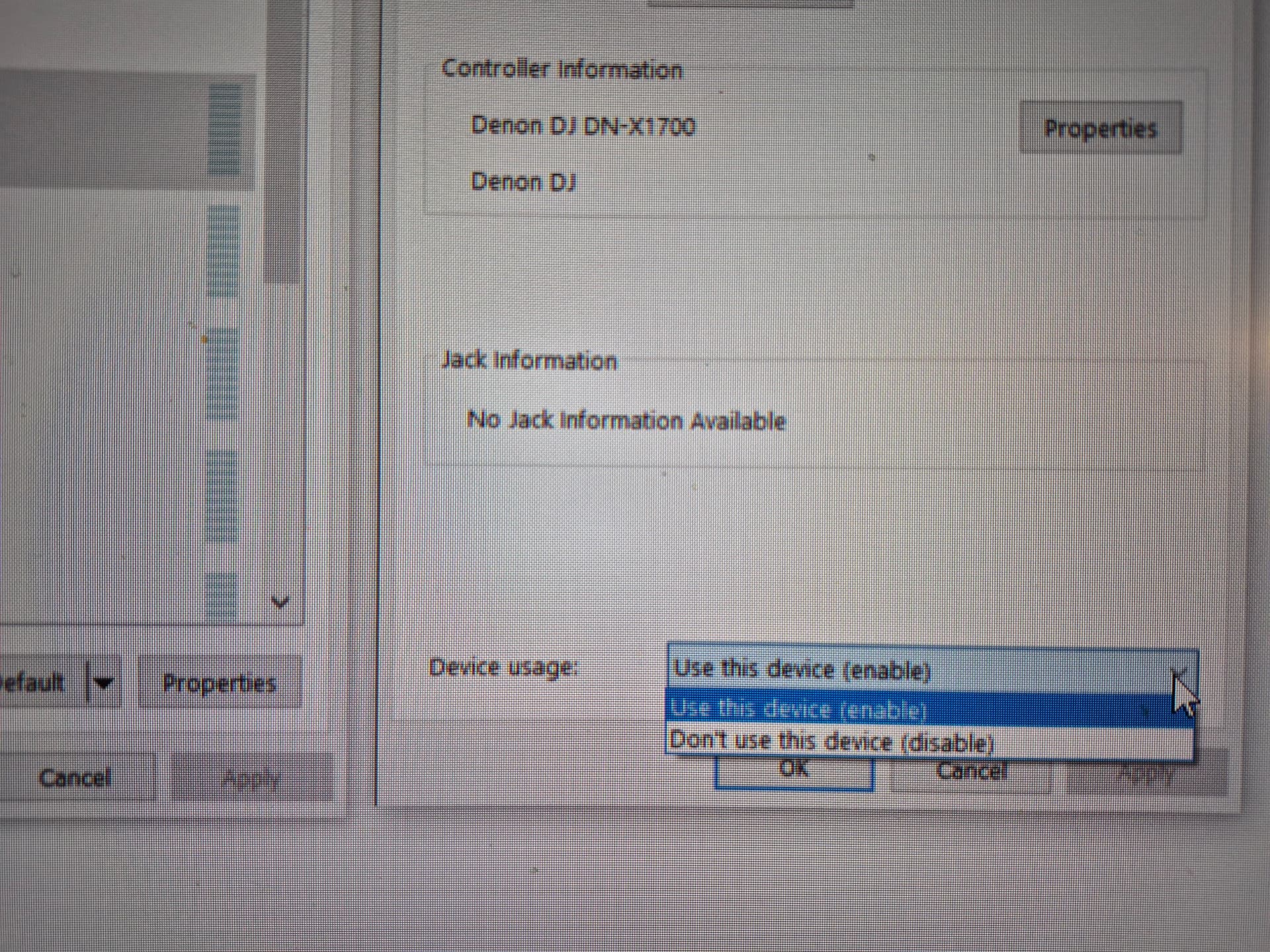
This removed the option of Speakers (denon dj dn-x1700 ), but the denon dn-x1700 Asio driver still appeared error in Rekordbox.
Next, I open folder DN-x1700 in program files. There was a file Driverreplacer.exe, which didn’t show anything when I click on.
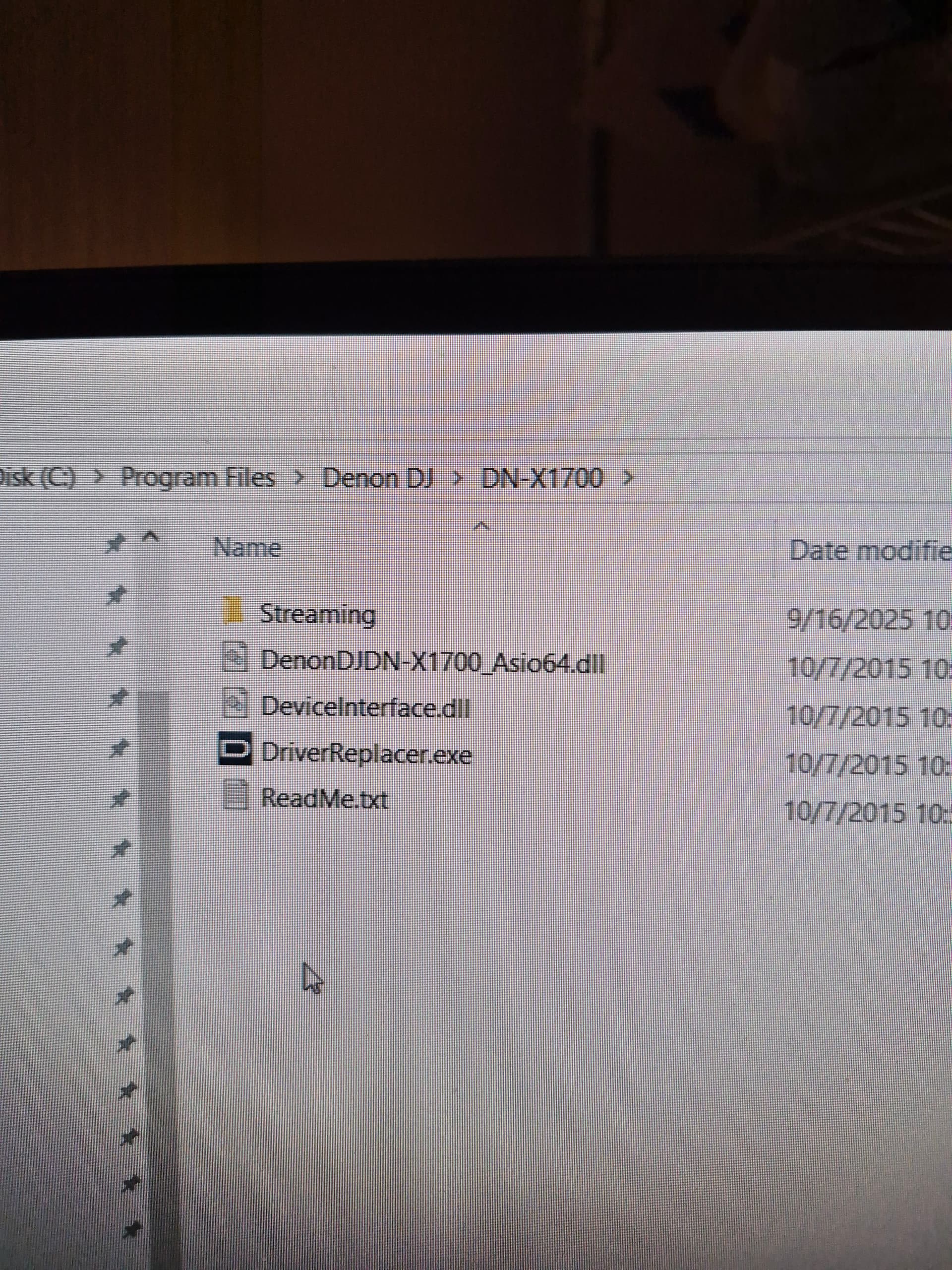
I opened folder DN-X1700 in program files (x84):
The audioDevMon.exe file showed this
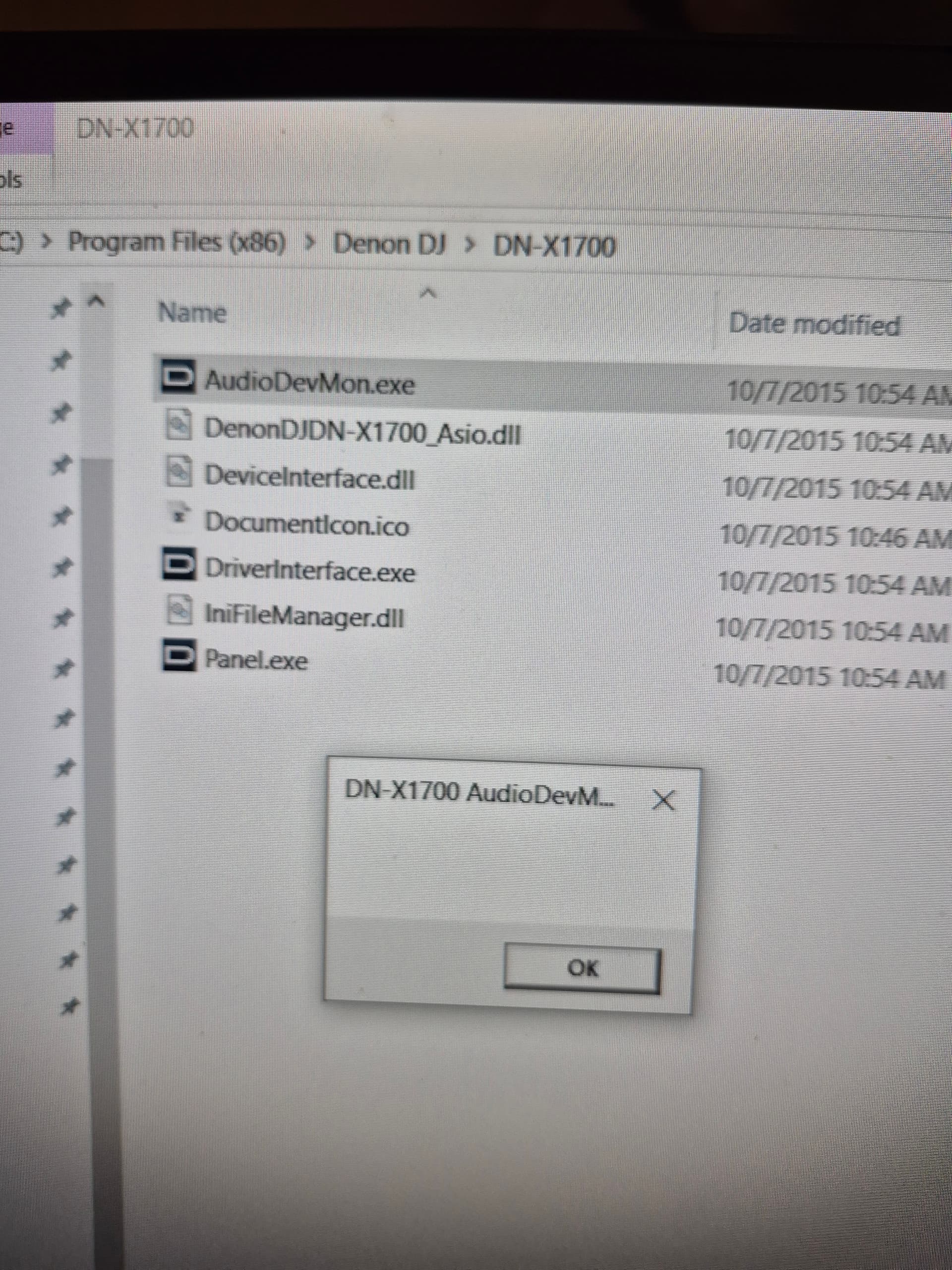
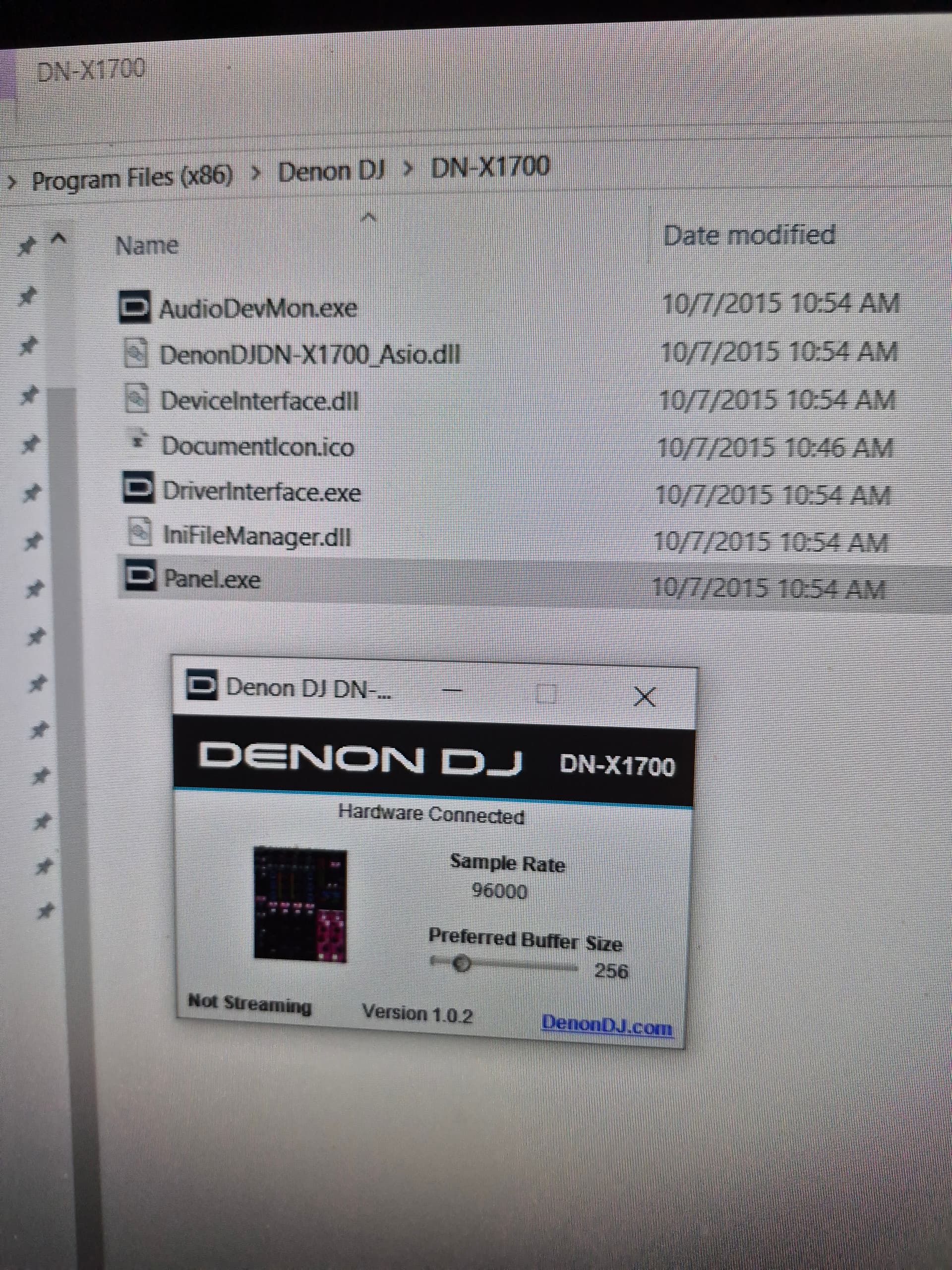
The driverinterface.exe did now show anything.
The Panel.exe showed this
What was most interesting was that when I used Traktor, it run well with DN-x1700 and DVS function on both decks. So apparently the Denon asio driver installed on this same Windows was working fine with Traktor , but not Rekordbox.
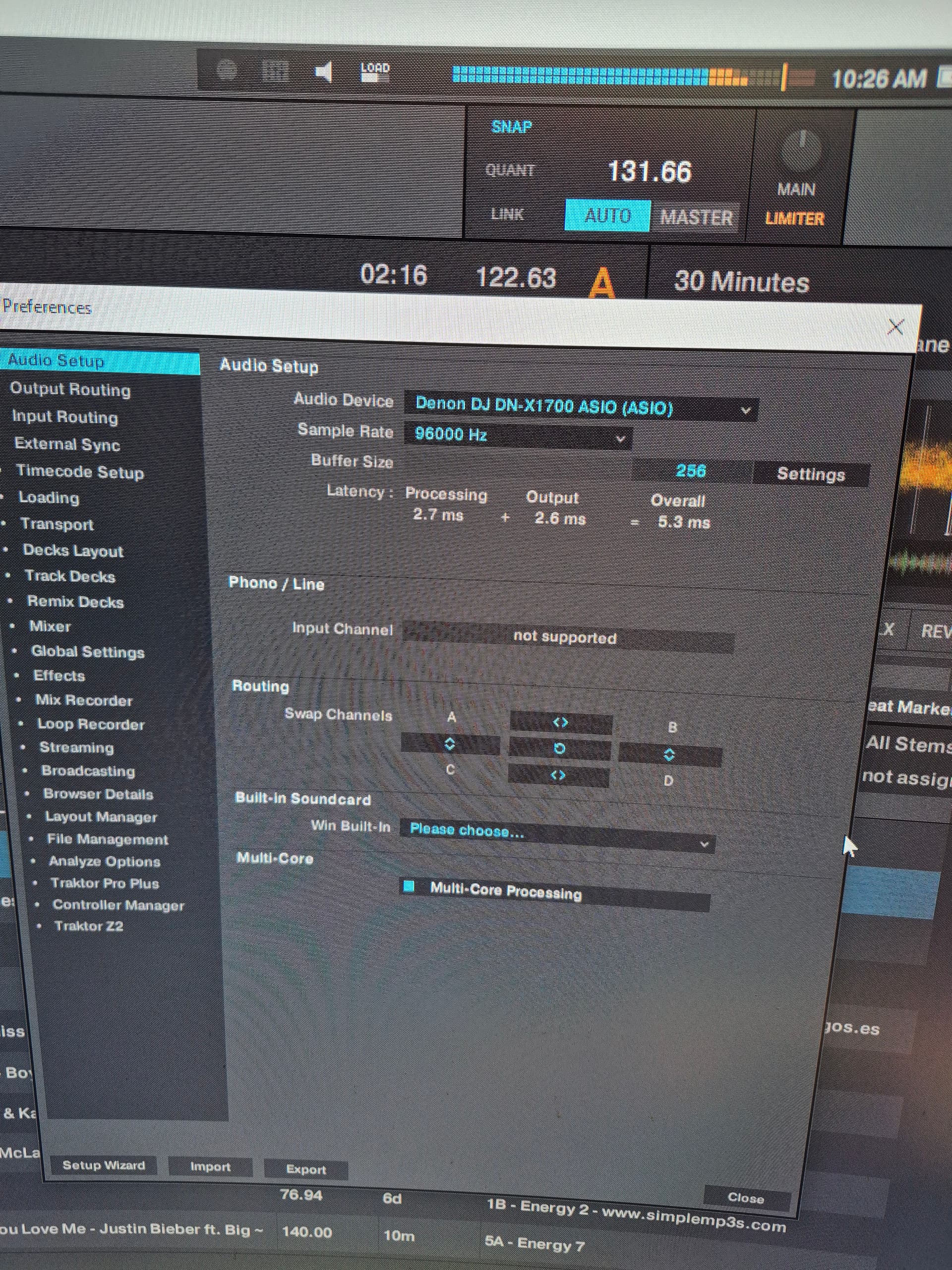
Have I missed out anything here?
Actually, would have been better just to select Realtek Audio (your motherboard’s integrated audio interface) just to avoid guessing what will disable option exactly do.
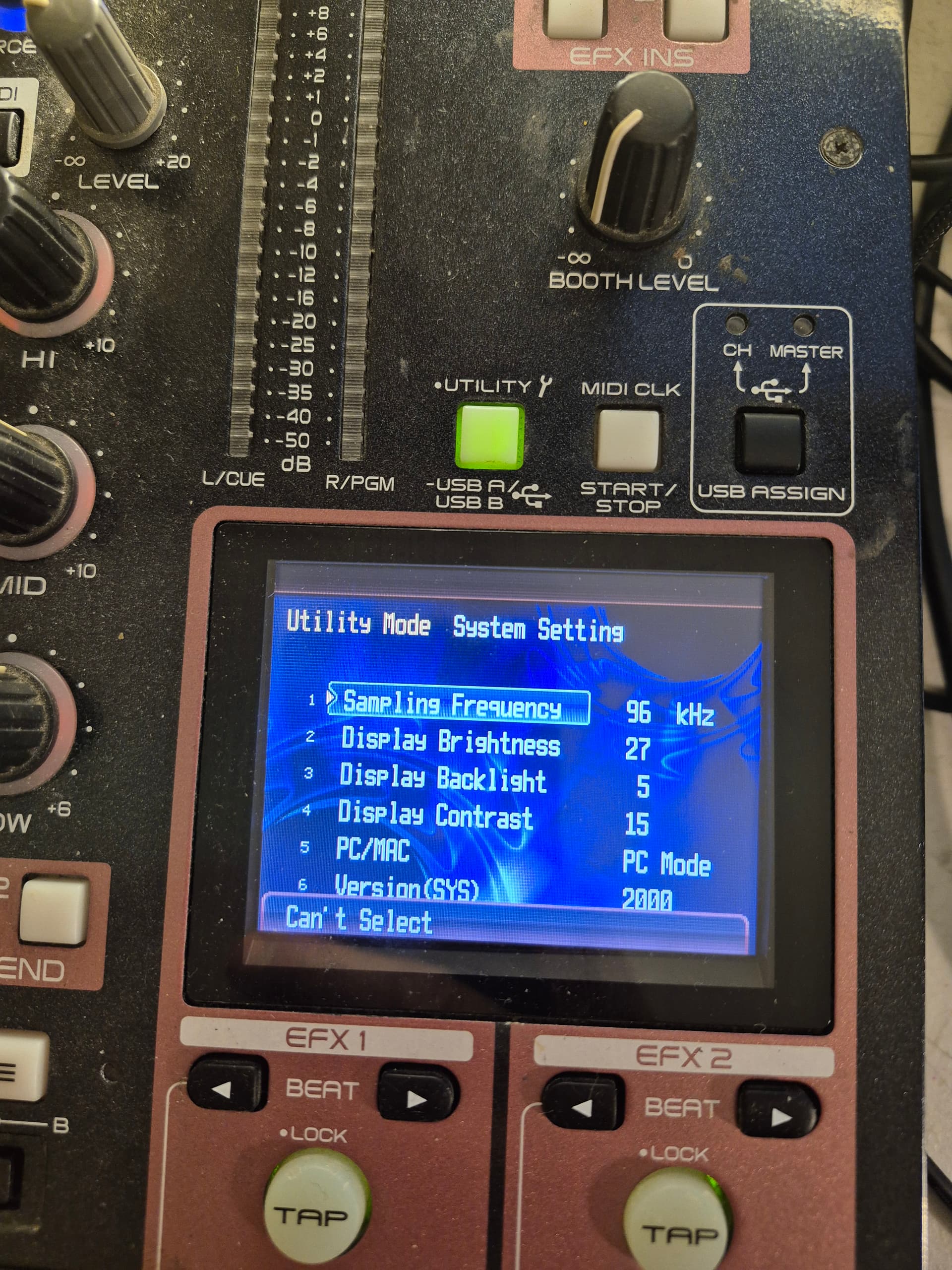
Another thing you can do is set your mixer to 44.1khz sampling freq (mixer utility settings)- RB might not like that for some reason for DVS.
The fact that it all works in Traktor unfortunately shows you it’s something specific to RB+Win+Denon ASIO combo.
What’s the reason you want to use RB specifically? Considering you have Traktor
I am not quite sure I understand your first suggestion.
Do you mean I should disable the Realtek sound card in Control pânel/ Sound"?
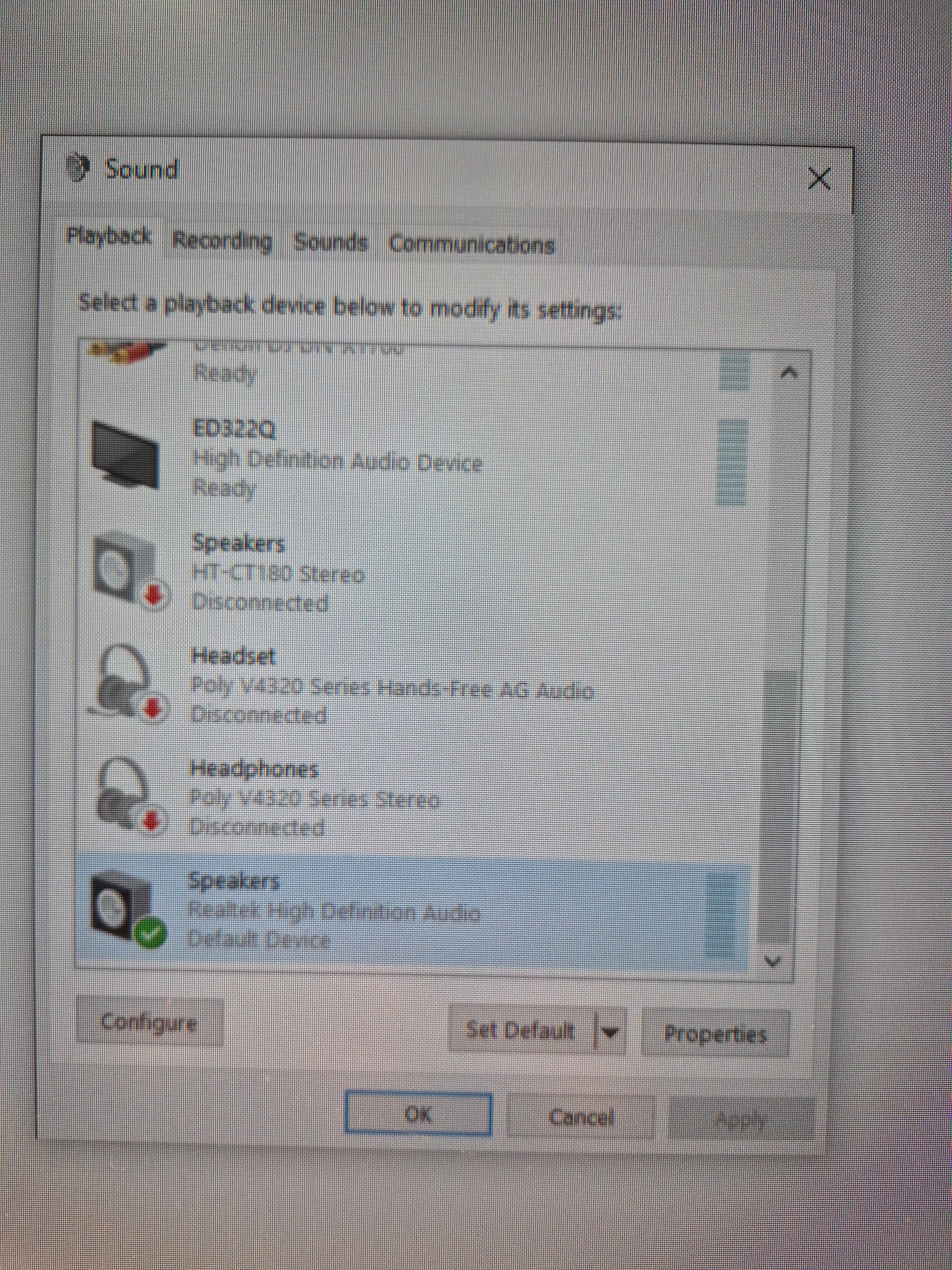
For the second advice, I cannot change the sampling rate on the mixer. It says: Can’t select when I choose sampling rate.
Lastly, I use Rekordbox mainly for my work. All my database and playlist, cue points… are all there.
I have Traktor and other softwares in my comp mainly for testing and mucking around when I have a new mixer that I want to test them out.
There is surely something that can be done to help the combo: Rekordbox + Win + Asio that I will need to keep figuring out. Thanks for your help by the way.
Hold down the utility button when powering on tot get to the Owner setting mode to set the sample rate. It’s on pg 18 of the manual.
Denon DN-X1700 Manual.pdf (3.1 MB)
Thank you for your advice. I manage to change the sample rate to 44.1khz
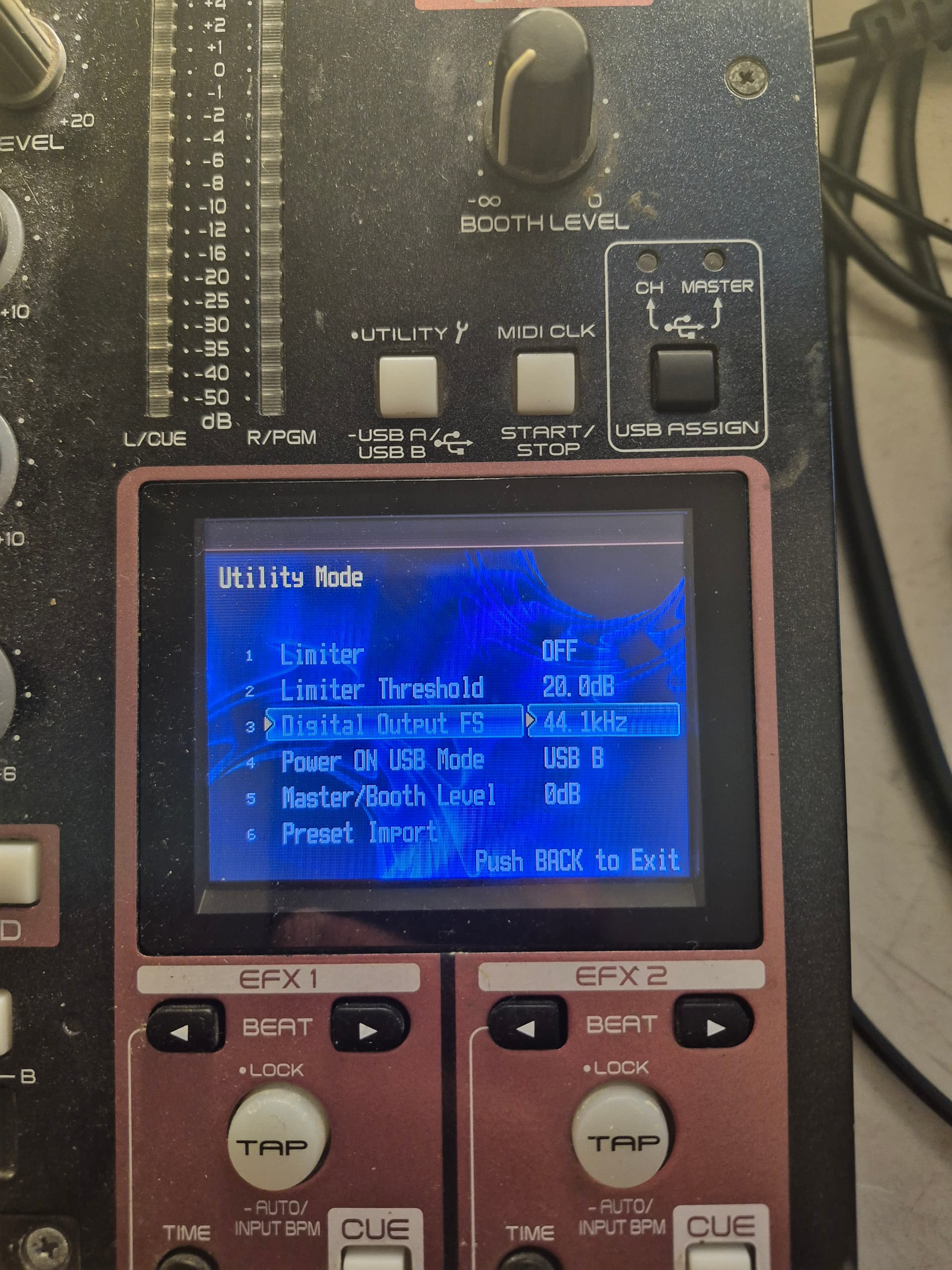
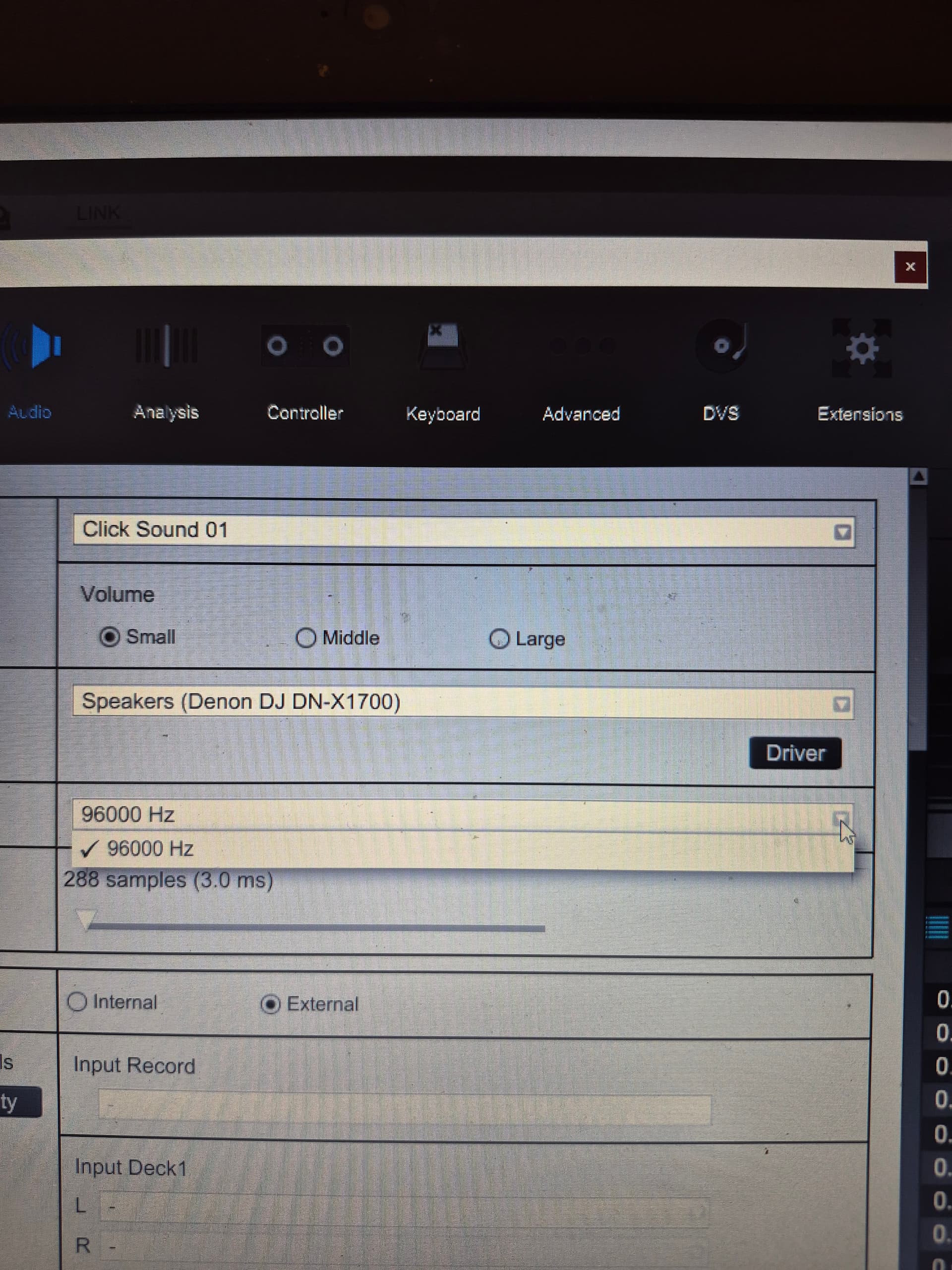
However, Rekordbox still doesn’t detect denon asio driver. For the normal Speaker (denon x1700) driver, it stil show the sampling rate to be 96k both in Rekordbox and Traktor. Not sure why it doesn’t change its value.
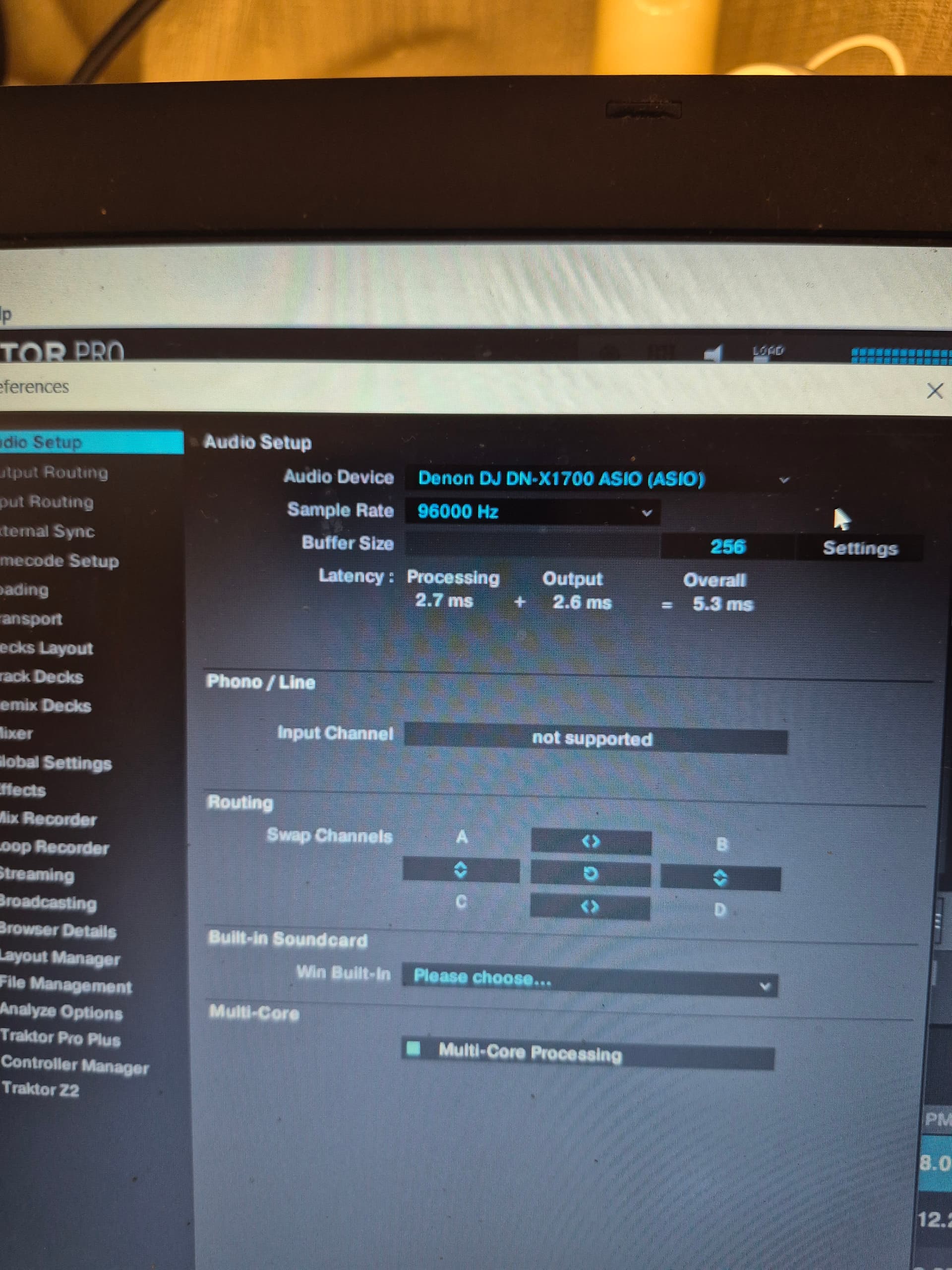
Apologies, don’t have the time to write a full response.
SirReal might have given you the wrong info by mistake: sampling frequency is not adjusted on the “Digital Output FS” setting but on the “Sampling frequency” setting in regular Utility menu.
The reason why you could not change it is because your mixer was connected to your PC and interface was in use. Unplug, set the ch inputs to “line” (this part is just to be sure) and try again.
Then verify by checking Denon DJ X1700 Asio and in RB select the “Denon DJ X1700 Asio” as driver.
Also: dont disable anything in win settings. What I meant was select Realtek in win Sound settings under Playback AND Recording tabs as the default device (“set as default” option) to make sure win is not using x1700 and blocking RB from access.