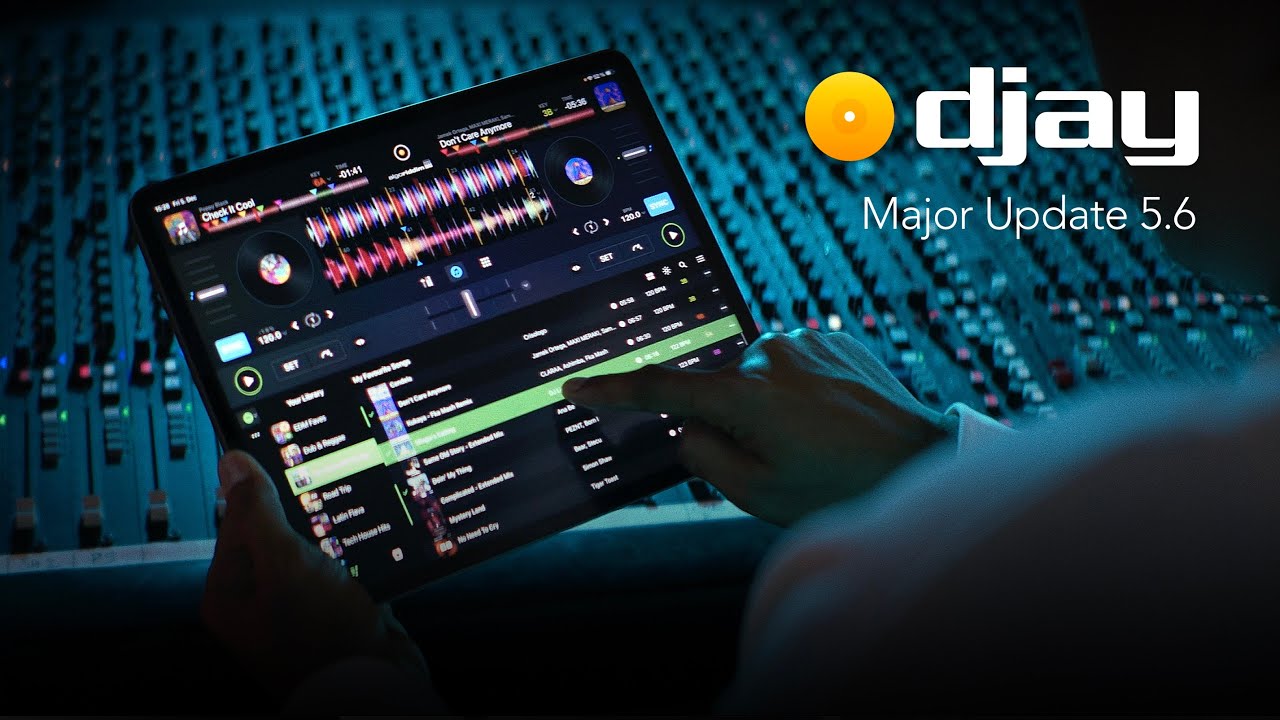
What is the feature or ability you would like to have? The ability for full compatibility with djay pro enabling wave display and touch screen functions in standalone
Is this feature for OS, Desktop software, or both? This is for the os in standalone mode
How will this feature help you and others? Improved functionality and integration with djay from Denon prime, prime go etc meaning we can connect a iOS device and have full control of the software in standalone mode without the need of using the iOS device screen or computer
Is this feature available in an existing product? If so, what product? Its supported in other hardware offferings but for this to be implemented on Denon devices, access to the firmware needs to authorised by Denon
Does a workaround currently exist? I there is no work around so our devices are only partly suppperted in djay
Unfortunately it is absolutely a denon issue. If you go over the the djay forums, the request was made and djay responded
“Please note that the hardware manufacturer needs to unlock access to their screens before we can add support for them in djay. We have reached out to the manufacturers requesting this, but it will help to expedite the process if djay users could also contact the manufacturers and express their interest in having screens unlocked for Algoriddim djay. Every voice helps. Thanks for your support!”
So the solution would be implemented by djay but denon would need to give them access to their screens which maybe Denon are reluctant to do so but perhaps enough of us request and support this, maybe Denon will listen before people jump ship unless they are able to deliver suitable alternatives. Stem seperation and their beat matching and sync over there on the djay pro are far superior than denons offering and its realtime as well which for using streaming services and not preparing play lists is just brilliant. The denon algorithm even when pre preparing stems doesn’t come close.
I was considering switching to paying for virtual dj but that means laptop and redoing everting.
Standard response (I’ve used this many times when our internal team hasn’t gotten around to doing stuff). I could be wrong but Serato doesn’t seem to have an issue, maybe it’s because AT/Pioneer and Algoriddim are very closely aligned, starting with One Library
yeah you are probably right, just hope Denon starts opening up as we could end up on a denon ecosystem with very limited options compared to the more open platforms
The screen support that already exists for VDJ isn’t great. It lags badly. According to the VDJ devs the Denon SDK they use is terrible and the screen refresh rate is severely restricted due to the data speed when the screen is polled.
Even if it did happen it would be a pretty poor experience anyway.
I can’t even get two waveforms to run on my Prime go+ using VDJ without badly lagging.
Personal opinion I suppose, because I’ve used my Prime 4 with VirtualDJ and not noticed “bad” lagging. I’m aware of what Atomix staff have said about refresh rate of the screens, and that they reduce the size of anything on the screen skin that moves, so it’s bearable.
Users have even made skins for the Prime units that display videos, and they seem OK with it.
Yes, the screen functionality on Denon equipment with VDJ is somewhat poor.
I don’t think the problem lies with the screens themselves, but rather with either a USB port bandwidth issue or a processing speed problem with the RK3288’s GPU.
It also depends heavily on the type and size of the waveform you use in VDJ. If you use a waveform of a single color and not too large, the waveform scrolling works fairly well. However, if you use a “scratch” waveform in VDJ with different RGB colors, and even worse, if this waveform occupies too much height in pixels, then it quickly becomes disastrous.
The waveform scrolling lags behind the audio, and what you see on the screen no longer matches what you hear. For example, you enter a break and you still see the rhythm of the previous drop scrolling.
Typically on my SC6000M, I have to display the shortcuts on the screen to reduce the height of the waveforms from the two stacked players. If I don’t display the shortcuts, the waveforms become massive and very quickly fall behind the audio.
I have seen users just using the Denon hardware and just using iPad. I have tried it using iPhone but obviously the screen is tiny. I don’t want to buy an iPad as then I have to question whether I better off just selling the prime 4 and then buying an iPad Pro and a controller. Portable and better
Just to provide a little bit of clarity that seems to be missing here. Screen support for Alpha products is only available if you’re using the desktop version of Djay pro, not the iOS version. So you’ll only be able to utilise it by using specifically a laptop and the desktop version of Djay.
There seems to be a general opinion that there are limitations in place that are blocking iOS devices from sending the required info to the hardware.
InMusic don’t block screen support across the board as Serato and VDJ utilise it, so whatever is going on between them and Algoriddim isn’t some kind of status quo for InMusic, it’s a decision between those 2 specific companies.
I don’t think it’s going to come to Denon prime etc and not because it’s not possible but in line with the thinking that it’s going to make its standalone offerings look really bad.
I think from a technical perspective the hardware in the prime etc is just not powerful enough to handle complex processing to do real time stem separation. My suggestion was for Denon to implement some sort of handoff to a cloud service that will not be realtime but will process the stems faster and more efficiently making use of cloud based computing.
this is probably not going to happen so I suspect that prime 5 and go ultra etc are things we will be hearing about very soon.
in my situation I really love how the djay software works even just on my iPhone without a controller so I haxe been fortunate that the company has accepted a return and I’ve just bought an iPad Pro and Ddj GRV6. The cost is literally the save as what I paid for the Denon prime 4 +. It just suites my preferred work flow and reduces pre preparation especially when it comes to just having fun.
Obviously I could have just added the iPad and used the prime as a controller but I think the GRV6 and the mixon 8 just integrate with djay in a better way. Will still be hanging around in these spaces awaiting probably the next denon device which I think will be very powerful and bring me back home. Much respect to everyone here and valuable and constructive discussion. Have a blessed day people