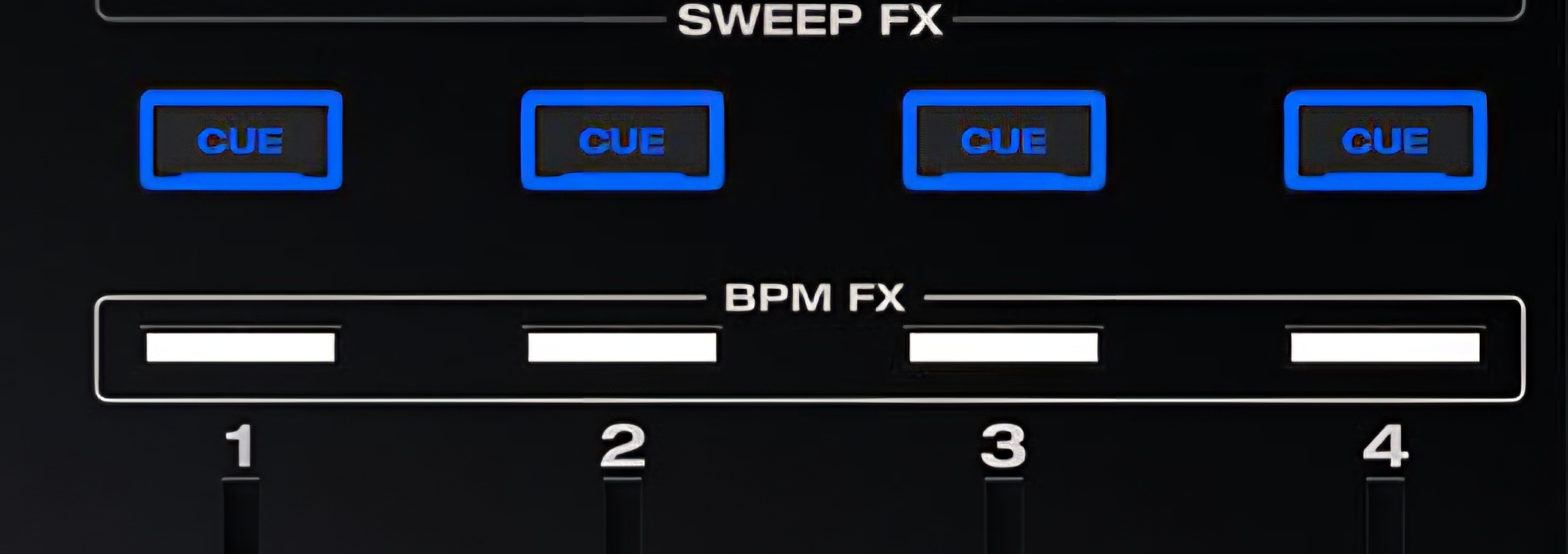
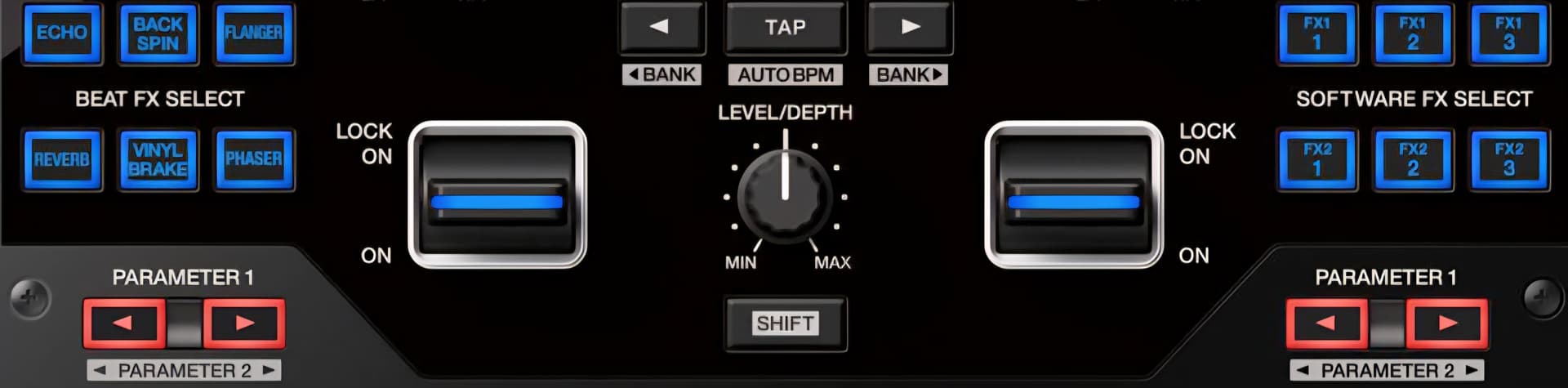
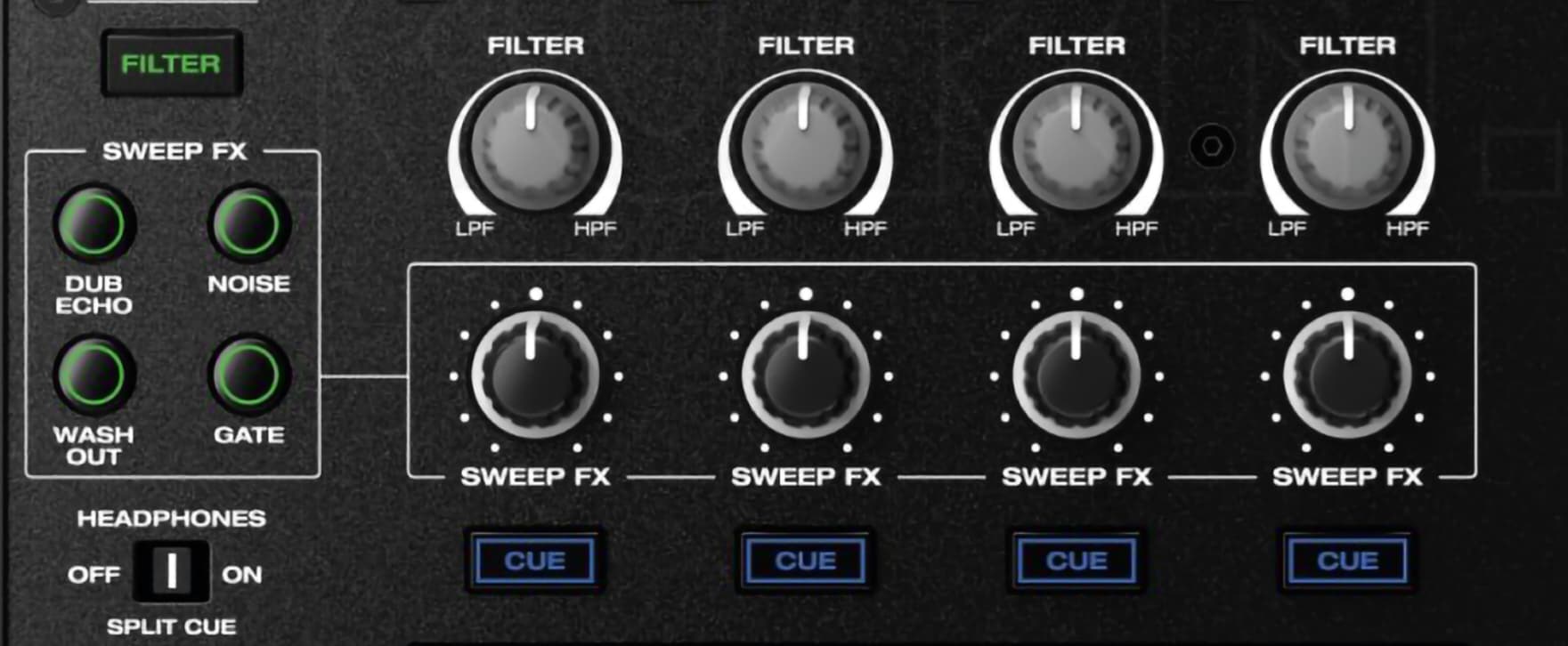
Ir order to use the CUE buttons on each channel as the momentary paddles on other mixers, to activate an effect only on that channel, regardless of the position of the FX channel selector (probably the selector would need to be in the Master position for this to work, I’m not sure).
I highly doubt it, as they are there to cue the music in the headphones, im not sure such a core function of a DJ mixer would ever be remappable to something else.
An option could be to use a combination of keys to enable|disable this function, since there’s no SWIFT button, clicking the FILTER button (as an example) and the desired CUE buttons at the same time, could enable the active FX in that particular Channel only, in that way, you could still use the other channels as normal. If you want to get back to the normal CUE function in that channel, just use the same key combination again.
Another option could be to enable the Active FX function pressing the CUE buttons for longer that 2 seconds for example. In that way you can engage|disengage the function per channel as well. Also a different color for the Active FX CUE button could be implemented, or blinking state, etc.
Of course the active FX function for the CUEs can and should be able to be enabled or disabled (to avoid activating by mistake, for instance) in the menu.
I’ve mentioned the CUE buttons could be used to activate the effects, like echo, because they’re directly above the channels in a convenient place; but it could be any other button set, like the 4 Sweep FX buttons, for instance.
The idea is to be able to activate an effect with a press of a button independently, by channel, like other mixers.