Yes- only the Leds
Same problem with Pad Mode Btn Colors- I see you using Modifiers to light them up- that`s a bit more tricky 
Yes- only the Leds
Same problem with Pad Mode Btn Colors- I see you using Modifiers to light them up- that`s a bit more tricky
Did you change midi range values for any pads ln hot cues state?
I think the problem is in different values for colors for different denon devices and you need to define values for prime go and then set them in the mapping.
In my previous big post I explained how to do it
guys do you know how to map pitch N time on traktor pro for denon prime 4+
What is pitch n time?
If it is changing key, then you can do it by pressing Parameter buttons to the right of the pads. It must change the song key semitone up/down
If i don’t forget to check/remap them according to sc live 4 mapping
This. Must work
in this video you can c it,but it serato software
yes to change the song key semitone up/down
If you need toneplay by the pads then it is possible, i think. I’ll try on my sc live 4 first
cool bruv,if u can map it for prime 4 + it wil b perfect n and send me the mapping when you are done  ,thx advance
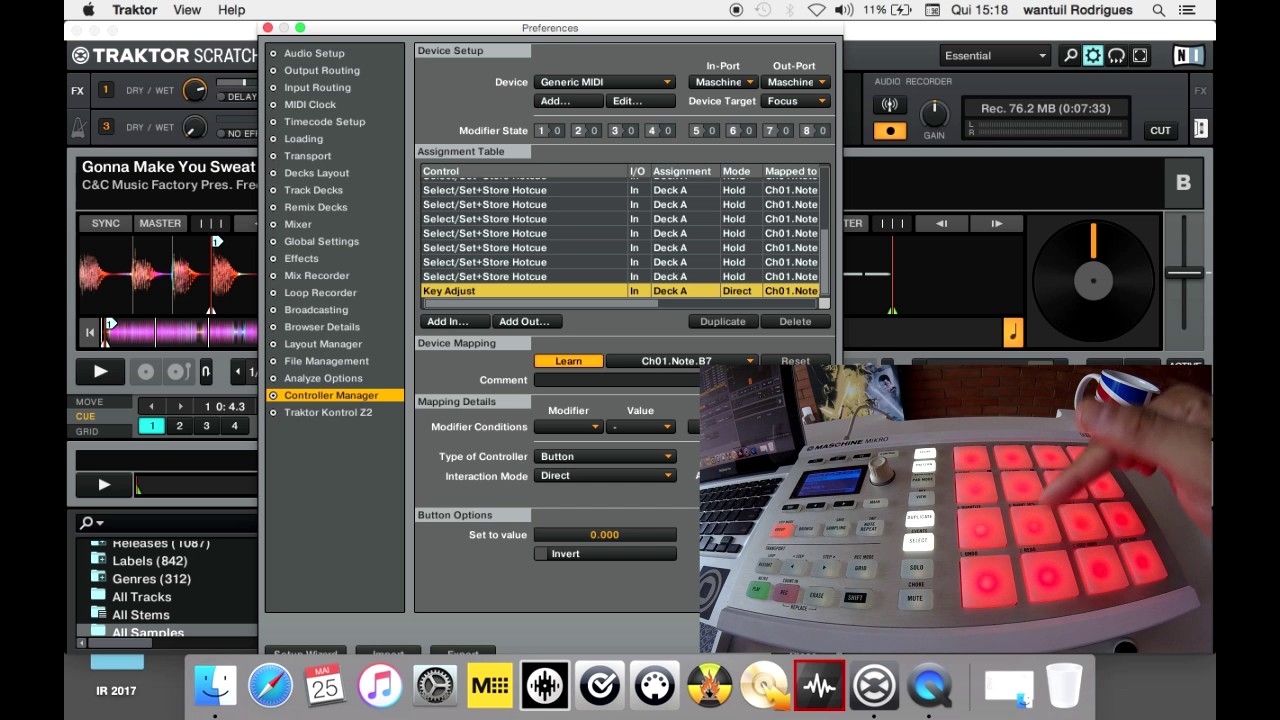
@Vi-Ti Tried all 128 values- no lights. It seems that the lights Notes are different from the pad notes.
But figuring that out without the manual is impossible.
It’s probably similar to the VU level meters. If you don’t know the CC address, everything stays dark.
Do you have any other ideas? With my previous devices, the Live SC 4 and Prime 4, it wasn’t a problem at all—no idea why they did it differently with the Prime Go+.
All is possible if you really want it. SС Live 4 jogwheel screens in my mapping is a good example
I’ll try to find prime go owner near me or at least my language speaker
Hi! This technique can be implemented right now. The necessary functionality already exists.
If we’re talking about tone play on pads, I can offer this example.
The only question is how many semitones up and down are needed. Eight pads in two rows give 4 semitones up and 4 semitones down, at first glance.
Hi!
I’ve checked the pad backlighting with the help of some people online, and it does indeed work strangely. Unfortunately, I can’t figure out the full operation scheme without having the device in front of me. Therefore, for ideal results, you’ll have to do everything yourself. I used the MIDI TOOLS and Pocket MIDI apps. MIDI Tools is more convenient for working with notes. Pocket MIDI is more convenient for working with CCs. Pour yourself a glass of wine, turn on your favorite music, and start searching for the right notes and CCs by trying them out.
thx bruv i will work it out
A small clarification. There is functionality for this in mapping
Try these buttons
Toneplay on the pads needs to be mapped. If needed
Thanks for your effort.
I’ve already tried all 128 notes for Ch.3+4—unfortunately, none of them are the right one  Trying all the CC commands will take forever. I can see the pad notes via “MIDI Monitor”, of course—but those are already known and identical to those in Traktor Learn.
No. Maybe another one or two bottles of wine  And it is not as slow as you think
Hello and thanks for the file I have installed it and it works great but I have a question ive been using Engine and Virtual dj but my nephew as Traktor will this allow me to use the screen on my prime 4 or just as a controller.
Unfortunately screens do not work with traktor