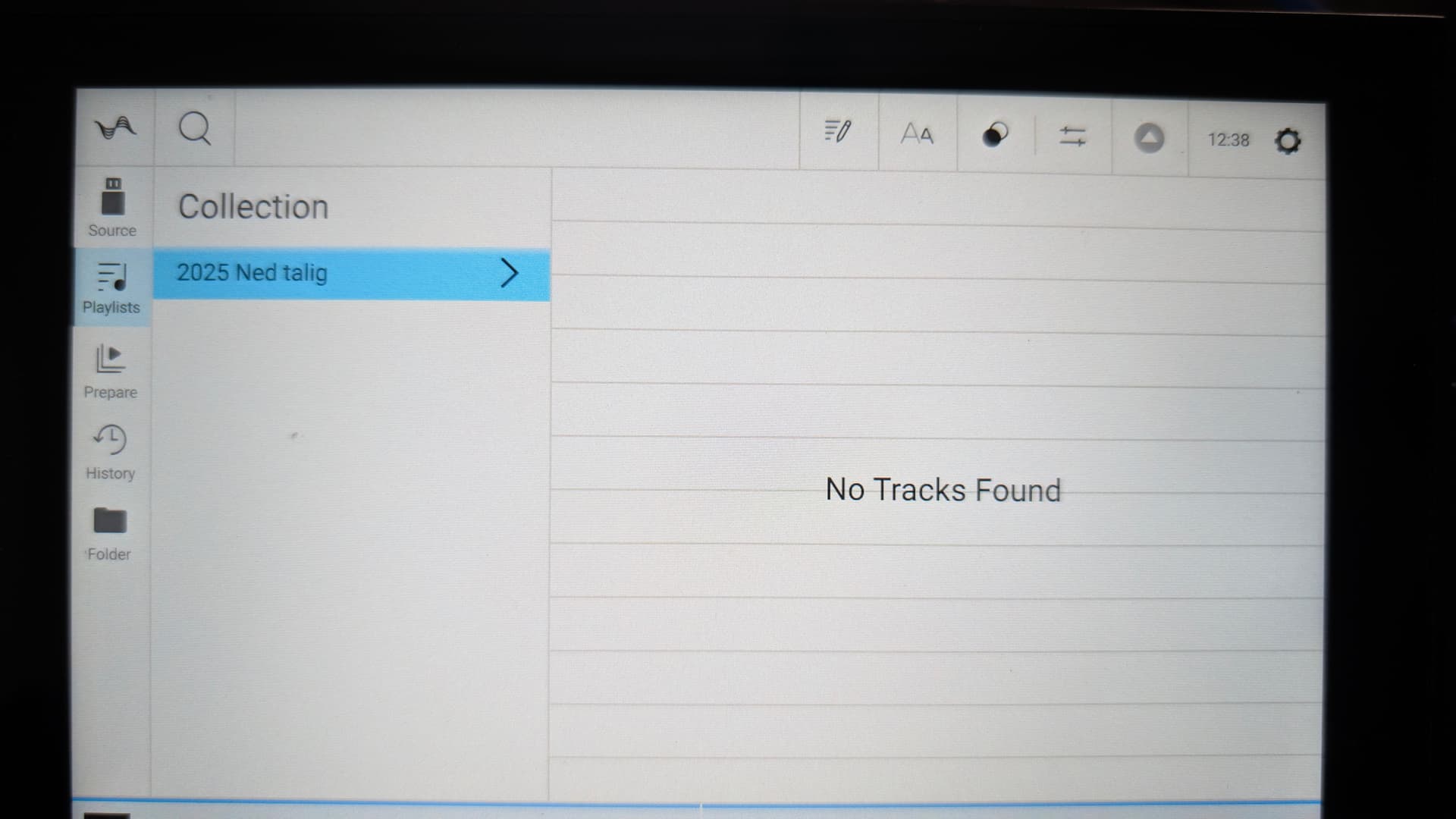
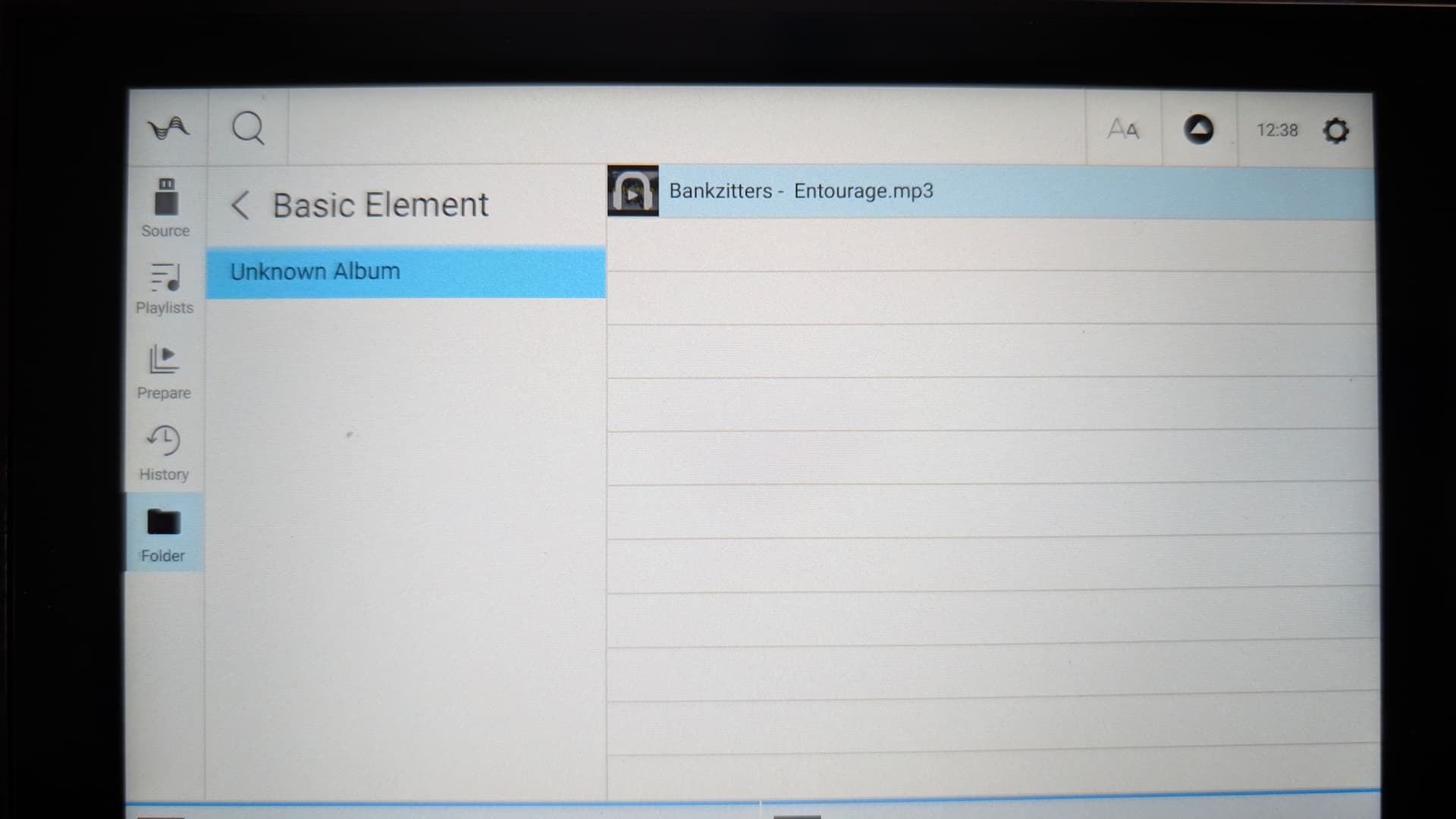
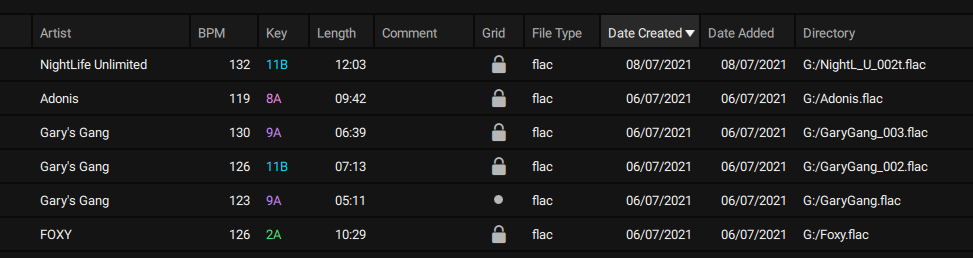
cant make playlist on engine pc software. if i create playlist (rarely) i try to drag and drop but then the playlist is empty.
In older versions was possible to drag and drop from explorer, but now no.
cant make playlist on engine pc software. if i create playlist (rarely) i try to drag and drop but then the playlist is empty.
In older versions was possible to drag and drop from explorer, but now no.
Here the same problem. I drag and drop to usb (from laptop) .Then the songs are transferd but cannot see them in a playlist. Tried several times different ways but no result
Have you tried turning your computer off and on again?
i tried everything, i think its a engine software bug. Many other users are in the same situation.
DENON ITS URGENT THAT YOU FIX THIS
Some questions to help you troubleshoot:
I wanted to upload a few more, but unfortunatly. The thing is:
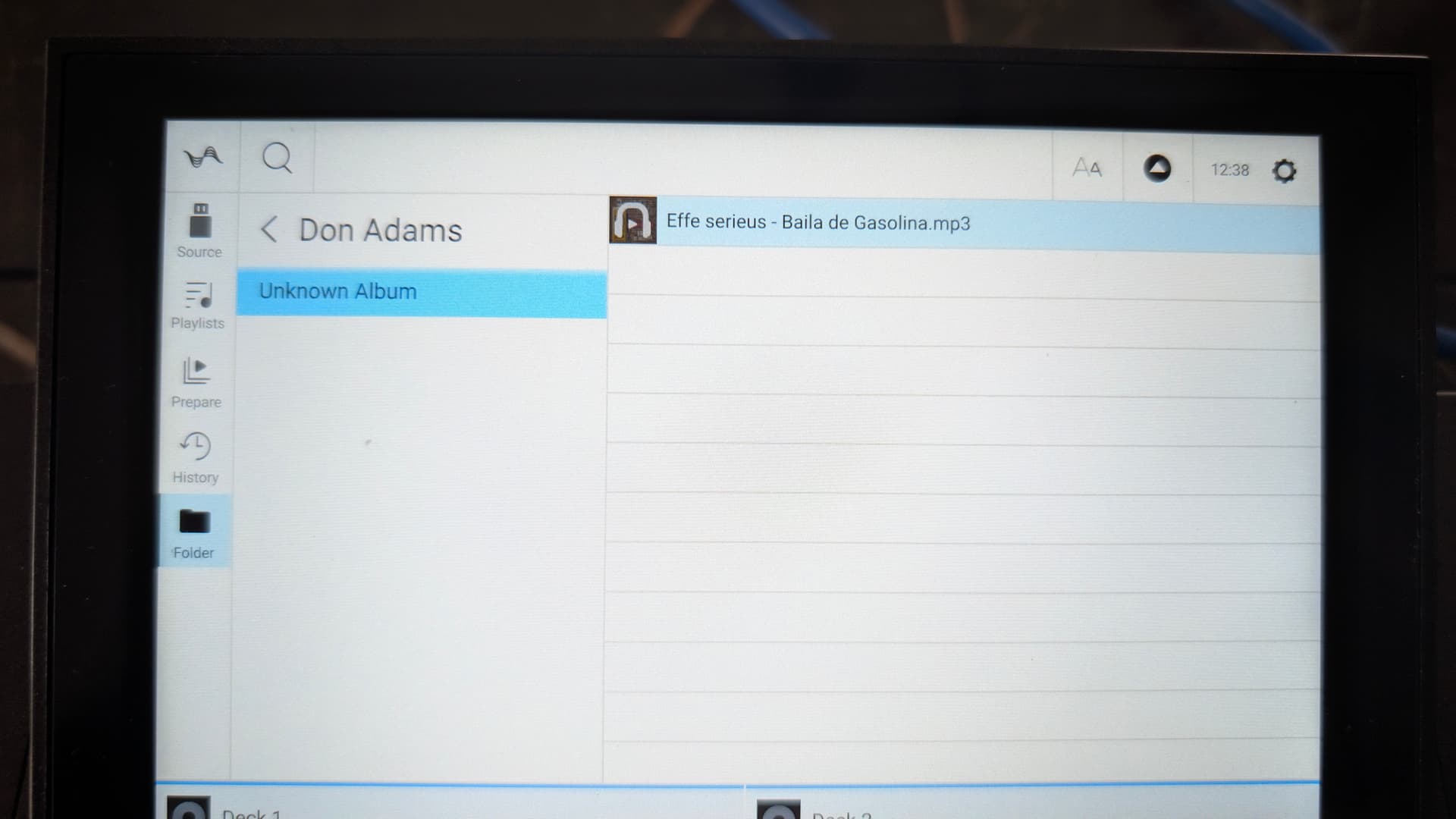
The songs are in fact ON the usb drive, but nowhere in a playlist??
Then also: When i try to remove the same playlist….. nothing!

Moin @DJ_Nijs ,
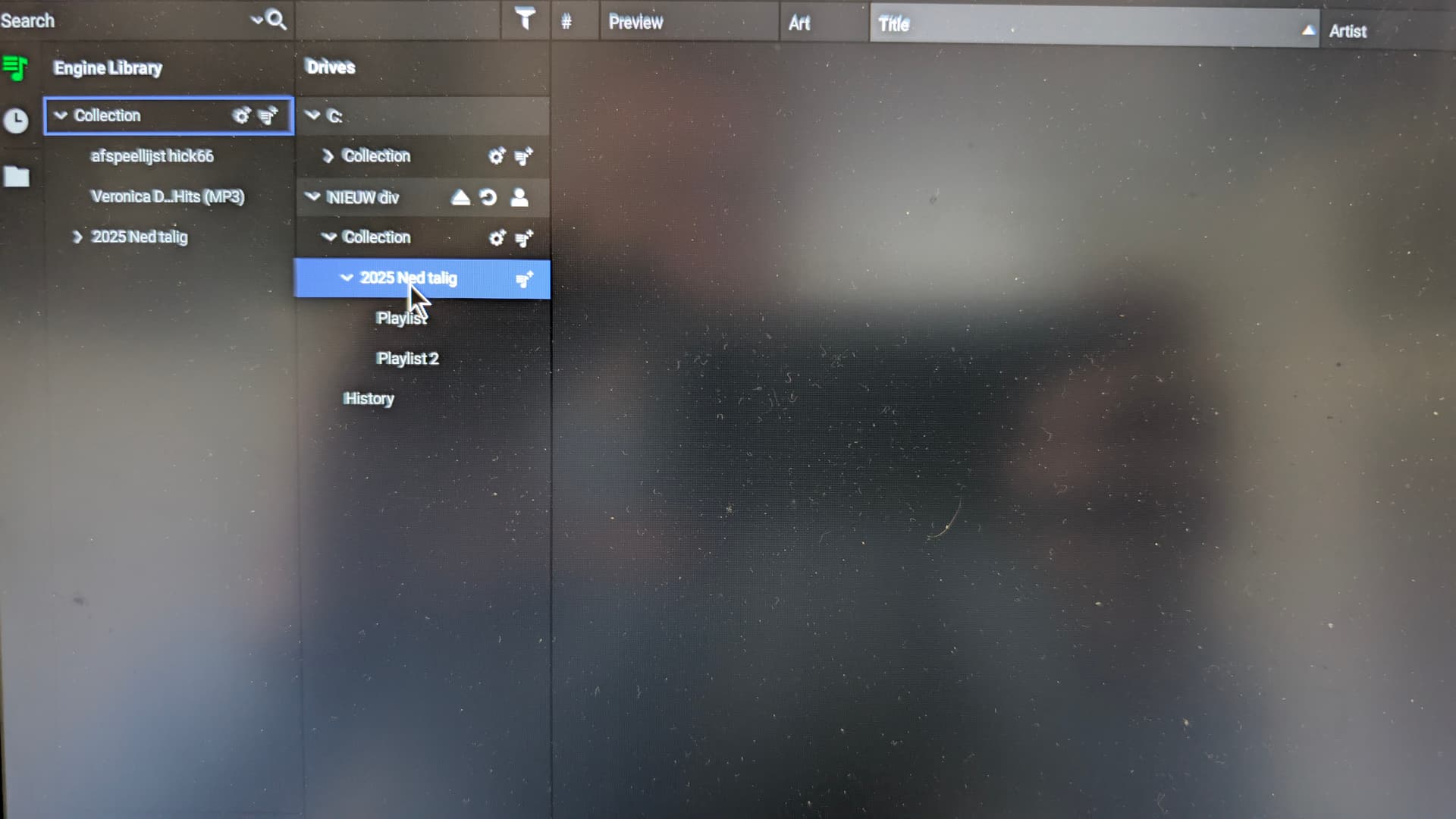
Can you see in the folder “Collection” some tracks?
If not: Tick the USB-Stick. (Shown is drive C).
Can you see any files on the USB?
if not: is it formatted as EXfat or Fat32?
If you can see your tracks as files on the USB, tick them with the mouse and move them to playlist. Or mark the tracks on the USB and fill them in in to the playlist by copy and paste.
Check if the tracks are shown in the playlist. If you can see them there, pls. have a look in to “Collection”, they should be visable there as well. Sometimes it is extremly difficult to see them there, as the date of issue is 01.01.1970 ! The date will be improved after resetting ENGINE DJ.
The procedure is a little bit tricky, but it works and no guarantee
AYOR, so make a backup of your files before you start this way ….
Good luck and brgds from HAM BeatMaster
Yo tampoco puedo y no encuentro ninguna solucio
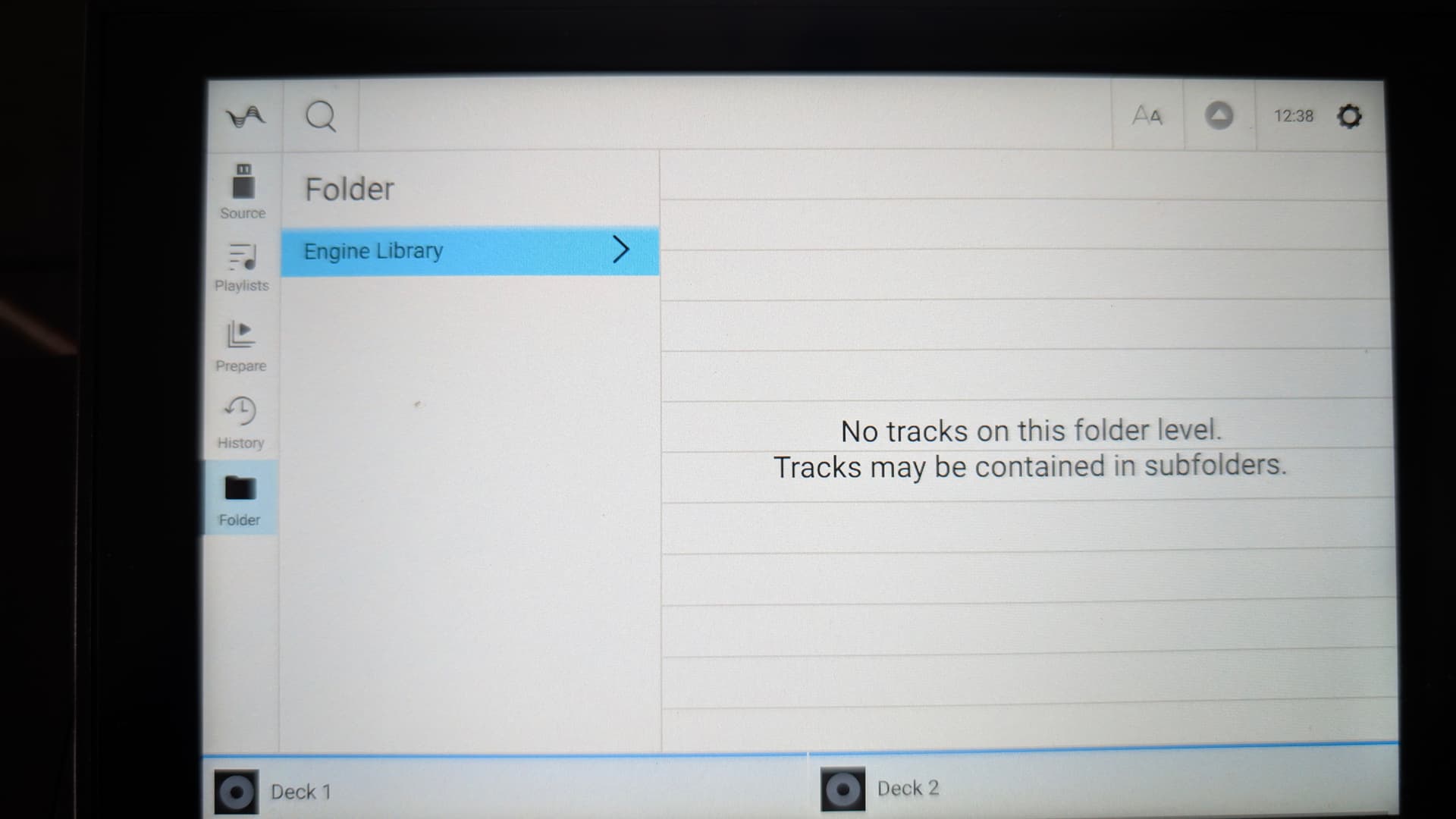
@BeatMaster see other 2 screenshots above. The songs are as files on usb drive (somewhere)
I don’t understand what you mean by the issue of 01.01.1970 ??
But all in all, I don’t understand why I have this problem now. From the beginning with all others versions before 4.3 it was never a problem.
I could easily drag and drop / copy and paste from one drive to another without any problems creating a playlist
grtzz
Moin @DJ_Nijs ,
thanks for your reply.
If you make “copy and paste” from USB to Engine DJ, in the field “Date Created” and “Date Added” appears the “01.01.1970”. So it was impossible to search for new tracks via the date criterion. e.g. you will look up “07.10.2025”. The program won’t find any new track under this date, as it is erroneously stored under “01.01.1970”. If you start ENGINE DJ again the date was improved to the proper date.
Be happy, never been encountered with this issue.
e.g. given from today (somewhere in the deep of my files I documented this issue, but I didn’t find it yet)
If the problem you described occurs since 4.3, phps. you should make a roll back to an earlier version and test, if the problem will be in an earlier version as well.
Good luck and brgds BeatMaster
ps:
https://community.enginedj.com/t/track-vor-der-erfindung-des-pc-hinzugefugt/62299
https://community.enginedj.com/t/date-on-histories-is-wrong/50127/3
thanks for the options. But I’ve already tried on an earlier version.
Then enigine can not read anything, saying: this was made in a newer version of engine dj. please update
So I am going to accept what it is and maybe find a solution someday 
Moin @DJ_Nijs ,
I feel sorry for you that there is no way to solve your problem. So best will be, to send a service request to the DENON staff.
Good luck and enjoy the weekend
Brgds BeatMaster
Thanks Beatmaster trying to help me 

Yeah, same here I’ve run into that too. It’s frustrating since the old drag-and-drop workflow was so much faster. Now I also have to import everything into the library first before building playlists. Really hoping they fix or bring that feature back soon.