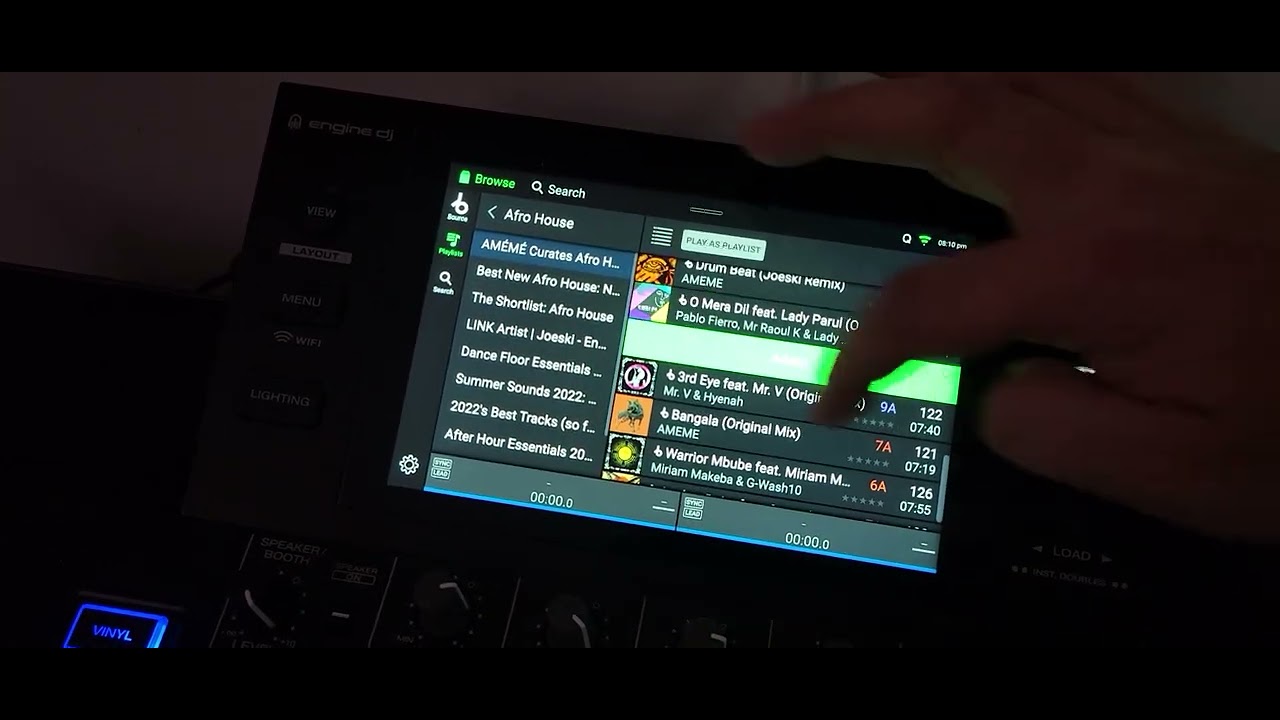
I’ve emailed Beatport and Denon and I’ve been told to start a discussion here about my problem. I’m sure I’m not the only person with this issue. I haven’t found any existing topics about this. The more replies I get the more Denon will consider sorting this out.
I have a Beatport subscription which I love. It’s so brilliant to be able to have the whole catalog available to stream on my Denon prime 4 +
BUT.
There is noway to sort playlists within Beatport…. BPM being the most important to me. It’s a nightmare when you have 50 or more tunes in a playlist (I’m currently doing it by month). BPMs start around 120bpm right up to 160BPM.
Indeed, this is a problem in streaming. I use SC6000M prime, so there you can’t sort by BPM even if I set this option. I don’t think Denon can do anything. But it would be useful to solve it somehow. Until then, I listen to playlists curated by Beatport, select the songs, and buy them in FLAC. From that moment on, the problem was solved…
What happened to that Denon DJ cloud based system where the metadata was supposed to be available to all Engine users once the track(s) were analysed by at least one Engine user?
I guess there are just too many providers, tracks and playlists available, for it to be viable that another Engine user will analyse the tracks in your playlist, on your streaming service, using the same BPM range settings.
Has anyone figured out a workaround for this yet, I used to be able to add these tracks to the prepare folder and it worked Ok, i could sort by Key or BPM along with other options, Now since I have upgraded to 5.0.4 This feature is gone, Contacted beatport and they claim they have changed nothing and this should still be available.. they gave me a duff workaround in an email, bit I cannot find cloud based under drives :- Emial response frim Denon…
Open Engine DJ Desktop on your computer and log into your Beatport Streaming account under the Drive / Cloud tab.
Load your Beatport Playlists within the desktop software.
Sort the Playlist by clicking the BPM or Key column header so the tracks are ordered exactly as you want them.
Right-click the Playlist (or select all tracks) and choose Add to Prepare or copy the tracks into a Local Engine DJ Playlist / Crate.
Export the Playlist to your USB / SD Card via Sync Manager.