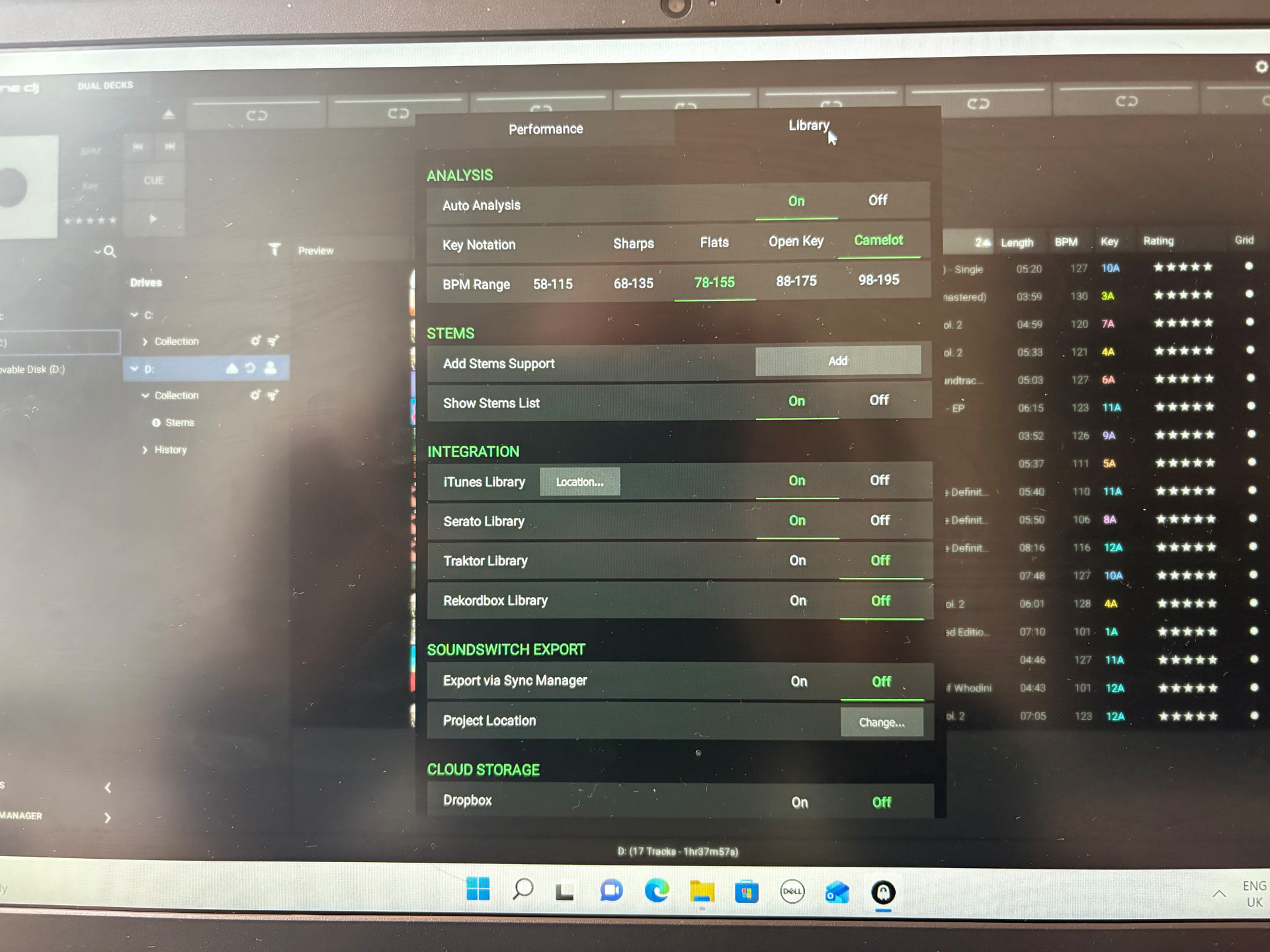
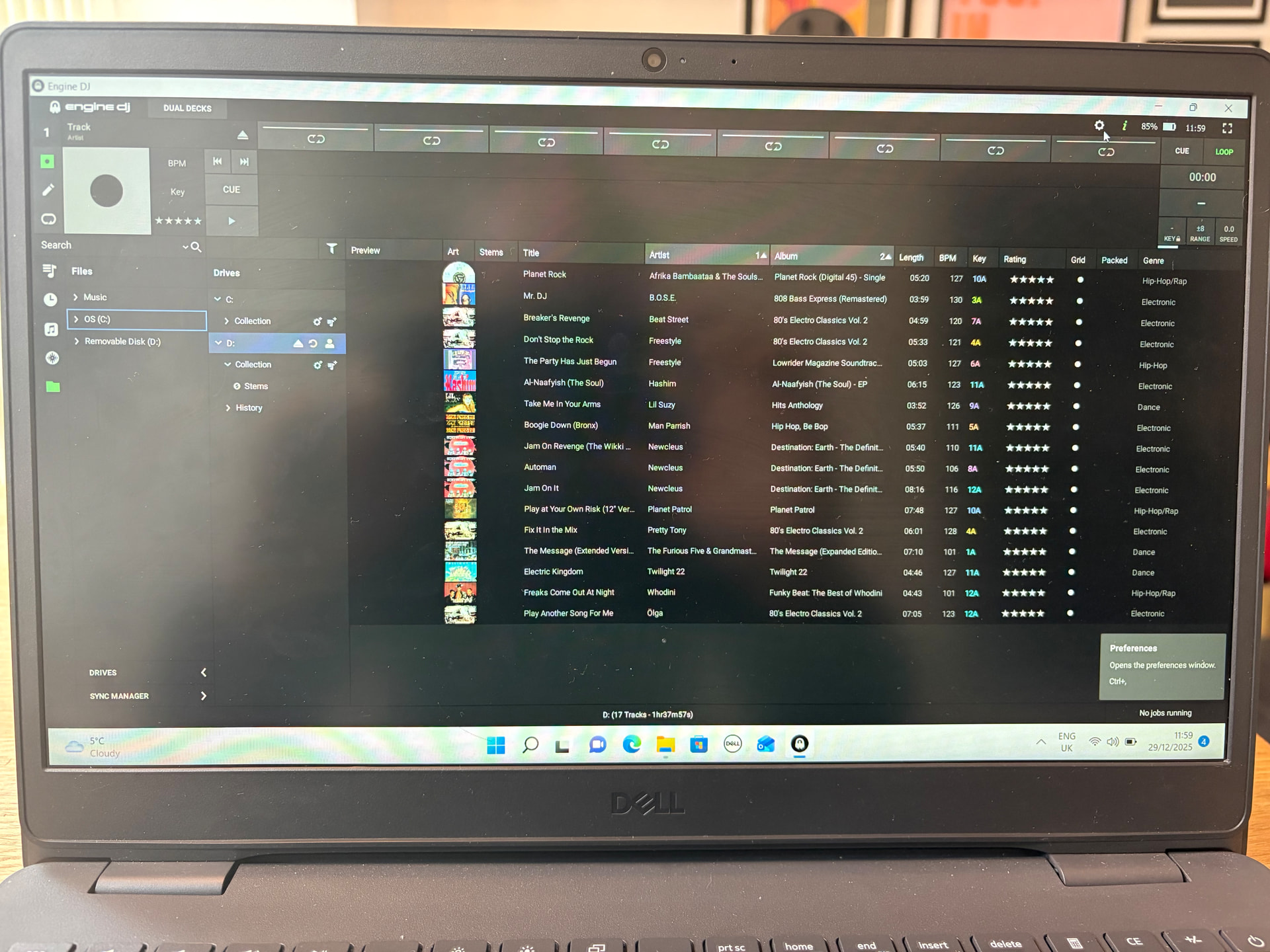
I’m looking for some advice on how to back up my usb that I’m just about to start using after losing all my previous cue points and loops on a corrupt SD card .
Yes I should have backed up before but I never had access to a computer and I’m a computer numpty .
I have access to a computer now and have installed the Engine DJ desktop.
Please can somebody explain in layman’s terms the process of doing this .
I only stream music on my SC Live 4 .
I’ve searched in here and the website but I’ve got myself a bit confused with all the different advice .
Here’s a simple, beginner-friendly way to back up your USB using Engine DJ Desktop, especially since you’re streaming only and mainly want to protect cue points & loops:
Important thing to know first:
Your cue points and loops are stored on the USB, not in the streaming service. So backing up the USB = backing up your cues.
Step-by-step (simple version)
Plug your USB into your computer
Don’t plug it into the SC Live, plug it directly into the computer.
Open Engine DJ Desktop
Let it fully load.
Wait for the USB to appear
On the left side, you’ll see your USB listed under Devices.
Create a backup
Go to Preferences / Settings
Find Library or Backup
Choose Create Backup (or “Export Library” depending on version)
Select a folder on your computer (e.g. “Engine DJ USB Backup”)
Start the backup
This saves cue points, loops, beatgrids, playlists, history.
(Recommended) Make a second copy Copy that backup folder to:
Another USB
External hard drive
Cloud storage (Google Drive, iCloud, etc.)
How to restore later (if something goes wrong)
Open Engine DJ Desktop
Plug in a new or wiped USB
Go to Restore / Import Backup
Select your saved backup folder
Let it finish — cues & loops come back
Extra safety tip
After important gigs:
Plug USB into computer
Run a new backup
Takes 2 minutes, saves years of work.
Since you’re streaming only, this is all you need — no music files to worry about, just your DJ data.
Hope that helps