on desktop
use the + or - to make grid changes after the manually set anchor.
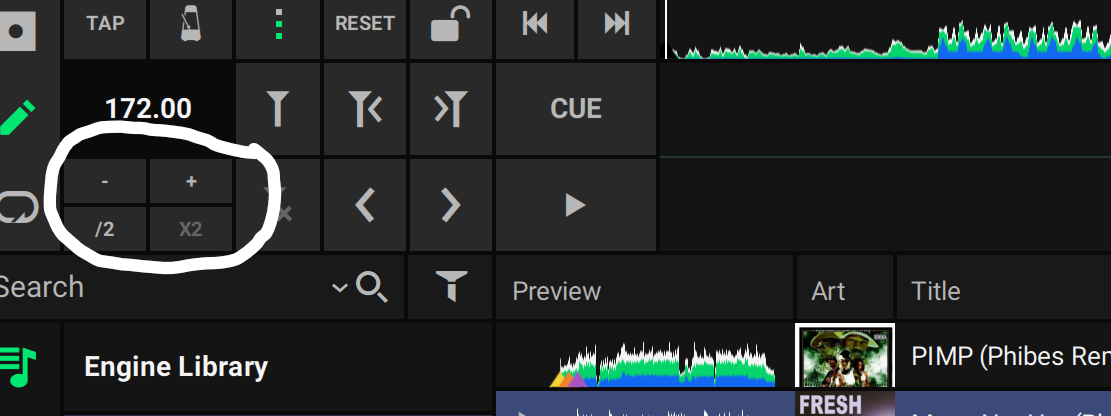
you can also type in the bpm of the part after the anchor.
e.g. say if you are gridding a DJ tempo transition track that goes from 128bpm to 100bpm.
Do not touch the T< or >T or < or >
yes, the first analysis use the bpm contained in the tracks id, just to speed things up.
reanalysis discards the imported tracks bpm value and recalculates it from the scratch. This helps if you notice some slight deviation due to the whole number ID values e.g. some dj software may store 120.2 as 120 in the id tags.