Yes, SoundSwitch creates two files for each scripted track: an SSA file and an SSFILE. These files should not be edited or renamed doing so can cause issues.
Since you mentioned you’ve been editing these file extensions, I recommend removing all of them from your project. Then, re-autoscript your songs so we can be confident everything is working correctly.
Once that’s done, export the project for use with your Engine hardware. Let me know if you’re still experiencing any issues after that.
Nono i did not modify the files, i just checked the folder after i scripted some new files and i saw that for the new files SSA and SSFILE files have been created, but for the majority of tracks only SSA files existed.
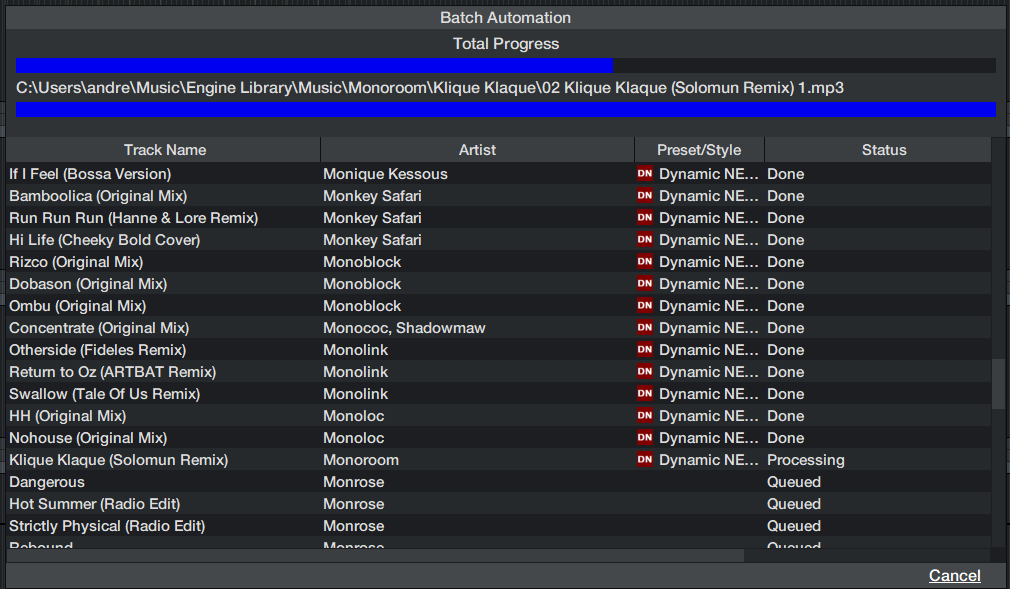
And like i wrote, today i deleted all auto script files and let soundswitch create new autoscripts for all songs in my library. Autoscripting is currently at about 60% of my library. Will let it run overnight and when everything is finished i will export and check if its working again.
After all this time and Troubleshooting it finally seem to work again.
So if others still having the same problem. Maybe you have the same issue that after the upgrade from <2.9 to 2.9 or higher, you’re missing the SSFILE files. If so a solution could be to follow my steps:
Do a full backup of your project because this “solution” will delete all scripted track files
Delete all SSA and SSFILE Files from the Project which are related to scripted tracks
In Soundswitch execute “Rebuild Track Map” to make sure that ID3 Tags and Soundswitch data is consistent
Autoscript your tracks
Save Lightshow and Save Project
Export or Use Desktop Software in Performance Mode.
My Problem is now solved after this steps.
I still don’t understand how this Problem occoured in the first place because i never edited any files and just did a normal software Update. But now finally it seems to be solved for me