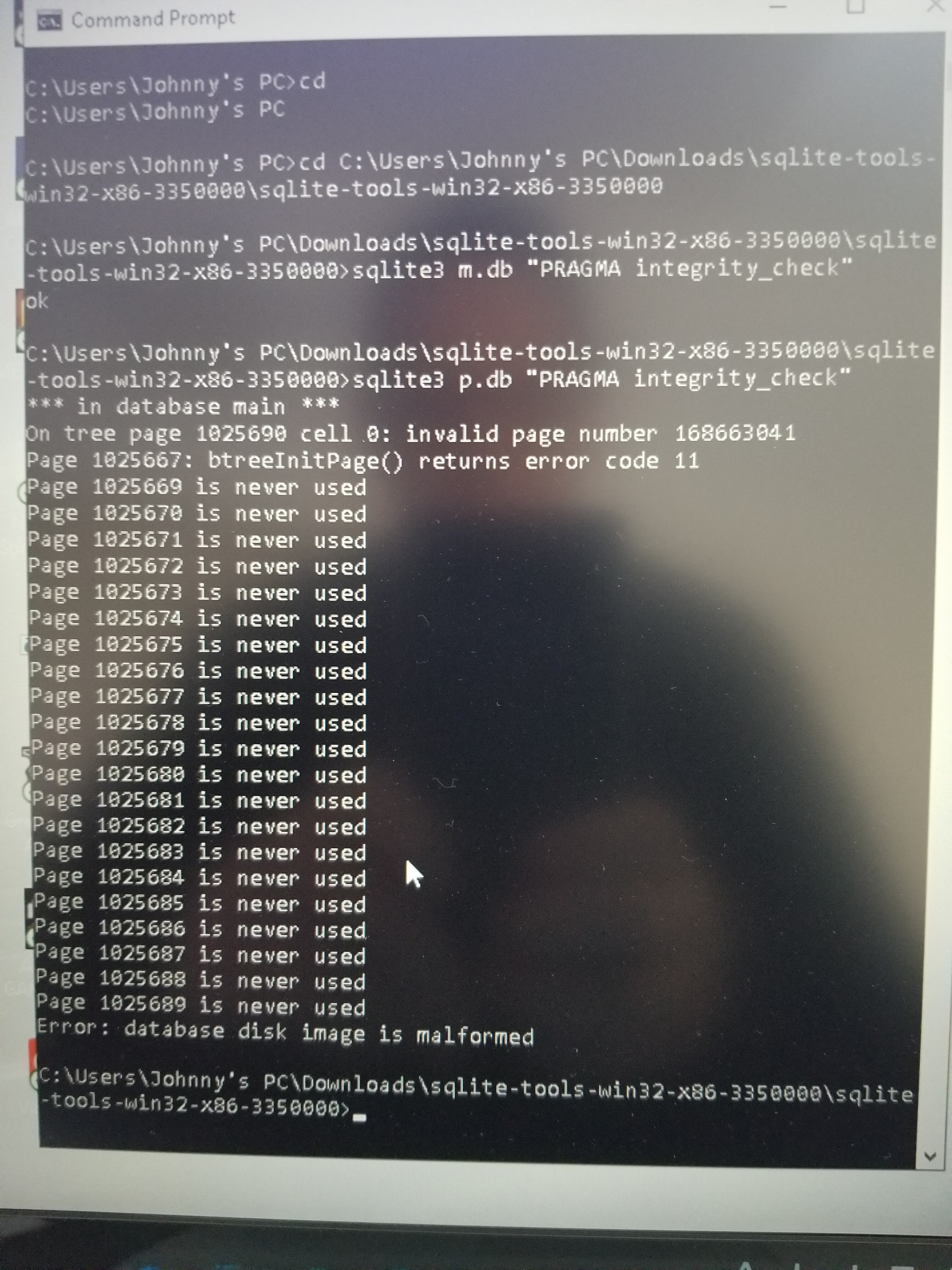
Quick Update… I located the bad file… Your 100% correct… It is on my removable USB drive that contains alot of my music collection (512GB worth)… The p.db is the corrupted one…
I have not attempted to fix it yet… I may need additional help please… Instead, i’m now sending Denon a copy of my db and log files in hope this will help others and bring out a fix for this issue soon. Its uploading slowly via wetransfer…
The upload is completed i will get back to trying to fix the p.db file.
Ok, i’m back… Following your instructions to fix the corrupted p.db file.
If i have this next step correct… I type sqlite3 p.db .dump Enter. . Now its dumping files like crazy for over 15+ minutes now… If i’m following these instructions correctly… Once this action has stopped… Is that when i type sqlite3 p.new.db??
Ah you mistyped the second command, it’s all in one go so the full command is:
sqlite3 p.db “.dump” | sqlite3 p.new.db
What you did was dump the p.db file without telling the command to pipe the dump into a new database file, you should close that window
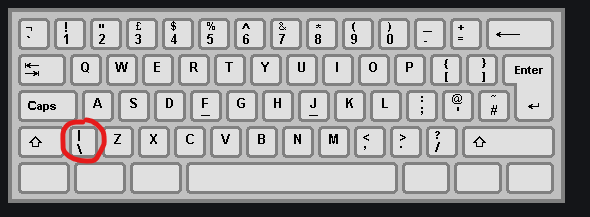
The “|” character means “pipe” and its a fancy way of telling a program “do the operation on the left of the pipe, but put the results into the file on the right”.
I retyped the command as follows… Leaving the quotes around “.dump” and added |…
sqlite3 p.db “.dump” | sqlite3 p.new.db
It created two files p.new.db and p.new.db-journal… The p.new.db is much smaller in size… I will attempt to copy over to my drive… And do i do the same for the p.new.db-journal?? Tnx
Hi… I renamed the copied newly made dump file to p.db … And then replaced it with the original one that is on my ext drive…
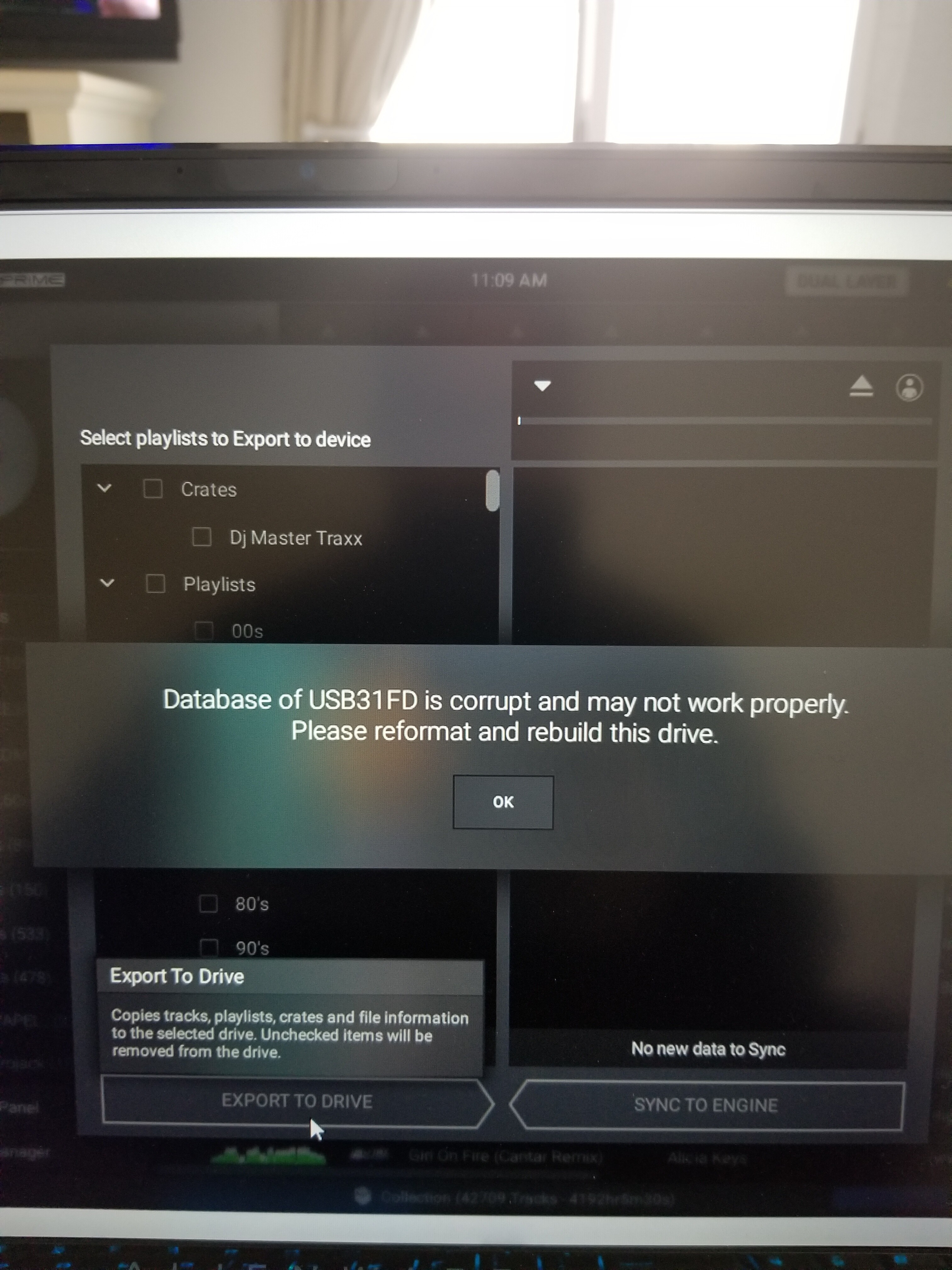
Now, everytime i start engine os or plug in my USB stick i get a popup “Database of USB31FD is corrupt” error… There is also a huge file size difference between the old p.db (5-6GB) vs the newly made one (1.8GB)…
A big Thank you to JohnnyXDA for all of his help and patience with me… Much appreciated… I will frame and hang my new PHD certificate in sqlite3 on the wall… lol
And to mufasa who further suggested reformatting from FAT32 to EXFAT due to my large file size… (it was actually 52,036 files)… I am happy to report all of my playlist have been synced over to my USB stick with zero issues.
I think denon has to recognize a filesystem with fat32 and display a warning, that it could brings up problems with large amout of filecount. this would people avoid from running in problems with the database.
Hello Jonny, i did your Workaround and it works until i do sqlite3 dbname.db “.dump” | sqlite3 dbname.new.db Command is running about 4 Minutes without any Error Message.
Now The New File i am getting has 0 KB (Original p.db is 1.3 GB)? Any Idea what is wrong ?
Cheers Tarik
Edit: just tried with the “recover” command: sqlite3 p.db “.recover” | sqlite3 p.new.db and i got in return the new file /size with an ok from the DB check
Glad you got it working but for the dump command, this can take a fair bit of time depending on the db size so my guess is you didn’t let it run long enough.
Hello all, I’m new to the forum and just got the SC5000m/X1850 and converted my Serato crates to Engine Prime. That was a bit of work to figure out and get working. I scanned my .db files and got no errors but my question is what corrupts the database to begin with so we have an idea how to help avoid it.