# JSON Error on SC6000 after 2.1 update
**URL:** https://community.enginedj.com/t/json-error-on-sc6000-after-2-1-update/38458
**Category:** Media Players
**Created:** [December 16, 2021, 2:25am UTC](https://community.enginedj.com/t/json-error-on-sc6000-after-2-1-update/38458 "2021-12-16T02:25:23Z")
**Posts on this page:** 20
**Page:** 1
### Author:  [@attack7777](https://community.enginedj.com/u/attack7777)
#### Post date: [December 16, 2021, 2:25am UTC](https://community.enginedj.com/t/json-error-on-sc6000-after-2-1-update/38458/1 "2021-12-16T02:25:23Z")
Receiving a window with a JSON error after updating my SC6000s to firmware 2.1. Doesn’t seem to cause a problem once the window is cleared, but it happens on every restart.
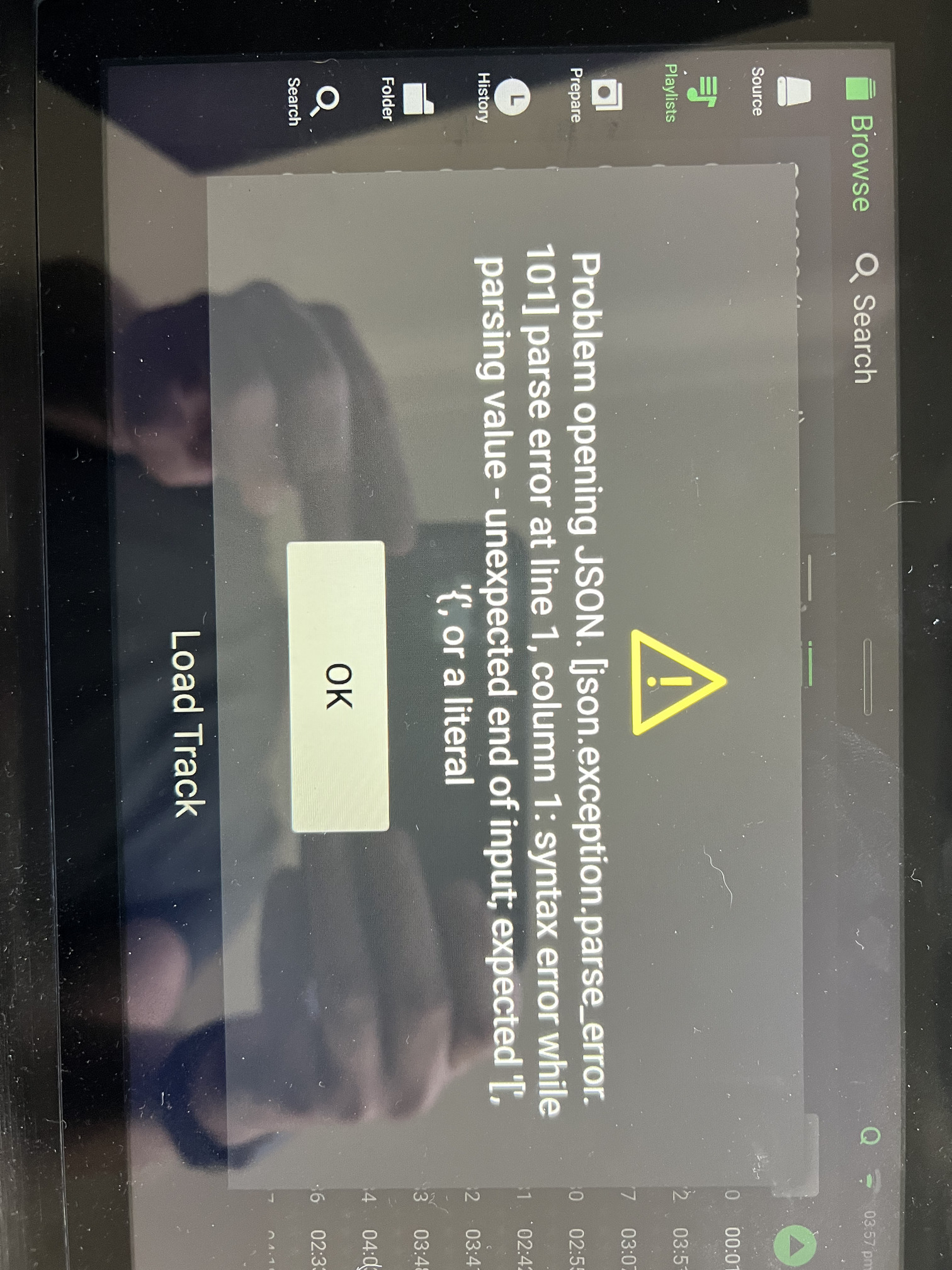
I tried deleting the entire collection and re-syncing it from Engine DJ 2.1 - same result.
Anything further I can send along to help diagnose this?
---
### Author:  [@JWiLL](https://community.enginedj.com/u/JWiLL)
#### Post date: [December 16, 2021, 2:38am UTC](https://community.enginedj.com/t/json-error-on-sc6000-after-2-1-update/38458/2 "2021-12-16T02:38:35Z")
Hi @attack7777 - Sorry for the trouble. This has been reported to the team for further investigation. Do you see this dialog if you start the unit without any USB or SD media connected?
---
### Author:  [@minimalizm](https://community.enginedj.com/u/minimalizm)
#### Post date: [December 16, 2021, 2:52am UTC](https://community.enginedj.com/t/json-error-on-sc6000-after-2-1-update/38458/3 "2021-12-16T02:52:42Z")
@D3N0NDJ - I’m getting the same exact JSON opening error on both my SC6000M’s…
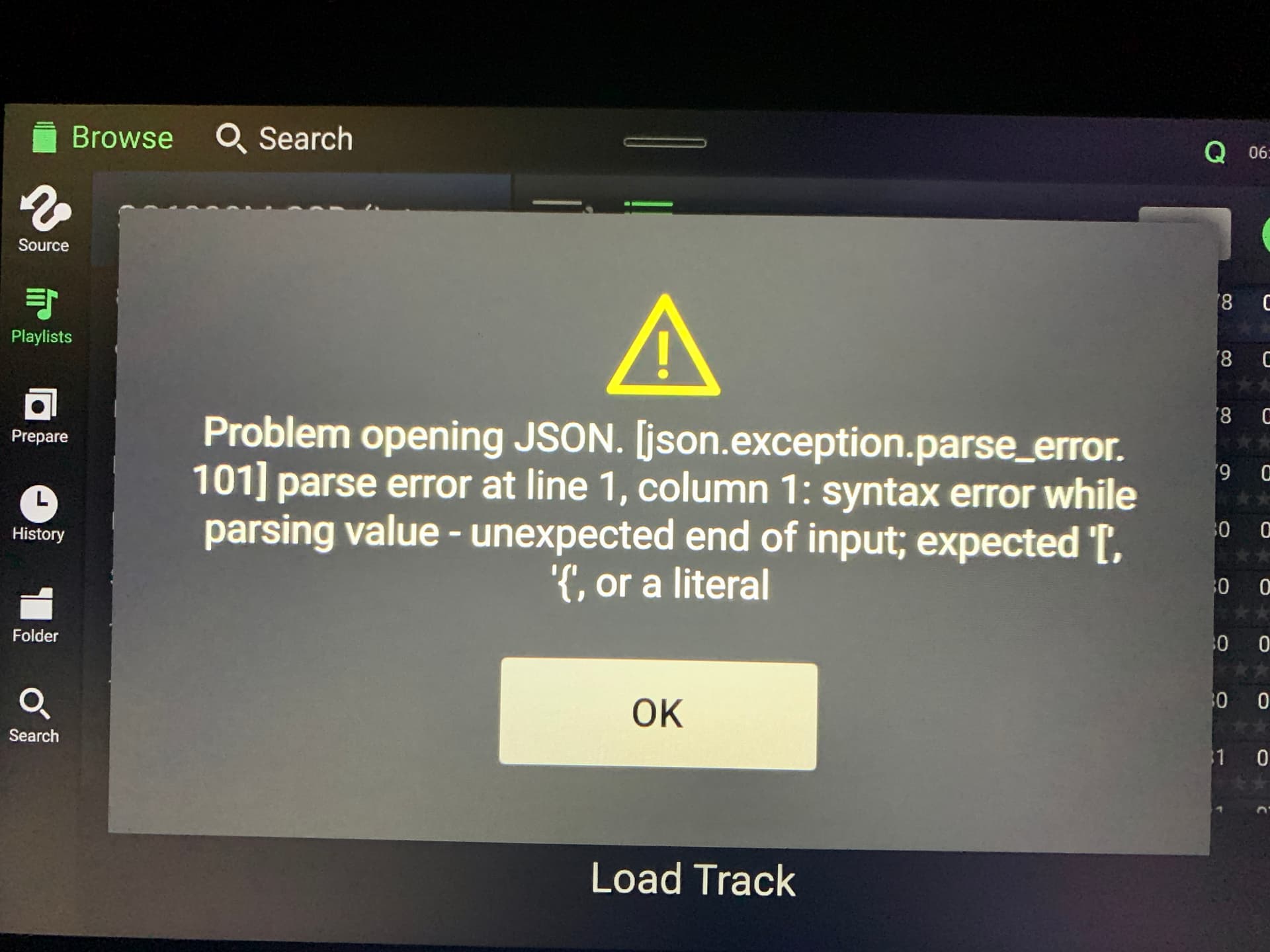
I upgraded from Engine DJ 2.0.2 to 2.1.0 and both players started displaying this issue when trying to load tracks from the SSD that’s on one of the players. Pressing OK gets rid of the message but like attack7777 mentioned, it appears again when you reboot the players.
Loading from an external USB Hard Drive doesn’t produce this error for me, but as soon as I switch the drive source to the SSD in the other player, same JSON error comes back.
Any ideas how to resolve?
---
### Author:  [@attack7777](https://community.enginedj.com/u/attack7777)
#### Post date: [December 16, 2021, 3:13am UTC](https://community.enginedj.com/t/json-error-on-sc6000-after-2-1-update/38458/4 "2021-12-16T03:13:58Z")
It only appears after selecting a source drive. I have an SSD in one my 2 units. If I choose the SSD on the one it resides in, I get the error, and if I choose that source on the other unit (they’re connected via ethernet through an X1850), I see the same error on the second unit.
Seems like it’s something specific to my library or one of the tracks in it.
---
### Author:  [@Djscottyb](https://community.enginedj.com/u/Djscottyb)
#### Post date: [December 16, 2021, 5:10am UTC](https://community.enginedj.com/t/json-error-on-sc6000-after-2-1-update/38458/5 "2021-12-16T05:10:31Z")
Ok, confirmed for me too. Did it on one 6000m but not the other.
---
### Author:  [@DimperialDj](https://community.enginedj.com/u/DimperialDj)
#### Post date: [December 16, 2021, 6:01am UTC](https://community.enginedj.com/t/json-error-on-sc6000-after-2-1-update/38458/6 "2021-12-16T06:01:43Z")
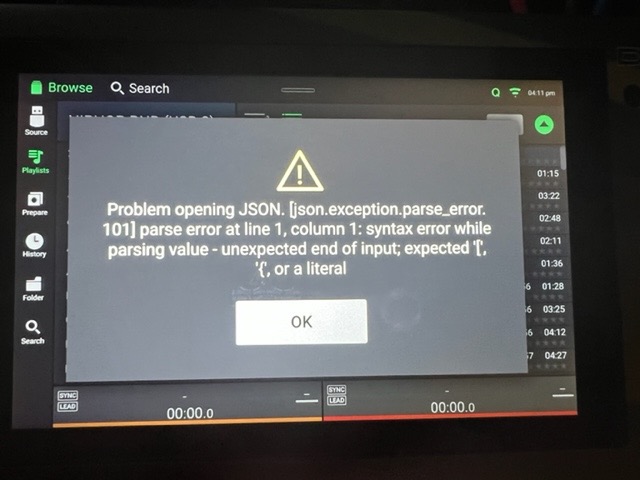
I have exactly the same issue after updating to 2.1.0. Also my deck both SC5000M’s now Freeze when sitting for 5 minutes while not in use. ■■■… I’m going back to 1.6.1 where there are no issues at all except for the lighting in the front where the USB and SD card slots are. I’m a professional DJ and it’s the Holidays and I can’t ruin my name nor my reputation if this freezes during my live DJ shows. This is unacceptable Denon…
---
### Author:  [@Reese](https://community.enginedj.com/u/Reese)
#### Post date: [December 16, 2021, 8:23am UTC](https://community.enginedj.com/t/json-error-on-sc6000-after-2-1-update/38458/7 "2021-12-16T08:23:05Z")
Please members, do a small search or check below:
> [@Engine DJ v2.1.0 Now Available - PRIME 4 + LC6000!](https://community.enginedj.com/t/engine-dj-v2-1-0-now-available-prime-4-lc6000/38414/6):
>
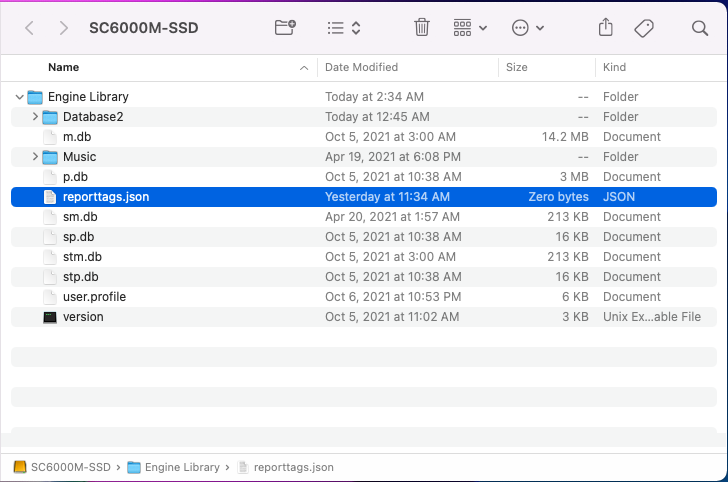
> If you get the JSON error: Please remove the empty reporttags.json file from the source drive, located in the Engine folder.
The JSON error is a cosmetic issue.
---
### Author:  [@RobFrancis](https://community.enginedj.com/u/RobFrancis)
#### Post date: [December 16, 2021, 1:39pm UTC](https://community.enginedj.com/t/json-error-on-sc6000-after-2-1-update/38458/9 "2021-12-16T13:39:39Z")
Deleting the file does not work as it just reappears again when the SC6000 reboots.
Cosmetic or not, it shouldn’t happen.
---
### Author:  [@DjOsZ](https://community.enginedj.com/u/DjOsZ)
#### Post date: [December 16, 2021, 1:45pm UTC](https://community.enginedj.com/t/json-error-on-sc6000-after-2-1-update/38458/10 "2021-12-16T13:45:41Z")
same here - deleted the .json file and after reboot the same player it doesnt appear anymore but with my 2nd player linked accessing the 1st player with built in SSD the .json file re-appears and gives this warning each time the players are getting access to the SSD. This is maybe cosmetic but very annoying
---
### Author:  [@DjDuctape](https://community.enginedj.com/u/DjDuctape)
#### Post date: [December 16, 2021, 2:01pm UTC](https://community.enginedj.com/t/json-error-on-sc6000-after-2-1-update/38458/11 "2021-12-16T14:01:31Z")
Same error here.
---
### Author:  [@Reese](https://community.enginedj.com/u/Reese)
#### Post date: [December 16, 2021, 2:06pm UTC](https://community.enginedj.com/t/json-error-on-sc6000-after-2-1-update/38458/12 "2021-12-16T14:06:17Z")
Thanks all. I’ll look into this a bit further.
---
### Author:  [@DjOsZ](https://community.enginedj.com/u/DjOsZ)
#### Post date: [December 16, 2021, 2:44pm UTC](https://community.enginedj.com/t/json-error-on-sc6000-after-2-1-update/38458/13 "2021-12-16T14:44:39Z")
Instead of deleting the file I tried different .json typical entries but the players wont accept them either. Tried `{}` , `{ "" }` , { “null” } and others but the player always states it needs ‘tags’ for the file. Just going for `""` doesn’t help either.
---
### Author:  [@Reese](https://community.enginedj.com/u/Reese)
#### Post date: [December 16, 2021, 3:07pm UTC](https://community.enginedj.com/t/json-error-on-sc6000-after-2-1-update/38458/14 "2021-12-16T15:07:58Z")
Correct. The file is for testing purpose, so it should not be there or filled with the right parameters.
---
### Author:  [@DjOsZ](https://community.enginedj.com/u/DjOsZ)
#### Post date: [December 16, 2021, 3:52pm UTC](https://community.enginedj.com/t/json-error-on-sc6000-after-2-1-update/38458/15 "2021-12-16T15:52:49Z")
Wow! And it slipped through the release process?! As an interim solution, what data could be fed into the file? Cheers!
---
### Author:  [@minimalizm](https://community.enginedj.com/u/minimalizm)
#### Post date: [December 16, 2021, 4:06pm UTC](https://community.enginedj.com/t/json-error-on-sc6000-after-2-1-update/38458/16 "2021-12-16T16:06:39Z")
@Reese - I put the SC6000M into Computer Mode, plugged it into my Mac and deleted the JSON on the SSD and rebooted… The Error went away on that 1st SC6000M player but my 2nd player returned the same JSON error when I tried to load the 1st players SSD (should mention that the 2nd player doesn’t have any usb drives/ssd plugged in… just accessing the SSD in the 1st player). When I plugged it back into the mac to inspect, the JSON had returned. Seems the OS recreates the JSON automatically when a drive is loaded.
Any recommendations?
---
### Author:  [@JWiLL](https://community.enginedj.com/u/JWiLL)
#### Post date: [December 16, 2021, 4:50pm UTC](https://community.enginedj.com/t/json-error-on-sc6000-after-2-1-update/38458/17 "2021-12-16T16:50:45Z")
Hi Everyone,
The team is aware of this issue and are working on a fix as we speak. Luckily, the error dialog while annoying is purely cosmetic and has no impact on performance. I’ll loop back on this thread once a new version is available.
---
### Author:  [@DjOsZ](https://community.enginedj.com/u/DjOsZ)
#### Post date: [December 16, 2021, 5:09pm UTC](https://community.enginedj.com/t/json-error-on-sc6000-after-2-1-update/38458/18 "2021-12-16T17:09:02Z")
Any interim solution we could apply until the next update? Thanks a lot
---
### Author:  [@minimalizm](https://community.enginedj.com/u/minimalizm)
#### Post date: [December 16, 2021, 5:50pm UTC](https://community.enginedj.com/t/json-error-on-sc6000-after-2-1-update/38458/21 "2021-12-16T17:50:21Z")
@D3N0NDJ, thanks for the update… Hope the dev team pushes out a quick 2.1.1 fix before the holiday break.
\*\*\* UPDATED TO 2.1.1 – CONFIRMED WORKING! Thanks Dev Team!! \*\*\*
---
### Author:  [@Kevross81](https://community.enginedj.com/u/Kevross81)
#### Post date: [December 16, 2021, 6:37pm UTC](https://community.enginedj.com/t/json-error-on-sc6000-after-2-1-update/38458/22 "2021-12-16T18:37:22Z")
Happening to my sc6000s as well…
---
### Author:  [@system](https://community.enginedj.com/u/system)
#### Post date: [December 18, 2021, 1:10am UTC](https://community.enginedj.com/t/json-error-on-sc6000-after-2-1-update/38458/24 "2021-12-18T01:10:55Z")
This topic was automatically closed 24 hours after the last reply. New replies are no longer allowed.
[Next page](https://community.enginedj.com/t/json-error-on-sc6000-after-2-1-update/38458.md?page=2)