# Issue preparing crates/playlists: cue/loop inexistant on controller
**URL:** https://community.enginedj.com/t/issue-preparing-crates-playlists-cue-loop-inexistant-on-controller/46279
**Category:** Controllers
**Created:** [January 1, 2023, 5:38pm UTC](https://community.enginedj.com/t/issue-preparing-crates-playlists-cue-loop-inexistant-on-controller/46279 "2023-01-01T17:38:06Z")
**Posts on this page:** 3
**Page:** 1
### Author:  [@Batchas](https://community.enginedj.com/u/Batchas)
#### Post date: [January 1, 2023, 5:38pm UTC](https://community.enginedj.com/t/issue-preparing-crates-playlists-cue-loop-inexistant-on-controller/46279/1 "2023-01-01T17:38:06Z")
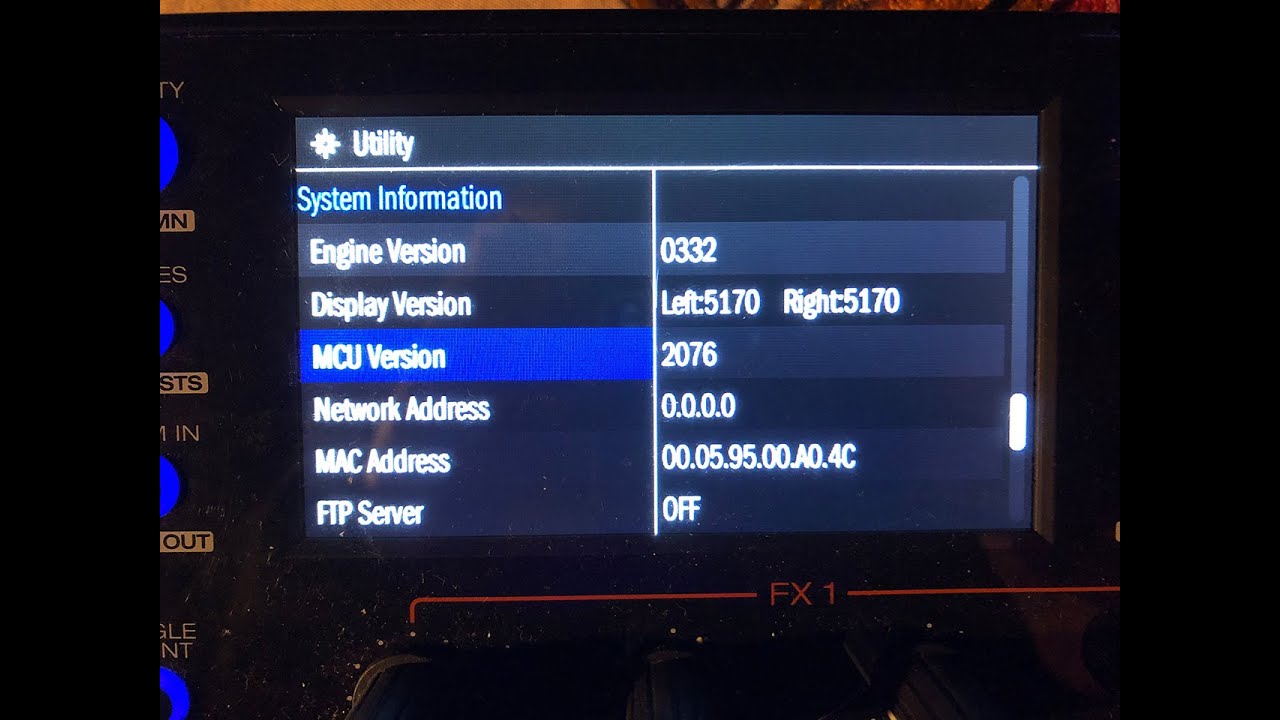
I made a video to show the issue. Easier to explain with a video. It only goes to 2:08 minutes. Please ignore after.
[ ](https://www.youtube.com/watch?v=NK9oX21Is0w)
---
### Author:  [@SlayForMoney](https://community.enginedj.com/u/SlayForMoney)
#### Post date: [January 1, 2023, 6:35pm UTC](https://community.enginedj.com/t/issue-preparing-crates-playlists-cue-loop-inexistant-on-controller/46279/2 "2023-01-01T18:35:50Z")
MCX8000 is supported up to Engine Prime version 1.6.1. When exporting to USB media you need to enable compatibility in the Engine preference+use the special MCX8000 export option.
Check this thread and the video in the linked thread:
> [@Engine Prime 1.6.1 - How to prepare for MCX8000](https://community.enginedj.com/t/engine-prime-1-6-1-how-to-prepare-for-mcx8000/35745):
>
> Hi folks, I’m trying to prepare my usb with crates an playlists but as it seems there are some problems with the right export. MCX8000 can’t select the crates/plaxlists/history folders at the usb drive. I read that there is a button at the Engine Prime software where you can enable the "export MCX8000"but can’t find this at the version 1.6.1. confusedAnybody has an idea? Thanks very much!
---
### Author:  [@Batchas](https://community.enginedj.com/u/Batchas)
#### Post date: [January 2, 2023, 8:07am UTC](https://community.enginedj.com/t/issue-preparing-crates-playlists-cue-loop-inexistant-on-controller/46279/3 "2023-01-02T08:07:37Z")
Thanx a lot for helping! I appreciate. I was reading the forum but missed some important infos about version compatibilities.
It’s such a shame that the version to download from the Denon page for MCX8000 goes to v1.3.3 of Engine Prime ([MCX8000 | Serato DJ Controller | Denon DJ](https://www.denondj.com/mcx8000-mcx8000xus)) and not v1.6.1 directly. It would have save me 2 days of struggle trying to find a solution.
Cause in v1.3.3 there is no option for MCX8000 compatibility in the settings. Then if you click on update in the v1.3.3 (under „About“) it will install Engine DJ v2.4.0. Means nothing works like this on the MCX8000.
Anyway…
I installed Engine Prime v1.6.1 and deleted Engine DJ.
The thing is none of my tracks (44.1kHz) were recognized as MCX8000 compatible. There was simply a question mark on all tracks. No dot and not empty, just a question mark. I found the solution by deleted all the Engine librairies and start again from 0. Importing tracks and analyzing etc etc. Then it worked, all tracks were recognized, CUE points present also on the controller.