# How do i change the directory drive?
**URL:** https://community.enginedj.com/t/how-do-i-change-the-directory-drive/18894
**Category:** Engine PRIME
**Tags:** engine-prime
**Created:** [January 15, 2020, 11:47pm UTC](https://community.enginedj.com/t/how-do-i-change-the-directory-drive/18894 "2020-01-15T23:47:14Z")
**Posts on this page:** 5
**Page:** 1
### Author:  [@djashjones](https://community.enginedj.com/u/djashjones)
#### Post date: [January 15, 2020, 11:47pm UTC](https://community.enginedj.com/t/how-do-i-change-the-directory-drive/18894/1 "2020-01-15T23:47:14Z")
engine prime defaults the directory to c drive on my computer but then errors with it not being exfat. i can’t change it as windows is installed on the c drive i have multiple drives in my computer that can be used instead but can’t find any information on how to change the destination folder… the other drives dont even come up in devices.
---
### Author:  [@KDonaldson](https://community.enginedj.com/u/KDonaldson)
#### Post date: [January 16, 2020, 12:32am UTC](https://community.enginedj.com/t/how-do-i-change-the-directory-drive/18894/2 "2020-01-16T00:32:13Z")
Hey there @djashjones
Its not possible to specify where Engine Prime stores its database on your computer, you certainly shouldn’t be seeing error messages about the drive not being compatible. Could you upload a screenshot of the error message you’re seeing?
Internal drives won’t show on the devices panel, this is for external USB drives.
---
### Author:  [@Canaris](https://community.enginedj.com/u/Canaris)
#### Post date: [January 16, 2020, 12:53am UTC](https://community.enginedj.com/t/how-do-i-change-the-directory-drive/18894/3 "2020-01-16T00:53:54Z")
The first time when you open Engine Prime you actually see several warnings about the drives or partitions not being formatted as FAT32 or exFAT and flagged incompatible , but after you acknowledge this, everything is all right.
Sadly, the removable drives, even if not connected can appear in the devices window.
Actually, it will be a very good ideea to have the option to choose to create and store the main Engine Prime database on any other partition on the internal drive, because using only the operating system partition C:\ leads to unnecessary space consumption on this partition due to database increase in size over time, which leads also to fragmentation issues on the system partition when HDD drives are used. In case of a possible critical operating system partition problem, the music database can be lost.
---
### Author:  [@KDonaldson](https://community.enginedj.com/u/KDonaldson)
#### Post date: [January 16, 2020, 1:29am UTC](https://community.enginedj.com/t/how-do-i-change-the-directory-drive/18894/4 "2020-01-16T01:29:26Z")
> [@Canaris](#):
>
> The first time when you open Engine Prime you actually see several warnings about the drives or partitions not being formatted as FAT32 or exFAT and flagged incompatible , but after you acknowledge this, everything is all right.
What version of Engine Prime are you seeing this with? this was an issue in the past but should no longer be occurring.
---
### Author:  [@Canaris](https://community.enginedj.com/u/Canaris)
#### Post date: [January 16, 2020, 1:31am UTC](https://community.enginedj.com/t/how-do-i-change-the-directory-drive/18894/5 "2020-01-16T01:31:05Z")
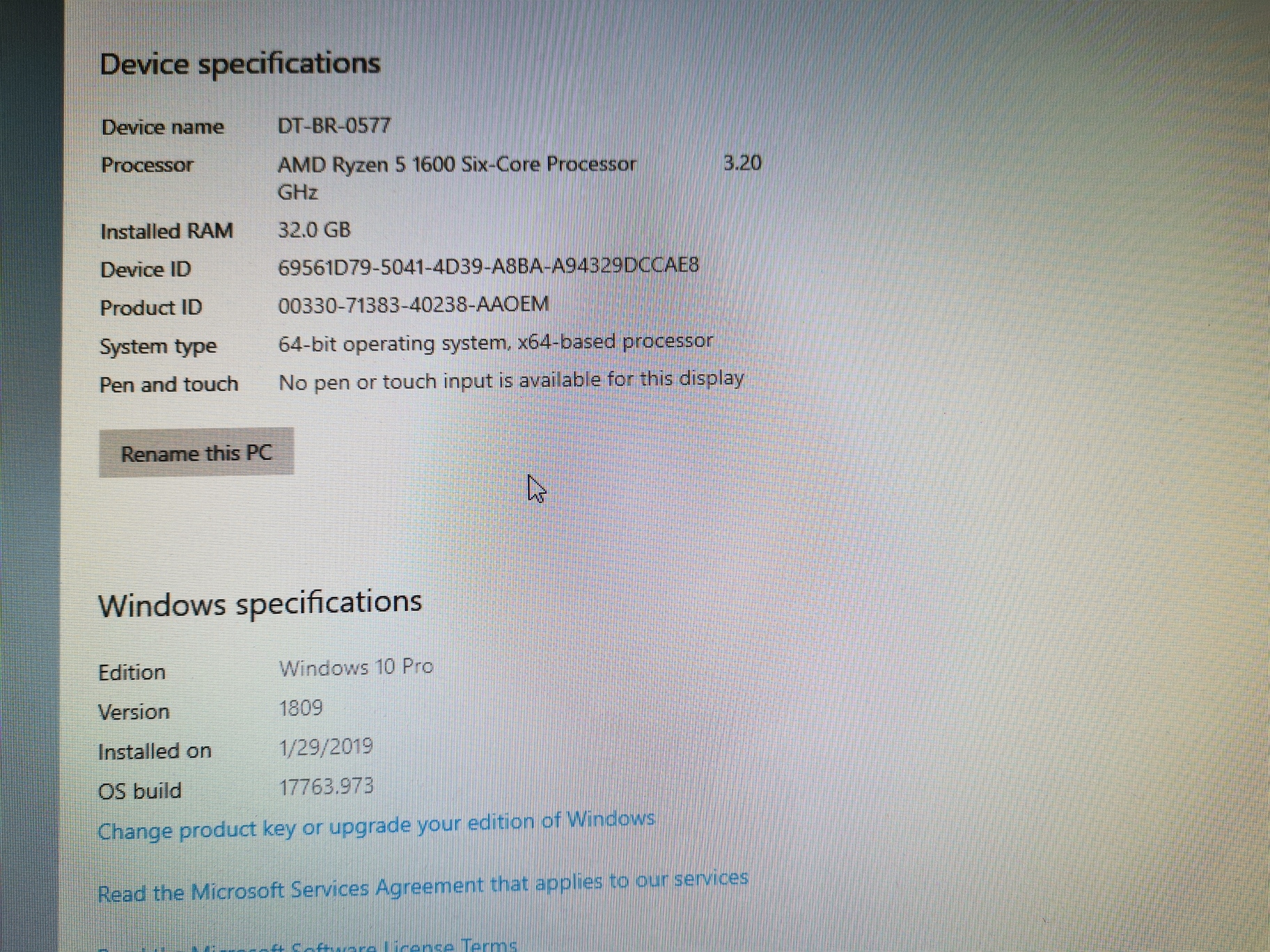
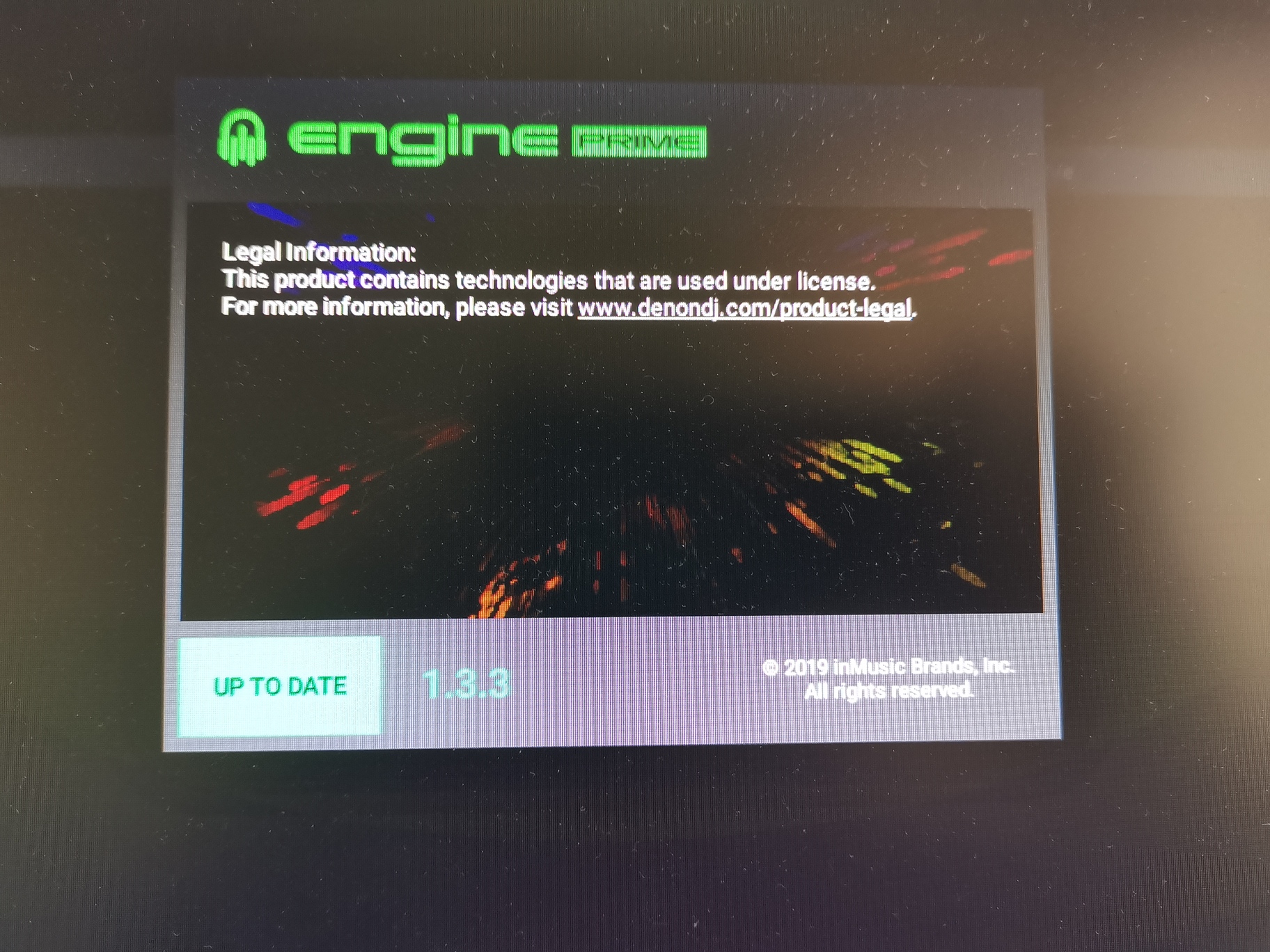
@KDonaldson Engine Prime 1.3.3 under Windows 10.
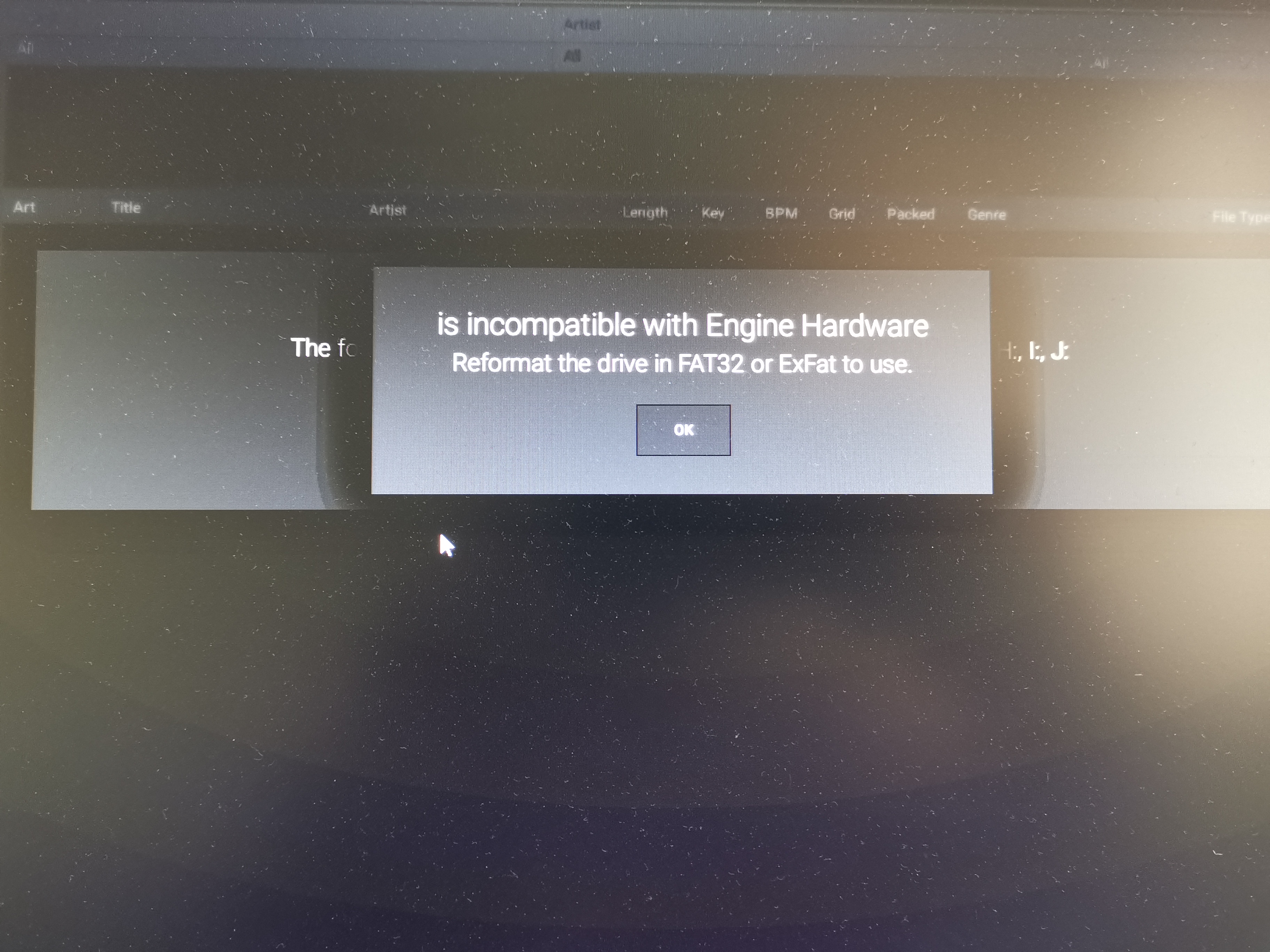 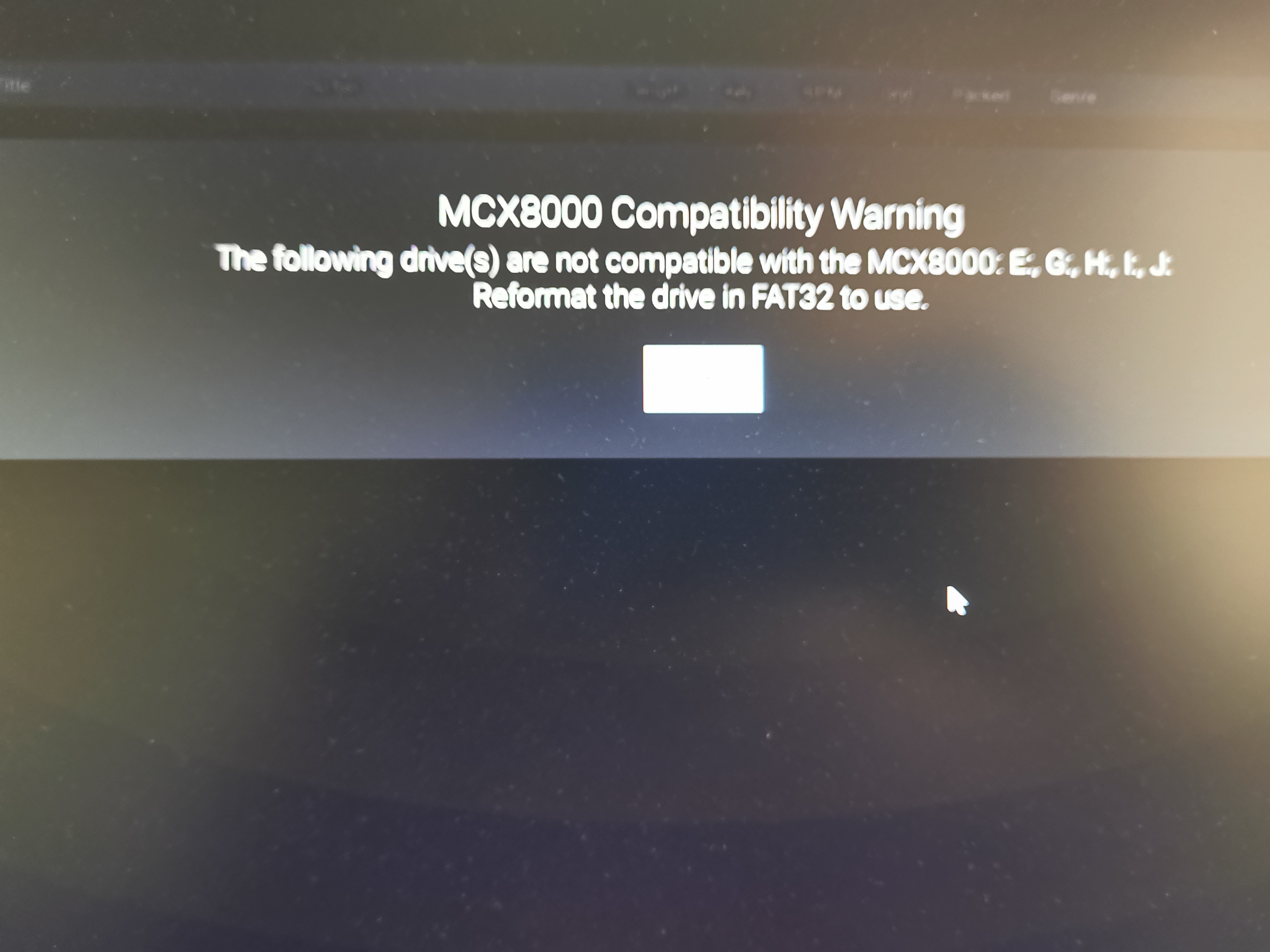   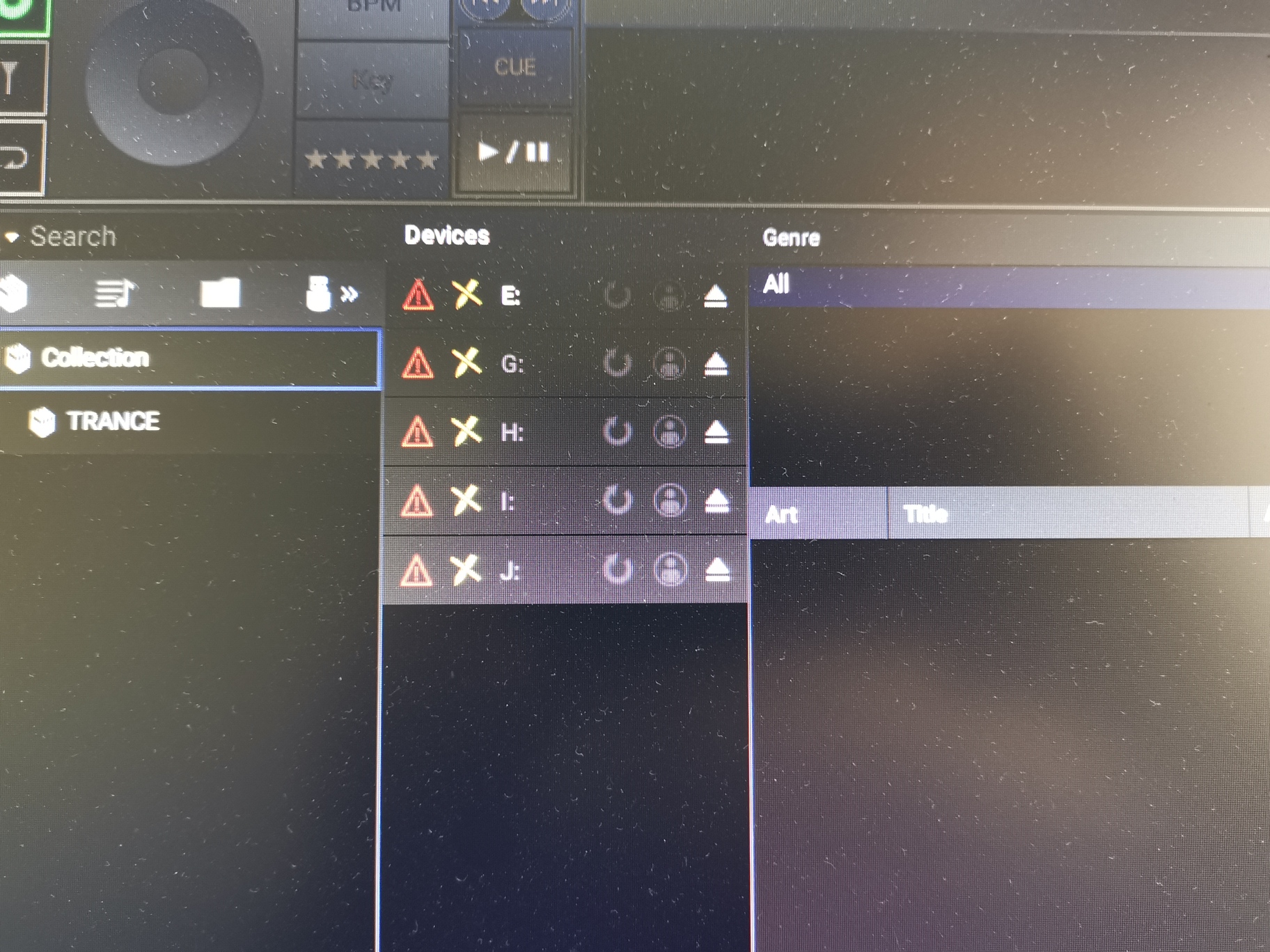
The drive letters (E, G, H, I, J) seen in the devices window are assigned to removable drives and at that moment none of them were connected.
There is also another topic in the Engine Prime category where someone else experience the same issues, but under Windows 8.
> [@Engine prime incompatible](https://community.enginedj.com/t/engine-prime-incompatible/16738):
>
> Hi guys I have just installed engine prime on my windows 8.1 desktop and every time I open the program I get an error message saying"f drive incompatible with engine prime- reformat with exfat or fat32" has anyone else had this issue? I have tried everything from restarts but I don’t have any drives connected to the pc.Many thanks in advance -matt-